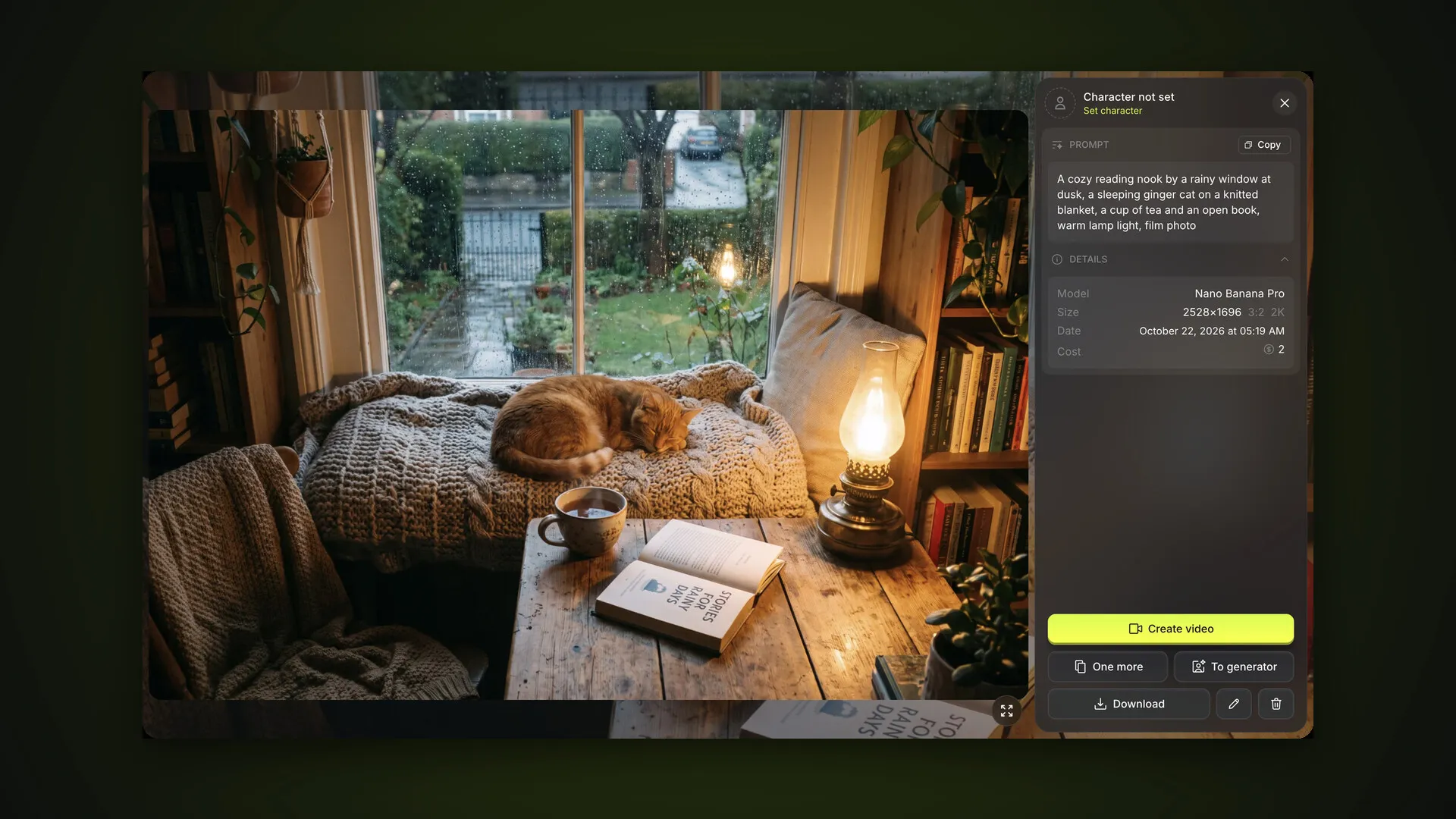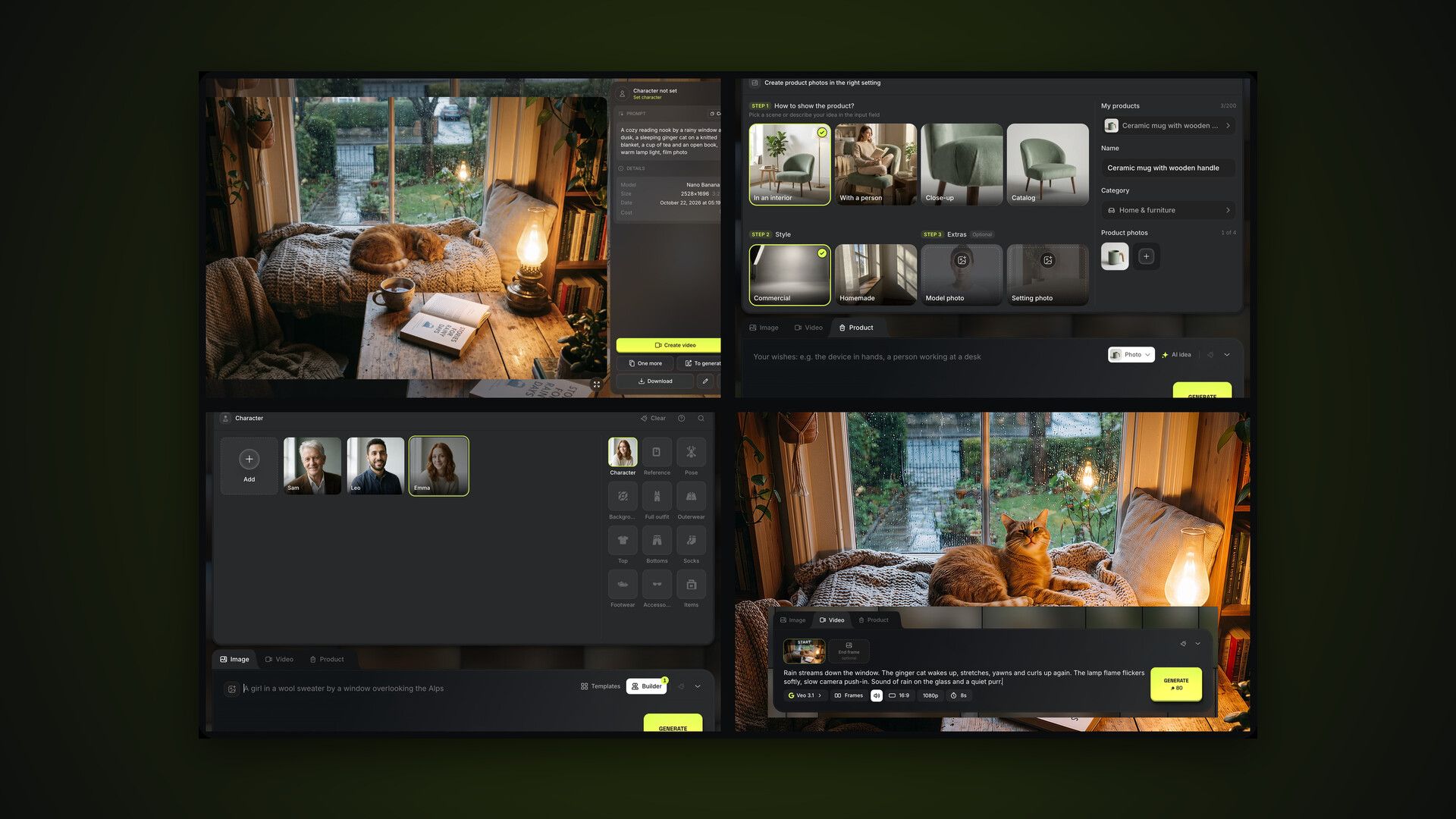
AI2Face is an AI photo and video generator built on top models: Nano Banana Pro, GPT Image 2.5, Veo 3.1, Gemini Omni and more. This is the overview part of the guide: what’s where, how to start and where to go next. Each section has its own detailed guide with screenshots — links are in the table below and in the series navigation.
How to use AI2Face: first steps
- Sign up with email or Google and verify your email with the 6-digit code from the message — that’s when your starter credits arrive.
- Open Generate in the top menu, describe what you want to see or pick a template from Templates.
- Click Generate — the cost in credits is shown on the button. Within 30–60 seconds the image appears in your feed.
- Create a character if you need photos of the same person in different looks: a name and 2–4 photos.
A First steps checklist in your profile tracks what you’ve already done.
AI2Face sections
The top bar leads to every section.
- Characters — your saved people for photo series.
- Generate — the generator: the Image, Video and Product tabs and a feed of all your results. Its menu opens the right tab directly.
- Assets — your library: uploads, products, generations, poses, backgrounds, clothing and folders.
- Affiliate — the referral program.
- On the right — support chat, interface language, Buy Credits and the profile menu.
The profile menu leads to your personal pages: Profile, Balance history, Subscription, Affiliate program and Promo codes. It also has a Need help? block with a chat button.
On a smartphone the same sections switch via the bottom menu.
The AI2Face user guide: all parts
| Part | What it covers | Who it’s for |
|---|---|---|
| 1. Image generation | prompts, templates, “+”, models, formats, the feed, edits, shortcuts | everyone |
| 2. Video generation | Veo 3.1 and Gemini Omni, References and Frames, sound, animating photos | social and ad clips |
| 3. Product photos and cards | products, scenes, styles, infographic cards, product video | marketplace sellers |
| 4. Characters | creating a character, which photos to upload, @Name tags | photoshoots, series with one face |
| 5. Builder | a shot from layers: character, reference, pose, background, clothing | sample-based shots without a prompt |
| 6. Assets and folders | the library, folders, filters, zip downloads | keeping projects tidy |
| 7. Plans and credits | credits, plans, packs, payment, promo codes | everyone |
| 8. Affiliate program | referral link, a share of payments | creators, course authors |
There’s also a separate guide to a feature that works in both photos and video: multiple characters in one shot.
Tutorials and tips inside AI2Face
Every section of the app has a “?” button:
- Tutorial — a short tour: AI2Face highlights parts of the page and explains them step by step;
- Guide — opens the article from this guide about the current section in a new tab.
The tour starts on its own the first time you open a section, and you can replay it from the “?” menu. In the generator the same menu has a keyboard shortcuts card, and the Builder has its own “?” button.
Which models AI2Face offers
For images there are 10 models: Nano Banana Pro, Nano Banana 2.1 and other Google models, GPT Image 2.5, Seedream 5.0 Pro, Grok Image 2 and Wan 2.7. For video: Veo 3.1 in Fast, standard and Lite versions, and Gemini Omni 1.1 Flash. Reviews, comparisons and sample prompts for each model are in the Models section.
New models are added to the generator as they come out. The Subscription page shows which of them your plan includes.
Bottom line
Three steps are enough to start: verify your email, open Generate and click Generate. Then pick the guide for your task: portraits of one person — characters and the Builder; clips — video; marketplaces — products. If something’s unclear, click “?” in the section or message support.
FAQ
Is AI2Face free?
You can start for free: once you verify your email, you get starter credits. On the free plan images have a watermark and can't be downloaded — a subscription removes those limits.
Which AI models does AI2Face offer?
For images: Nano Banana Pro, Nano Banana 2.1 and other Google models, GPT Image 2.5, Seedream 5.0 Pro, Grok Image 2 and Wan 2.7. For video: Veo 3.1 in three versions and Gemini Omni 1.1 Flash.
Does AI2Face work on a phone?
Yes, in your smartphone's browser: the generator, feed and sections are adapted for mobile and switch via the bottom menu.
Which languages is the interface available in?
11: English, Russian, Spanish, Chinese, Japanese, Portuguese, German, French, Indonesian, Arabic and Italian. Switch the language with the globe icon in the top bar.
Where can I get help?
Every section has a “?” button with a tutorial and a guide, and the profile menu has a support chat. The average response time is 3 minutes.