

Key facts
| Developer | OpenAI |
|---|---|
| Versions | GPT Image 2 (April 21, 2026), GPT Image 2.5 Flare and Sunburst (September 8, 2026) |
| What it does | Generates and edits images, including by mask and from several references |
| Resolution | Up to 3840 px on a side and 8.3 MP, aspect ratio from 1:3 to 3:1 |
| Quality (2.5) | low, medium, high, xhigh, max or auto |
| Background | Transparent — in PNG and WebP |
| Where it runs | ChatGPT, Codex, OpenAI API |
| In AI2Face | Yes |
What is GPT Image
GPT Image is OpenAI’s family of image models. They run inside ChatGPT (when you ask it to draw) and are available to developers through the API. In May 2026 OpenAI removed the older DALL·E 2 and DALL·E 3 from the API — pictures in the OpenAI ecosystem are now made only by GPT Image.
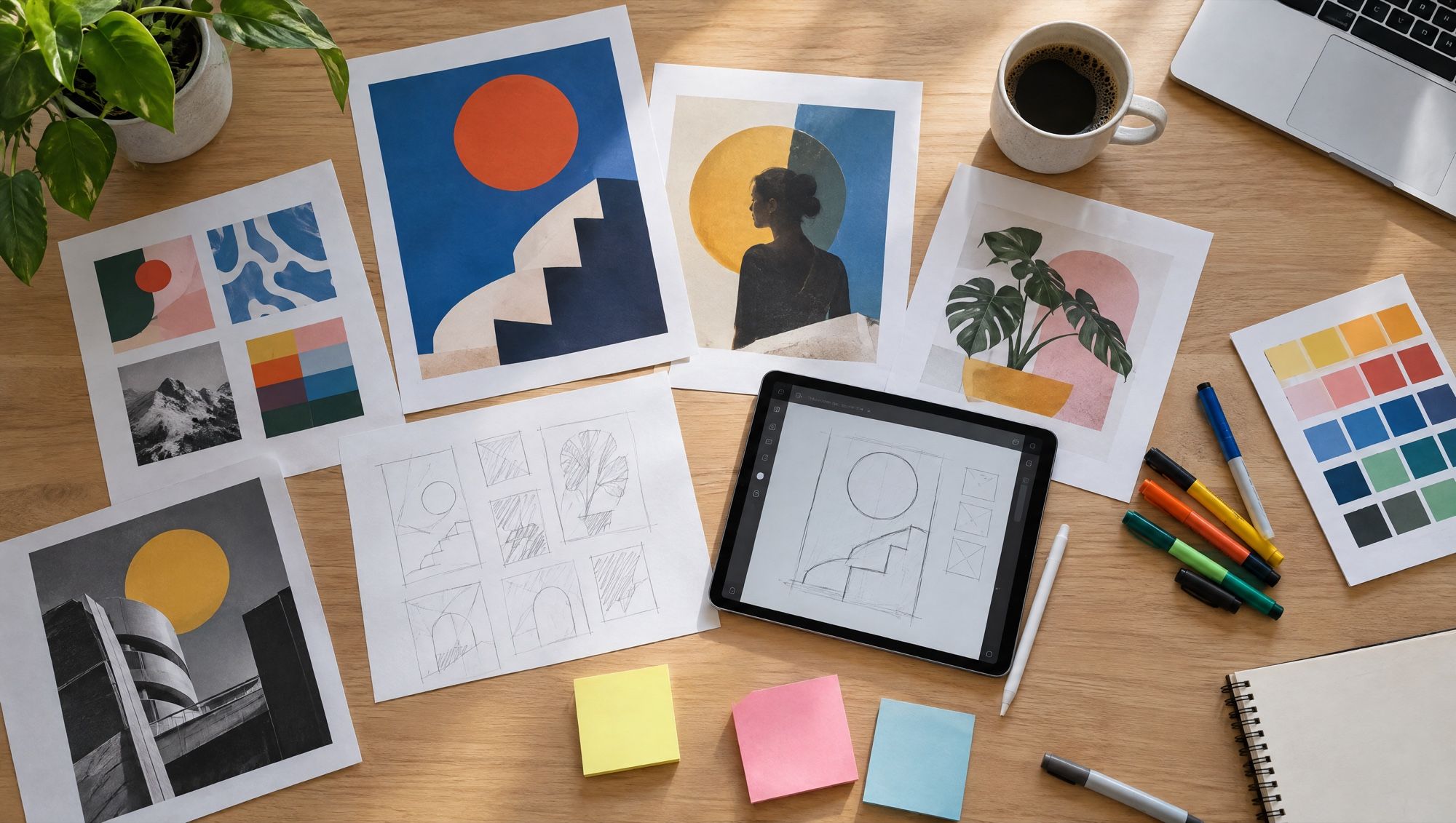
GPT Image 2 launched on April 21, 2026, together with ChatGPT Images 2.0. OpenAI focused on hard visual tasks: layout, diagrams, infographics, comics and accurate text in many languages. Paired with reasoning models, generation can look up information, make variants and check the result on its own.
GPT Image 2.5 launched on September 8, 2026 — ChatGPT Images 2.5 and two API models. Flare is the main, fast one. Sunburst is more accurate on edits, but slower. OpenAI promises sharper detail, more natural light and textures, better likeness to references and latency up to 50% lower than 2.0.
What GPT Image can do
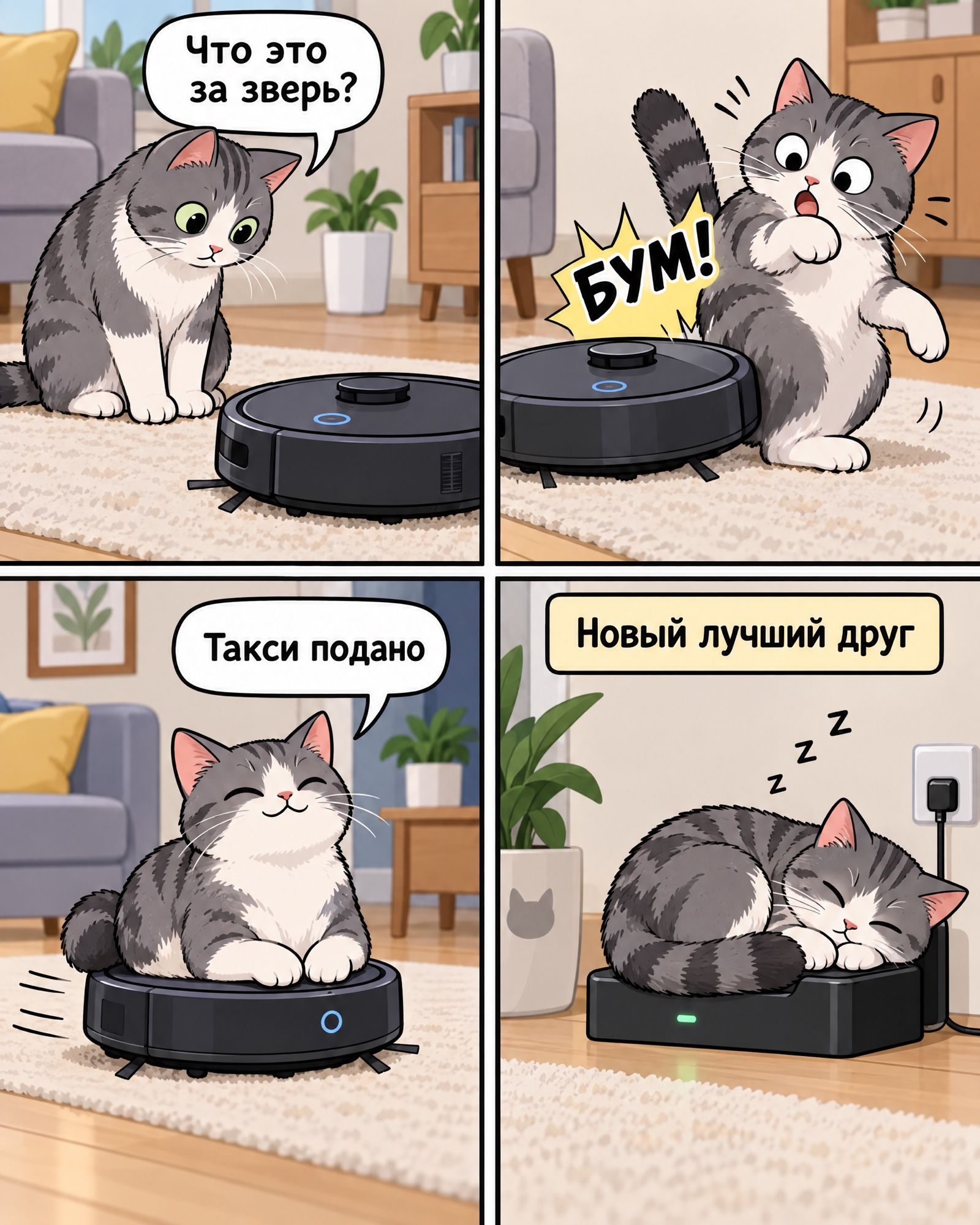
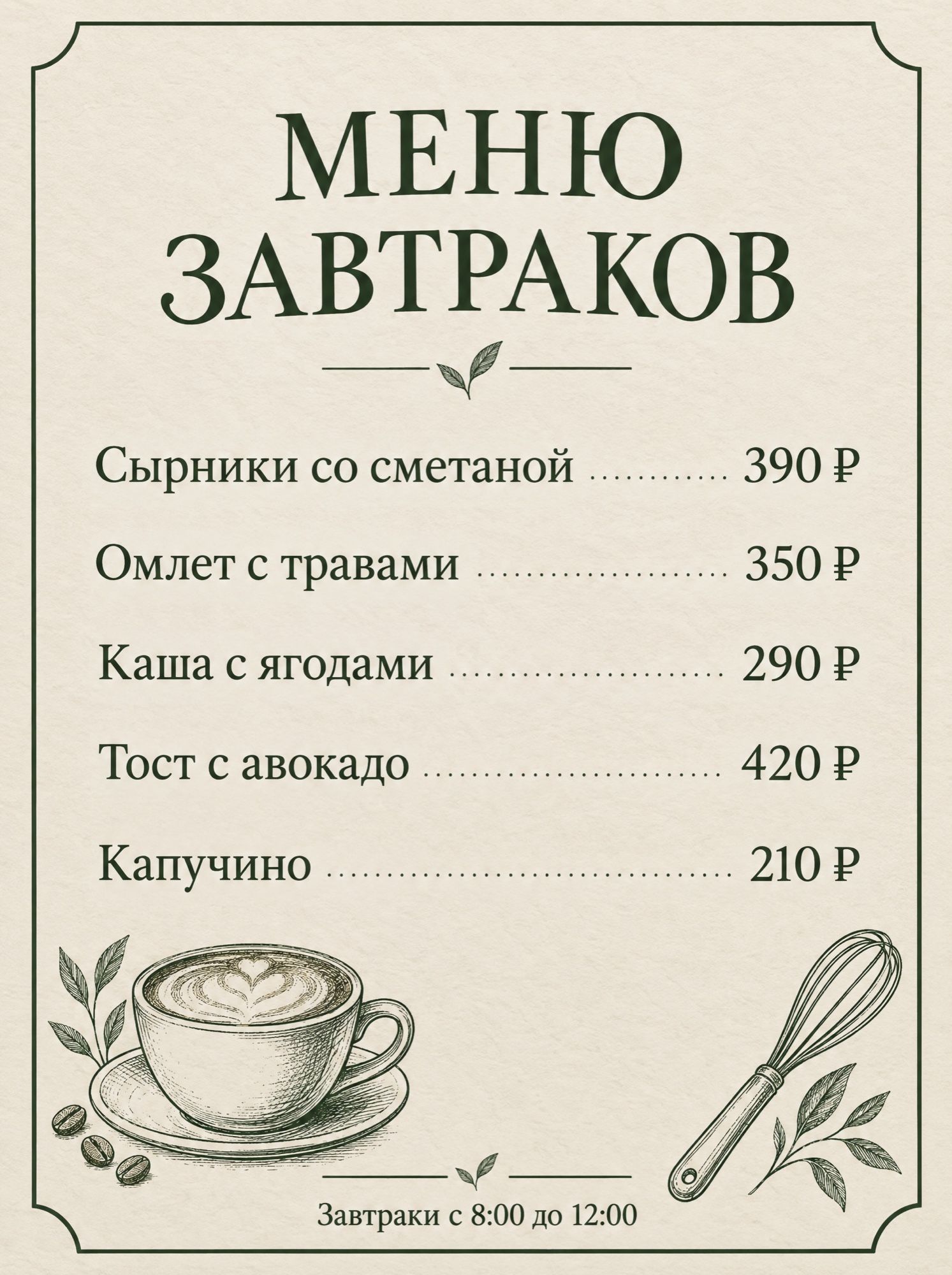
Text and layout. The model’s main strength is lettering you do not have to fix: lines in a comic, menus, posters, interfaces, diagrams. Cyrillic works too — the comic and the menu in the gallery were made on the first try.
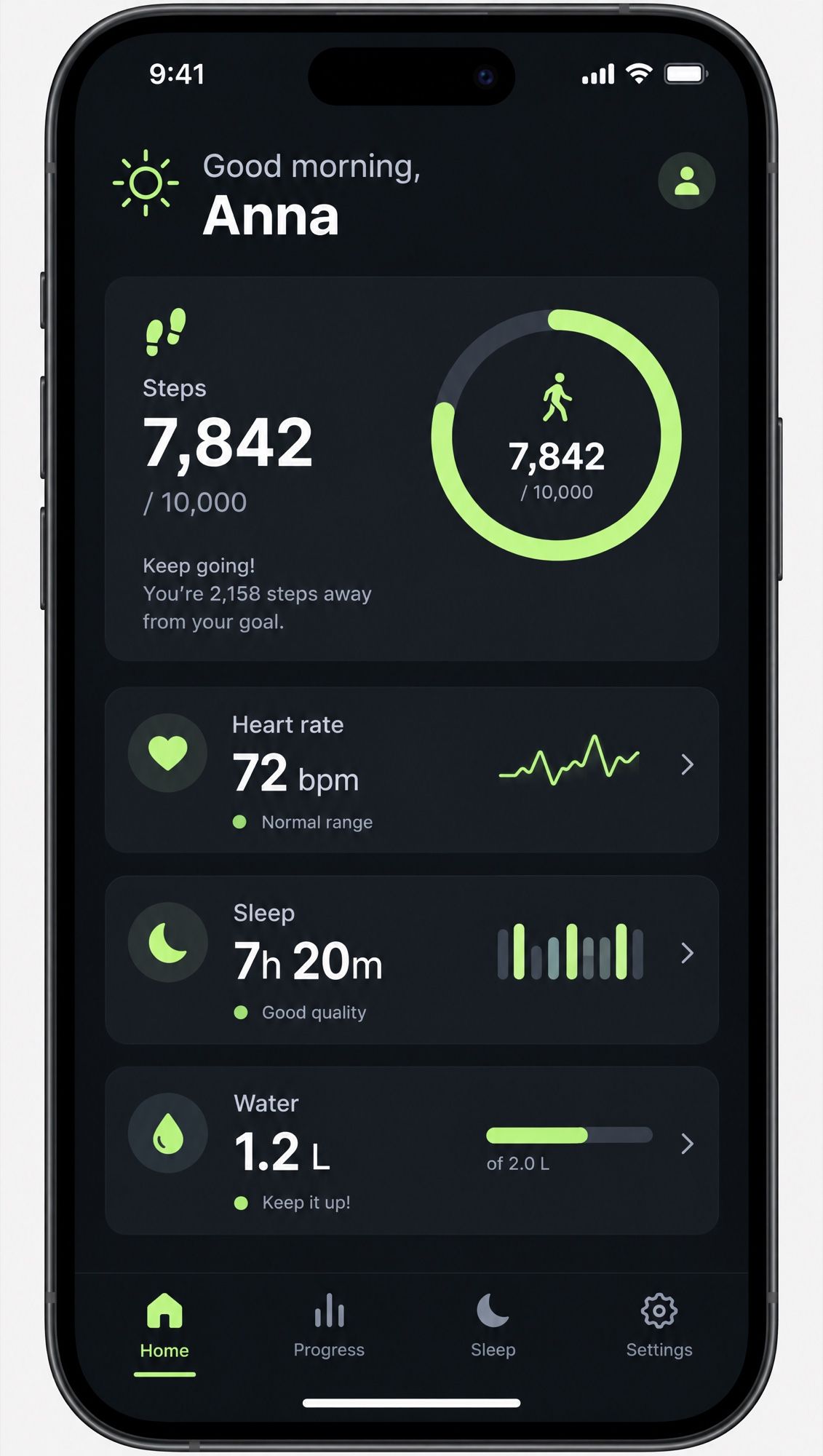
Interfaces and mockups. App screens, landing pages and presentations with readable labels — useful for prototypes and pitches.
Edits. The model edits uploaded images by mask (inpainting) or by text alone. In 2.5, multi-step edits became more reliable. ChatGPT added comments directly on the picture and sketching as a hint.
Several references. You can pass several images and assemble one scene from them — for example, a gift set from photos of separate products. OpenAI does not state an exact limit.
Transparent background. GPT Image outputs PNG or WebP with no background: stickers, icons, cut-out products for listings.
Quality for the job. In 2.5 there are six quality levels — from low for drafts to max for the final — and custom sizes up to 3840 px.
GPT Image 2 and 2.5: how they differ
| GPT Image 2 | GPT Image 2.5 Flare | GPT Image 2.5 Sunburst | |
|---|---|---|---|
| Released | Apr 21, 2026 | Sep 8, 2026 | Sep 8, 2026 |
| For | general use | default, faster | detailed creative work |
| Speed | baseline | latency up to 50% below 2.0 | slower than Flare |
| Multi-step edits | yes | more reliable | the most accurate |
| Likeness to references | good | better | better |
| Quality levels | low, medium, high | low → max, auto | low → max, auto |
What GPT Image is good for
- Posters, menus, covers with a lot of text.
- Comics and storyboards with the same characters in every panel.
- Interface prototypes and slides for presentations.
- Infographics and diagrams.
- Products on a transparent background for marketplace listings.
GPT Image and its alternatives
| GPT Image 2.5 | Nano Banana Pro | Nano Banana 2 | Seedream 5.0 Pro | |
|---|---|---|---|---|
| Developer | OpenAI | Google DeepMind | Google DeepMind | ByteDance Seed |
| Released | Sep 8, 2026 | Nov 20, 2025 | Feb 26, 2026 | Jul 8, 2026 |
| Maximum size | 3840 px on a side | 4K | 4K | 2K |
| Text | strong, many languages | strong, translates lettering | good | 10+ languages, layers |
| Transparent background | yes | no | no | no |
| Web search | via reasoning models | yes | yes | no |
| In AI2Face | yes | yes | yes | yes |
GPT Image 2.5 is the most convenient model for text, interfaces and a transparent background. Nano Banana Pro is stronger on complex scenes and face likeness from several photos, Nano Banana 2 is faster for everyday tasks, and Seedream 5.0 Pro is for layout with layers and precise edits.
How to write prompts for GPT Image
- Put text in quotes, each element on its own: the headline, the lines, the captions. Add “all text exactly as given, no other text”.
- For comics, number the panels and describe the action and the line in each one.
- For interfaces, list the on-screen elements with exact values: «Steps 7,842 / 10,000».
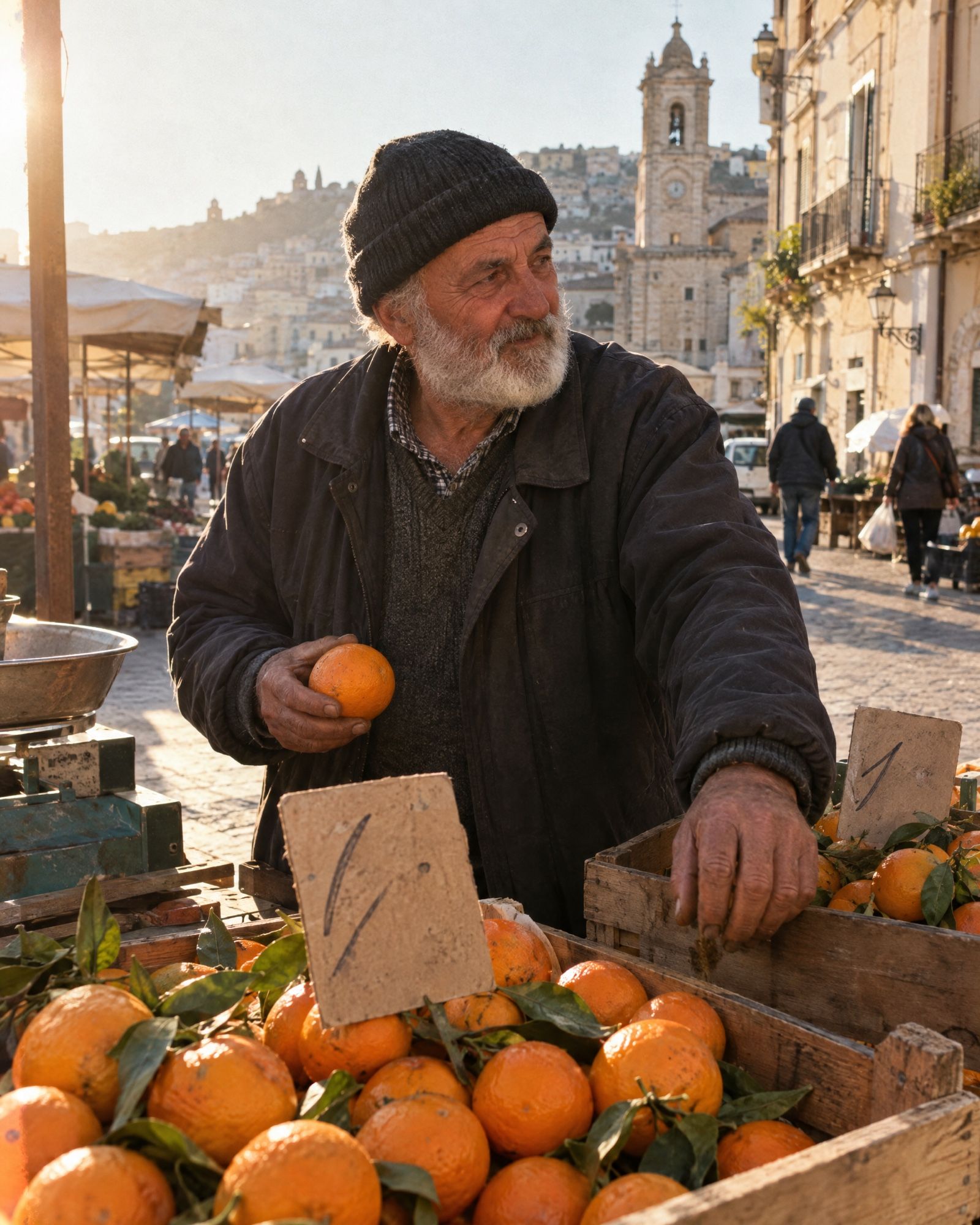
- For photos, write like a photographer: lens, light, film, skin texture.
- For drafts, use low quality; for the final, use high or max.
How to use GPT Image in AI2Face
GPT Image is available in the AI2Face generator: choose the model, then add a prompt or references. The cost is shown before you start.
For the same jobs, the Nano Banana family and Seedream sit next to it:
- Nano Banana Pro — posters and infographics with accurate text, up to 4K, up to 14 references.
- Seedream 5.0 Pro — complex layout, text in 10+ languages, edits by coordinates.
- Nano Banana 2 — a fast general-purpose model for everyday pictures.
All three are available in the AI2Face generator, and the cost is shown before generation. Prompts from the gallery on this page work for them too.
Limitations
- Text is not perfect. OpenAI says the model can still miss the exact placement and sharpness of text — check small lettering.
- Repeated elements. Keeping identical objects consistent across a series is still a hard task.
- Speed. Complex prompts in the API can take up to 2 minutes to generate.
- Moderation. Every request and picture is filtered by OpenAI’s rules; blocked topics return an error.
- Access. Officially it’s ChatGPT, Codex and the OpenAI API.
Conclusions
GPT Image 2.5 is the best choice when a picture carries a lot of text or looks like an interface: menus, comics, posters, prototypes, products on a transparent background. Flare fits most jobs, Sunburst fits detailed work with edits. In AI2Face, GPT Image is available alongside Nano Banana Pro and Seedream: prompts from this page work on all three, while for photorealism and complex scenes with people, Pro and Seedream win more often.
Generation examples
FAQ
What is GPT Image?
OpenAI's image generation models, built into ChatGPT and available through the API. The current generation is GPT Image 2.5 in two versions, Flare and Sunburst; before that, GPT Image 2.
How is GPT Image 2.5 different from GPT Image 2?
According to OpenAI, 2.5 gives sharper detail, more natural light and textures, keeps characters from references better and follows multi-step edits more closely. Latency is up to 50% lower than 2.0.
What are Sunburst and Flare?
Two versions of GPT Image 2.5 in the API. Flare is the default: quality above GPT Image 2 at half the latency. Sunburst is for detailed creative work: more accurate on edits, but slower to generate. In ChatGPT you cannot pick the version.
Does GPT Image render text in other languages?
Yes, and that is one of the model's strengths. In our tests GPT Image 2.5 wrote the comic lines and a five-item menu with prices without errors. OpenAI still warns that exact placement and sharpness of text sometimes give the model trouble.
What is the maximum resolution of GPT Image?
Up to 3840 pixels on the long side and no more than 8.3 megapixels, with an aspect ratio from 1:3 to 3:1. The “4096 × 4096” figure that shows up in reviews is not confirmed by OpenAI's documentation.
Is GPT Image in AI2Face?
Yes. GPT Image is available in the AI2Face generator, and the cost is shown before generation. For the same jobs you also have Nano Banana Pro, Seedream 5.0 Pro and Nano Banana 2 there.
Sources
7
- https://openai.com/index/introducing-chatgpt-images-2-0/
- https://openai.com/index/introducing-chatgpt-images-2-5/
- https://developers.openai.com/api/docs/models/gpt-image-2
- https://developers.openai.com/api/docs/models/gpt-image-2.5-flare
- https://developers.openai.com/api/docs/models/gpt-image-2.5-sunburst
- https://developers.openai.com/api/docs/guides/image-generation
- https://developers.openai.com/api/docs/changelog