




Key facts
| Developer | Google DeepMind |
|---|---|
| Model ID | gemini-nano-banana-2.1 |
| Release date | October 6, 2026, straight to a stable (GA) release |
| Built on | Gemini 3.6 Flash |
| What it does | Generates and edits images from text, references and masks, including in multi-turn chat |
| Resolution | 1K, 2K, 4K |
| Aspect ratios | 15, including 16:9, 9:16, 21:9 and 1:4, 4:1, 1:8, 8:1 panoramas |
| References | Up to 14 images — up to 4 characters and up to 10 objects |
| API price | $0.0336 per 1K, $0.0504 per 2K, $0.113 per 4K; Batch is half price |
| In AI2Face | Yes, in the generator |
What is Nano Banana 2.1
Nano Banana 2.1 is Google DeepMind’s model for image generation and conversational editing; its API ID is gemini-nano-banana-2.1. It launched on October 6, 2026, straight to a stable release, and replaced Nano Banana 2 as the default model in the Nano Banana family. How the launch went and what the first independent tests showed is covered in the news piece Nano Banana 2.1 is out.
It’s built on Gemini 3.6 Flash, with a knowledge cutoff of March 2026. That makes it a Flash-tier model, designed for speed and high-volume generation. For the most demanding work the family still has Nano Banana Pro; for maximum speed at the lowest price there’s Nano Banana 2 Lite.
Nano Banana 2.1 runs in the Gemini app, AI Mode in Search, Google AI Studio, the Gemini API, Google Cloud, Google Ads and the Stitch design tool. The older gemini-3.1-flash-image is deprecated, and no shutdown date has been announced yet.
What Nano Banana 2.1 can do
Text-to-image up to 4K. There are three resolution tiers — 1K, 2K and 4K, with 1K as the default. “4K” is a tier, not necessarily a 4096 × 4096 square: the exact size depends on the aspect ratio.
Panoramas up to 8:1. The model supports 15 aspect ratios, including the extreme 1:4, 4:1, 1:8 and 8:1. Nano Banana 2 had them too, but in 2.1 Google improved them at 2K and 4K by fixing the tiling artifacts that showed up in very wide and very tall images.
Up to 14 references. The model keeps up to 4 characters and up to 10 objects consistent. Each reference costs 1,120 input tokens, about $0.0017 in the API. On Google Cloud the limit is 7 MB per file for direct uploads and 30 MB from Cloud Storage. It also accepts video (up to 10 files) and PDF as input.
Mask and multi-turn editing. Mark an area and only that area changes. The model also edits an image over several messages without losing the character or product between steps.
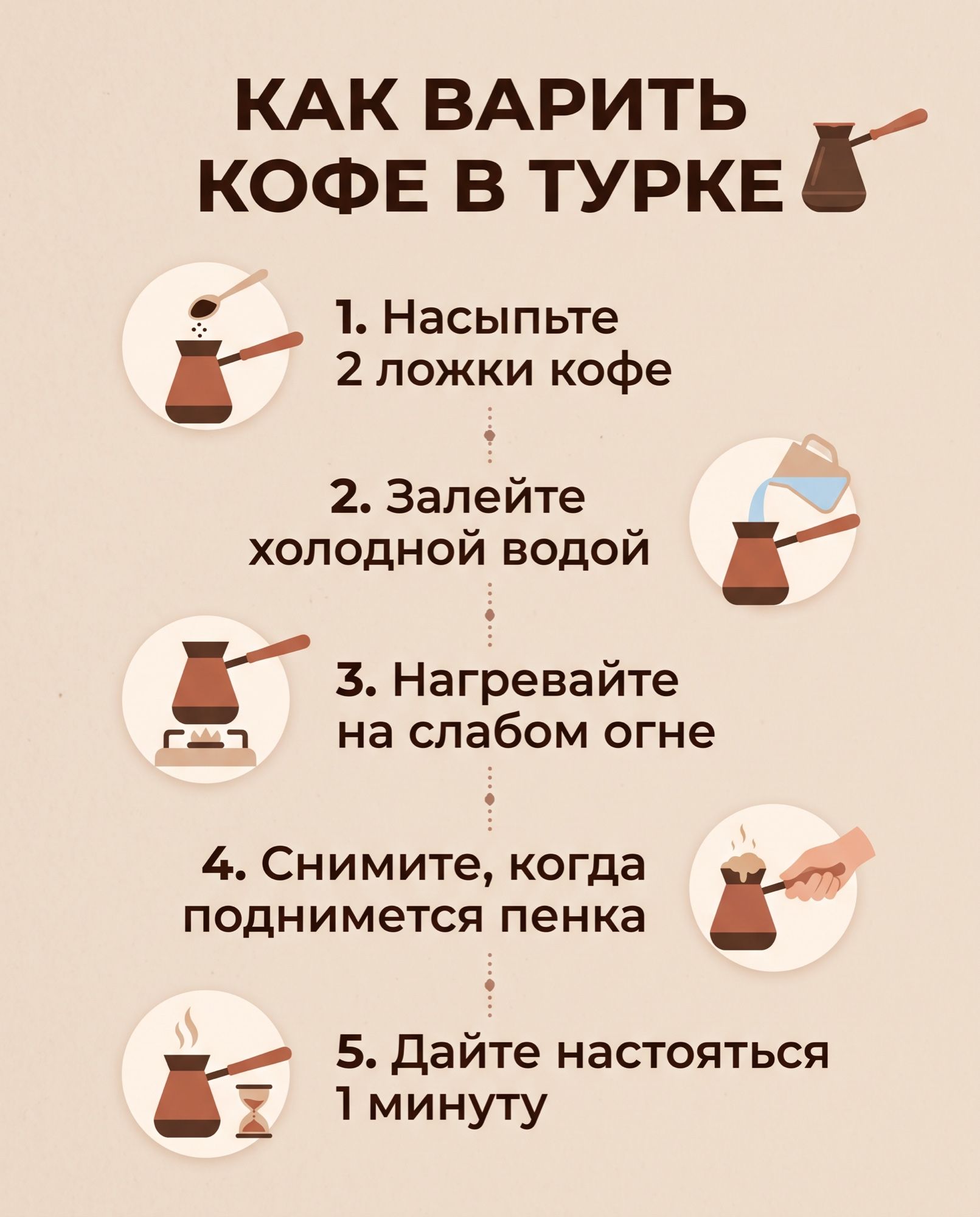
Text and infographics. Google promises crisp lettering and accurate facts in infographics. In our test the model rendered a five-step guide in Russian without a single error — see the gallery.
Thinking levels. Before generating, the model “thinks”: minimal, medium (the default) or high. The higher the level, the more accurate complex scenes get — and the slower and pricier the request.
Google Search grounding. Before generating, the model can search the web and images, which helps with real places, objects and events. Maps grounding isn’t supported.
Nano Banana 2.1 specs
| Parameter | Value |
|---|---|
| Model ID | gemini-nano-banana-2.1, stable |
| Built on | Gemini 3.6 Flash, knowledge cutoff March 2026 |
| Input | text, images, video, PDF |
| Output | images and text |
| Context | 131,072 input tokens, 32,768 output tokens |
| Resolution | 1K, 2K, 4K; 1K by default |
| Aspect ratios | 1:1, 3:2, 2:3, 3:4, 4:3, 4:5, 5:4, 9:16, 16:9, 21:9, 9:21, 1:4, 4:1, 1:8, 8:1 |
| References | up to 14: up to 4 characters and up to 10 objects |
| Thinking | minimal, medium, high; medium by default |
| Grounding | Google Web Search and Image Search |
| Labeling | invisible SynthID watermark, C2PA metadata |
| Also | virtual try-on, image generation from input video, Batch API |
| Not supported | function calling, structured output, Live API, audio, 512 px |
The model card lists a 1M-token context and 64K output, while the API docs say 131,072 and 32,768. Requests run with the API limits.
Nano Banana 2.1 benchmark results
Google compared the models in blind side-by-side human votes and converted the results into Elo ratings. Infographic factuality was scored by an automated rater on a 0 to 1 scale.
Text-to-image:
| Benchmark | 2.1 Thinking | 2.1 No Thinking | Nano Banana 2 | Nano Banana Pro |
|---|---|---|---|---|
| Overall preference | 1050 ± 14 | 1015 ± 13 | 990 ± 7 | 935 ± 8 |
| Infographic design | 1048 ± 17 | 1001 ± 17 | 961 ± 12 | 912 ± 12 |
| Infographic factuality | 0.521 | 0.328 | 0.179 | 0.265 |
Editing:
| Benchmark | 2.1 Thinking | 2.1 No Thinking | Nano Banana 2 | Nano Banana Pro |
|---|---|---|---|---|
| General editing | 1026 ± 12 | 980 ± 15 | 938 ± 11 | 939 ± 10 |
| Single-character consistency | 1028 ± 14 | 1021 ± 14 | 981 ± 10 | 991 ± 9 |
| Multi-character consistency | 1106 ± 14 | 1068 ± 14 | 978 ± 10 | 1011 ± 10 |
| Mask-based editing | 1049 ± 15 | 1042 ± 16 | 965 ± 12 | 927 ± 12 |
| Product consistency | 1024 ± 18 | 981 ± 18 | 955 ± 22 | 965 ± 14 |
| Stylization | 1062 ± 20 | 1036 ± 17 | 991 ± 12 | 990 ± 12 |
| Multi-reference editing | 1066 ± 22 | 1041 ± 20 | 988 ± 13 | 989 ± 12 |
The biggest gains over Nano Banana 2 are in multi-character consistency (+128), mask-based editing (+84) and multi-reference editing (+78). These are Google’s own tests. In them Pro even trails Nano Banana 2, although in practice Pro often produces more realistic images.
On the independent Arena leaderboard as of October 6, Nano Banana 2.1 ranks 5th in text-to-image (1,328 points) and 6th in editing (1,428). Nano Banana 2 is 11th there and Pro is 16th. The result is preliminary: 2.1 has only about 5,300 votes so far.
What Nano Banana 2.1 is good for
- Product photography and listing images. The model places light and shadow exactly as briefed and doesn’t add stray text or logos. Example workflows are in the guide to AI product cards.
- Moving a product into a new scene. An edit like “change only the background and lighting” keeps the shape and the label. Check small hardware — caps, lids — after the edit.
- Infographics, posters, banners. Short and medium text comes out clean, including in non-Latin scripts.
- Series with the same characters. Up to 4 characters per image from references — for comics, storyboards, family and couple scenes.
- Panoramas and extreme formats. Website headers, social covers, wide 4:1 and 8:1 banners in a single image.
- High-volume generation. At $0.0336 per 1K image, a thousand images cost about $34 in the API.
Nano Banana 2.1 vs. alternatives
| Nano Banana 2.1 | Nano Banana 2 | Nano Banana Pro | GPT Image | |
|---|---|---|---|---|
| Developer | OpenAI | |||
| Resolution | 1K – 4K | 0.5K – 4K | 1K – 4K | up to 3840 px |
| 1:8 and 8:1 panoramas | yes, without tiling artifacts | yes | no | not specified by the developer |
| References | up to 14 | up to 14 | up to 14 | several |
| API price, 1K | $0.0336 | $0.067 | $0.134 | per token |
| Arena rank (Oct 6, 2026) | 5 | 11 | 16 | 1–3 |
| Face match to a reference | good | good | best in the family | good |
| Use it for | everyday work | existing projects | faces, text in photo scenes | layouts and complex text |
In an independent same-prompt comparison, 2.1 beat Nano Banana 2 and Pro on the photorealistic scene and the product shot, while all three handled the poster and the background edit equally well. Pro came out ahead on “the same person in a new scene”: it matched the face more closely and was the only one with legible signs. The images from that test are in the news piece on the Nano Banana 2.1 release, and the previous generation is compared in Nano Banana 2 vs. Pro.
How to write prompts for Nano Banana 2.1
- Spell out lighting and composition. “Light from the left, shadow to the right, empty right third for copy” — 2.1 follows instructions like these more closely than earlier models.
- Put text in quotes, exactly as it should appear. Add “no other text.” The model sometimes carries the quotation marks into the layout — on our poster the headline came out in guillemets. If you don’t want them, write “headline without quotation marks.”
- Number your references and name the characters. “Image 1 is the young man, image 2 is the grandmother,” then “the same young man from image 1.” List the features that must not change: hair, glasses, clothing.
- When editing, say what to change and what to keep. “Change only the setting and lighting. Keep the shape, lid and label exactly as they are.”
- Pick the Thinking level. Use high for complex scenes with several characters. If the model invents things or drifts from the prompt, try minimal.
- Use 2K for small text. At 1K small lettering can be blurry.
Ready-made prompts for portraits, products and infographics are in our Nano Banana prompts collection, and they work on 2.1 too.
How to use Nano Banana 2.1 in AI2Face
- Sign up — new accounts get welcome credits.
- Open the generator and select Nano Banana 2.1.
- Write a prompt, upload references if needed, and set the aspect ratio and resolution.
- The credit cost is shown before you run it. It’s usually lower than Google’s official API price.
You can pay by card or crypto, and credits don’t expire. AI2Face strips C2PA metadata and other AI tags from finished files and writes the EXIF of an ordinary camera instead. Social networks find no AI marker in the file and don’t label the post as AI-generated. The invisible SynthID watermark is embedded in the pixels themselves and isn’t affected.
Nano Banana Pro for face-matching work and GPT Image for complex layouts are in the same generator. It’s handy to run one prompt on two models and keep the best image.
Limitations
- Small text is often blurry, especially at 1K. Long paragraphs and full pages of text come out poorly.
- Likeness to a reference isn’t always perfect. On “the same person in a new scene,” Pro is more accurate.
- Mask edits sometimes go wrong — check the result.
- Small product details — caps, hardware, textures — can change even when you explicitly forbid it.
- Prompt adherence. Some users report that Thinking “reinterprets” the prompt and adds things nobody asked for. Try the minimal level.
- No 512 px, function calling or structured output in the API.
- Input tokens cost three times as much as on Nano Banana 2: $1.50 vs. $0.50 per million.
Bottom line
Nano Banana 2.1 is the model to start any image job with in Google’s lineup. It’s half the price of Nano Banana 2, edits better, keeps up to four characters consistent and renders panoramas up to 8:1.
Use 2.1 for product shots, background edits, infographics, posters, series with recurring characters and high-volume generation. Switch to Pro when a face has to match a reference exactly or text inside a photo scene has to be legible. For drafts at the lowest price, there’s Nano Banana 2 Lite.
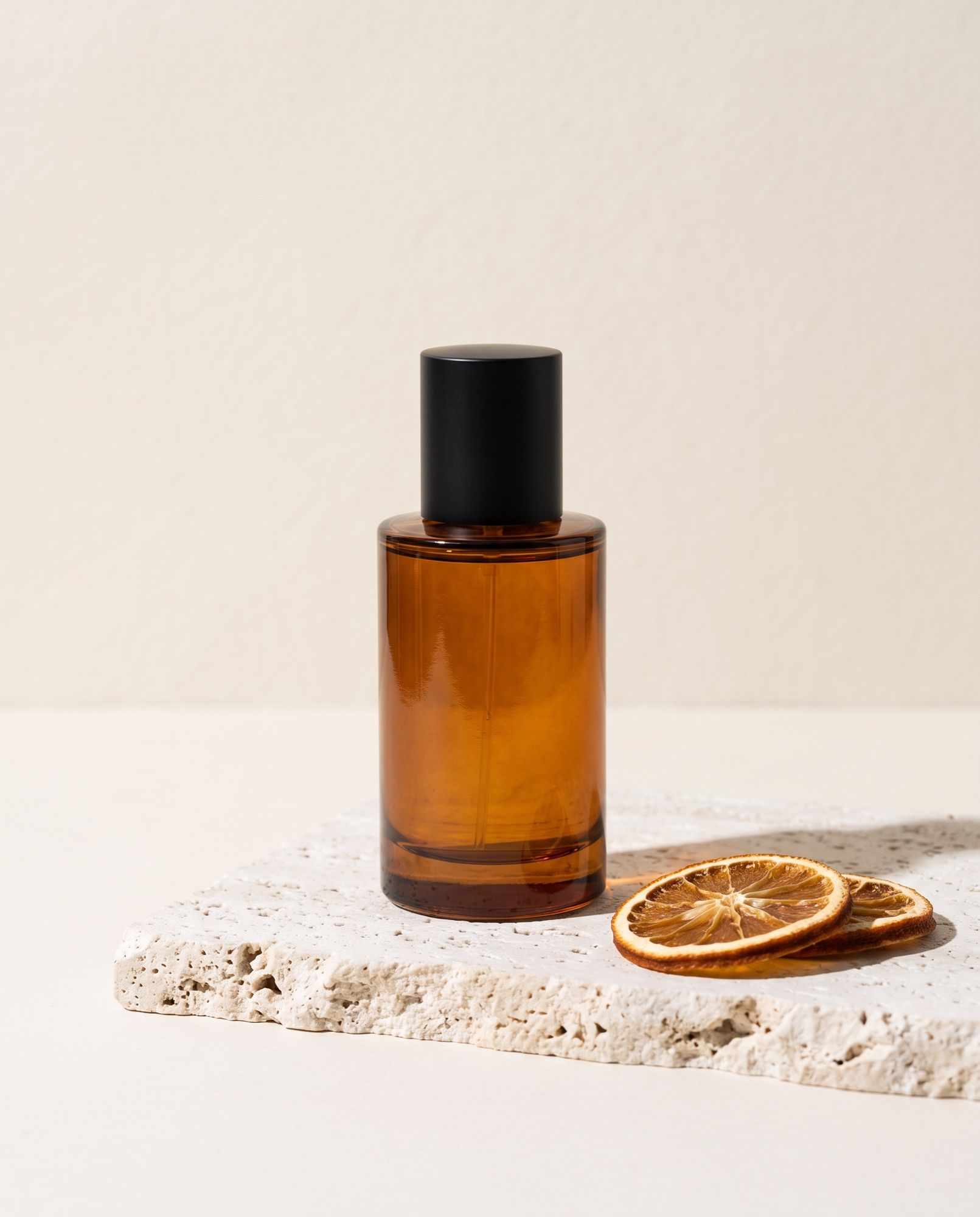
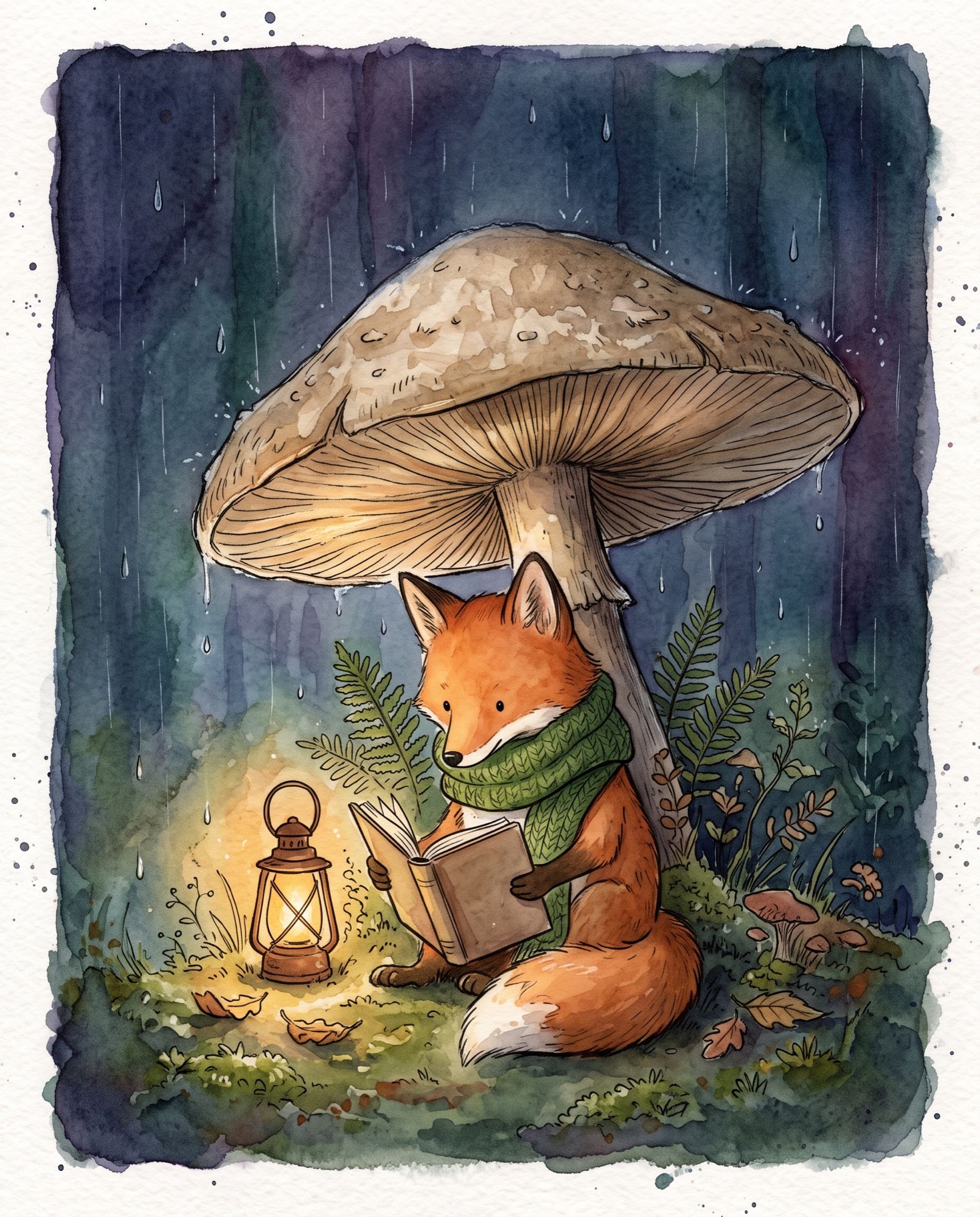
Generation examples

FAQ
What is Nano Banana 2.1?
It's Google DeepMind's image generation and editing model built on Gemini 3.6 Flash; its API ID is gemini-nano-banana-2.1. It launched on October 6, 2026 and replaced Nano Banana 2 as Google's default image model.
How is Nano Banana 2.1 different from Nano Banana 2?
It's better at mask editing and character consistency, gets infographics more accurate, renders cleaner 1:8 and 8:1 panoramas and adds three Thinking levels. A 1K image costs $0.0336 in the API vs. $0.067, but the 512 px option is gone.
Which is better — Nano Banana 2.1 or Pro?
For most jobs, 2.1: it's a quarter of the price at 1K and follows lighting and composition briefs more closely. Pro is better when a face has to match a reference or signs inside a photo scene have to be legible.
Does Nano Banana 2.1 render text in other languages?
Yes. In our test it rendered a five-step infographic and a poster in Russian (Cyrillic) without a single error. Google itself lists small text at 1K as a weak spot, so use 2K for lettering.
How much does Nano Banana 2.1 cost?
Google's official Gemini API price is $0.0336 per 1K image, $0.0504 per 2K and $0.113 per 4K. In AI2Face, generation is usually cheaper, and the credit cost is shown before you run it.
Where can I use Nano Banana 2.1?
In the Gemini app, AI Mode in Search, Google AI Studio, the Gemini API and Google Cloud. In AI2Face it's available in the generator without a Google account; you can pay by card or crypto.
Sources
10
- https://deepmind.google/models/model-cards/nano-banana-2-1/
- https://ai.google.dev/gemini-api/docs/models/gemini-nano-banana-2.1
- https://ai.google.dev/gemini-api/docs/changelog
- https://ai.google.dev/gemini-api/docs/deprecations
- https://ai.google.dev/gemini-api/docs/pricing
- https://docs.cloud.google.com/gemini-enterprise-agent-platform/models/gemini/nano-banana-2-1
- https://fuser.studio/articles/nano-banana-2-1-vs-nano-banana-2-vs-pro
- https://the-decoder.com/googles-new-image-model-nano-banana-2-1-generates-better-images-for-less-money/
- https://decrypt.co/380257/google-launches-nano-banana-2-1
- https://kingy.ai/blog/nano-banana-2-1/