

A good prompt for Nano Banana looks less like a set of keywords and more like a short brief for a photographer or designer. The family’s models are built on Gemini language models and understand coherent text, so whoever describes the task precisely wins. Here are seven techniques we use every day. The examples were made in Nano Banana Pro, but the techniques work in Nano Banana 2 too.
1. How to write Nano Banana prompts: five blocks
Keep five blocks in mind and go in order:
| Block | What to specify | Example |
|---|---|---|
| Subject | who or what is in the frame | “a 30-year-old man with freckles” |
| Scene | where and when | “by a café window at sunset” |
| Light | source and quality | “soft rim light” |
| Camera | lens, aperture, angle | “85mm lens, f/1.8, close-up” |
| Style | genre and mood | “candid shot, natural skin texture” |
This order works for both photos and graphics: in a poster, “camera” becomes grid, typeface and palette.
2. How to get photorealism
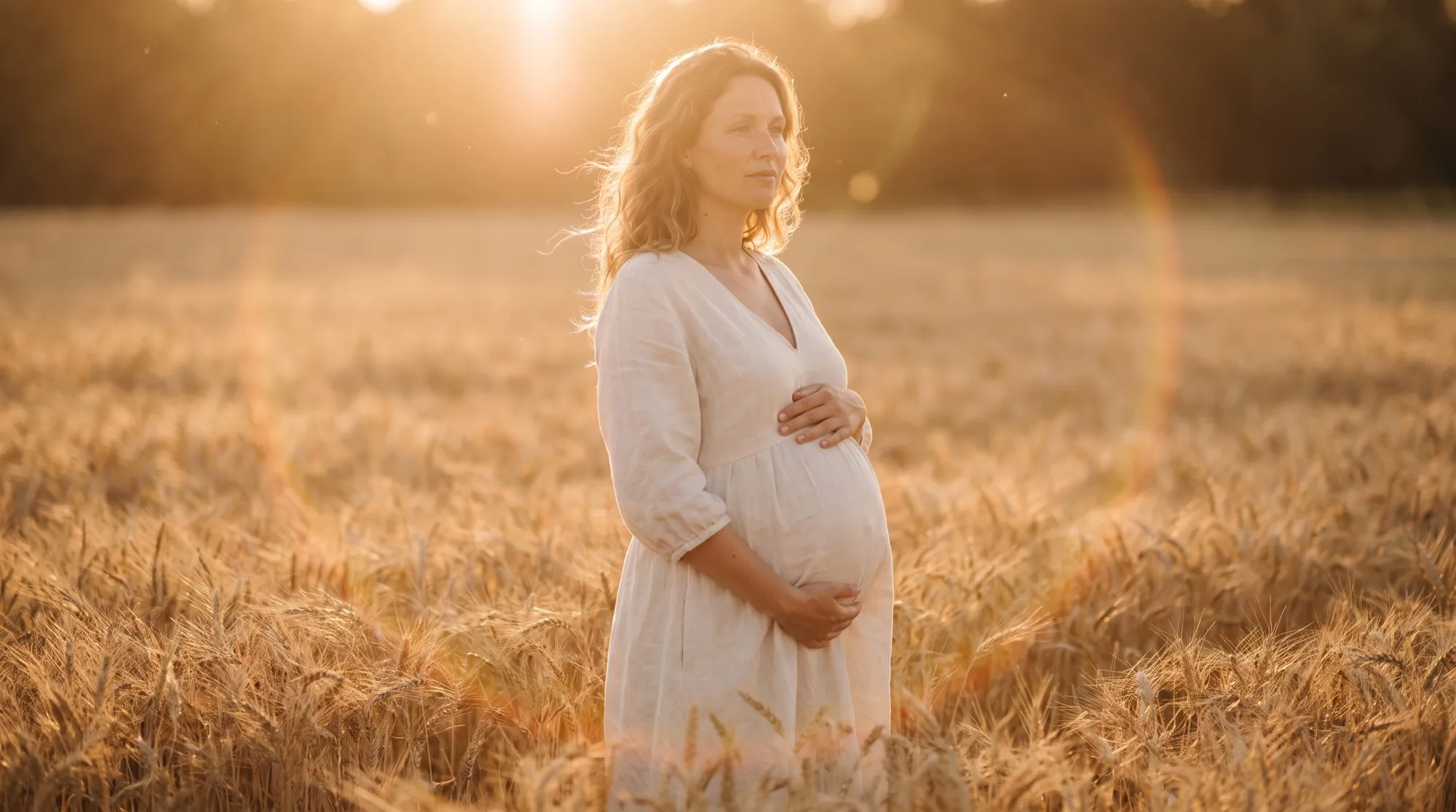
Speak like a photographer. Focal length, aperture and light type tell the model more than the words “realistic” and “high quality”. For portraits add “natural skin texture” so skin doesn’t come out plastic.
Photorealistic close-up portrait of a 30-year-old man with freckles and a light beard,
wearing a charcoal knit sweater, by a rain-streaked café window at sunset,
soft rim light, 85mm lens, f/1.8, natural skin pores, candid expression
3. How to put text into an image
Put any lettering in double quotes and state its role: headline, subtitle, small line. That way the model understands the hierarchy and doesn’t add extra words.
Minimalist Swiss-style concert poster. Large bold headline "NIGHT JAZZ",
subtitle "Lisbon · 14–16 June", small line "Tickets at the door".
Deep navy background, clean grid, crisp legible typography
The shorter each line, the more reliable the result. The model can render long paragraphs too, but they must be proofread.
4. How to build an infographic or diagram
List all the items in order and state how many there are. Ask the model to check spelling — the phrase “all text spelled correctly” noticeably reduces typos.
Clean educational infographic titled "How coffee is made" with four numbered steps:
1 Harvest, 2 Drying, 3 Roasting, 4 Brewing. Each step has a simple flat illustration
and a short caption. Soft beige background, all text spelled correctly
5. How to work with references
Nano Banana Pro and Nano Banana 2 accept up to 14 references. State in the prompt what each one is for: “the first photo is the face, the second is the clothing, the third is the palette”. Without explanations the model decides for itself what to take from an image and may transfer the wrong thing.
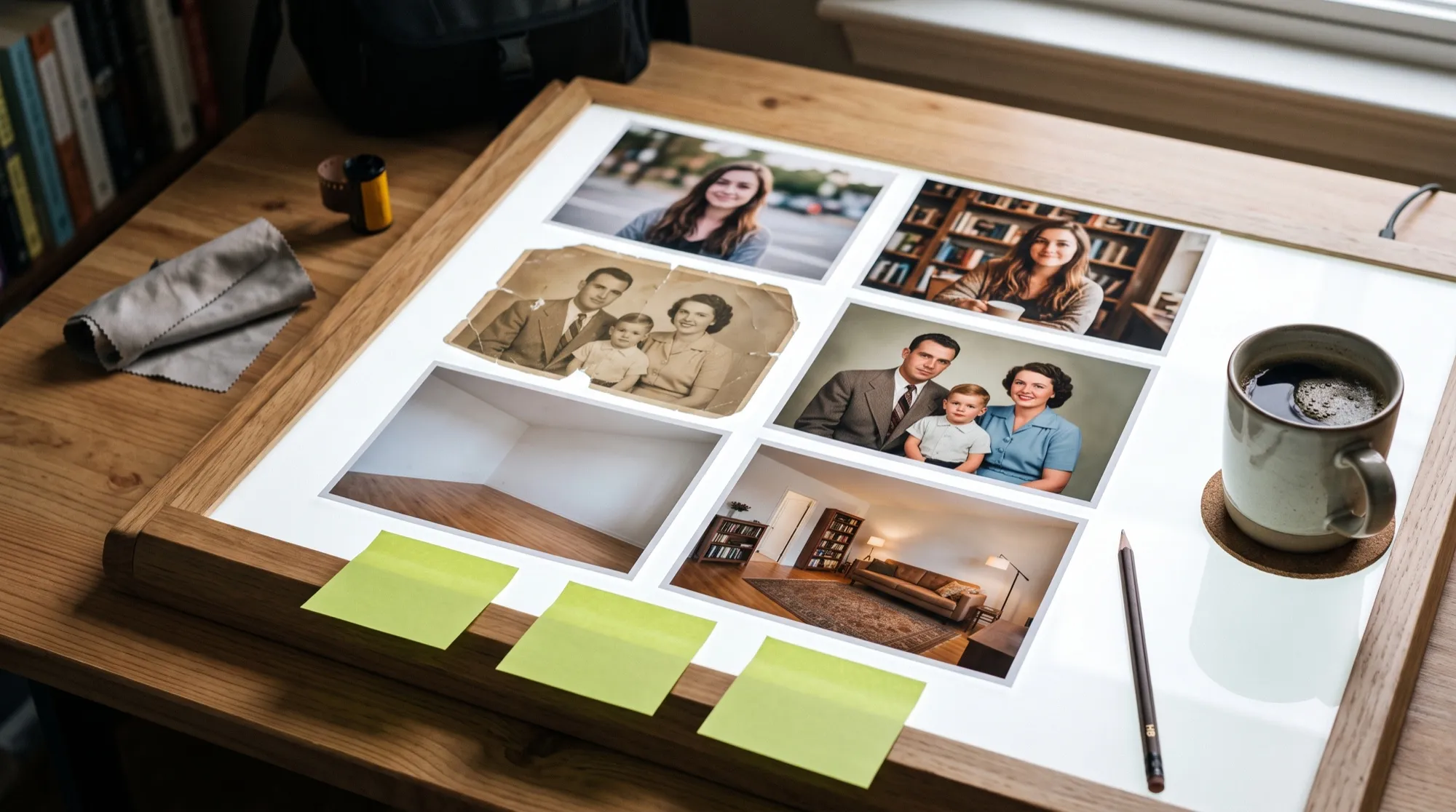
When editing your own photo, first list what to keep and only then what to change: “don’t change the face, hairstyle or age; replace the background with a seaside promenade”. That way the model doesn’t “improve” facial features unasked.
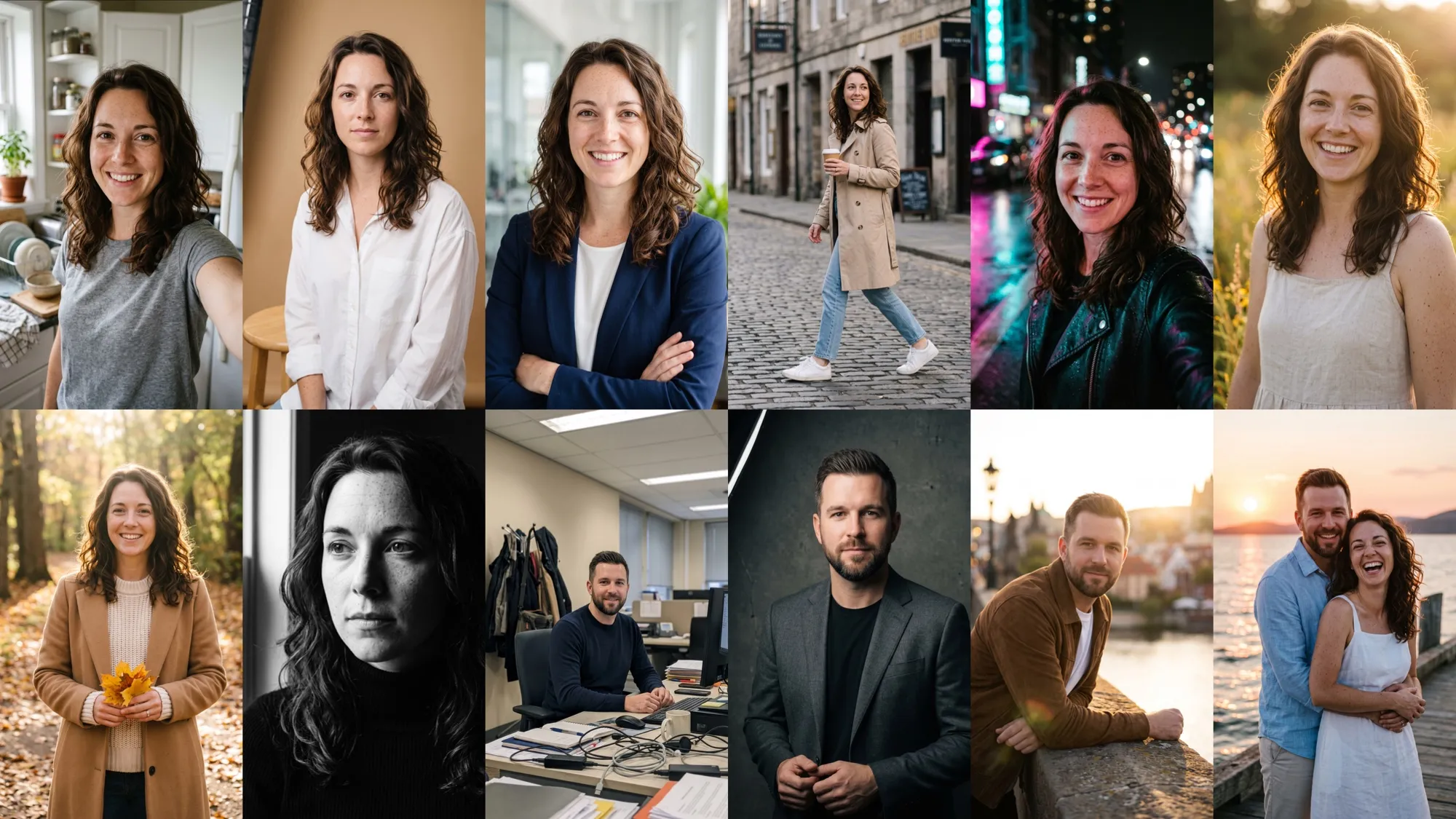
If you need the same face across dozens of shots, the AI2Face character builder is more convenient: it stores the character and places it into any scene without re-uploading photos.
6. How to refine the result iteratively
Don’t rewrite the prompt from scratch if the image is almost there. Use the result as a reference and ask to change one thing: “make it night”, “change the sweater to navy blue”, “move the headline down”. The model keeps the rest of the scene, and you get to the right version faster.
7. What to avoid in prompts
- Contradictions: “minimalism” and “lots of small details” in one prompt.
- Empty words: “masterpiece”, “8k”, “ultra quality” add almost nothing.
- Overload: beyond five or six key requirements, the model starts fulfilling them selectively.
- Implicit text: lettering without quotes may get paraphrased.
Prompts in other languages or in English
You can write the prompt in your own language: Gemini models understand many languages and follow such requests. English is handy for photographers’ and designers’ terms — “golden hour”, “bokeh”, “flat lay” — because they’re unambiguous. Write lettering for the image in the language it should be read in, and in quotes, regardless of the prompt’s language.
All three prompts from the article are on the Nano Banana Pro page along with a fourth, for product photography. Four more ready-made prompts with results are in the Nano Banana 2 gallery.
Conclusions
Good Nano Banana prompts are short and specific: the five-block brief, photographer’s language and lettering in quotes solve most tasks on the first try. Don’t chase length — refine the shot with one-detail edits instead, like in the portrait example. Use Nano Banana Pro for portraits and layouts with text and Nano Banana 2 for quick series: the techniques are the same. You can test the prompts from this article in the AI2Face generator on welcome credits.
FAQ
Should I write Nano Banana prompts in English?
Write in whatever language suits you: the models understand many languages. Put the text that should appear in the image in quotes and in the language it should be read in — even if the prompt itself is in another language.
Do these prompts work for Nano Banana 2?
Yes. The techniques are shared across the family: a brief, photographer's language, text in quotes and edits one detail at a time. For Nano Banana 2 Lite, keep prompts shorter and don't count on long chains of edits.
How long should a prompt be?
Usually 40–80 words are enough: scene, subject, light, camera and style. Longer only makes sense for infographics and layouts where you need to list every element and caption.
Why does the model ignore part of my prompt?
Most often because of contradictions (“minimalism” plus “lots of detail”) or overload. Cut the extras, split the task into steps and finish the image with edits: ask to change one detail in the finished picture.
Where can I find ready-made Nano Banana prompts?
In the galleries on the Nano Banana, Nano Banana 2 and Nano Banana Pro model pages: every shot comes with its full prompt that you can copy and adapt. Three prompts from this article are below, with results.
Sources
2
- https://blog.google/innovation-and-ai/products/nano-banana-pro/
- https://ai.google.dev/gemini-api/docs/image-generation