









AI2Face features
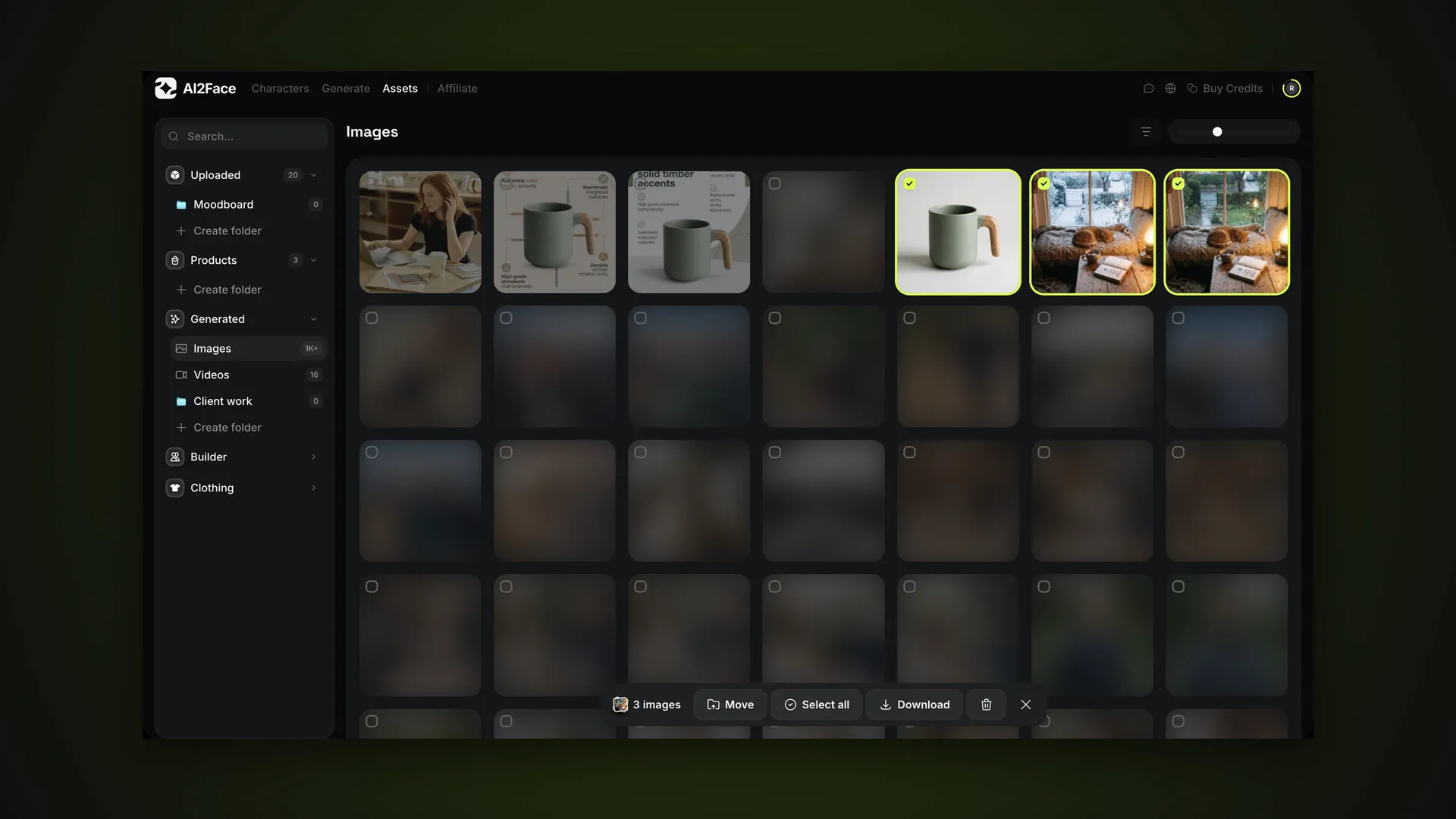
AI2Face assets: your library of photos, products, generations and folders
The AI2Face Assets section: uploads, products, generations, poses, backgrounds and clothing. Folders, filters, selection and zip downloads. With screenshots.
Articles in the “AI2Face features” section of the AI2Face blog: hands-on AI photo and video generation with top models.
AI2Face features
The AI2Face Assets section: uploads, products, generations, poses, backgrounds and clothing. Folders, filters, selection and zip downloads. With screenshots.
AI2Face features
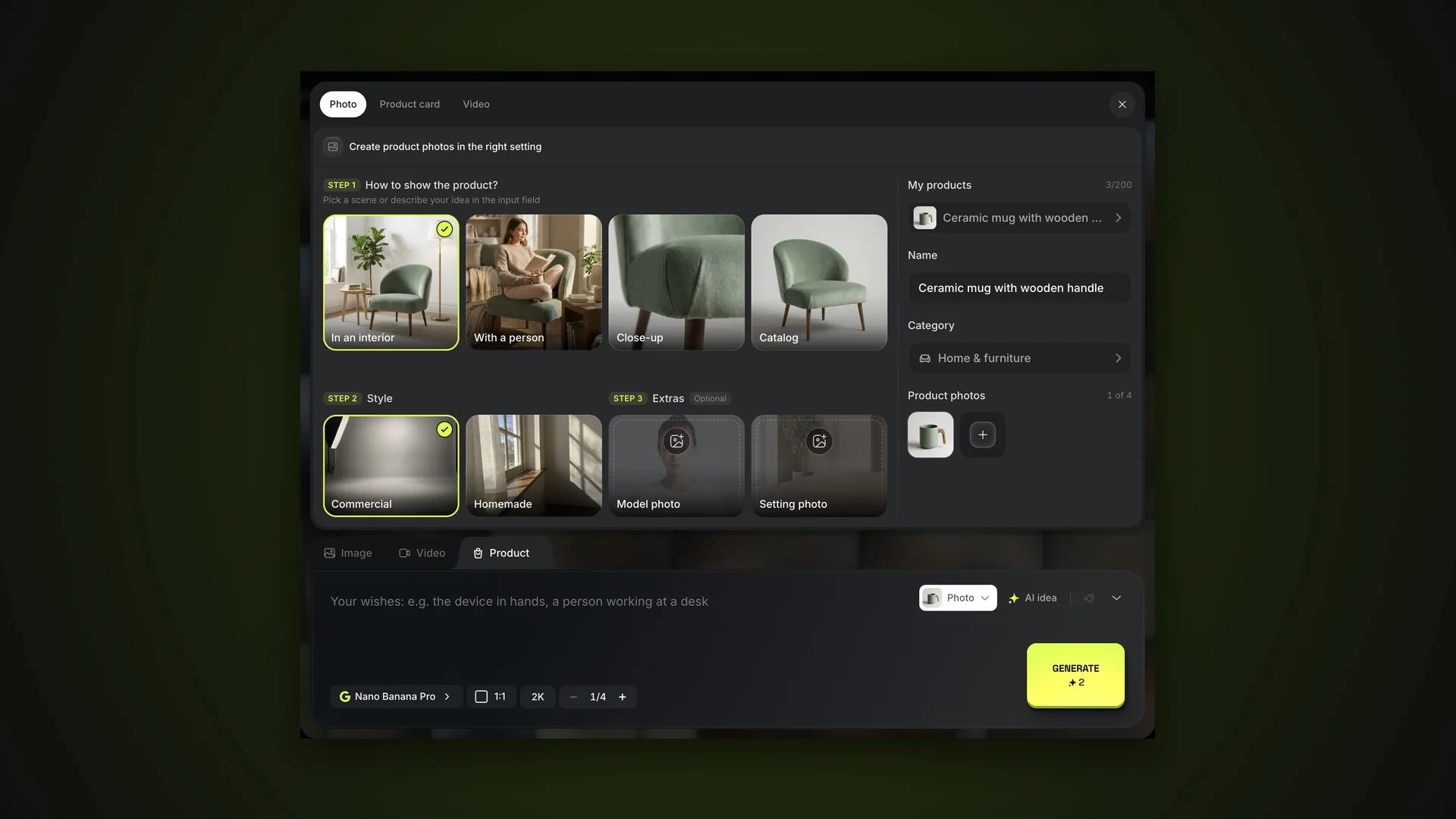
How to make product photos, a marketplace card with infographics and a video in AI2Face: adding a product, scenes, styles and AI idea. With screenshots.
AI2Face features
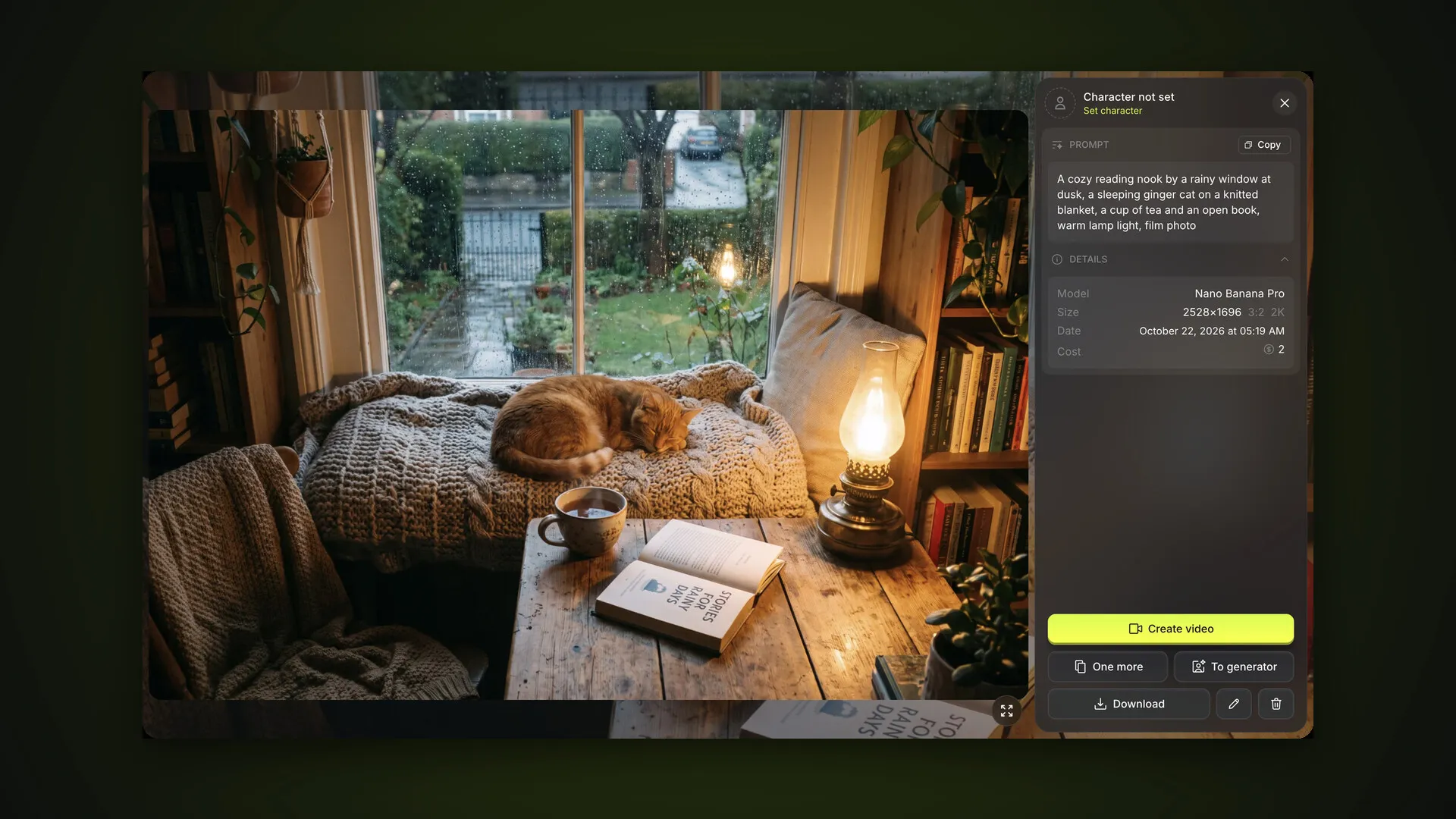
How to create images in AI2Face: prompts, templates, reference photos via “+”, model, aspect ratio and resolution, the feed, the viewer, edits and shortcuts.
AI2Face features
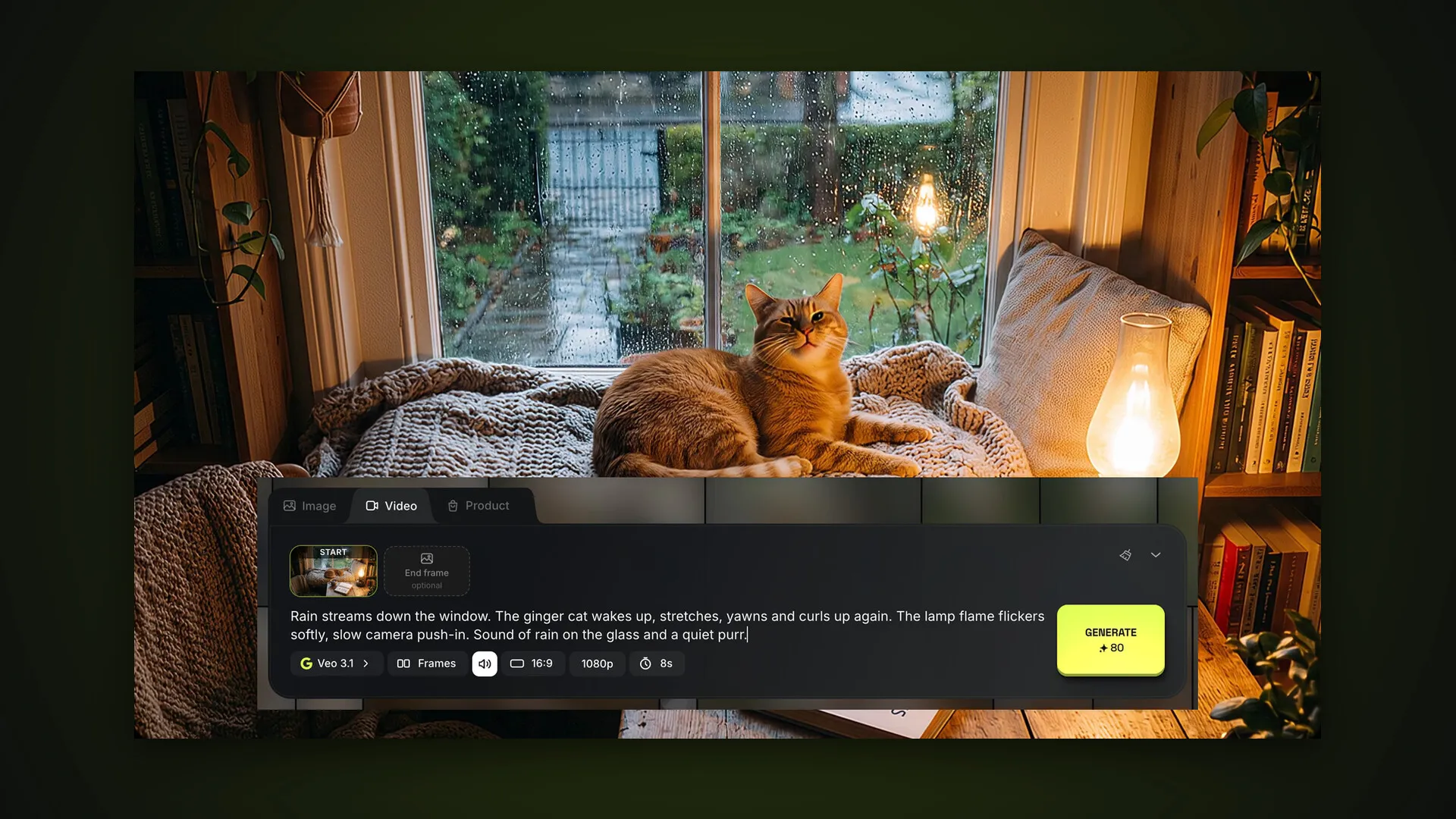
How to make a video in AI2Face: Veo 3.1 or Gemini Omni, References and Frames modes, sound, duration, aspect ratio and animating a photo from your feed.
AI2Face features
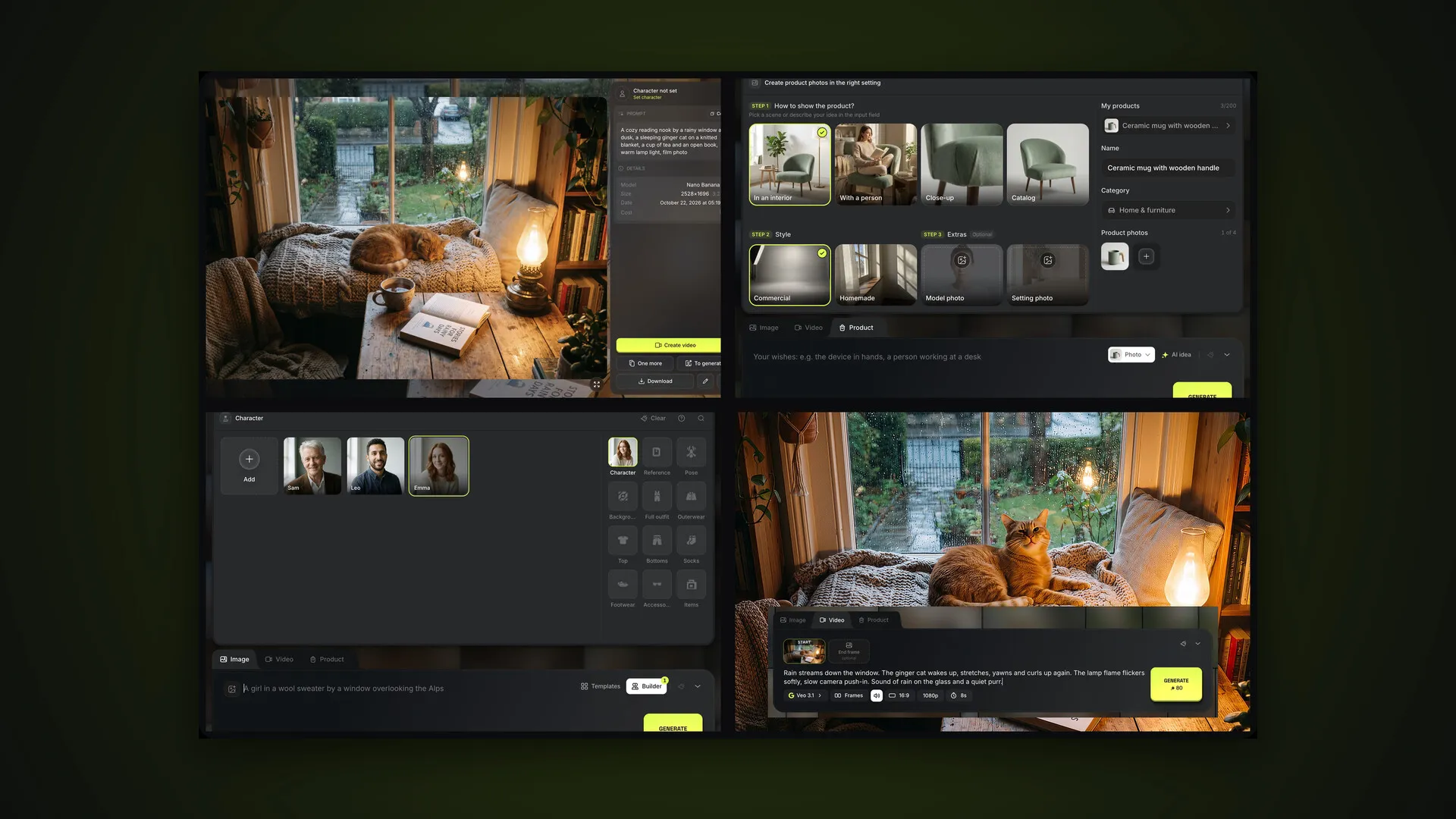
The AI2Face user guide: the main sections, your first steps after signing up, starter credits and links to detailed guides on photos, video, products and characters.
AI2Face features
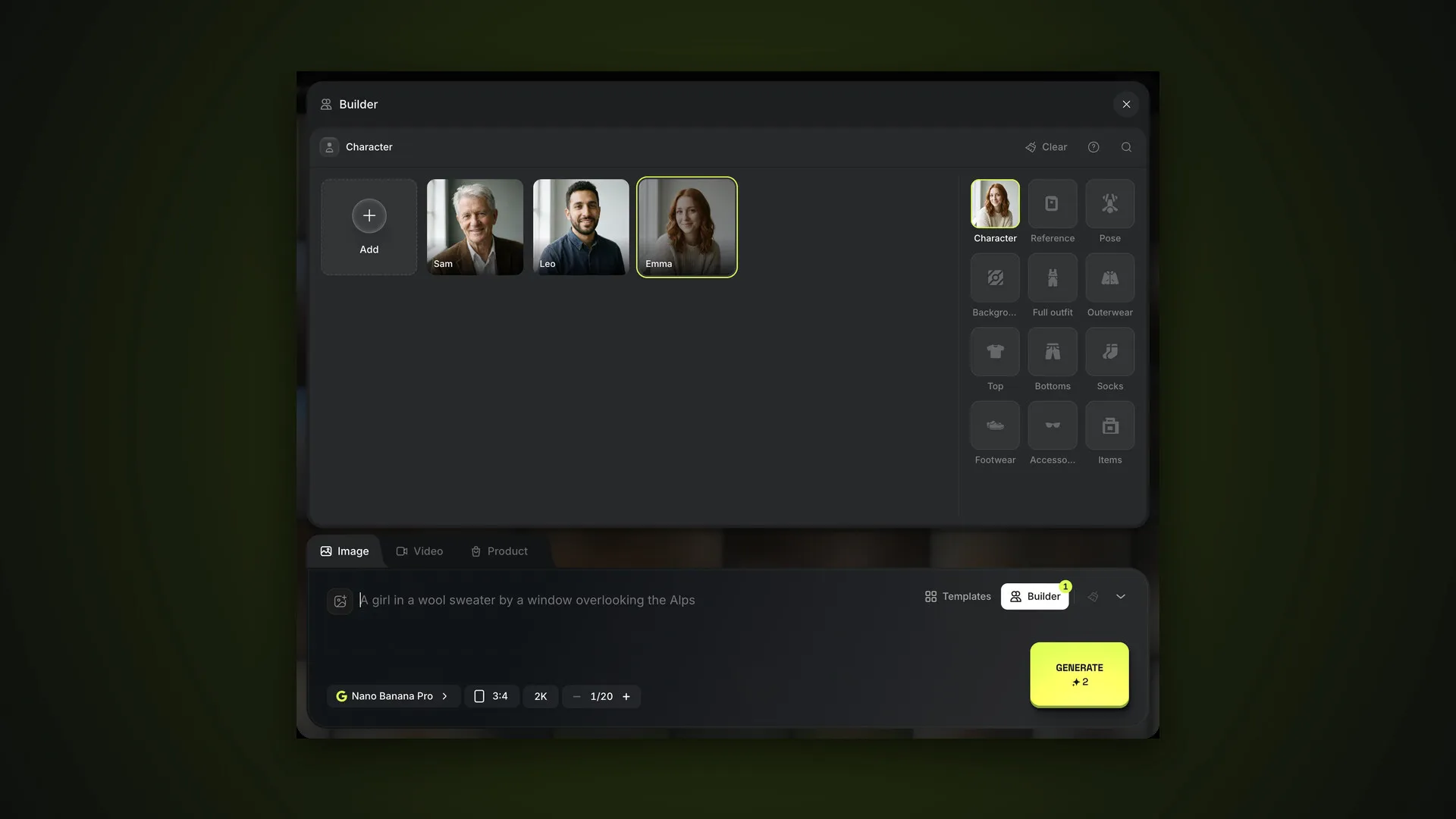
How the AI2Face Builder works: character, reference, pose, background and eight clothing layers, your own samples and generating without a prompt.
AI2Face features
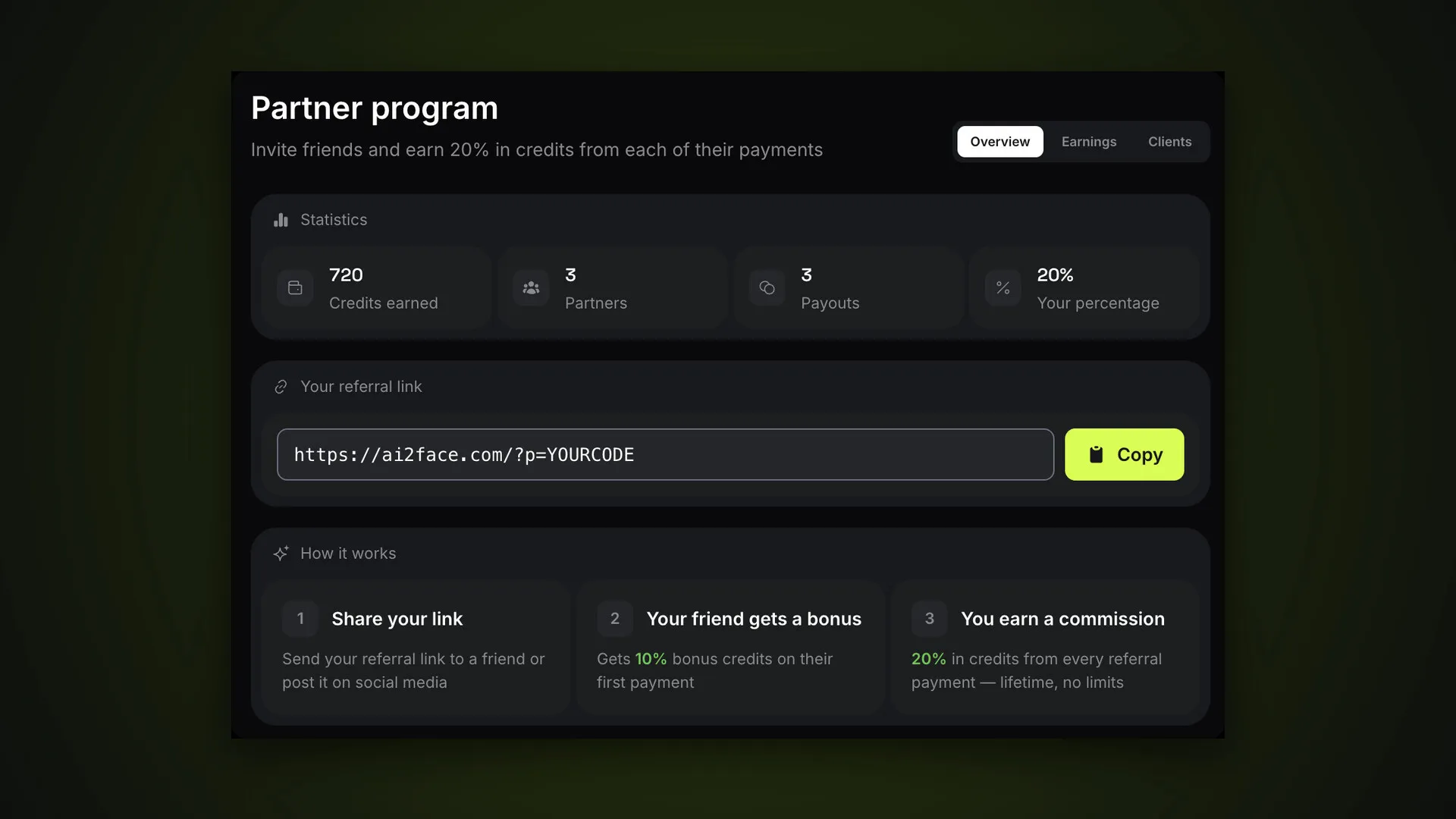
How the AI2Face affiliate program works: your referral link, a share of every payment your friend makes in credits with no time limit, a friend bonus, payouts.
AI2Face features
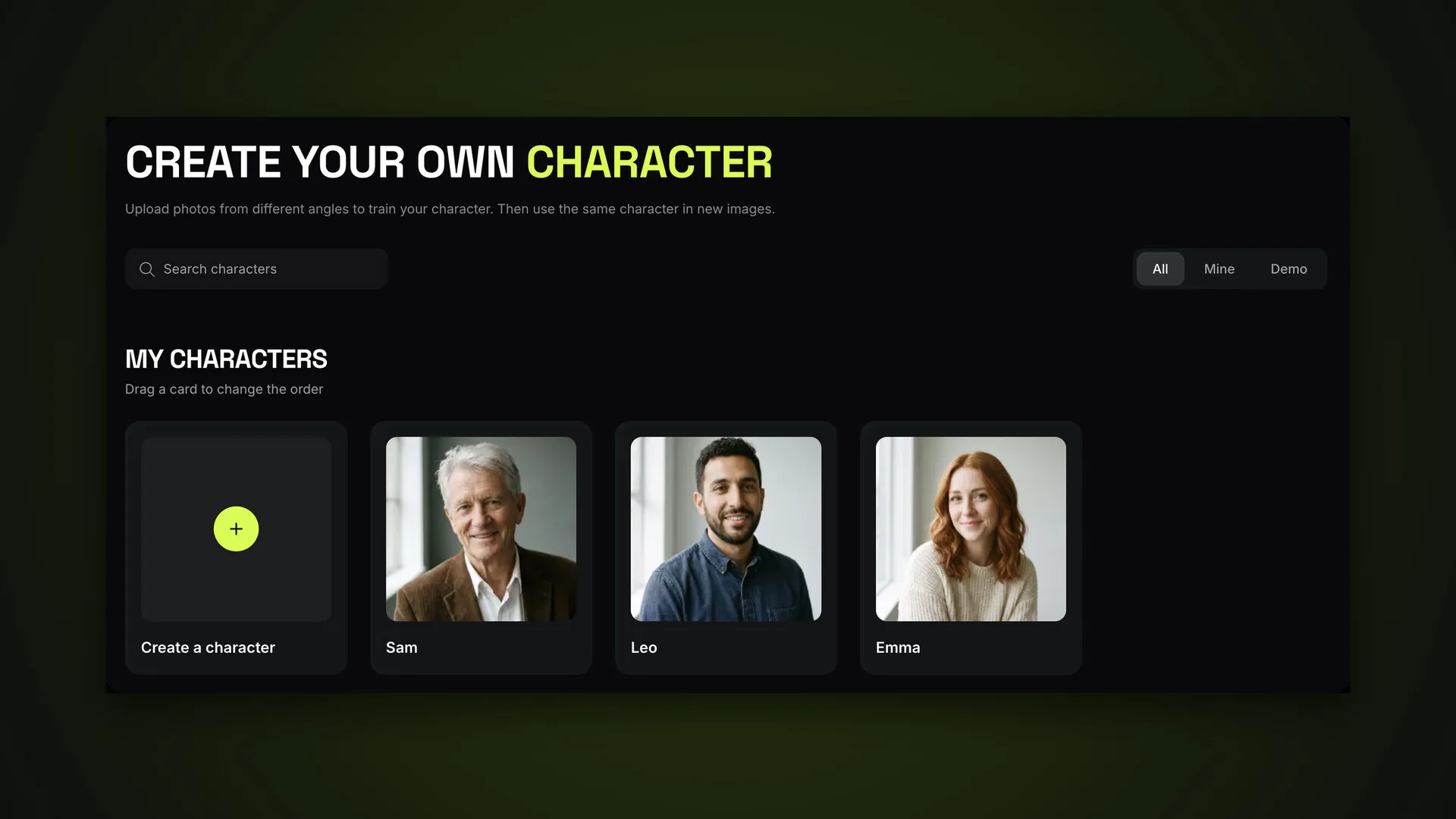
How to create a character in AI2Face: name, 2–4 photos, which shots work, generating with a character, @Name tags, demo characters, sorting and deleting.
AI2Face features
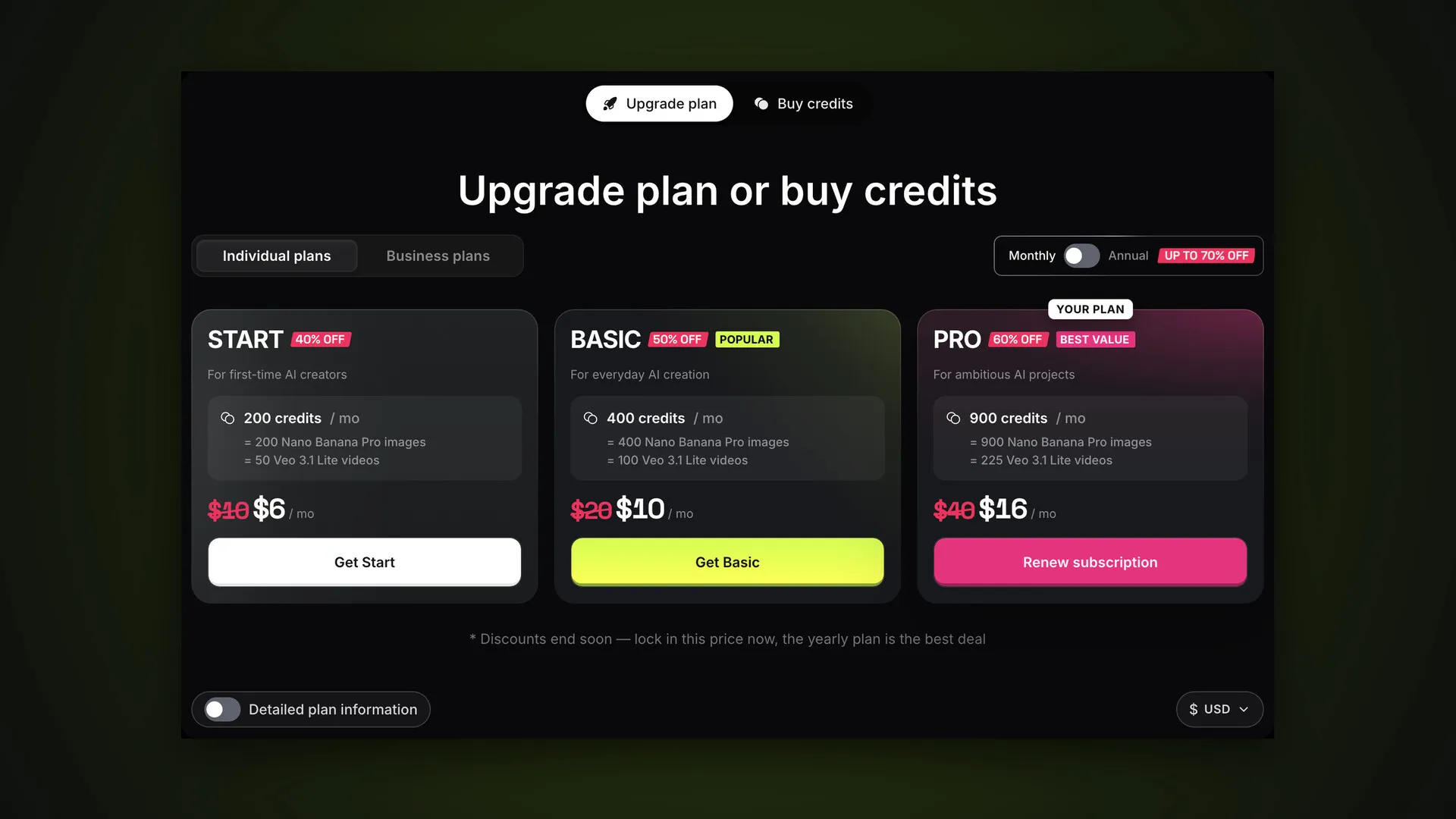
How AI2Face pricing and credits work: what a plan includes, which credits expire and which don't, payment methods, promo codes and balance history.

AI2Face features
Put multiple characters in one image in AI2Face: the Characters tab in “+”, @Name tags in prompts, your own background via @1 and video. With screenshots.