








Key facts
| Developer | xAI |
|---|---|
| Versions | Imagine Image 2.0 (August 7, 2026), Imagine Video 1.5 and 1.5 Fast (June 2026), Video 1.5 with references (July 31, 2026) |
| What it does | Images and image editing, video with sound from text, photos and references |
| Images | 1K and 2K, region editing, segmentation, background removal, up to 5 references |
| Video | Up to 1080p with sound, up to 7 references, character voice |
| Aspect ratios | Including 21:9 and 5:2 for banners |
| API price | Image — from $0.02; Video 1.5 — $0.08 per second |
| In AI2Face | Yes |
What is Grok Imagine
Grok Imagine is the image and video generator from xAI, the company behind the Grok chatbot. xAI released its first image model, Aurora, in December 2024, and by fall 2026 Imagine had grown into two standalone models:
- Imagine Image 2.0 — a model for images and image editing, released on August 7, 2026, and now the Quality mode in the Grok apps;
- Imagine Video 1.5 — a video model with sound: the image-to-video version and a faster Fast version came out in June 2026, and on July 31 came the version with references, text-to-video and 1080p.
Both models run on grok.com/imagine, in the iOS and Android apps and via the xAI API.
What Grok Imagine can do
Images for real work. xAI positions Image 2.0 as a model for practical tasks: it follows instructions precisely, plans typography and layout like a designer, and keeps small text sharp. On Arena as of September 24, 2026, Image 2.0 ranks 6th of 80 — above Nano Banana 2 from the Nano Banana family.
Local edits. The “magic wand” changes the area you point to and leaves the rest untouched. Segmentation selects precise regions, background removal exports the subject on a transparent background, and Smart resize extends the image to a new aspect ratio. One generation can use up to 5 source images.
Video with sound. Imagine Video 1.5 animates a photo or builds a clip from text: in that case, the model first draws the first frame and then animates it. The Fast version makes a 6-second 720p clip in about 25 seconds.
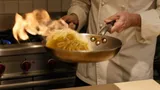
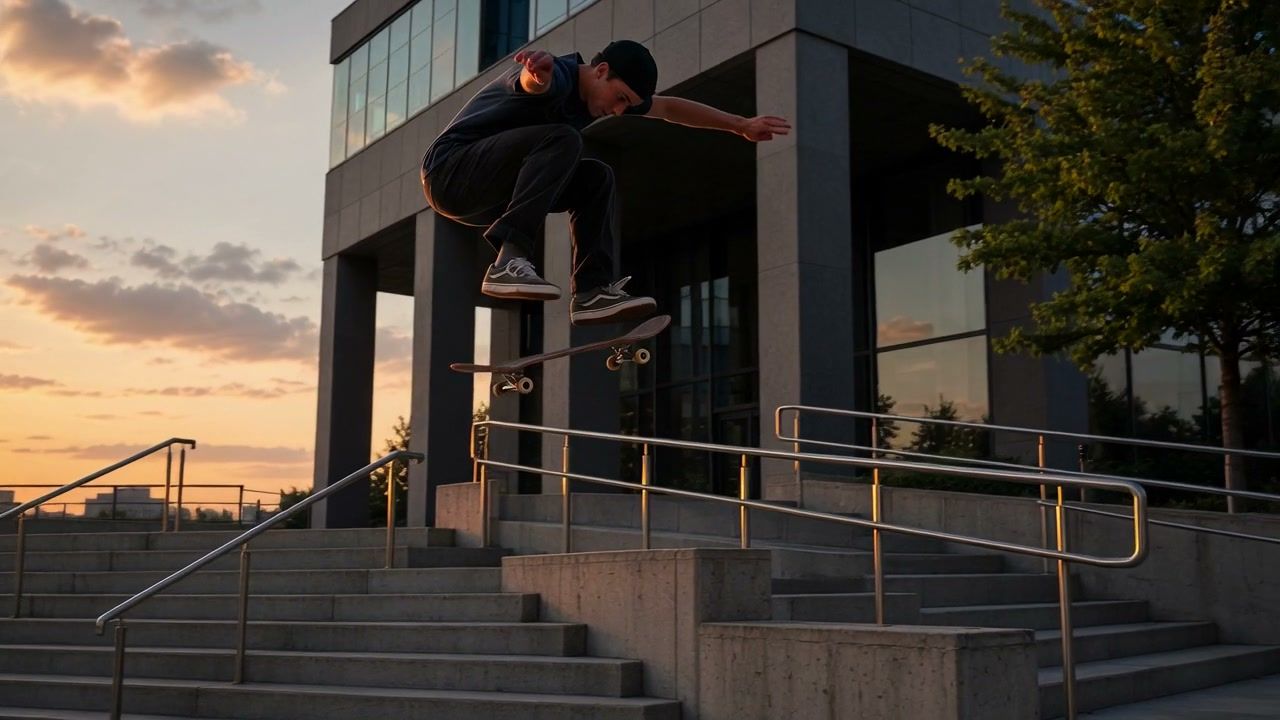
Physics and motion. xAI calls Video 1.5 its best model yet for motion and physics. It handles sports tricks and well-timed slow motion well.
One character across scenes. Since July 31, 2026, Video 1.5 lets you upload up to 7 images and a voice: the character’s face and voice stay the same in every scene. In the API, voice references are available on request.
What Grok Imagine is good for
- Posters and infographics with small text — Image 2.0’s strong suit.
- Local photo edits — replace an object, remove the background, cut out a subject on transparency.
- 21:9 and 5:2 banners — rare formats for websites and covers.
- Dynamic clips — sports, tricks, animals, action.
- Clip series with one character — face and voice references.
Grok Imagine vs. alternatives
Images:
| Imagine Image 2.0 | GPT Image 2.5 | Nano Banana 2 | Nano Banana Pro | |
|---|---|---|---|---|
| Arena rank (Sep 24, 2026) | 6 | 1 | 9 | 14 |
| Local edits | magic wand, segmentation | by mask | by prompt | by prompt |
| Background removal | yes | transparent background | — | — |
| References | up to 5 | several | up to 14 | up to 14 |
| API price | from $0.02 | per token | from $0.045 | from $0.134 |
Video:
| Imagine Video 1.5 | Seedance 2.5 | Gemini Omni | Kling 3.0 | |
|---|---|---|---|---|
| Arena rank (Sep 21, 2026) | 4 (agent mode) | 7 | 1–2 | 29 (2.6 Pro) |
| Sound | yes | yes | yes | yes |
| Resolution | up to 1080p | not disclosed by the developer | up to 4K | 720p, 1080p |
| References | up to 7 photos, voice | up to 50 | photos and videos | up to 7 photos |
| API price | $0.08 per second | — | — | — |
How to write prompts for Grok Imagine
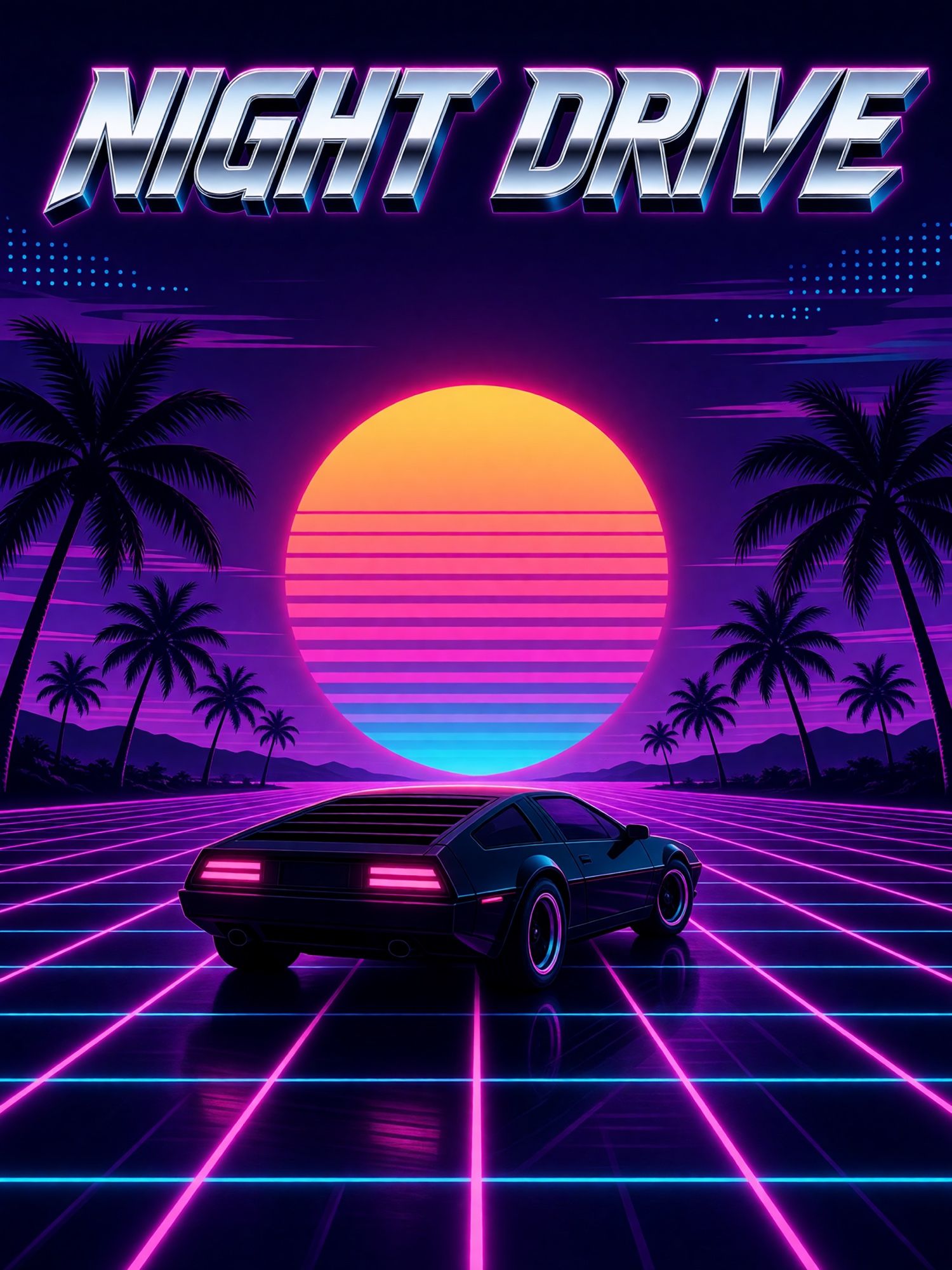
- For images with text — the exact wording in quotes plus “no other text,” as in the NIGHT DRIVE poster in the gallery.
- For edits — select the area and describe only the change: “replace the mug with a glass one, leave everything else.”
- For image-to-video — describe the motion, camera and mood; the model takes the composition from the photo.
- For text-to-video — remember the model draws the first frame first, so describe it in detail.
- Give sound its own line: “Sound: …”.
How to use Grok Imagine in AI2Face
Grok Imagine is available in the AI2Face generator, no SuperGrok subscription needed. You can compare its images with Nano Banana and GPT Image, and its clips with Seedance and Gemini Omni, on the same prompt. The cost of each generation is shown before you run it, you can pay by card or crypto, and credits from packs don’t expire. New accounts get welcome credits after signing up.
Limitations
- New features go to subscribers first. xAI launched face and voice references on the SuperGrok Heavy and Plus plans.
- Video with references tops out at 720p. Reference mode is limited to 720p; 1080p is available for text-to-video and image-to-video.
- Voice references in the API are on request.
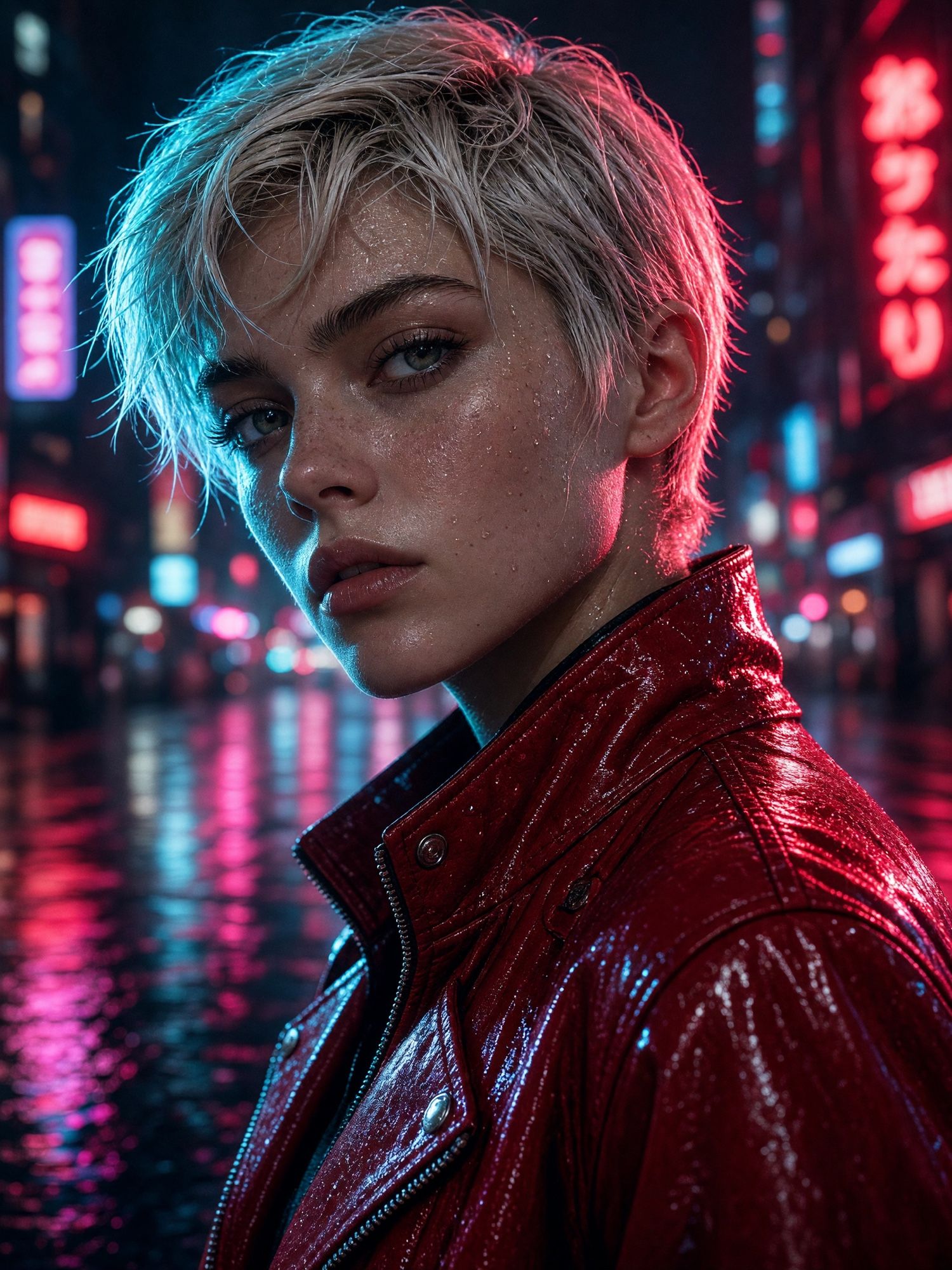
- Neon signs and background text sometimes get filled with gibberish — you can see it on the signs behind the woman in our gallery portrait.
Bottom line
Grok Imagine is one of the rare generators where both models are near the top: Image 2.0 ranks 6th for images and Video 1.5 ranks 4th for video. Use Image 2.0 for posters with text, local edits and banners in unusual formats, and Video 1.5 for dynamic clips and series with one character. For the most accurate text, the closest alternative is GPT Image; for video, Gemini Omni and Seedance. All of them are available in AI2Face.
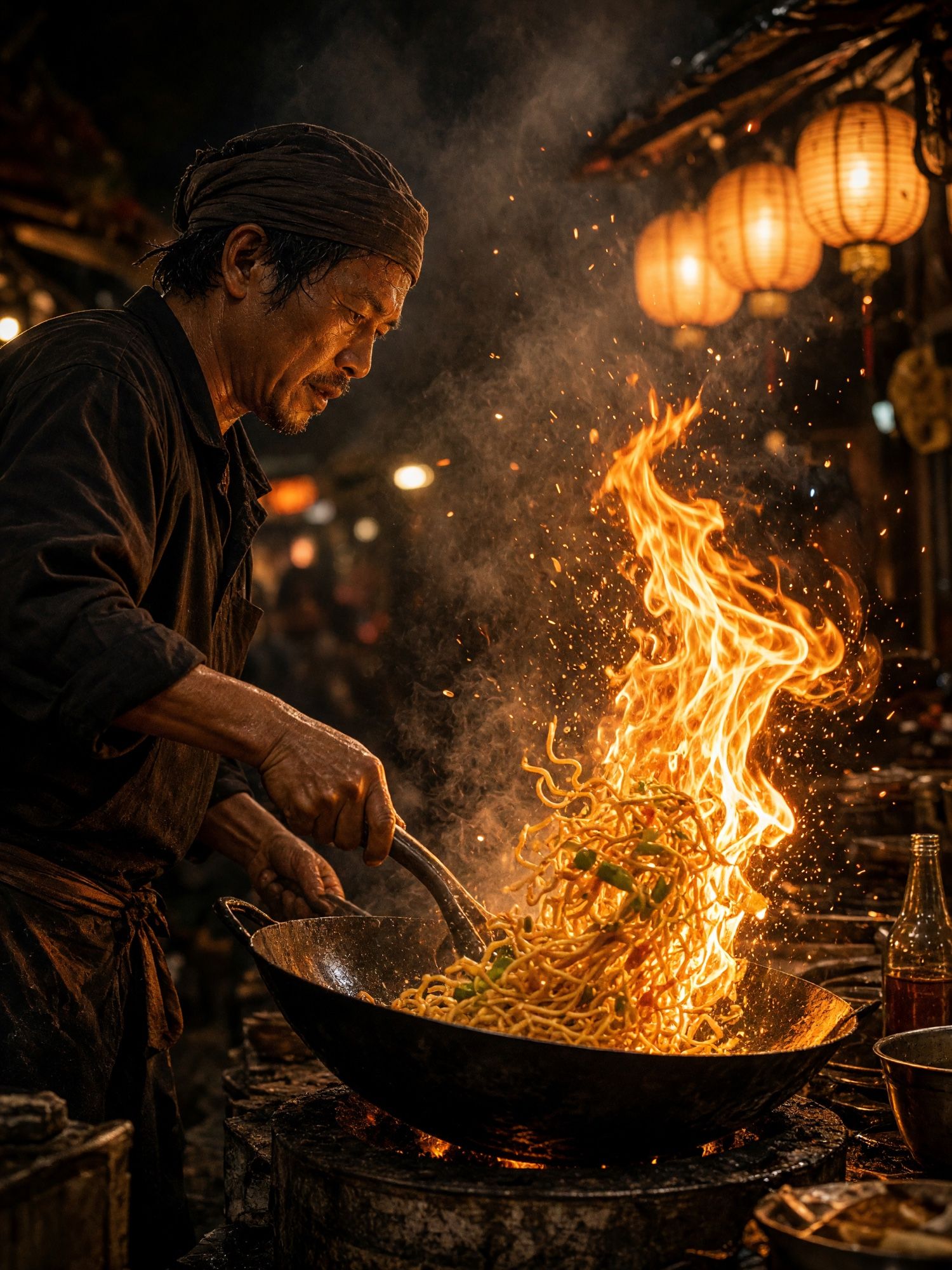
Generation examples

FAQ
What is Grok Imagine?
An image and video generator from xAI, the company behind the Grok chatbot. It's now two models: Imagine Image 2.0 for images and Imagine Video 1.5 for clips with sound.
How do I make a video in Grok Imagine?
Describe the scene in text, or upload a starting photo and describe the motion. Since July 31, 2026, you can add up to 7 reference images and a character voice to keep the same character across scenes.
How good is Grok Imagine compared to others?
On Arena as of September 2026, Imagine Image 2.0 ranks 6th of 80 image models, and Grok Imagine Video 1.5 in agent mode ranks 4th of 48 video models.
Can I use Grok Imagine for free?
At xAI, free access depends on your Grok plan, and some features open to SuperGrok subscribers first. In AI2Face, you can try Grok Imagine with the welcome credits you get after signing up.
Does Grok Imagine understand prompts in other languages?
You can write prompts in other languages, but English is more reliable for precise typography and complex scenes. Write any text that should appear in the image in quotes, in the language you need.
Sources
8
- https://x.ai/news/grok-imagine-image-2
- https://x.ai/news/grok-imagine-video-1-5
- https://x.ai/news/grok-imagine-video-1-5-references
- https://docs.x.ai/developers/models
- https://x.ai/news/grok-image-generation-release
- https://docs.x.ai/developers/model-capabilities/video/generation
- https://arena.ai/leaderboard/text-to-image
- https://arena.ai/leaderboard/text-to-video