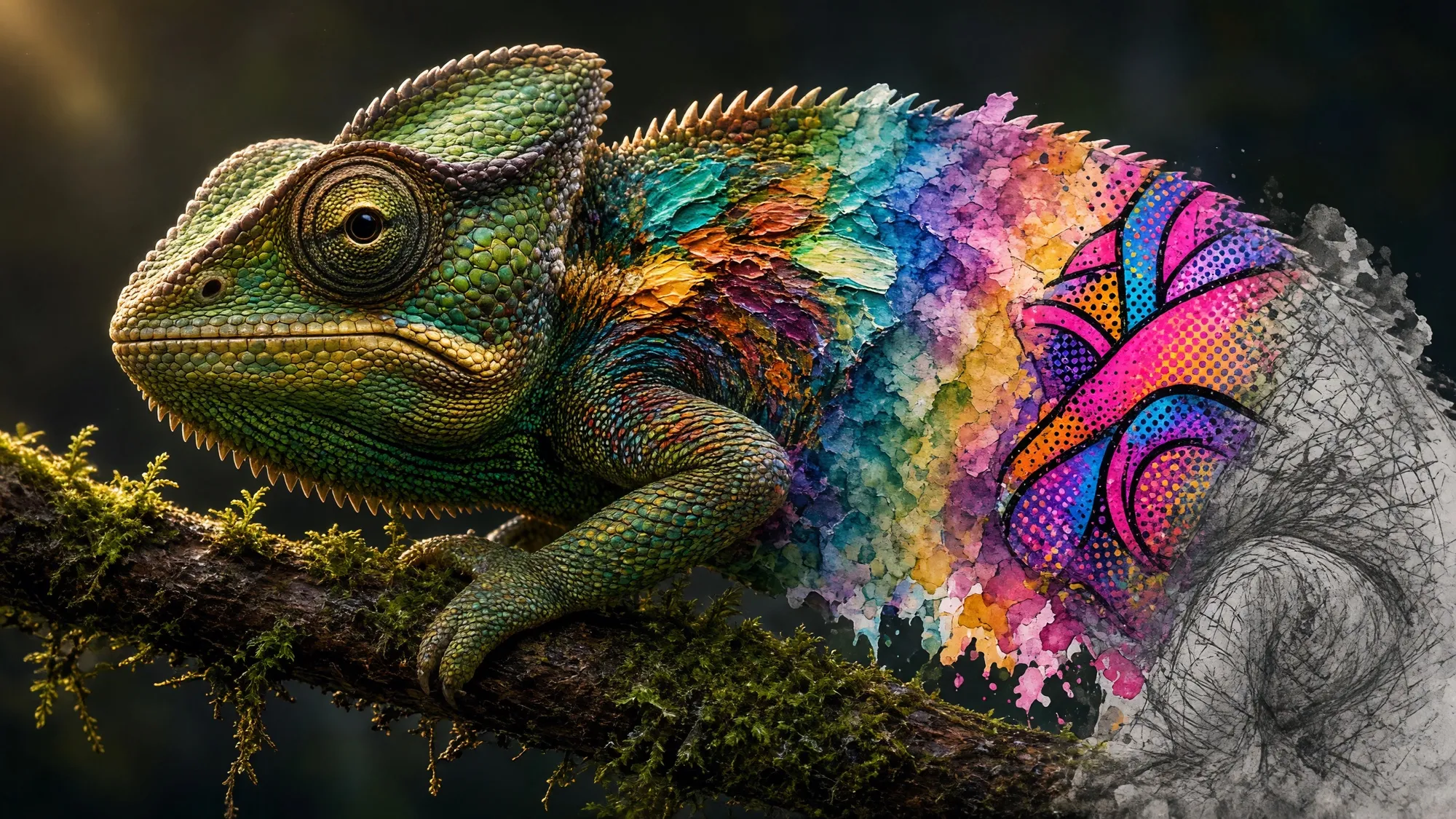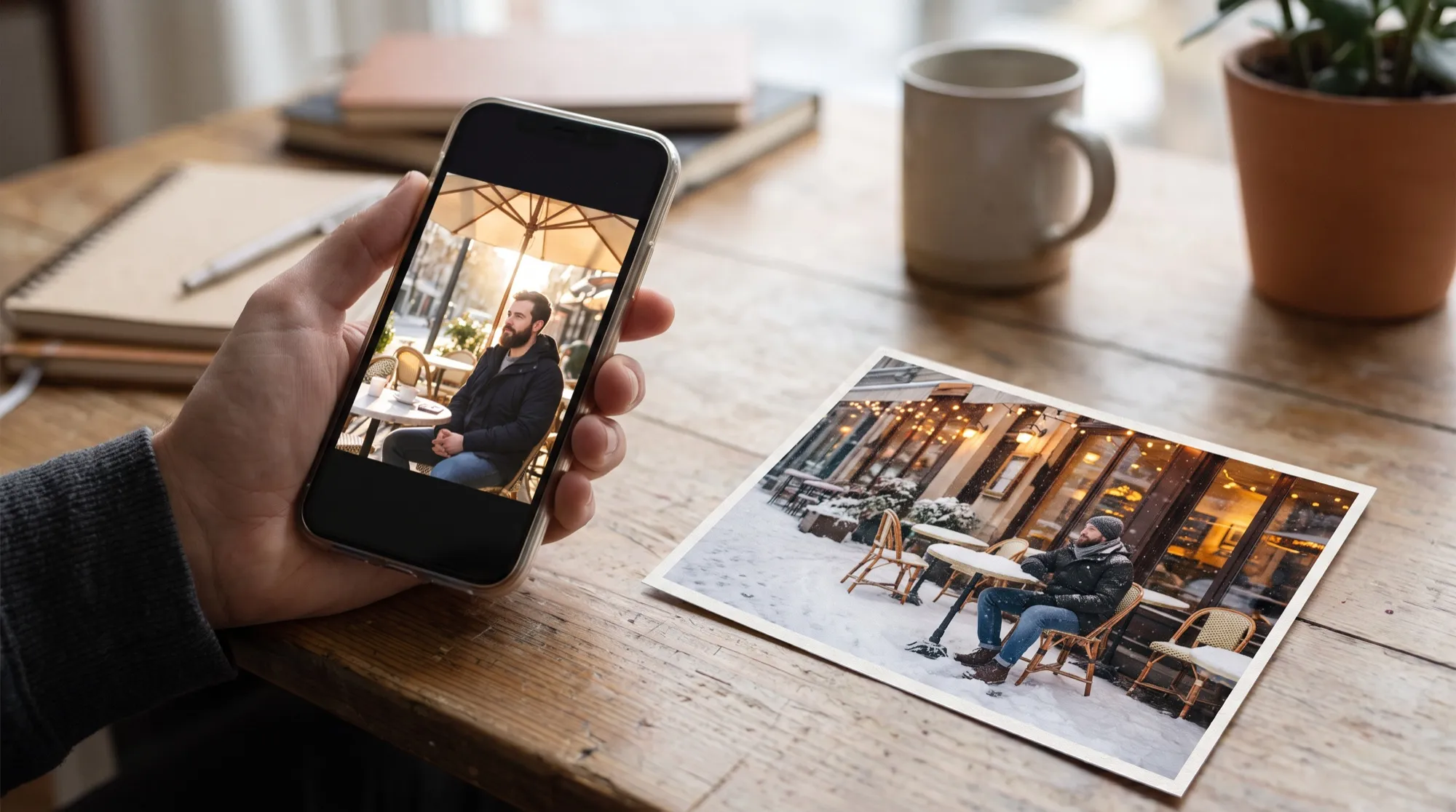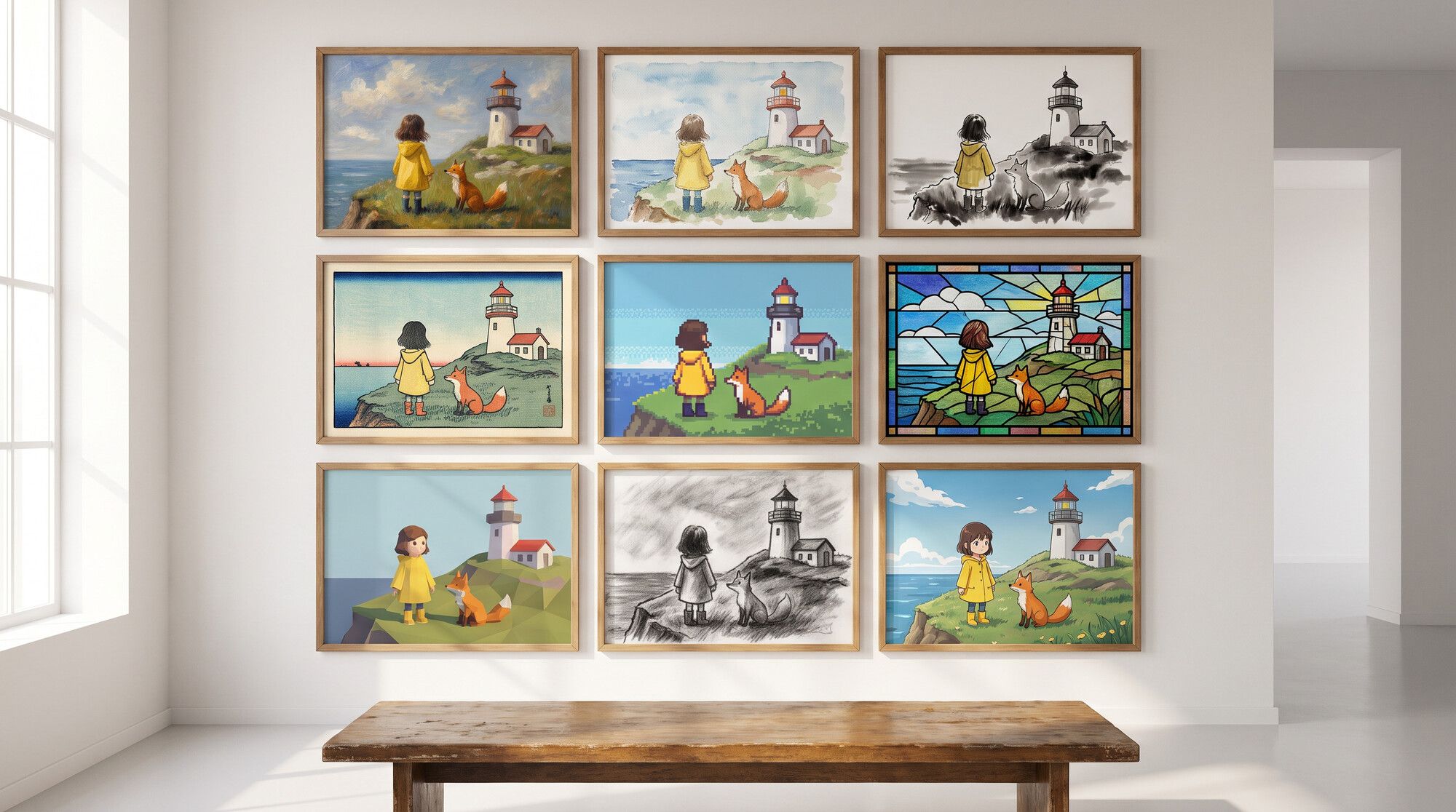
AI art means generating images in artistic media: painting, drawing, printmaking, pixel art, 3D. You don’t need to draw — you describe the scene and the style, and the model produces a finished piece in about half a minute. To show what current models can do, we took one scene and painted it in twelve styles. Every piece was made in the AI2Face generator.
What an AI art generator can do
Image models were trained on millions of paintings, prints and illustrations, so they know what defines each medium: how an oil stroke sits, how watercolor bleeds, what a lead line in stained glass looks like. Your job is to name those traits in the prompt. Common uses:
- Illustrations for books, posts, covers and greeting cards.
- Concept art for game and comic characters and locations — see the AI comic generator guide.
- Posters and prints for walls, merch and phone wallpapers.
- Finding a style before you commission an artist: show them five options instead of a description.
How to write an AI art prompt: the formula
scene + medium + traits of the medium + palette + light + “no text”
A small red-roofed lighthouse on a rocky cliff above the sea at dusk,
a girl in a yellow raincoat and a fox sitting together on the grass
watching the waves. Style: impressionist oil painting with thick visible
brushstrokes and palette-knife texture, warm and cool broken color.
No text, no letters, no signature, no logos.
The name of the medium is only half the job. “Watercolor” on its own gives you a smooth digital picture that merely looks watercolor-ish. “Loose wet-in-wet washes, granulating pigments, white paper showing through” gives you real watercolor. The “no text, no signature” line is a must: models love to add an artist’s autograph in the corner.
12 styles on one scene: traditional media
The scene is the same in every piece; only the “Style” line changes. The first six are classic materials.
| Style | Prompt keywords |
|---|---|
| Oil | impressionist painting, thick visible brushstrokes, palette-knife texture, broken color |
| Watercolor | loose wet-in-wet washes, granulating pigments, white paper showing through |
| Sumi-e ink | black ink on rice paper, a few confident strokes, lots of empty space |
| Ukiyo-e | Japanese woodblock print, flat colors, bold outlines, stylized waves, aged paper |
| Art nouveau | flowing decorative linework, floral border, muted gold, teal and cream |
| Charcoal | expressive charcoal on toned paper, smudged shading, white chalk highlights |
Ink and ukiyo-e were the smartest results in the test. In the ink piece the model left most of the sheet empty and drew the cliff in a single line. In the ukiyo-e print the sea became a pattern of curls, just like classic Japanese woodblocks.
12 styles on one scene: digital and 3D
| Style | Prompt keywords |
|---|---|
| Anime | hand-painted anime film background, soft cel-shaded characters, painterly clouds |
| Pixel art | 16-bit pixel art, 32-color palette, crisp pixels, retro video game |
| Low-poly 3D | low-poly render, faceted geometry, pastel palette, isometric view |
| Claymation | plasticine diorama, visible fingerprints, miniature set |
| Stained glass | thick black lead lines, glowing colored glass, backlit |
| Risograph | two-color pink and teal print, grainy halftone, slight misregistration |
The risograph is telling: we specified two ink colors, and the model honestly turned the yellow raincoat pink — that print process has no other colors. It’s not a mistake; it shows the model understands the medium instead of slapping on a filter. For pixel art, set the palette size and ask for “crisp pixels,” or you’ll get a blurry retro-ish image. To get pixel art from a photo with a true grid and palette, see our pixel art generator guide.
Which AI paints best: 4 models, one prompt
We took one art prompt — a “cozy fantasy illustration” of the same scene — and ran it through four models.
| Model | What it produced | Best for |
|---|---|---|
| Nano Banana Pro | storybook illustration, soft light, the girl and fox small in the landscape | specific techniques, series in one style |
| Nano Banana 2 | close-up, the girl hugging the fox; a tiny unreadable sign on the lighthouse | quick sketches and ideas |
| GPT Image 2.5, part of the GPT Image family | detailed painting, near-photographic sunset light | highly detailed posters |
| Grok Image Pro | close to GPT Image: saturated sunset, the heroine seen from behind | atmospheric landscapes |
For art in a specific medium we’d pick Nano Banana Pro: across all 12 styles it never slid into generic “digital painting.” GPT Image 2.5 and Grok Image Pro are stronger at detailed, polished painting but tend to pull any style toward realism. For a broader model comparison, see our AI image generator guide.
AI art from your own photo
An AI art generator can paint more than a scene from your imagination — it can restyle your photo too: a portrait in oil, a city in watercolor, a pet in anime style. Same principle: a “Style” line, plus the photo as a base and “keep the composition.” See AI photo style transfer, turn a photo into a drawing and image to image AI.
Copyright and artists’ styles
- Copyright. In its January 2025 report, the US Copyright Office concluded that prompts alone don’t provide enough human control to make the user the author of the output. Protection covers what a human adds: your own drawing as the base, creative edits, arrangement.
- Commercial use depends on the service’s and the model’s terms. Check them before selling prints or merch.
- Living artists’ names in prompts. Copying a specific artist’s recognizable style is ethically and legally murky. Describe the technique — “thick strokes, broken color” — instead of a name.
- Recognizable characters and brands. Someone else’s characters and logos in your art infringe their owners’ rights, even if a model drew the picture.
Bottom line
An AI art generator can paint in any medium as long as you name its traits, not just its name: strokes, paper, palette, lines. Use the formula “scene + medium + traits + palette + no text,” plug in keywords from the tables and try 3–4 styles on one scene — it’s the fastest way to find yours. For specific techniques, pick Nano Banana Pro; for detailed painting, GPT Image 2.5 or Grok Image Pro. For more phrasing ideas, see our AI image prompts.
FAQ
Which AI art generator is the best?
It depends on the style. In our test, Nano Banana Pro reproduced art techniques most faithfully — watercolor, ink, ukiyo-e; GPT Image 2.5 and Grok Image Pro paint more detailed, near-photographic pictures; Nano Banana 2 is faster and cheaper for sketching ideas.
Is there a free AI art generator?
Yes, you can make a few pieces for free. AI2Face gives you welcome credits when you sign up: describe the scene, add a “Style: …” line and pick a model. The cost is shown before you generate.
What art styles can AI generate?
Any medium with recognizable traits: oil, watercolor, ink, woodblock print, art nouveau, charcoal, anime, pixel art, low-poly, claymation, stained glass, risograph. Describe the traits — brushstrokes, paper texture, palette — not just the name.
Can I sell AI-generated art?
Usually yes, if the service's terms allow it, but copyright protection is hard to get. In 2025 the US Copyright Office concluded that prompts alone don't make the user the author of the output.
Can I ask AI to paint in a specific artist's style?
Technically it often works, but for living artists it's ethically and legally murky. It's safer to describe the technique — “impasto, palette-knife strokes, broken color” — instead of naming the artist.
Sources
5
- https://blog.google/innovation-and-ai/products/nano-banana-pro/
- https://ai.google.dev/gemini-api/docs/image-generation
- https://developers.openai.com/api/docs/guides/image-generation
- https://www.copyright.gov/ai/Copyright-and-Artificial-Intelligence-Part-2-Copyrightability-Report.pdf
- https://www.copyright.gov/newsnet/2025/1060.html