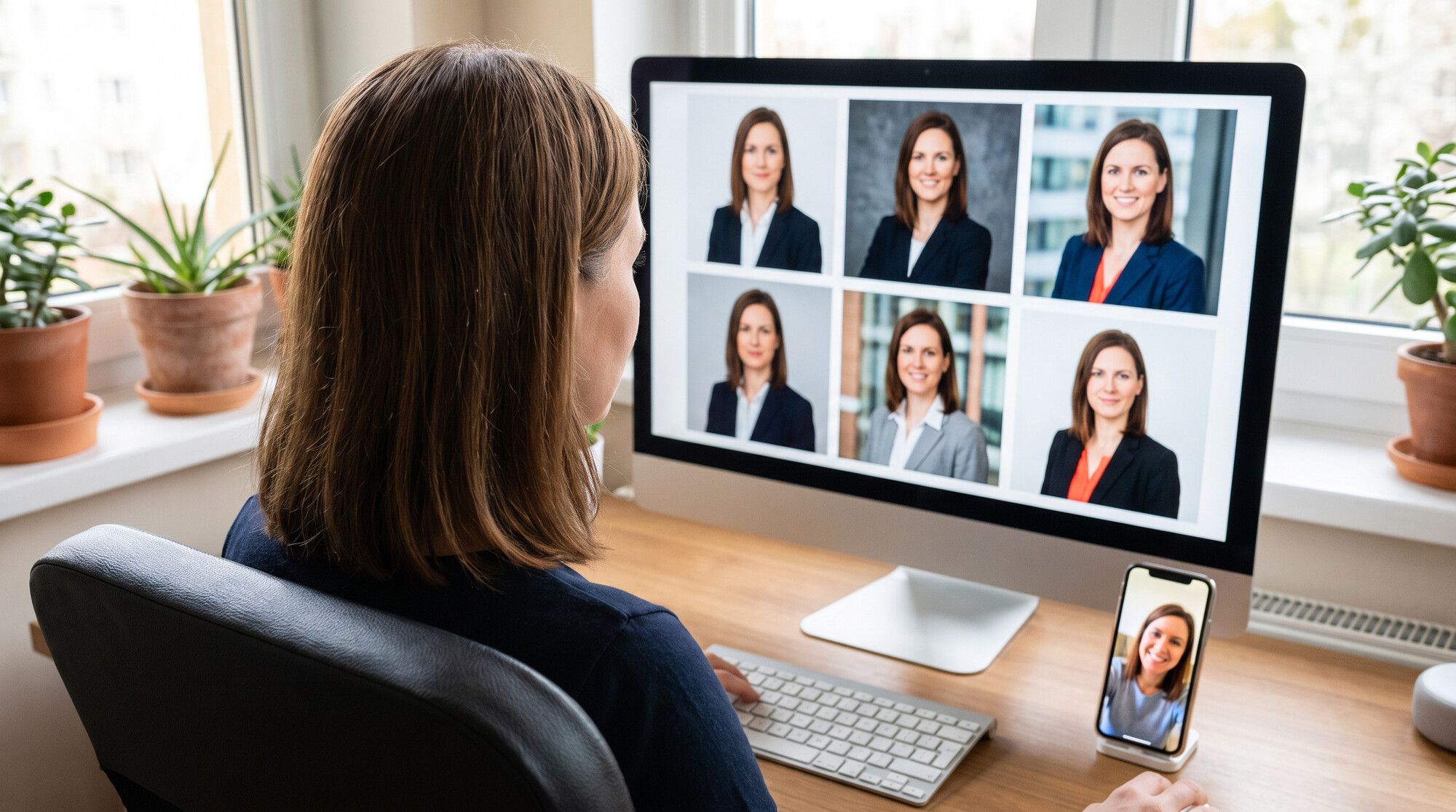
A professional headshot from a photographer means booking, a studio and an hour of your time. An AI headshot generator works from the selfie already on your phone: it swaps a hoodie for a blazer, the kitchen for a studio backdrop and a warm ceiling bulb for soft key light. Your face stays yours — if you ask the right way. We tested this on three casual selfies and eight styles. Every image was made in the AI2Face generator.
How an AI headshot generator works
An image-editing model takes your selfie as a reference plus a prompt describing the result: outfit, background, light, framing. Any model that can edit photos from text will do; we used Nano Banana Pro. For the test we picked a deliberately bad source: a mirror selfie in a kitchen, a grey hoodie, a yellow ceiling light and a phone in hand.
The kitchen, the phone, the hoodie and the wide-angle distortion are gone. The freckles, grey-blue eyes, thin necklace and face shape stayed. It took one generation, under a minute.
Which selfie works for a professional headshot
- Face the camera. A profile shot or a low angle forces the model to rotate your head, and it gets the nose and jaw wrong more often.
- Daylight, no filters. Your phone’s beauty mode smooths your skin before the model even sees it, and you end up with a doll-like face.
- Whole face visible, no sunglasses, no hands near the face. Keep regular glasses if you wear them every day — the model keeps the frames.
- Background and clothes don’t matter. Kitchen, car, park — the model replaces them all.
Our second selfie was taken in a car, the third in a park on an overcast day. Both are typical: that’s how people shoot when they need a headshot by tomorrow.
Headshot prompt formula
what to turn it into + outfit + background + light + expression + lens + face lock
Turn this selfie into a professional corporate headshot: head and
shoulders, wearing a tailored charcoal blazer over a white silk blouse,
plain seamless light grey studio backdrop, soft key light from the left
with a gentle fill, catchlights in the eyes, relaxed confident
closed-mouth smile, shot on an 85mm lens.
Keep her face exactly the same as in the photo: oval face, freckles,
grey-blue eyes, eyebrows, nose, lips, skin tone and light brown hair.
Correct the phone-lens distortion. Photorealistic, natural skin texture
with visible pores, no heavy retouching, no text, no logos.
The last two lines do the heavy lifting. “Correct the phone-lens distortion” fixes the stretched nose and oversized forehead from a wide-angle lens. “No heavy retouching” and “visible pores” stop the model from turning skin into plastic. The 85mm lens isn’t decoration either: it tells the model to build portrait perspective with a softly blurred background.
4 headshot styles: what to wear and which background to pick
Pick the style by industry: a lawyer and a startup founder need different headshots. We made four on one face.
| Style | Outfit | Background | Best for |
|---|---|---|---|
| Corporate | blazer, blouse or shirt | plain light grey | banking, consulting, résumés |
| Tech, smart casual | solid sweater | blurred bright office | IT, startups, LinkedIn |
| Speaker | dark blazer, arms crossed | dark backdrop, rim light | conferences, websites, press |
| Personal brand | shirt in a natural color | leafy street, golden hour | designers, consultants, social |
The men’s versions follow the same logic. For law and finance we added a suit and tie and a wood-panelled office with bookshelves; for a consultant, an overcoat and a city street.
Stick to solid colors: navy, charcoal, grey, white. Small patterns and logos pull attention from your face and shimmer on a tiny avatar. If you never wear a tie, don’t add one for the headshot — people should recognize you when you meet.
Matching team headshots in one style
A company website needs headshots that look like a single shoot: same backdrop, light, crop and dress code. AI solves this with one prompt for everyone: each person sends a selfie, the prompt doesn’t change.
Professional corporate headshot for a company team page: head and
shoulders, body turned slightly, face to the camera, wearing a navy
blazer over a white top, plain seamless light grey studio backdrop,
soft key light from the left with a gentle fill, relaxed confident
closed-mouth smile, shot on an 85mm lens, square 1:1 framing with
the face in the upper third.
Keep the face exactly the same as in the photo: [this person's features]
Only change the face lock for each person: glasses, grey hair, earrings. The model leaves age alone when you say “no heavy retouching” — the 50-year-old kept her expression lines and grey strands.
LinkedIn and résumé headshots: sizes and a final check
LinkedIn accepts profile photos from 400×400 to 7680×4320 pixels, up to 8 MB, in JPG or PNG. In its tips for job seekers, LinkedIn recommends that your face takes up at least 60% of the frame — crop from the shoulders to just above your head. Our 2K headshots, about 1,800 pixels wide, clear that easily.
Before uploading, check the headshot in a small circle — that’s how people see it in feeds, applications and chats.
The same corporate headshot works for résumés and company profiles. It won’t work for a visa or passport — those have their own background and face-size rules, covered in our AI passport photo guide.
Nano Banana Pro or GPT Image 2.5: which keeps the face better
We ran the same corporate headshot prompt in two models: Google’s Nano Banana Pro and GPT Image 2.5 from OpenAI’s GPT Image family.
Both models delivered: the freckles, eyes and face shape are recognizable in both headshots. Nano Banana Pro carried over the skin texture and expression more faithfully; GPT Image 2.5 smoothed the skin slightly and brightened the shot. For a professional headshot we’d pick Nano Banana Pro; GPT Image 2.5 is a solid alternative if you want a more polished, editorial look.
Mistakes that make an AI headshot look fake
The biggest mistake is asking for a “perfect” look. We dropped the face lock and asked for a glamour shot: flawless porcelain skin, heavy retouching, a symmetrical face, a penthouse with a city view.
The right one is a different person: a new nose, lips and face shape, hair styled in Hollywood waves. Nobody would recognize you from it at an interview. What to avoid:
- “Flawless skin,” “perfect face,” “younger.” The model swaps your features. Write “natural skin texture, no heavy retouching” instead.
- A luxury background. Penthouses, sunsets and skyscrapers look like an ad, not a professional profile.
- Shipping the first result. Make 3–4 versions and pick the one that looks like you. If the face drifts, add details to the face lock: moles, brow shape, frames.
- A low-resolution source. A blurry selfie gives a blurry headshot. Enhance the photo before generating.
Bottom line
An AI headshot generator is a practical replacement for a studio shoot when you need a résumé photo, a LinkedIn picture or a team page. The key is a face lock and no retouching: with those, three casual snaps became headshots where people still look like themselves. Start with the corporate style on a grey backdrop, check it in a 96 px circle, then try other styles. For a team, send everyone the same prompt. If you need a social avatar rather than a work headshot, see our AI profile picture guide and the photoshoot prompts for men.
FAQ
Is there a free AI headshot generator?
Yes — your welcome credits cover several headshots. AI2Face adds them when you sign up: upload a selfie, choose Nano Banana Pro and paste the headshot prompt. The cost is shown before you generate.
What kind of selfie works best for an AI headshot?
Face the camera, use daylight, skip filters and beauty mode, and keep your whole face in the frame. Background and clothes don't matter — the model replaces them. Our source photos were taken in a kitchen, a car and a park.
Can I use an AI headshot on LinkedIn or a résumé?
Yes, as long as it actually looks like you. The headshot should match how you look at the interview: no de-aging, no reshaped face, no glamour retouching.
What size should a LinkedIn profile photo be?
Between 400×400 and 7680×4320 pixels, up to 8 MB, JPG or PNG. LinkedIn recommends that your face takes up at least 60% of the frame.
Can I make matching headshots for a whole team?
Yes. Upload each person's selfie and run the same prompt: same backdrop, light, blazer and crop. That's how we made three matching headshots of people aged 34, 40 and 50.
Sources
5
- https://blog.google/innovation-and-ai/products/nano-banana-pro/
- https://ai.google.dev/gemini-api/docs/image-generation
- https://developers.openai.com/api/docs/guides/image-generation
- https://www.linkedin.com/help/linkedin/answer/a549049
- https://www.linkedin.com/business/talent/blog/product-tips/tips-for-taking-professional-linkedin-profile-pictures