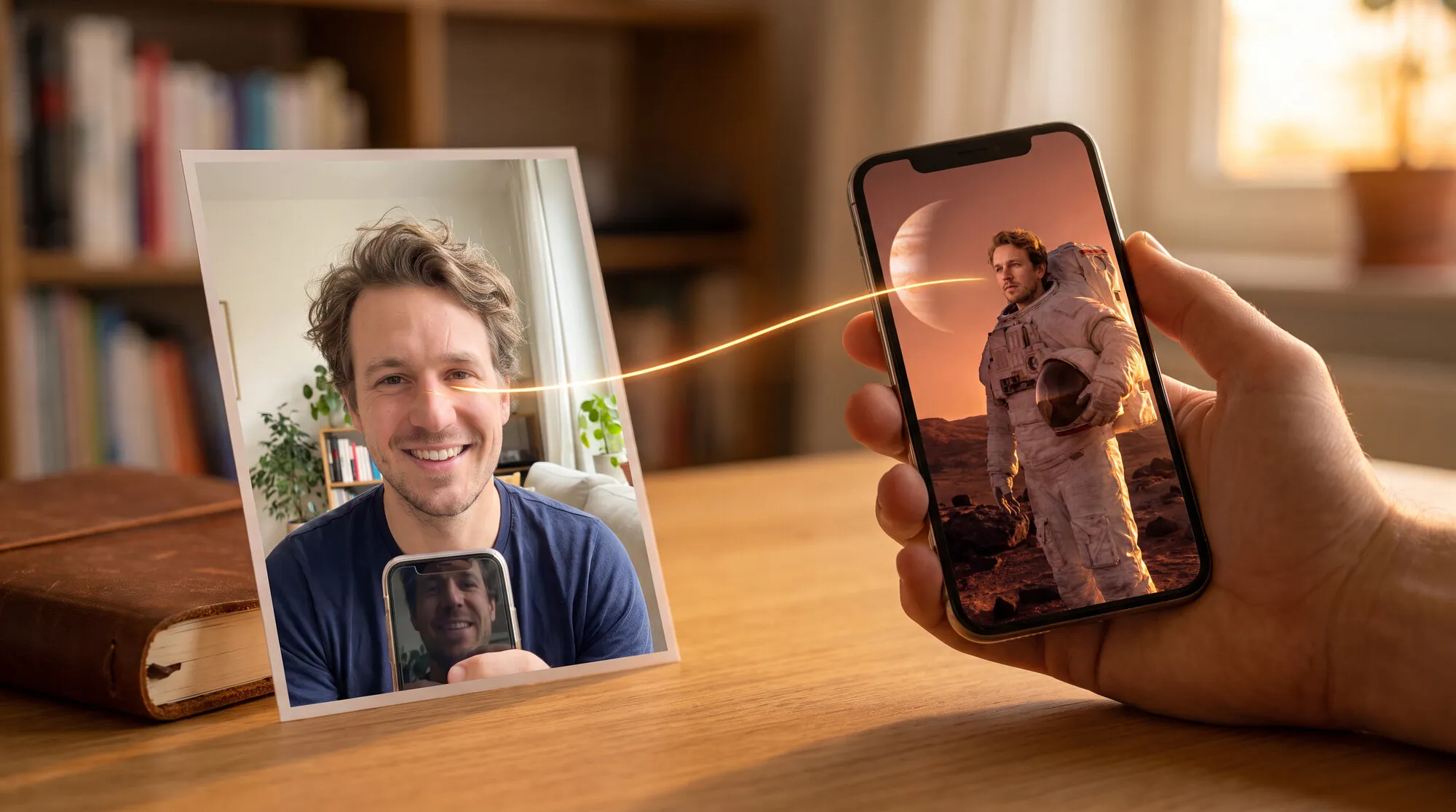
An AI passport photo can be made from what’s already on your phone: a selfie in the park with your arm in the frame and a shadow across half your face becomes a front-facing shot on a white background. That’s handy for a work pass, a resume, a visa application form or a draft before you go to a photo studio. For passports there’s an important catch: the rules prohibit photos edited to improve appearance — the Russian Ministry of Internal Affairs regulation, for example, says so explicitly. So we checked not only “does it look good” but also “does it look like him” — on three models in the AI2Face generator. The man in the photos was generated for this test.
What are the requirements for an ID photo
Each country sets its own rules for passport photos. As an example, here are the requirements for a Russian passport photo from item 89 of the Ministry of Internal Affairs regulation on issuing passports for travel abroad (Order No. 186); the migration authorities publish the same rules for the domestic passport:
| Requirement | What the regulation says |
|---|---|
| Size | 35×45 mm, color or black and white |
| Framing | head and upper shoulders; crown to chin takes up no more than 80% of the frame height |
| Position | strictly front-facing, looking straight ahead, mouth closed, eyes open |
| Expression | neutral |
| Background | white, plain, with no stripes, spots, objects or shadows |
| Clothing | no uniforms or outerwear; a scarf must not cover the chin |
| Headwear | not allowed; exception for religious reasons if the oval of the face is visible |
| Glasses | if you wear them all the time — glasses without tinted lenses, the frame must not cover the eyes |
| Contact lenses | colored lenses that change eye color are not allowed |
| Editing | not allowed: retouched photos that improve appearance, or artistic processing |
The 35×45 mm size and a plain light background are common in many countries, but the exact rules differ — check the official page of the authority that issues your document.
The last row defines what you can hand over to AI. Background, light, clothes and head position — yes: these are shooting conditions. Facial features, skin, age and the shape of the nose — no: that’s exactly what “improving appearance” means.
What the source photo should look like
AI can’t see what isn’t in the shot. The closer the source is to an ID photo, the less the model has to make up:
- the whole face is visible, with no sunglasses or cap;
- it’s taken with the main camera or at arm’s length, not from below;
- hair doesn’t cover the eyes and eyebrows;
- the resolution is at least 1,000 pixels on the short side.
We deliberately picked a difficult source: a selfie with a raised arm, the phone in the frame, a tilted head and a harsh shadow from the midday sun.
AI passport photo prompt
Turn this casual selfie into an official passport photo: strictly front-facing
head and upper shoulders, centered, looking straight into the camera, neutral
expression, mouth closed, both eyes open, even soft frontal lighting with no
shadows on the face, plain uniform white background with no shadows. Remove the
phone and the raised arm. Dress him in a plain dark grey crew-neck sweater. Keep
his face exactly the same: facial features, proportions, beard, hairline, skin
texture, moles and age. Do not beautify, do not retouch, do not slim the face.
Nano Banana Pro removed the arm and phone, turned the head to the front, evened out the light and swapped the hoodie for a sweater. The beard shape, eyebrows and hairline match the source. Two misses only show up in a side-by-side comparison. Moles appeared on the cheek that weren’t in the selfie: the model “filled in” the skin on the side hidden by the shadow. And the background came out light grey rather than white — RGB around 243 instead of 255. For a passport, both are reasons to regenerate.
Will an AI-made photo be accepted
The officer and online government services check the photo against the requirements, not how it was shot. The risk lies elsewhere: a generative model redraws the whole face and can change it without you noticing — slim it, make it younger, smooth the skin. Such a photo formally falls under the ban on “retouched photos that improve appearance”, and at the appointment the officer may not recognize you from it.
How to lower the risk:
- Ban retouching explicitly in the prompt: “do not beautify, do not retouch, do not slim the face, do not add moles or freckles”.
- Put the result next to the source and check moles, scars, the shape of the eyebrows and nose — the model can both remove and add them.
- If you’re not sure about the likeness, get your passport photo taken at an official photo studio or service center, and use the AI photo for your resume, work pass and application forms.
Resume and work pass photos
Turn this casual selfie into a professional headshot for a resume and work pass:
head and shoulders, front-facing, looking into the camera with a light friendly
smile, soft even studio lighting, plain light grey background. Remove the phone
and the raised arm. Dress him in a white shirt with an open collar and a navy
blazer. Keep his face exactly the same: features, proportions, beard, hair, skin
texture and age. No beautifying.
A resume, an office pass, a work profile or a badge have no strict passport rules: a light smile, business clothes and a grey background are all fine. Here AI saves you the trip to the photographer entirely. For more ideas for business and personal portraits, see our guide to the AI profile picture generator.
Which AI makes the best passport photo: three models compared
We gave the passport prompt to three models: Nano Banana Pro, Nano Banana 2.1 and GPT Image 2.5.
| Nano Banana Pro | Nano Banana 2.1 | GPT Image 2.5 | |
|---|---|---|---|
| Arm and phone removed | yes | yes | yes |
| Front-facing, looking straight ahead | yes | yes | yes |
| Background | light grey (RGB ≈ 243) | light grey (RGB ≈ 245) | white (RGB 254) |
| Invented details | moles on the cheek | moles on the cheek | none |
| Beard, eyebrows, hairline | as in the source | as in the source | as in the source, eyebrows slightly thicker |
| Space above the head | enough | enough | little — the head is larger, needs cropping |
All three models kept the man recognizable, but none produced a flawless passport photo on the first try. Nano Banana Pro and Nano Banana 2.1 “filled in” moles on the cheek that the shadow hid in the selfie, and made the background light grey. GPT Image 2.5 gave a pure white background with no extra details, but framed the head too large — you’ll need to crop with room at the top. For a passport, we’d use the GPT Image 2.5 result; for a resume or work pass, any of the three will do.
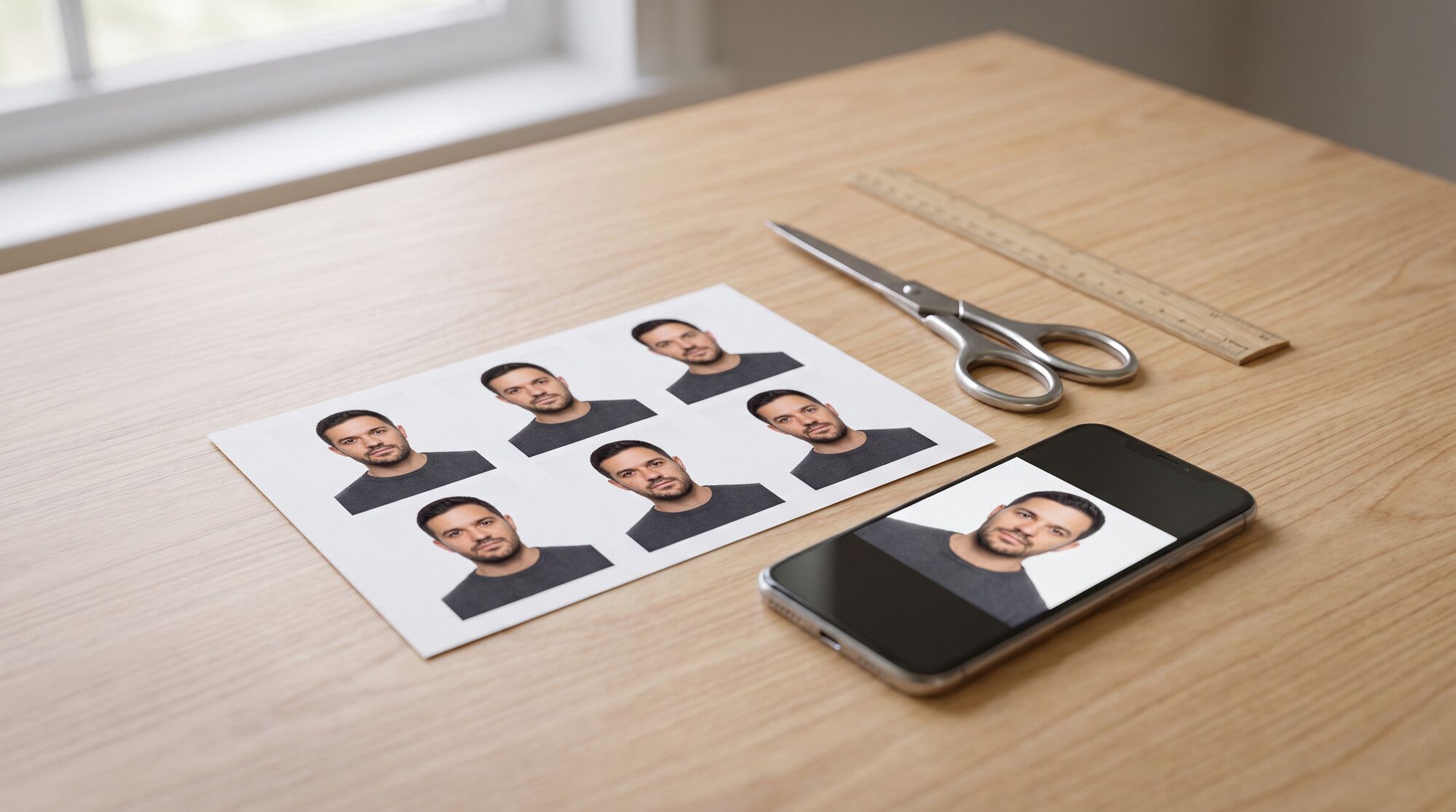
How to print 35×45 mm photos on a 4×6 sheet
Photo labs accept the standard 4×6 in (10×15 cm) format. At 300 dpi it fits 8 photos of 35×45 mm: 4 per row, 2 rows.
What to do:
- Crop the result to a 7:9 ratio (35×45): about 5 mm above the crown, 32–36 mm from crown to chin.
- Save the frame at 413×531 pixels — that’s 35×45 mm at 300 dpi.
- Lay out the copies on a 1800×1200 pixel canvas (4×6 in, 10×15 cm) with gaps for cutting.
- Print it as a 4×6 photo on matte paper and cut along the lines.
For online government services you don’t need to print anything — upload the 35×45 frame itself.
Where to try it: AI2Face
Nano Banana Pro, Nano Banana 2.1 and GPT Image 2.5 are all in one AI2Face generator: upload a selfie and compare what the models produce. The cost of each edit is shown before you start, and credits from packs don’t expire. If you also need to remove the background separately or cut the person out as a PNG, see our test on removing the background from an image with AI.
Bottom line
AI turns an ordinary selfie into an ID photo with a single command: it removes the hand with the phone, adds a white background, evens out the light and changes the clothes. For a resume, work pass or application form, that’s a finished result. For a passport, AI works as an assistant: passport rules ban photos with improved appearance, so forbid retouching in the prompt and check moles and proportions against the source. In our test, GPT Image 2.5 came closest to the requirements: a pure white background and no invented moles. Nano Banana Pro and Nano Banana 2.1 added moles and made the background light grey — that doesn’t matter for a resume, but for a passport you’ll need to regenerate. If you have doubts about the likeness, get your passport photo taken at an official photo studio or service center.
FAQ
Can AI make a passport photo?
Yes, as long as the AI only changes the background, light, clothes and head position, and the face stays yours. Passport rules prohibit photos edited to improve appearance, so don't ask for face retouching, and compare the result with yourself.
Will an AI-made photo be accepted for a passport?
What gets checked is compliance with the requirements and your likeness, not how the photo was taken: 35×45 mm, front-facing, a white background without shadows, a neutral expression. If the model has changed your facial features, the photo will be rejected — for a passport, an official photo studio or service center is the safer option.
What background do I need for a passport photo?
In our Russian example it's white and plain, with no stripes, spots, objects or shadows (item 89.8 of the Ministry of Internal Affairs regulation); a plain light background is common in many countries, but check your own authority's rules. Light grey doesn't work for a Russian passport, but it's fine for a resume or work pass. AI models often produce an almost-white background, so check it with the eyedropper in any editor.
Can I make an AI passport photo for free?
Yes, a few times. AI2Face gives you starter credits when you sign up, and the cost of each edit is shown before you run it.
How do I print 35×45 mm photos at home?
Lay out several 35×45 mm copies on a 4×6 in (10×15 cm) sheet at 300 dpi and print it at any photo lab as a regular 4×6 print. The sheet fits 8 photos.
Sources
4
- https://www.consultant.ru/document/cons_doc_LAW_384459/ee0dfa9835accfbbf04b9eeeaa0ae14988702b1f/
- https://krasnyluch-lnr.gosuslugi.ru/dlya-zhiteley/novosti-i-reportazhi/novosti_1509.html
- https://blog.google/innovation-and-ai/products/nano-banana-pro/
- https://ai.google.dev/gemini-api/docs/image-generation