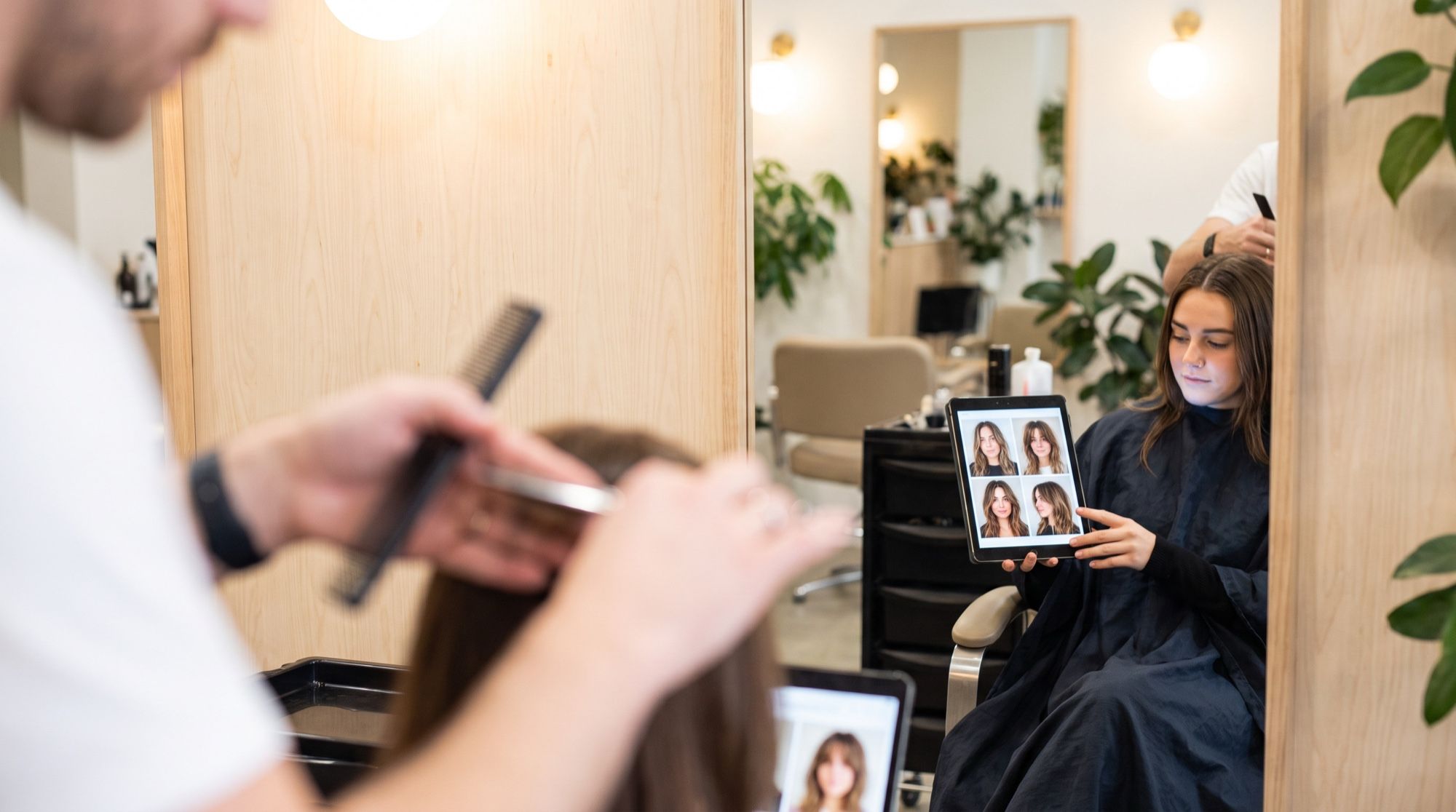
An AI hairstyle try on lets you see yourself with a new cut before you book the salon. Generative photo-editing models change only the hair — length, shape, bangs, color — and keep the face, clothes and background as they are. We tested this on two selfies: eight versions for a woman’s portrait and two for a man’s. Every image and video below was made in the AI2Face generator.
AI hairstyle changer: how it works
Your photo becomes the reference, and the prompt becomes the brief for a stylist. A model like Nano Banana Pro finds the hair in the photo, draws the new cut to match the lighting and head shape, and keeps the rest of the frame. You don’t need a dedicated app: any model that edits photos from text works — the same one that changes backgrounds and clothes in photos.
We took an ordinary selfie: medium-length hair tucked behind the ears, a white t-shirt, a grey wall, daylight.
Which photo works best for a hairstyle try-on
- Face straight on or slightly turned. In profile the model sees the face shape and hairline less clearly.
- Forehead, ears and neck visible. Hair tucked behind the ears is the best source: the model doesn’t have to guess what’s underneath.
- Even daylight, no filters. Colored light and filters distort both the hair color and the skin tone.
- Framed to the shoulders — to the chest for long cuts. Otherwise there’s nowhere to “put” long hair.
- Your own photo, or with consent. Don’t try looks on someone else’s face without permission.
A prompt for changing your hairstyle: the formula
which cut + length and shape + color + what to keep exactly as in the photo
Set the length with a landmark on the body — “to the chin,” “past the shoulder blades” — rather than a cut name that different stylists read differently. The last part of the prompt matters most: list the facial features that must not change. We added the same line to every prompt:
Keep her face exactly the same: face shape, grey-green eyes, freckles, eyebrows,
nose, lips, skin tone and neutral expression. Keep the white t-shirt, the plain
grey wall, the daylight and the camera angle unchanged. Photorealistic, natural
hair texture with individual strands, realistic hairline, not a wig.
“Not a wig” is there for a reason: without it the model sometimes draws hair that’s too even and plasticky.
Women’s haircuts: 4 versions on one face
Bob
Change only her hairstyle to a sleek chin-length bob with a soft side part,
ends slightly curved inwards, same dark blonde color.
Pixie
Change only her hairstyle to a short textured pixie cut with longer pieces on top
swept to the side and short sides, same dark blonde color.
Long waves with curtain bangs
Change only her hairstyle to long loose soft waves falling below the shoulder
blades with curtain bangs framing the face, same dark blonde color.
Curls
Change only her hairstyle to shoulder-length natural voluminous curls with
defined ringlets, same dark blonde color.
A grid of four haircuts in one request
Looks are easier to compare side by side. Ask the model for a 2×2 grid with captions — you get a try-on sheet to send to a friend or show your stylist.
Create a 2x2 grid of four portraits of the same woman from the photo, each with a
different haircut: top left a chin-length bob, top right a short pixie cut, bottom
left long layers with curtain bangs, bottom right a shoulder-length shag. Under each
portrait a thin white strip with a small caption, written without any quotation
marks: Bob, Pixie, Layers, Shag. Keep her face identical in all four.
Write captions in the prompt without quotation marks and add “without quotation marks.” On our first attempt we put the words in quotes, and the model drew the quotation marks on the image too. The captions can be in any language; ours are in Russian.
How to choose a hair color with AI
Color is a separate instruction. Describe the shade with words about light and temperature — “warm,” “cool,” “with darker roots” — and say that the length and styling stay the same.
Change only her hair color to a rich warm copper red with natural dimension and
lighter strands, keep the same length and the hair tucked behind the ears.
Change only her hair color to a cool platinum blonde with slightly darker roots,
keep the same length and the hair tucked behind the ears.
For complex techniques such as balayage or highlights, describe the result, not the technique: “a soft transition from dark roots to light ends with no hard line,” “fine light strands, moderate contrast.”
Men’s haircuts with AI
For men’s cuts, the key is describing the length on top and the transition at the sides: models struggle with barber jargon unless you explain it.
Change only his haircut to a short textured crop with a low skin fade on the sides
and a short straight fringe, same brown color. Keep his face, brown eyes, light
stubble, t-shirt, the phone in his hand and the wall unchanged.
We made the second cut — a classic short side part with neatly tapered sides — with the same prompt, changing only the first line.
How the hairstyle looks from the side and back: video
A photo only shows the cut from the front. To see its shape from the side, animate the result: the video model Veo 3.1 will turn the head and show the cut from different angles.
The woman slowly turns her head to the left, then to the right, showing the sides
and the back of her chin-length bob, then looks back at the camera and smiles
slightly. Hair moves naturally. Static camera, soft daylight, plain grey wall, no text.
Will the AI keep your face: Nano Banana Pro vs GPT Image 2.5
We made the same cut — a chin-length bob — in two models with one prompt.
| Nano Banana Pro | GPT Image 2.5 | |
|---|---|---|
| Likeness | features, freckles and skin texture as in the source | same features, slightly smoother skin, warmer tone |
| Length accuracy | below the chin — longer than requested | exactly to the chin, ends curved in |
| Background and clothes | unchanged | unchanged |
| When to use | likeness matters most | hitting the exact cut shape matters most |
Both models did well: the person is recognizable and the face didn’t drift. If you want a reference for your stylist showing the shape, try GPT Image 2.5; if you want to see yourself, use Nano Banana Pro.
What to do if the result isn’t right
- The face changed. List the features one by one: eyes, nose, lips, moles, freckles. A general “keep the face” works worse.
- The hair looks like a wig. Add “natural texture, individual strands, realistic hairline, not a wig.”
- The skin changed along with the hair. Specify “don’t change the skin tone or eyebrows” — especially when going lighter.
- The length is wrong. Set it with a body landmark: “to the chin,” “to the collarbones,” “past the shoulder blades.”
- One change at a time. First the cut, then the color: it’s easier to see what went wrong.
How to choose a look and what to show your stylist
- Make 3–4 versions, not 20: more options only confuse.
- Compare them in a grid and drop the ones where you don’t recognize yourself.
- For the finalist, make a head-turn video — the side view often decides it.
- Show your stylist the source and the two best versions. AI shows the look but doesn’t account for your hair’s density, texture and coloring history — only a stylist can judge that.
Where to try on hairstyles online
Nano Banana Pro, GPT Image 2.5 and Veo 3.1 are all in one AI2Face generator. Upload a selfie, paste a prompt from this article, and animate the version you like into a video straight from the feed. The cost of each try-on is shown before you start, you can pay by card or crypto, and credits from packs don’t expire. You can use the new look as your profile picture right away: AI2Face strips AI metadata from the file, so social networks won’t find an AI label in it. For more profile ideas, see our guide to AI avatars.
Bottom line
An AI hairstyle try on is faster and clearer than any catalog: in our test, eight cuts and two colors fit the same face without losing the likeness. All you need is a good front-facing selfie and a line in the prompt that lists the facial features. For trying looks on yourself, use Nano Banana Pro; for an exact cut shape, GPT Image 2.5; then animate the finalist in Veo 3.1 to see it from the side. Make the final call with your stylist: AI shows a look, not a guaranteed salon result.
FAQ
How do I try on a hairstyle with AI?
Upload a front-facing selfie taken in even light, pick an editing model such as Nano Banana Pro and describe the cut: length, shape, bangs and color. Always add “keep the face exactly as in the photo.” In about half a minute you'll see yourself with the new hairstyle.
Can I try on hairstyles with AI for free?
Yes, for a few tries. AI2Face gives you welcome credits after signing up, and one try-on in Nano Banana Pro is inexpensive — the price is shown before you start.
Will the AI keep my face?
Yes, if you ask it to. In our test, with the facial features listed — eyes, freckles, nose, lips — Nano Banana Pro kept the face in all eight versions. GPT Image 2.5 also holds the features but smooths the skin slightly.
Can AI help me choose a hair color?
Yes. Describe the shade in words — “warm copper,” “cool platinum blonde with darker roots” — and say that the length and styling stay the same. The model recolors the hair without touching the skin or eyebrows.
Does it work for men's haircuts?
Yes. Describe the length on top and the transition at the sides: “a short textured crop with a low fade.” On our male selfie both cuts looked natural, and the stubble and facial features didn't change.
Sources
4
- https://ai.google.dev/gemini-api/docs/image-generation
- https://blog.google/innovation-and-ai/products/nano-banana-pro/
- https://developers.openai.com/api/docs/guides/image-generation
- https://ai.google.dev/gemini-api/docs/veo