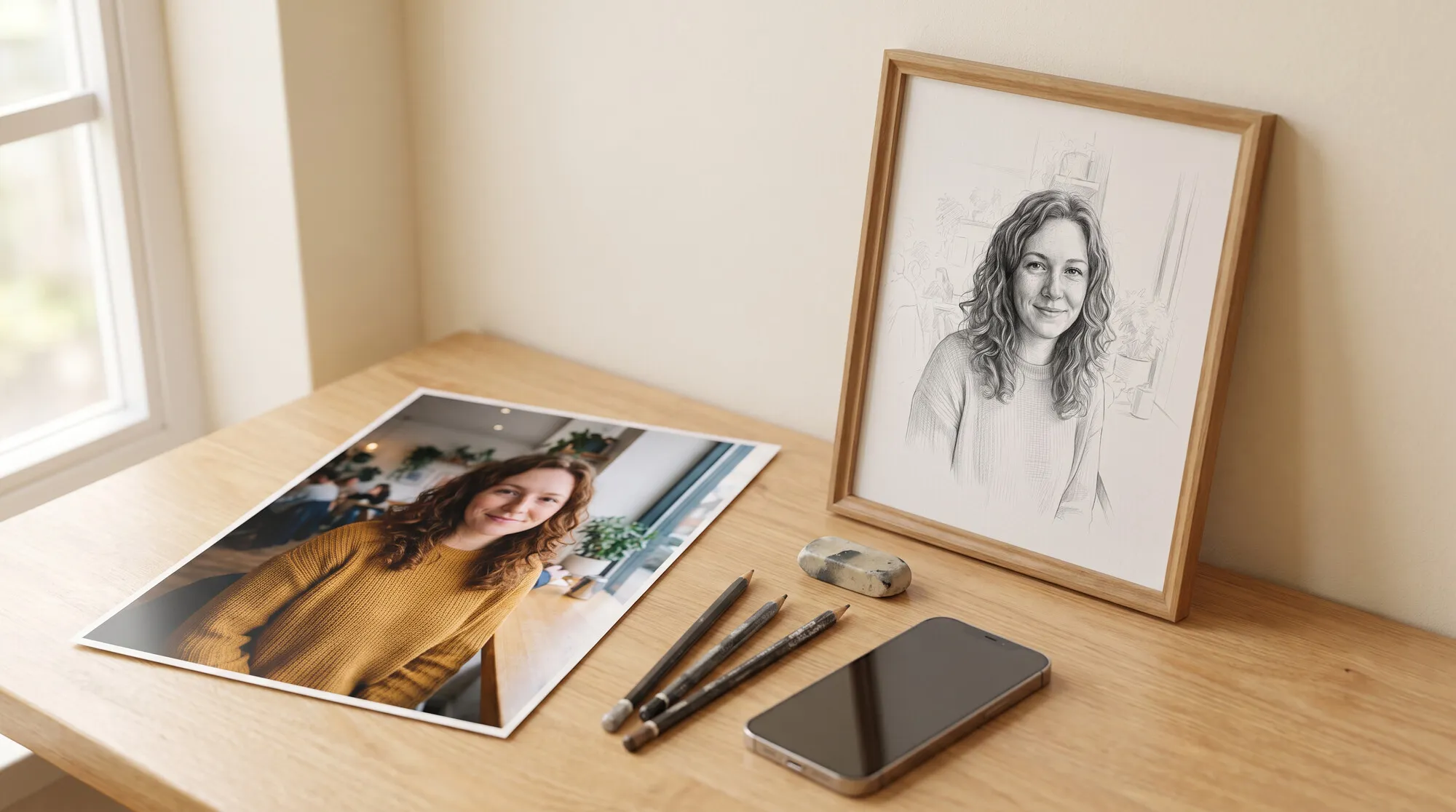
An AI age filter is one of the most common portrait edits: see a younger version of yourself, picture old age, or give your mom a photo of herself “as she was 20 years ago.” A model does this from one sentence, but it easily loses the likeness. We tested the filter in the AI2Face generator on two fictional people and took each of them through a range of ages, so you can see where the face still looks like them and where it becomes someone else.
How to use an AI age filter
- Upload a portrait. The face should be large, sharp and in daylight.
- Give the age as a number: “10 years younger” or “as at 30.” The word “younger” with no number is read as “about 20–30 years,” and the face changes too much.
- List what must not change: the face, eye color, hairstyle, jewelry, clothes, background and light.
- Ask for natural skin: “natural skin texture, not airbrushed, not plastic.” Otherwise you get a beauty-app photo, not a younger you.
Make this woman look about 10 years younger, around 45 years old, in a natural
and realistic way: slightly softer wrinkles around the eyes and mouth, a bit
firmer jawline, fresher skin while keeping natural pores. Keep her identity, face
shape, eye color, hairstyle, earrings, blouse, pose, park background and
lighting exactly the same. Not airbrushed, not plastic.
A face 10 and 25 years younger
The source is a woman of about 55. We took two steps: a light change to 45, and a strong one to 30.
- 10 years younger looks natural: the wrinkles are softer, the outline of the face is a little more defined, the skin is fresher, and it’s the same person.
- 25 years younger is already a reconstruction. You still know her by the eyes, the haircut and the smile, but the skin looks airbrushed, like a magazine, and the shape of the face has shifted a little. She might have looked like that. She didn’t necessarily look that way.
If you don’t want to look younger and only want to look less tired, ask for a retouch: “remove the bags under the eyes and even out the skin tone, don’t change the age.” That’s a different job, and the face barely changes. More on small edits is in our AI photo editor guide.
How to age a photo: what you’ll look like older
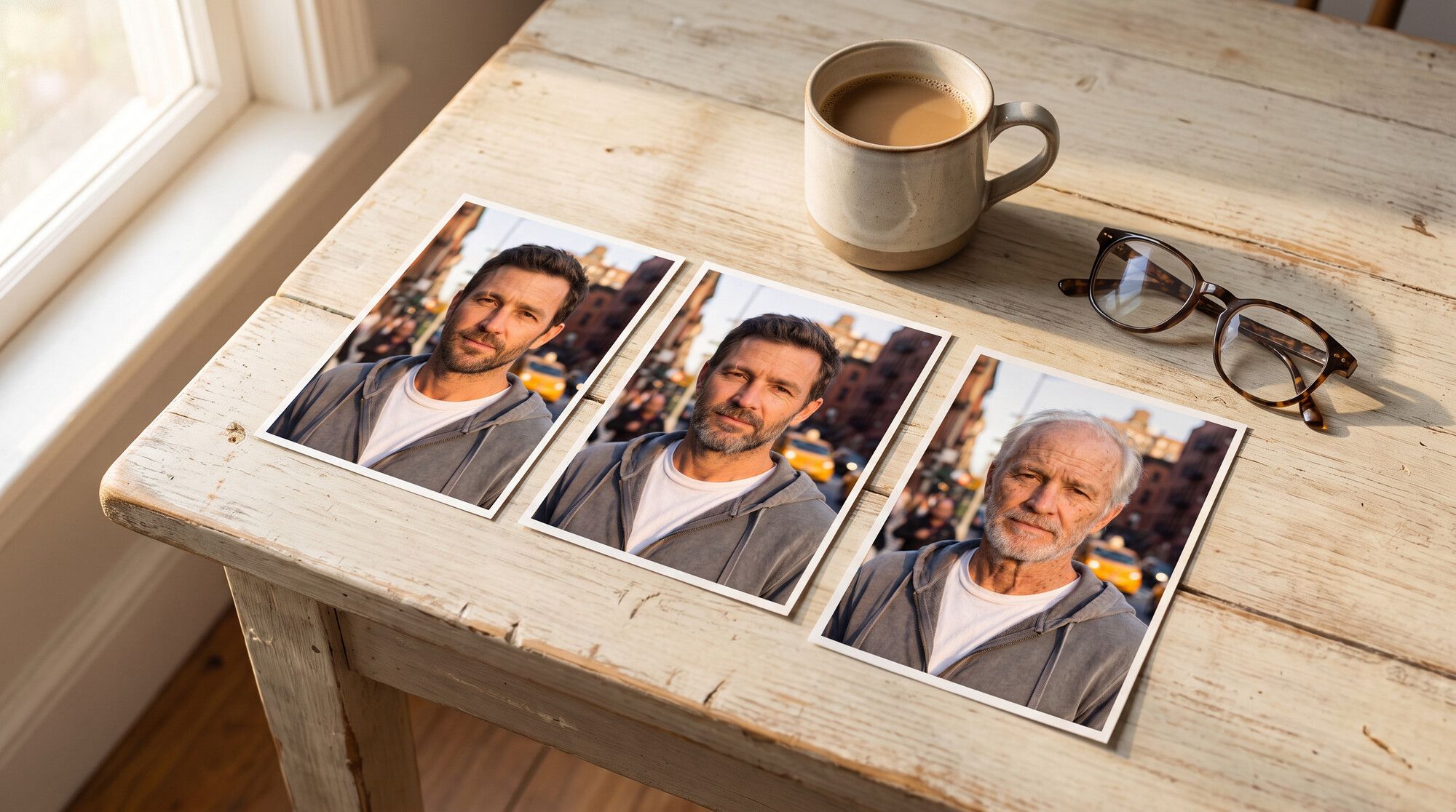
For aging, name the signs of age, not just a number: gray hair, thinning hair, wrinkles on the forehead and around the eyes, age spots, thinner lips, loose skin on the neck. The source is a 30-year-old man with a scar on his left eyebrow, which makes the likeness easy to check.
Age this same man to about 75 years old in a realistic way: white thinning hair,
a short white beard, deep wrinkles on the forehead and around the eyes, age
spots, thinner lips, slightly sunken cheeks and looser skin on the neck. Keep
his identity, face shape, brown eyes, the small scar on the left eyebrow, the
grey hoodie, pose, street background and golden hour lighting the same.
At 55 the model used gray streaks, a receding hairline and crow’s feet. At 75 it used sparse white hair, age spots and the skin on the neck. The eyebrow scar stayed put in every frame: if you name a feature in the prompt, the model keeps it.
Nano Banana Pro or GPT Image 2.5: which one ages more accurately
We sent the “to 75” prompt to Nano Banana Pro and GPT Image 2.5:
| Nano Banana Pro | GPT Image 2.5 | |
|---|---|---|
| Visible age | about 75, as asked | about 60–65 |
| Likeness to the source | high | very high |
| Features (scar, clothes, background) | kept | kept |
| When to use it | “me in old age,” a large age jump | mild aging by 15–25 years |
GPT Image 2.5 changes the face more cautiously: the likeness is higher, but it falls short of the age you asked for. For a truthful “what I’ll look like at 75,” we’d use Nano Banana Pro.
See yourself as a child from an adult photo
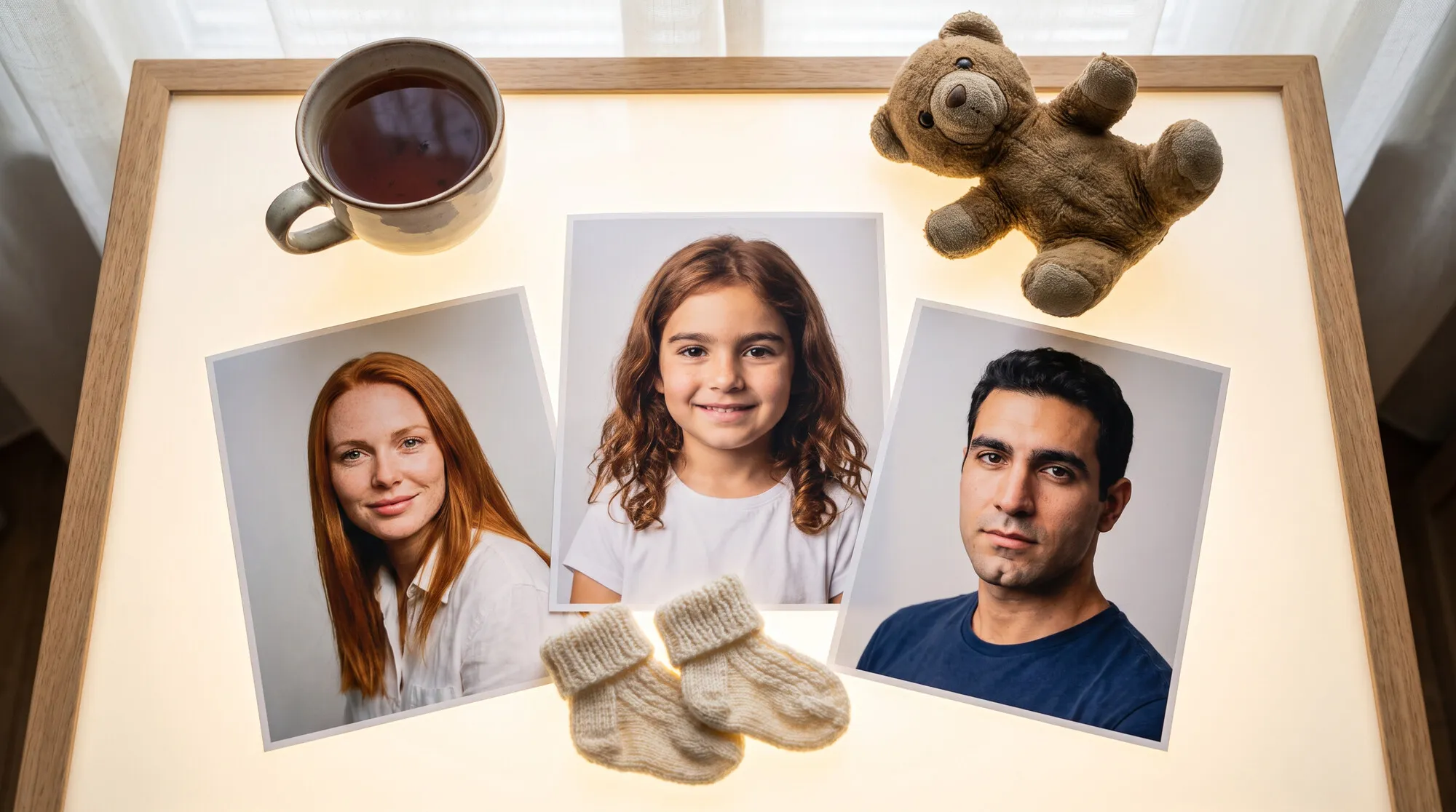
The other direction works too: the model “shrinks” the face and keeps the eyes, the eyebrows and the proportions.
Models put childhood ages too high: “8 years old” produced a teenager. If you want a small child, ask for 2–3 years less than the age you want, and add childlike features: “round cheeks, a small nose, baby teeth.” Remember this is a fantasy, not a childhood photo. Real shots from a family album are better off with free AI photo restoration.
Why the face stops looking like you
- The step is too big. Every 10–15 years is a new guess by the model. For a strong jump younger, do two steps: first 10 years, then another 10 from that result.
- Nothing locks the likeness. Scars, moles, the shape of the eyebrows, earrings and clothes hold it. List them in the prompt.
- A beauty filter on the source. Skin that’s already been smoothed comes out plastic. Use an unprocessed photo.
- The face is small. On a group shot or a photo taken from far away, crop to a portrait first.
Limitations
- It’s a guess, not a forecast. The model draws a plausible face, not the one you had or the one you’ll have. It doesn’t account for heredity, lifestyle or illness.
- Other people’s photos need consent. An aged or rejuvenated photo of a recognizable person is still an image of them. Don’t use it for pranks or for documents.
- Not for documents. A passport or a visa needs a real photo with no change to your appearance — more on that in our AI passport photo guide.
- The age drifts. Models tend to fall short at the extremes: small children come out older, and older people come out younger.
Where to use an AI age filter
In AI2Face, Nano Banana Pro and GPT Image 2.5 sit in one generator: send the photo to both and compare which one keeps the face. You can upload the result again as the source and take the next step in age. The cost of each generation is shown before you start, you can pay by card or crypto, and credits from packs don’t expire. On download, AI2Face replaces the model’s service metadata with ordinary camera data, so social networks don’t flag the photo as AI-generated.
Bottom line
An AI age filter can take 10 years off a photo almost without you noticing: the face stays yours if you give the age as a number and list what must not change. Taking off 25 years, or aging someone to 75, is already a reconstruction. The person is recognizable, but the skin and the shape of the face are invented by the model. For strong aging, use Nano Banana Pro. For mild aging with the closest likeness, use GPT Image 2.5. Do large jumps in two steps, and treat the result as a plausible picture, not a forecast.
FAQ
How do you make a face look younger in a photo with AI?
Upload a portrait and say how many years, and what to keep: “make it 10 years younger; don't change the face, hair, clothes or background; natural skin, not plastic.” In our test, Nano Banana Pro took a 55-year-old woman to 45 without losing the likeness.
How can I see what I'll look like when I'm older?
Upload your photo and ask to age it to a specific number, with the signs of age: gray hair, wrinkles, age spots. Give the age as a number — “to 75” works better than “elderly.”
Can an adult photo show you as a child?
Yes, but it's the model's fantasy. In our test a 30-year-old man became a recognizable boy, only he looks 11–12 instead of the 8 we asked for.
Why doesn't the face look like you after you make it younger?
The bigger the age jump, the more the model invents. Ten years younger keeps the face; 25 already changes the shape and the skin. List the features that must stay: eyes, nose, moles, scars.
Can I make a photo look younger for free?
Yes, a few times. AI2Face gives you welcome credits after you sign up, and the cost of each generation is shown before you start.
Sources
3
- https://blog.google/innovation-and-ai/products/nano-banana-pro/
- https://ai.google.dev/gemini-api/docs/image-generation
- https://developers.openai.com/api/docs/models/gpt-image-2.5-sunburst