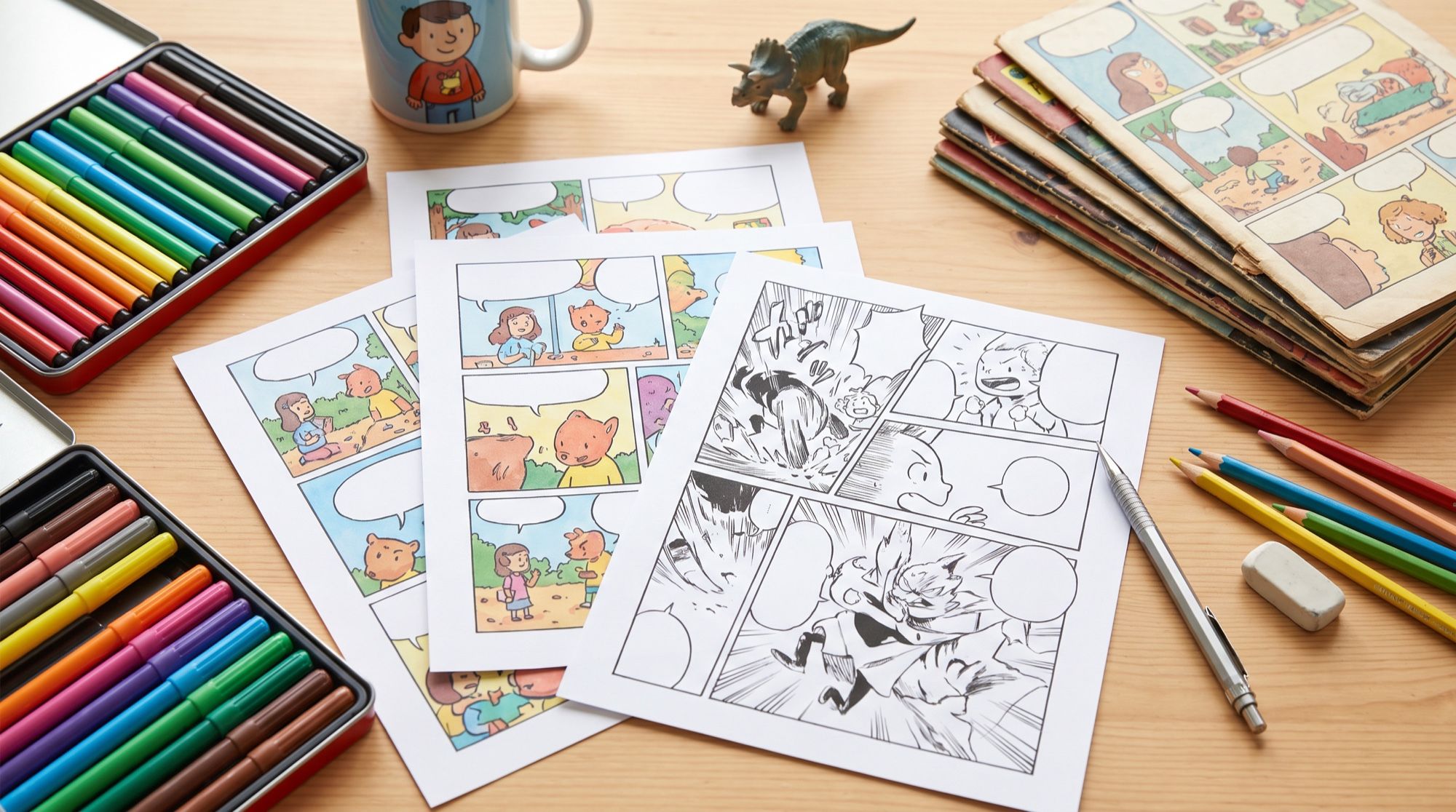
Until recently, an AI comic generator meant generating separate images, then assembling them in a layout and adding dialogue in an editor. Models in 2026 draw the whole page: panels, the hero and the text in the speech bubbles. We tested five formats — from a funny strip to manga and a cover — and separately looked at how to keep the hero consistent across panels. All images and the video below were made in the AI2Face generator.
How to use an AI comic generator: 4 steps
- Script. 4–6 sentences following “hero — goal — obstacle — action — payoff.” Four are enough for a strip.
- Storyboard. One idea per panel. Alternate wide shots and close-ups.
- A page prompt or panel prompts. Describe the grid, the style and every panel with its line of dialogue.
- Check the text and the hero. Read every line and compare the hero across all panels.
A four-panel strip from one prompt
Let’s start with the most popular format — a four-frame joke. The hero is a chubby grey cat named Boris; the subject is Monday. We made the strip in English and in Russian; below is the English version.
A four-panel comic strip in a clean colorful cartoon style, 2x2 grid with white
gutters. A chubby grey cat named Boris. Panel 1: Boris sleeps on a bed, an alarm
clock rings, speech bubble: Monday again? Panel 2: Boris drags himself to the
kitchen, half-asleep. Panel 3: Boris stares at an empty food bowl in shock, speech
bubble: Where's breakfast?! Panel 4: Boris happily eats from a full bowl, a hand pours
food, speech bubble: Monday's OK. Speech bubbles with clear black English
lettering, written exactly as given, no other text.
All the lines — with question marks, exclamation marks and a dash — came out correct. The model even added a bit of direction: it turned the first line into the sleeping cat’s thought bubble and set the alarm clock to 07:00.
Which AI renders dialogue better: Nano Banana Pro or GPT Image 2.5
We sent the same prompt to GPT Image 2.5.
| Nano Banana Pro | GPT Image 2.5 | |
|---|---|---|
| Dialogue lettering | no errors | no errors |
| Panel borders | classic black | none, only gutters |
| Style | flat comic, outlines | volumetric cartoon rendering |
| Direction | added a thought bubble and the time on the clock | a ringing alarm clock, more background detail |
Both models handled it. For a classic comic with borders, use Nano Banana Pro; for volumetric, almost 3D rendering, GPT Image 2.5.
Manga and a vertical webtoon
Style is set with words about technique: for manga — screentone, speed lines and black-and-white ink; for a webtoon — a vertical strip of panels.
Black and white manga page with three panels of different sizes: a tall panel of a
young samurai girl with a ponytail drawing her sword in the rain, a wide panel of
falling cherry petals and a shadowy opponent, a close-up panel of her determined
eyes. Screentone shading, dynamic speed lines, expressive ink linework, no speech
bubbles.
Vertical webtoon strip, three stacked panels from top to bottom in soft digital
color: panel 1 — a teenage boy opens a glowing old book in a dusty attic; panel 2 —
swirling blue light pours out of the pages; panel 3 — a tiny friendly dragon sits
on the book and looks at him. Clean modern webtoon style, wide gutters, no speech
bubbles.
Make webtoons 9:16: people read them on a phone, scrolling down. For manga, 2:3 works — the proportions of a magazine page.
How to keep the hero consistent across panels
When the model draws a whole page, the hero has no chance to drift. But in a long comic generated panel by panel, the hero will change without a reference. So for a longer story:
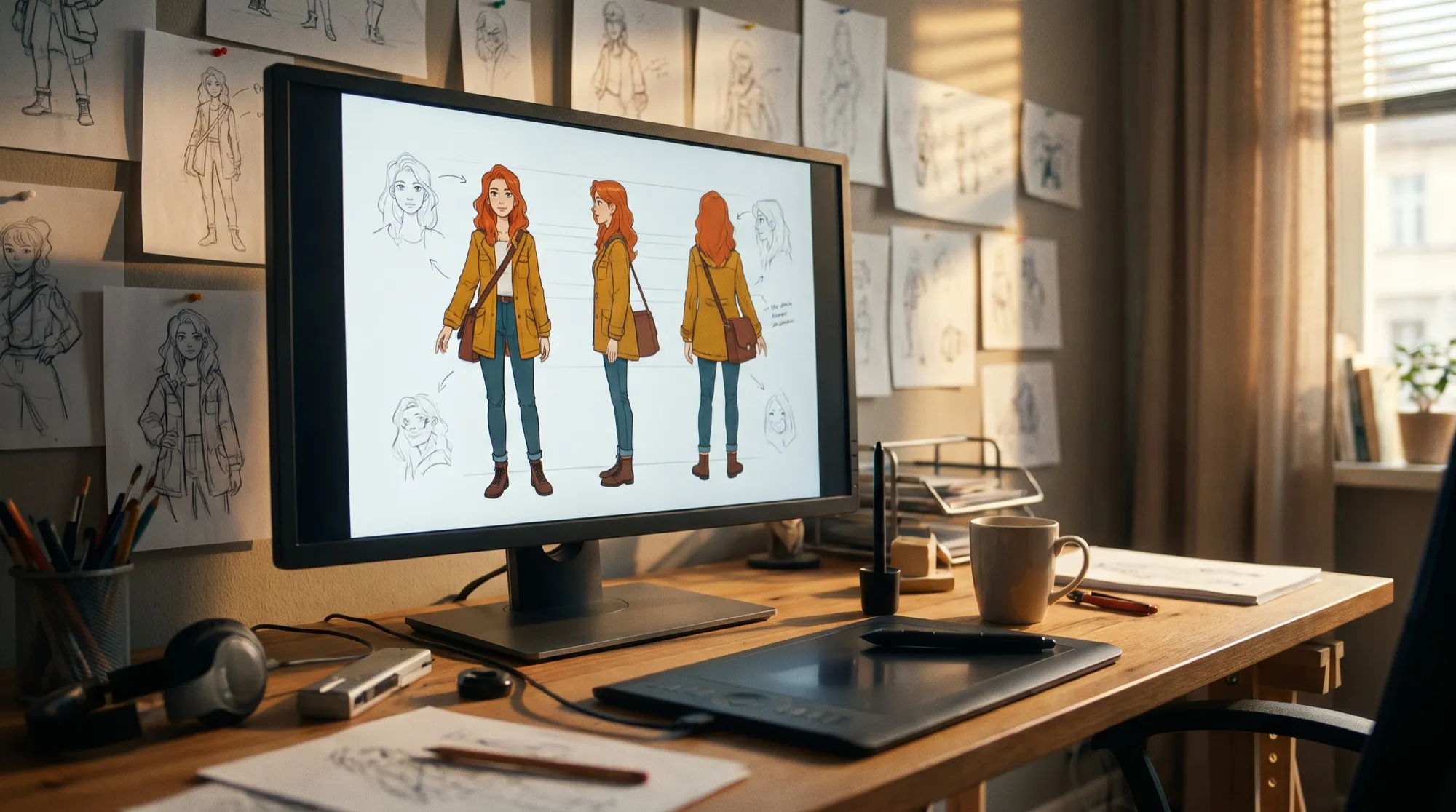
- Make a portrait and a character sheet of the hero — details in our guide to the AI character generator.
- Upload the portrait as a reference for every panel.
- End every prompt by repeating key features: hair, outfit, 2–3 signature details.
That’s how we made two panels with Mira, the bike courier from the character guide:
Single comic panel in bold comic book style with inking and flat colors: the same
character from the reference stops her bicycle in front of a mysterious glowing
parcel lying on a wet street at night, surprised expression. One speech bubble
with English text, written once without quotation marks: For me? No other text.
Keep her look exactly as in the reference.
A comic cover
A cover is a separate frame with a big title. The title can also be rendered right in the generation.
Comic book cover: the same character from the reference leaps across city rooftops
at sunset with her messenger bag, dynamic low-angle pose, bold comic book inking
and vivid colors, halftone dots. At the top a big bold comic title in English,
written once without quotation marks: COURIER MIRA. Below it a small line:
Issue 1. No other text, no logos.
An animated panel: a motion comic
Any panel can become a short clip — that’s how motion comics and social teasers are made. We sent the second panel to Veo 3.1.
The small glowing paper crane slowly flies out of the open parcel and circles in
front of the young woman's face, the warm light pulses softly, she gasps with wonder
and follows the crane with her eyes, a slight smile. Same bold comic book style with
ink outlines and flat colors, the speech bubble with text stays perfectly still and
unchanged. Sound: soft rustle of paper, a gentle magical chime. No music, no new text.
Common mistakes in AI comics
- Too much in one panel. One panel — one action and one line.
- Long lines. We tested lines of up to three words; the longer the text, the smaller the letters and the higher the risk of errors. Split long dialogue across several panels.
- Quotes around dialogue. The model may draw them inside the bubble. Write “without quotation marks” — as explained in our AI greeting card generator guide.
- Mixed styles in one comic. Set the style once and repeat it word for word in every prompt.
- No close-ups. Alternate wide, medium and close shots — the comic reads more dynamically.
Where to make a comic with AI
Nano Banana Pro, GPT Image 2.5 and Veo 3.1 are all in one AI2Face generator: the page, the cover and the animated panel can be made in one feed, and any frame can go into the next panel as a reference. The cost of each generation is shown before you start, you can pay by card or crypto, and credits from packs don’t expire. For posting on social media, it also helps that AI2Face strips AI metadata from the files. More on prompt language in our guide to AI image prompts.
Bottom line
An AI comic generator no longer needs an editor: Nano Banana Pro and GPT Image 2.5 draw the whole page and render dialogue without errors, even in Cyrillic. Strips, manga and webtoons take one generation per page; a longer story needs a portrait of the hero and a reference in every panel. Start with a four-sentence script, make a strip and a cover, and bring your best panel to life in Veo 3.1.
FAQ
How do I make a comic with AI?
Write a script of 4–6 sentences, split it into panels and describe each one in the prompt: what happens, the shot size and the line in the speech bubble. Nano Banana Pro draws the whole page in one generation.
Can AI write dialogue inside speech bubbles?
Yes. In our test, Nano Banana Pro and GPT Image 2.5 rendered every line, in English and in Russian, without errors, including dashes and “?!”. Write the text word for word and say which panel it belongs to.
Why does my character change between panels?
If you generate panels one by one without a reference, each one is a new version of the hero. Upload a portrait of the hero as a reference and repeat key features in every prompt — that kept our heroine the same in every panel.
Can I make a comic for free?
Yes, a short one. AI2Face gives you welcome credits after signing up — enough for a strip page and a cover. The cost of each generation is shown before you start.
Can I make a comic from my own photo?
Yes. Upload your photo as a reference and ask to be drawn as a comic hero in the style you want. Facial features stay if you list them in the prompt.
Sources
4
- https://blog.google/innovation-and-ai/products/nano-banana-pro/
- https://ai.google.dev/gemini-api/docs/image-generation
- https://developers.openai.com/api/docs/guides/image-generation
- https://ai.google.dev/gemini-api/docs/veo