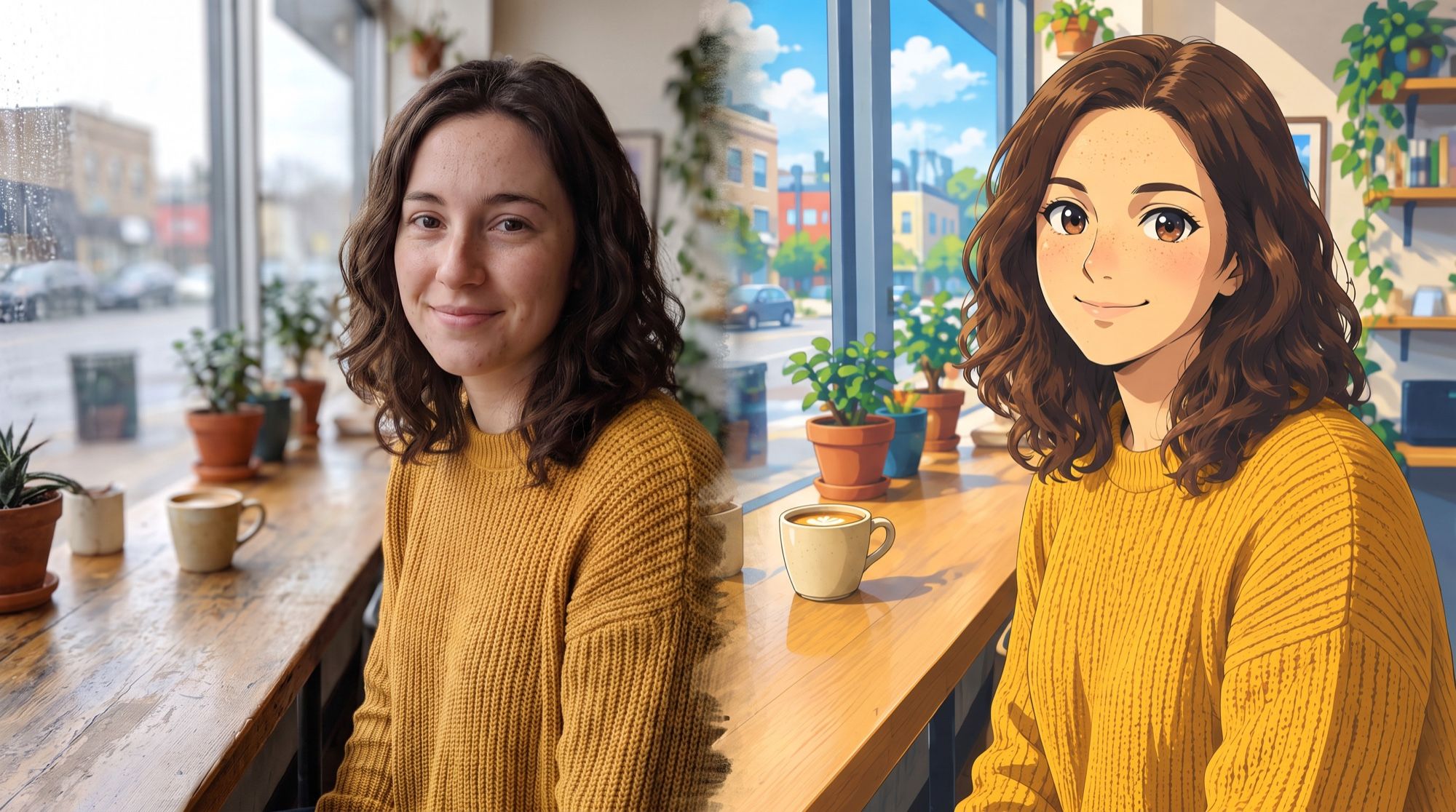
Turning a photo into anime means redrawing your picture as a frame of Japanese animation: the same facial features, hair and clothes, but with large eyes, clean lines and flat shading. You used to need a separate filter for each style. Now one image-editing model draws any style from a description. We took one selfie and made six styles from it. All images below come from the AI2Face generator; the person in the photo was generated for this test.
The source photo: what works best
The best source photo has:
- the whole face visible, no hands or sunglasses in the way;
- soft daylight without harsh shadows;
- one person in the frame — group photos make the model mix up features more often;
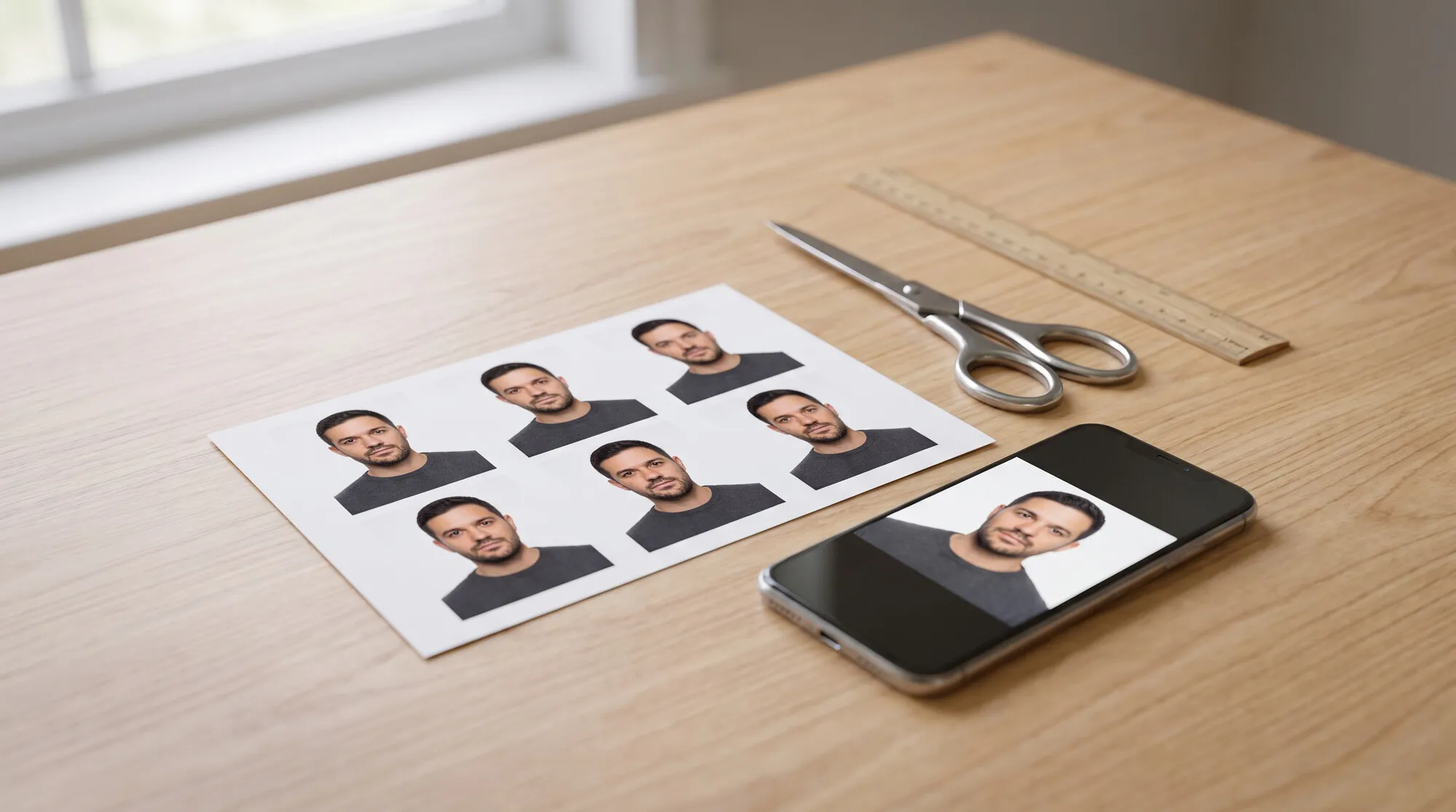
- at least 1000 pixels on the short side.
The background matters too: the model redraws it in the same style. A café, a street or a room makes an atmospheric frame; a plain wall makes an avatar-style portrait. For avatars, we have a separate guide — AI avatar from photo.
Prompt formula for turning a photo into anime
| Part | Example |
|---|---|
| What to do | redraw this photo as a Japanese TV anime frame |
| Rendering | cel shading, thin outline, two-tone shadows |
| Anime facial features | large eyes with highlights, nose as a single line, small mouth |
| Mood and background | sunset sky in the window, watercolor background, VHS grain |
| What to keep | face shape, eyes, freckles, hairstyle, sweater, pose |
The last row matters most: without it, the model draws a nice anime character who just isn’t you. Technique names like cel shading or lens flare work well in English.
6 anime styles from one photo: results and prompts
1. Classic TV anime
Completely redraw this photo as a genuine Japanese TV anime frame, not a Western
comic and not a semi-realistic illustration: authentic anime facial proportions —
large glossy eyes with highlights, small nose drawn as a simple line, small mouth,
simplified jaw — clean cel shading with two-tone shadows, crisp thin line art,
anime hair drawn in clumps with shine. Keep her recognizable: face shape, eye
shape, freckles, shoulder-length dark wavy hair, mustard knitted sweater, the
pose at the café window.
This is the most versatile style — good for an avatar, a post or a thumbnail. We explain why the prompt is so long in the section on mistakes below.
2. Watercolor anime film
Turn this photo into a frame from a hand-drawn fantasy anime feature film: soft
hand-painted watercolor backgrounds, warm nostalgic colors, gentle rounded line
art, cozy atmosphere, plants on the windowsill painted in gouache. Keep her
recognizable: ...
You don’t need to name a studio in the prompt: the model understands the techniques — “watercolor backgrounds, warm nostalgic colors, soft outline”. That way the result doesn’t copy someone else’s style and looks like your own frame.
3. 90s retro anime
Turn this photo into a 1990s retro anime frame: hand-painted cel animation look,
slightly muted colors, film grain and light VHS noise, sharp angular eyes, soft
pastel highlights in the hair, vintage aesthetic. Keep her recognizable: ...
The 90s look is one of the most popular requests. The model adds grain and “VHS noise” from a single phrase, and pastel highlights in the hair instantly read as retro.
4. Romantic anime film with a sunset sky
Turn this photo into a romantic modern anime film still: hyper-detailed glowing
sky with pink and purple sunset clouds visible through the window, lens flare,
light particles, cinematic lighting and reflections, melancholic mood. Keep her
recognizable: ...
In this style, the sky and light matter more than the face. If your photo was taken indoors, ask for “a sunset sky in the window”: the model relights the whole scene for the sunset.
5. Chibi
Turn this photo into a cute chibi anime character: big head, tiny body, huge
sparkling eyes, rosy cheeks, simple café background with soft bokeh, clean
sticker-like outline. Keep her recognizable: ...
A chibi with a white outline is a ready-made sticker. How to build a whole Telegram sticker pack from images like this is covered in our AI sticker maker guide.
6. Action anime
Turn this photo into a dramatic action anime frame: high contrast, deep shadows,
bold thick line art, dynamic camera angle from slightly below, speed lines and
glowing particles around her, intense determined look, the café in the
background in dramatic evening light. Keep her recognizable: ...
This frame was made with a short prompt that didn’t describe anime facial features — and it shows: the anime mood is there, but the face is closer to a Western comic. The next section shows how to fix it.
Why you get a comic instead of anime — and how to fix it
We made the first TV anime version with a short prompt: “a classic TV anime frame, cel shading, big expressive eyes”. Nano Banana Pro produced a neat illustration — but with realistic facial proportions, like a Western comic.
The reason: the model tries to stay faithful to the photo and won’t change facial proportions unless you ask directly. What helped:
- Name the anime features explicitly: large glossy eyes with highlights, a nose drawn as a line, a small mouth, a simplified jaw.
- Say what the result shouldn’t be: “not a Western comic and not a semi-realistic illustration”.
- Describe the technique: two-tone shading, a thin outline, hair drawn in clumps with shine.
The likeness survived: the freckles, eye shape and hairstyle stayed in place.
Which AI is best for photo to anime: three models compared
We made the same TV anime frame in three models. GPT Image 2.5 got the short prompt — it didn’t need the refinement; Nano Banana Pro and Nano Banana 2.1 got the refined one.
| Nano Banana Pro | GPT Image 2.5 | Nano Banana 2.1 | |
|---|---|---|---|
| Anime from a short prompt | no — closer to a comic | yes | — |
| Anime from a refined prompt | yes | — | face yes, background almost photographic |
| Likeness to the source | the most accurate | good, the face is more “typically anime” | good |
| Background | redrawn in style | redrawn brighter than the source: blue sky | blurred photo |
| Best for | when you need to recognize yourself | a fast, “real” anime look | an anime portrait on a realistic background |
Our pick: GPT Image 2.5 if you want the most anime-looking frame on the first try; Nano Banana Pro with a refined prompt if likeness matters more. More on these models in our Nano Banana Pro vs GPT Image comparison.
Ideas: what else to turn into anime
- Couples and family. Upload a photo of a couple or a family and say who stands where: Nano Banana Pro keeps the likeness of up to 5 people in a frame. Shot ideas are in AI couple photoshoot prompts and AI family photoshoot.
- Pets. A cat or dog in anime style is even easier than a person: the model doesn’t have to preserve a human likeness.
- Full body and poses. Works if the source is full-length: the model redraws the pose but won’t invent legs that aren’t in the frame.
- Your own character. If you need a new hero with a consistent look rather than yourself, see our guide to creating a character with AI.
Where to turn a photo into anime
Nano Banana Pro, Nano Banana 2.1 and GPT Image 2.5 are all in one AI2Face generator: upload your photo once and try it in different models and styles. The cost of each image is shown before you start, and credits from packs don’t expire. You can animate the result there too — see our guide on how to animate a photo.
Bottom line
AI turns an ordinary selfie into anime in 20–40 seconds, and the face stays recognizable in every style, from TV anime to chibi. If you want a “real” anime frame on the first try, use GPT Image 2.5. If likeness matters more, use Nano Banana Pro, but describe the anime features explicitly: large eyes with highlights, a nose as a single line, two-tone shading and “not a Western comic”. Start with TV anime or chibi, then try 90s retro and the sunset sky.
FAQ
How do I turn a photo into anime?
Upload your photo to the generator, pick an image-editing model such as Nano Banana Pro and describe the style: “redraw this photo as a Japanese TV anime frame, large eyes with highlights, nose as a single line, cel shading”. Add “keep the face, hair and clothes”. You get the result in 20–40 seconds.
Will the AI keep my face recognizable?
Yes, if you list what to keep: face shape, eyes, freckles, hairstyle, clothes. In our test, the person stayed recognizable in all six styles, even chibi.
Why do I get a comic or cartoon instead of anime?
The model tries to stay faithful to the photo and keeps realistic facial proportions. Describe anime features explicitly — large glossy eyes, a nose drawn as a line, a small mouth, two-tone shading — and add “not a Western comic”.
Can I turn a photo into anime for free?
Yes, a few times. AI2Face gives you starter credits when you sign up, and one image in Nano Banana Pro is inexpensive — the cost is shown before you generate.
Which AI is best for turning photos into anime?
GPT Image 2.5 gives the most “anime” look on the first try; Nano Banana Pro preserves facial features better and draws real anime once you refine the prompt. Nano Banana 2.1 keeps the background almost photographic.
Sources
3
- https://blog.google/innovation-and-ai/products/nano-banana-pro/
- https://ai.google.dev/gemini-api/docs/image-generation
- https://developers.openai.com/api/docs/guides/image-generation