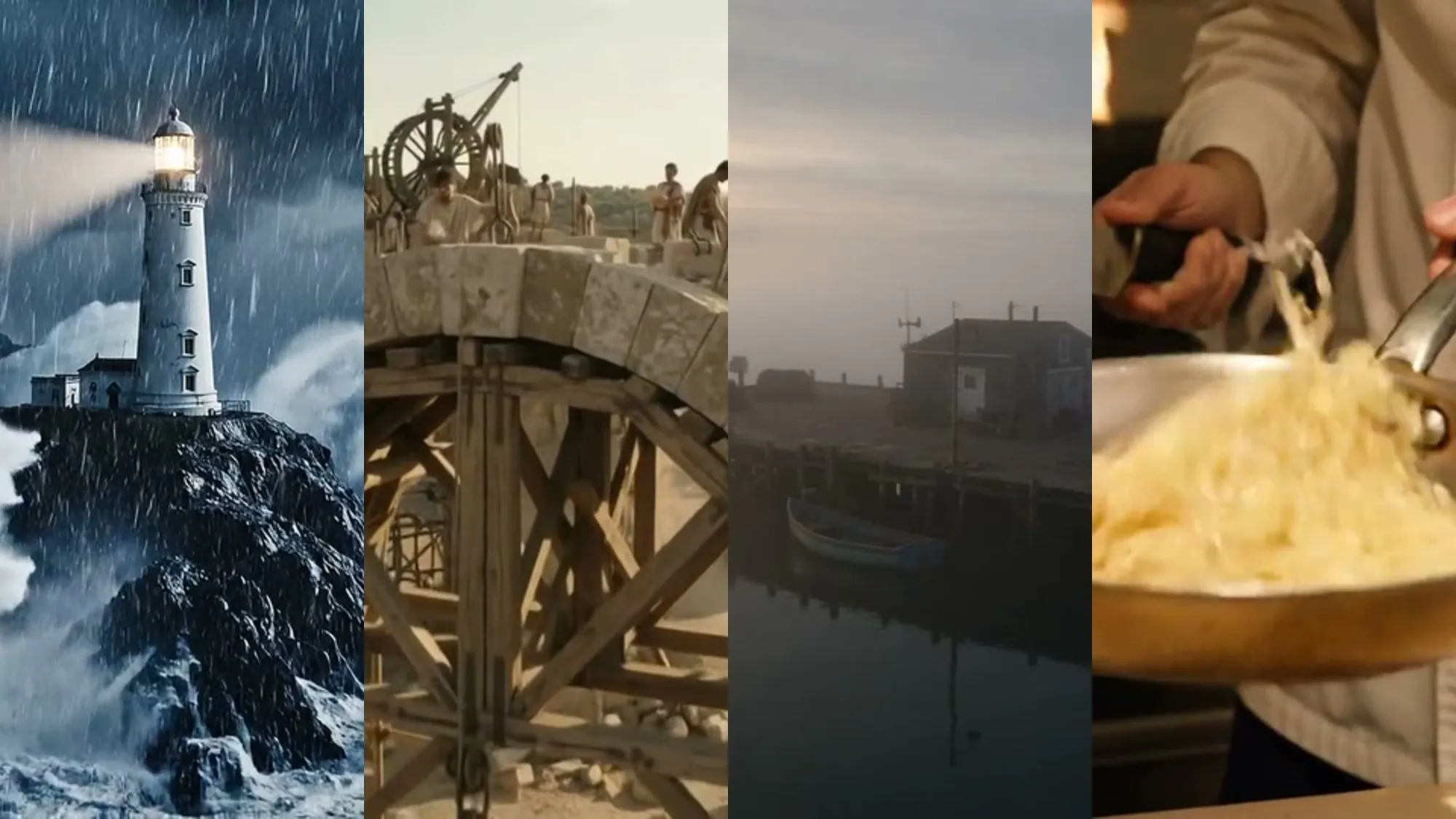







Animating a photo is the most popular way to try a video model: you don’t have to invent a scene, it’s already in the still. Earlier services moved only the face and returned a silent GIF. Current models animate the whole frame — people, water, clouds, a drawing — and add sound in the same pass. We tested six typical cases in Gemini Omni and Veo 3.1. Each clip’s poster is the source photo; click it to see the result.
How a model animates the frame
The video model takes the photo as the first frame and builds the following seconds: how a person might smile, where the water would flow, how the camera would shift. The prompt says what should move, and the sound is generated with the picture.
This is not an effect laid on top of the photo. It is a new video. The result depends on the source and on the prompt: the more precisely you describe the motion, the less the model invents on its own.
How to animate a photo: 4 steps
- Pick a photo. Sharp, with the face toward the camera, or a landscape that has something movable.
- Pick a model and the “from a photo” mode. AI2Face has Gemini Omni, Veo 3.1, Seedance and Kling. Gemini Omni or Veo 3.1 is enough to start.
- Describe the motion and the sound. “Blinks and smiles, a strand of hair moves. The camera stays still. Sound: a quiet room.”
- Pick the length and the format. 4–10 seconds, vertical 9:16 for social feeds or horizontal 16:9.
The lines “the camera stays still” and “keep the face as in the photo” raise the likeness a lot: the model has less reason to rebuild the frame.
Animate a portrait: a smile and a look
The most common request is to animate a photo of a person. Light motion is enough: a blink, a breath, a turn of the head, a smile.
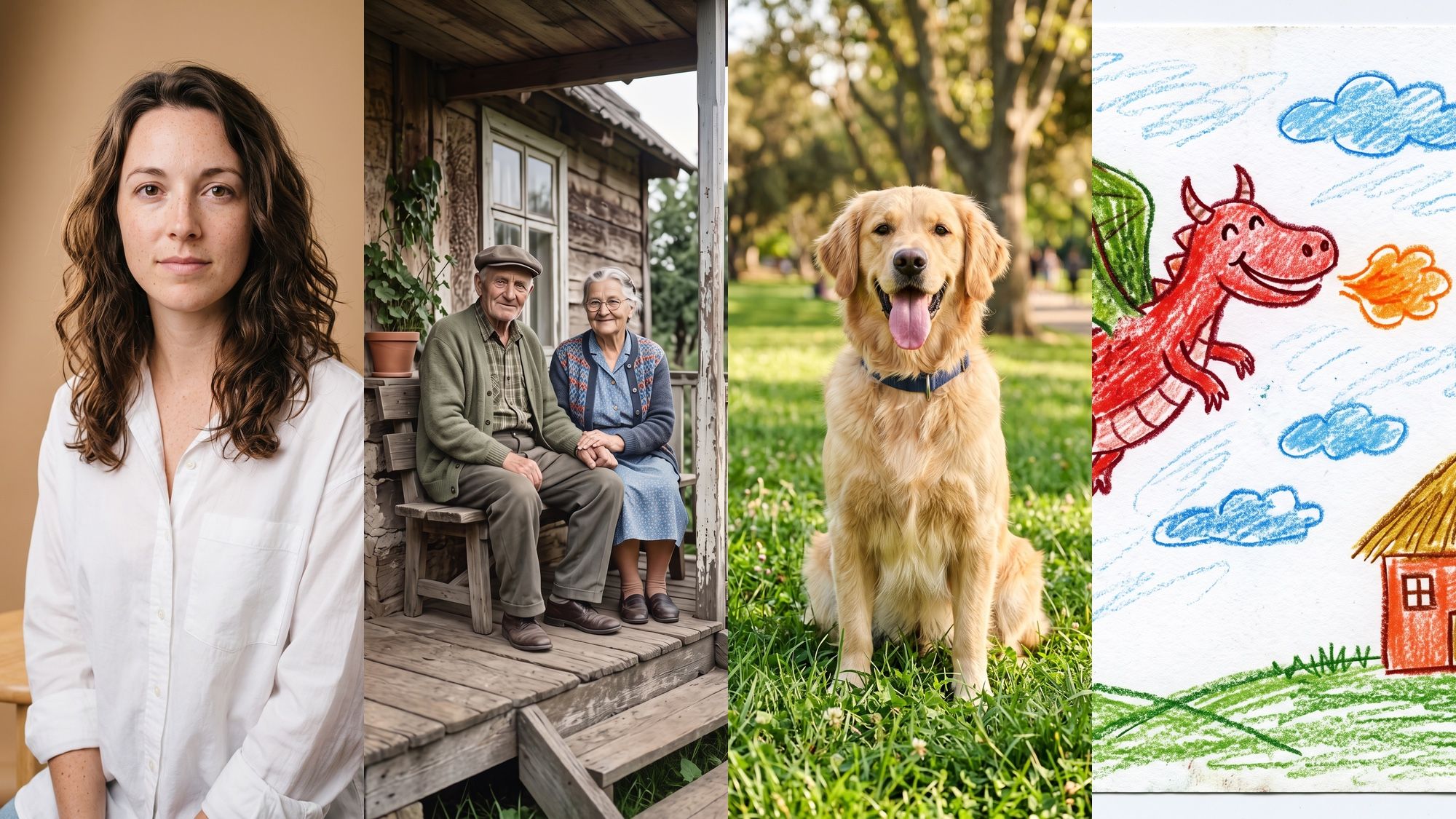
Animate the portrait: the woman blinks, takes a small breath, tilts her head slightly
and smiles warmly, a strand of hair moves. The camera stays still. Keep the face, freckles
and hair exactly the same. Sound: a quiet studio
Animate an old photo: in color, or as it is
You can animate an old family photo in two ways. As it is — the model keeps the black-and-white range, the creases and the paper texture. Or restore and color the still first, then animate it — the clip then looks like a current shoot.
How to restore and color a still in Nano Banana 2 — a model in the Nano Banana family — before you animate it, is in the guide Nano Banana photo. Restoration fills in details that are not in the original, and animation adds expression on top. For a family archive that is fine, but the clip is a reconstruction, not a recording.
Animate a pet photo
Animals come to life convincingly: breathing, a tail wag, a tilt of the head, a bark.
Animate the dog photo: the golden retriever pants happily, tilts its head as if
it heard its name, wags its tail and barks once softly, the ears move naturally, the grass
sways in the wind. The camera stays still. Sound: happy panting, one soft bark, park noise
Animate a child’s drawing
A child’s drawing is a surprisingly strong case: the model keeps the wax-crayon style and brings the character to life like a cartoon.
Animate the child's crayon drawing, keeping the crayon style and the paper texture: the red dragon flaps
its green wings and flies around the house, breathes out a small orange puff, the sun
spins and smiles, clouds drift, smoke curls from the chimney. Sound: a playful whoosh,
a tiny funny dragon roar, a cheerful music-box melody
Animate a painting or a landscape
For landscapes and paintings, look for what can move: water, clouds, birds, lights. A slow push-in adds depth.
Which model animates a photo better
| Gemini Omni | Veo 3.1 | Seedance 2.5 | Kling 3.0 | |
|---|---|---|---|---|
| Clip length | 3–10 s | 4, 6, 8 s | up to 30 s | up to 15 s |
| Quality | high | maximum, up to 4K | high | high |
| Sound | yes | yes, the best | yes | yes |
| Cost | lower | higher | — | — |
| In AI2Face | yes | yes | yes | yes |
For most photos, start with Gemini Omni: it is faster and cheaper, and it holds the style of drawings and black-and-white stills. Take Veo 3.1 for final clips where frame quality and sound matter.
Is it safe to upload a photo to animate
- Animate your own photos, or photos of people who agreed.
- Do not upload documents, or other people’s photos of children.
- The clip is a generation: do not present it as a real recording.
Every clip from Google’s models carries an invisible SynthID mark, which shows the video was made by AI.
Conclusions
You can animate a photo with a model in a couple of minutes, sound included. Portraits, pets, children’s drawings and landscapes look convincing when the prompt names a specific motion and asks for “camera still, keep the face”. Old stills can be animated as they are, or after restoration — the second looks livelier and sits further from the original. Start with Gemini Omni in AI2Face, and move to Veo 3.1 for final clips. More on video models is in the overview AI for video.
FAQ
How do you animate a photo with a model?
Upload the photo to a video model in “from a photo” mode and describe the motion: “smiles and blinks”, “water flows”, “the camera slowly moves closer”. Add sound and start — a 4–10 second clip is ready in a few minutes.
Can you animate an old photo?
Yes. You can animate a black-and-white photo as it is — the model keeps the paper texture — or restore and color it first, then animate it. The second looks more natural, but the faces are filled in more.
Can you animate a photo for free?
Fully free and in good quality is rare: video is expensive to generate. In AI2Face, welcome credits are added after you sign up, enough for a few Gemini Omni clips.
Can you animate a photo without signing up?
In AI2Face, no: clips are saved in your history, and welcome credits go to an account. Services “without sign-up” usually add a watermark or cap the length.
Which photo works best to animate?
A sharp one, face toward the camera or in a slight turn, without heavy blur or cropped hands. For a landscape, something that can move: water, clouds, leaves, lights.
Can you animate a photo with sound?
Yes. Veo 3.1 and Gemini Omni generate sound with the video: noise, music and even speech. Describe it in the prompt on its own line.
Sources
3
- https://ai.google.dev/gemini-api/docs/omni
- https://ai.google.dev/gemini-api/docs/veo
- https://blog.google/innovation-and-ai/technology/developers-tools/build-with-gemini-omni-1-1-flash/