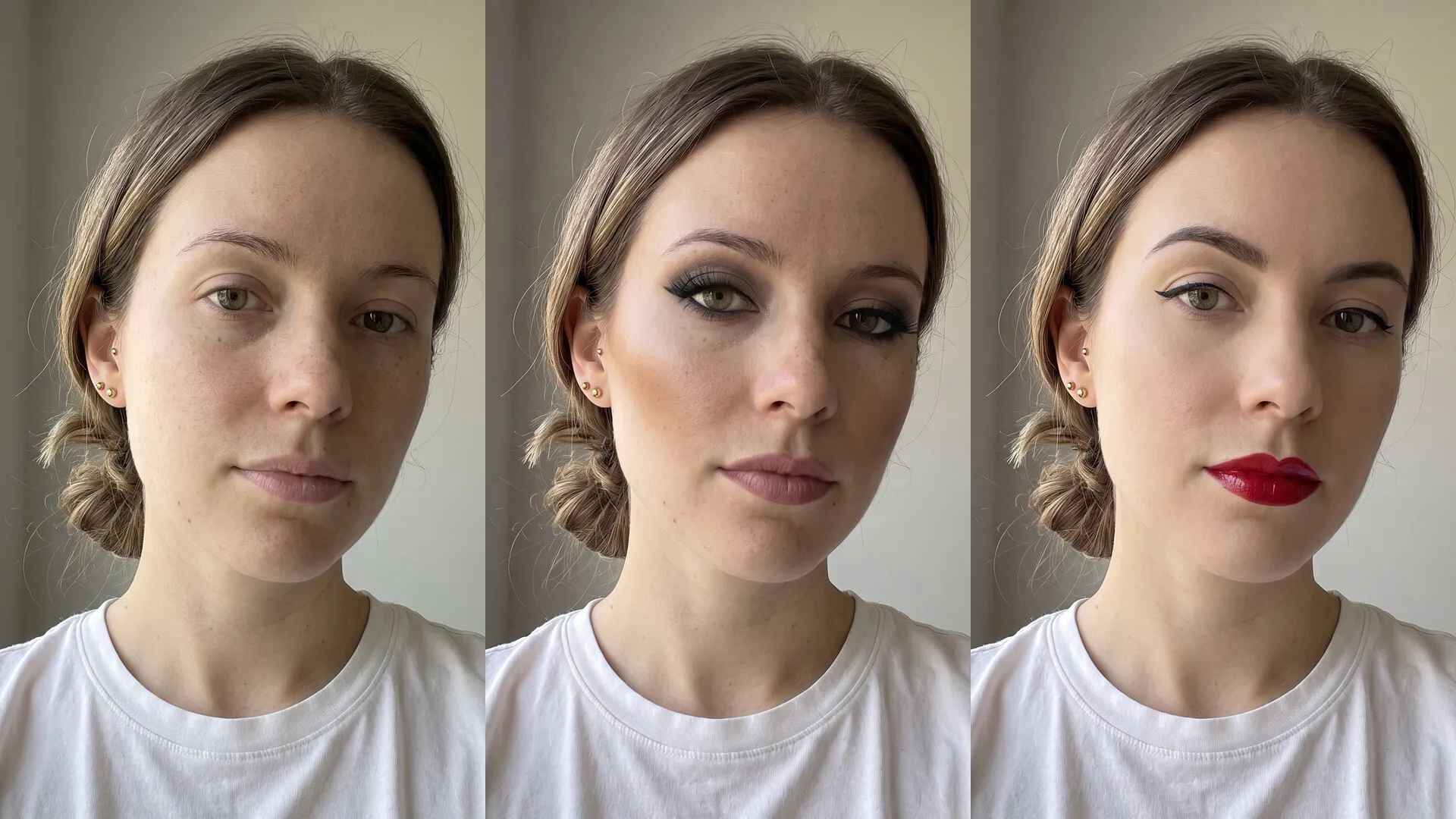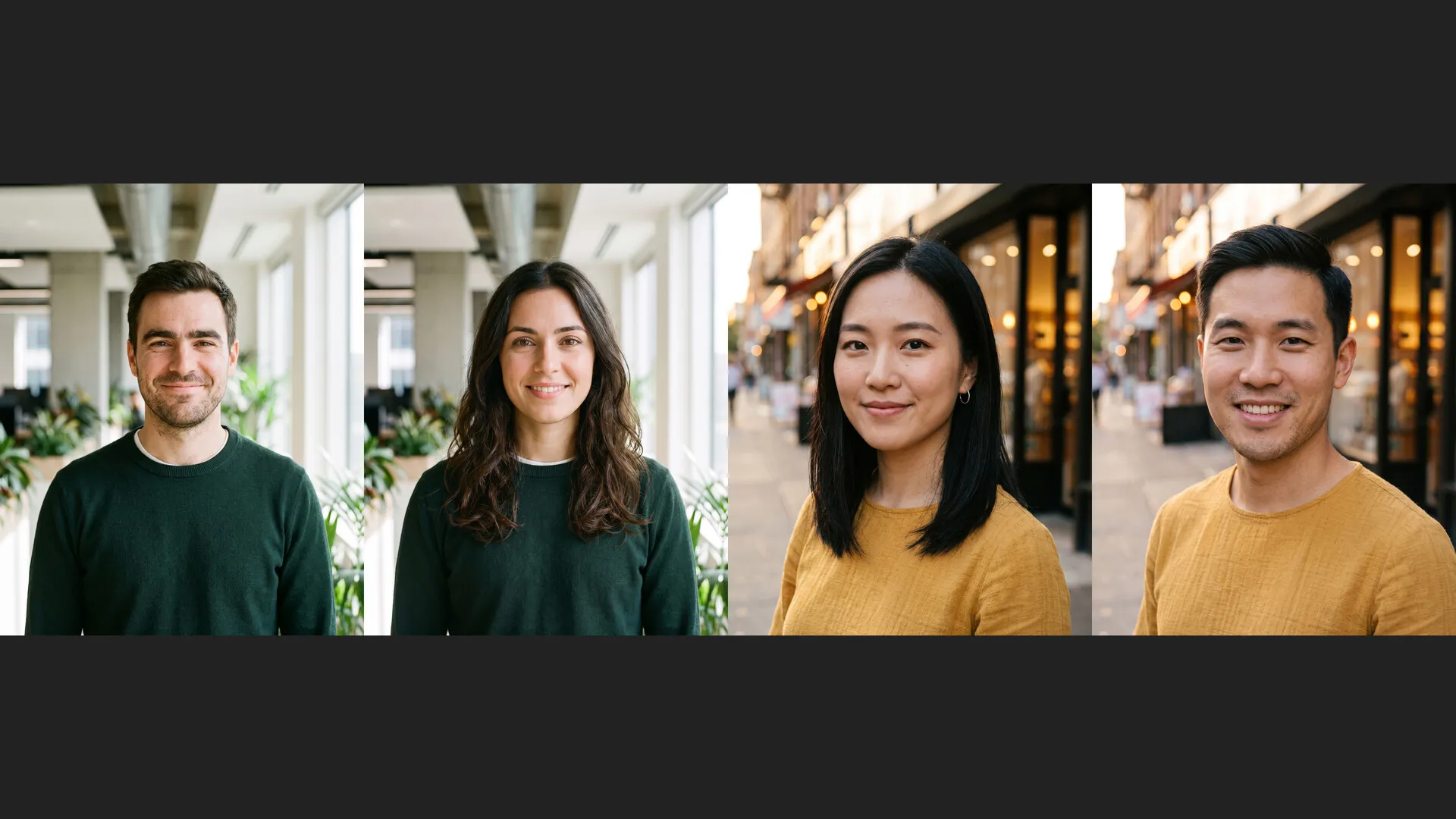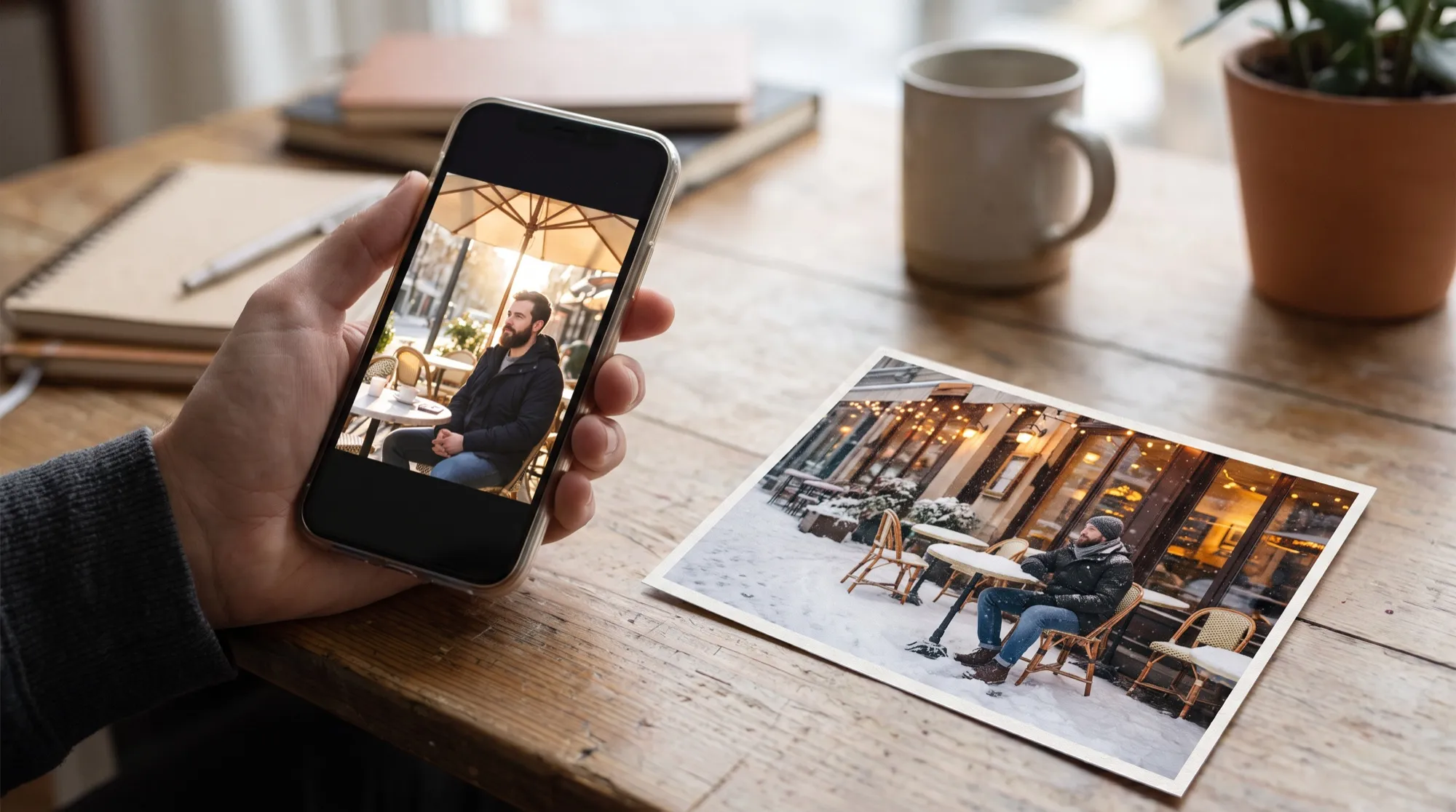
给人像修图,最常见的就是去掉一颗痘、眼下阴影、油光,还有灯泡打出的黄光。以前在修图软件里要花半小时;手机应用一键就能做完,但常常把皮肤磨成塑料。能按文字改照片的模型,会照着你的清单修,你要求保留的也会留下。我们在同一张照片上试了三种力度。所有图片都在 AI2Face 生成器里完成,照片中的女性是虚构的。
AI人像精修:自然修图
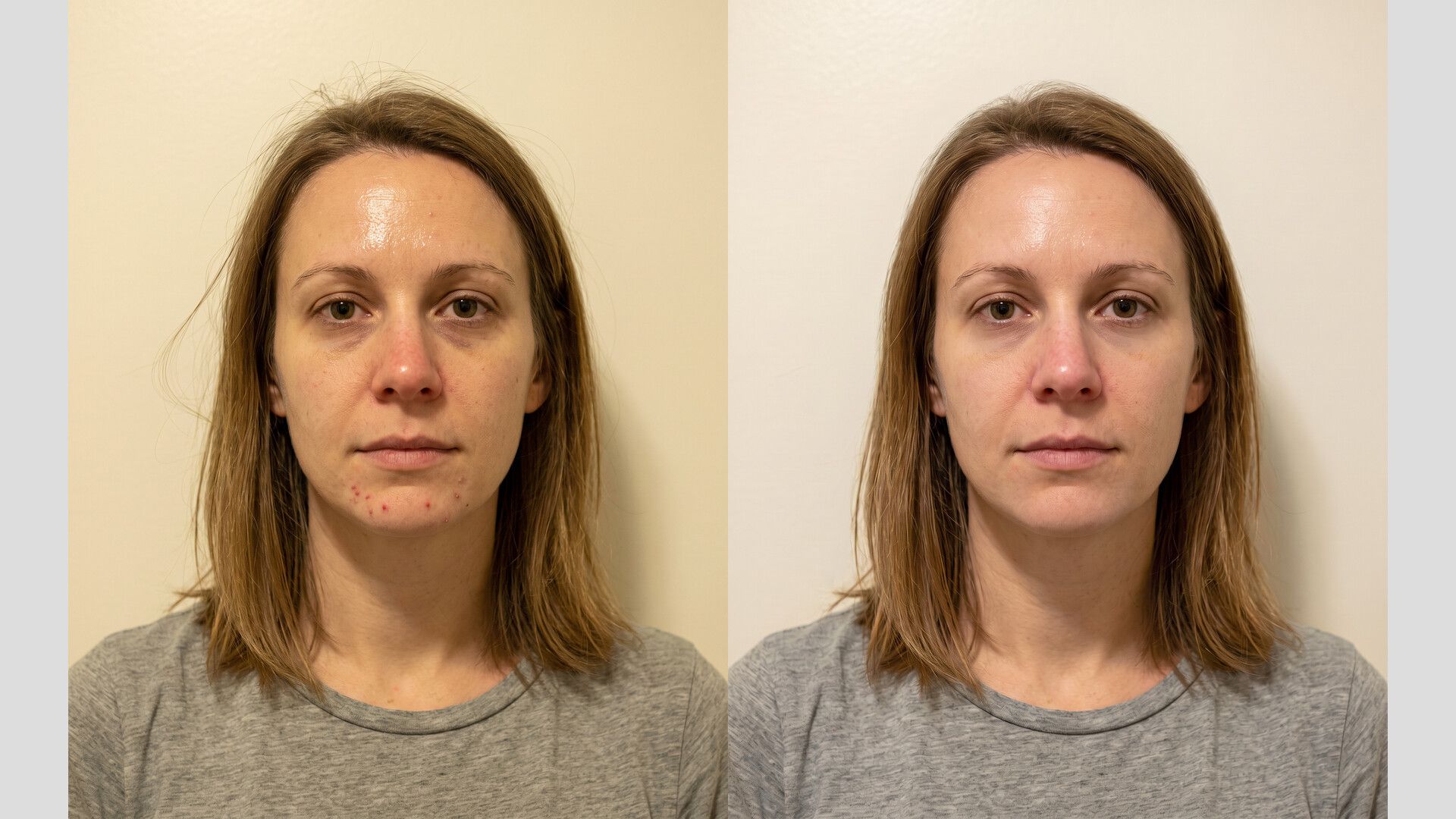
原片是相机直出的肖像:下巴和额头有小痘,眼下有阴影,鼻子周围泛红,额头出油,还有碎发,以及白炽灯造成的偏黄。在 Nano Banana Pro 里,我们把每个问题都写上了,并单独写明要保留什么:
Retouch this portrait naturally, like a professional photo retoucher:
remove the small red blemishes on the chin and forehead, soften the
under-eye shadows, even out the redness around the nose, reduce the oily
shine on the forehead, tame the flyaway hairs, and correct the yellow color
cast to a neutral daylight white balance. Keep the natural skin texture and
pores visible, do not smooth the skin into plastic. Keep the face shape,
eyes, nose, lips, expression, hairstyle, clothing, background, pose and
framing exactly the same.
小痘没了,眼下阴影变淡了,偏黄换成了中性日光,墙面也跟着变亮。脸型、眼睛、表情和T恤都没变。
特写说明了最关键的一点:毛孔和额头上的细纹都还在,皮肤没有变成塑料。没做好的地方也要说清楚:额头油光减轻了,但没有完全去掉,鼻尖仍略带粉红。还想再干净一点,就再发一条指令:“Remove the remaining shine on the forehead and the pink tint on the nose tip. Keep everything else the same”。
自然精修和“杂志感”修图
同一张原片,我们按“美颜应用”的方式又修了一次:皮肤光滑、没有毛孔,眼白被提亮,还带一层光泽。
Apply a heavy glossy beauty-app retouch to this portrait: very smooth
airbrushed skin with no pores, bright whitened eyes, slimmer face, enlarged
eyes, strong glow. Keep the face shape, eyes, nose, lips, expression,
hairstyle, clothing, background, pose and framing exactly the same.
结果就是常见的那种美颜:皮肤看起来湿润,眼白被漂白,睫毛也变浓了,尽管提示词里没写睫毛。脸型几乎没变:模型更听“keep the face shape”,而不是“slimmer face”。有人喜欢拿这种效果发社交媒体,但证件和简历不合适——一眼就能看出修过。
| 自然精修 | “美颜滤镜” | |
|---|---|---|
| 毛孔和细纹 | 保留 | 被抹掉 |
| 皮肤油光 | 减弱 | 更重,看起来发湿 |
| 眼睛 | 与照片一致 | 眼白被提亮,睫毛更浓 |
| 适合用在 | 简历、证件、网站、社交媒体 | 只适合社交媒体,而且得喜欢这种风格 |
精修再换影棚背景:随手拍变职业照
精修可以和新的背景、光线写在一起,做成简历或网站用的职业照。
Turn this snapshot into a clean professional headshot: natural skin retouch
that keeps pores, remove blemishes and shine, neat hair without flyaways,
neutral white balance, replace the background with a seamless light grey
studio backdrop and relight the face with soft even studio light. Keep the
face, identity, expression, hairstyle and grey t-shirt the same.
背景现在是均匀的浅灰,光线是柔和的影棚光,油光完全没了,头发也整齐了。脸和T恤还是原来的。更多商务人像,见 AI职业照生成器 指南。
不同力度的AI精修提示词
换成你需要的内容。结尾的“Keep …”那一行始终保留。
只去瑕疵的轻度精修。
Remove the small blemishes and the redness. Keep the natural skin texture,
pores and freckles. Keep everything else exactly the same.
保留雀斑的精修。
Retouch naturally: remove blemishes and under-eye shadows, but keep all the
freckles exactly as they are. Keep everything else the same.
色彩和光线校正。
Correct the white balance to neutral daylight, slightly brighten the face
and reduce harsh shadows. Do not change the skin or the face. Keep
everything else the same.
男士人像精修。
Natural men's retouch: remove blemishes and redness, reduce shine, keep the
stubble, pores and skin texture. Keep everything else exactly the same.
牙齿和眼睛。
Slightly whiten the teeth and remove redness in the eyes, natural look,
not bright white. Keep everything else exactly the same.
碎发和衣服上的污渍。
Tame the flyaway hairs and remove the lint and small stains on the
sweater. Keep the face and everything else exactly the same.
AI精修和手动修图
| 按提示词的 AI | 软件里的手动修图 | |
|---|---|---|
| 时间 | 大约一分钟 | 15分钟到1小时 |
| 技术 | 不需要,把问题列出来就行 | 高低频分离、加深减淡 |
| 控制 | 逐步下指令 | 像素级 |
| 风险 | 模型可能多改别的地方,要核对脸部 | 皮肤容易修过头 |
| 大幅印刷 | 最高 4K | 任意分辨率 |
社交媒体、网站和简历,用 AI 就够了。杂志封面或户外广告牌,修图师仍然更精细。AI 可以先做第一遍。老照片和破损照片是另一件事,见 AI老照片修复免费 指南。
局限
- 像不像本人。 模型会重绘整张画面,精修后要和原片对一下脸:眼睛、痣、鼻形。
- 残留的瑕疵。 油光和泛红第一次未必去干净,再补一条指令。
- 分辨率。 Nano Banana Pro 最高输出 4K。要大幅印刷,还得再提升分辨率,见 ai 提升照片画质 指南。
- 别人的照片。 只修自己的照片,或对方不介意被修的照片。
总结
AI人像精修大约一分钟就能做完:把要改的问题列出来,并单独要求保留毛孔和五官。在我们的测试中,自然精修去掉了痘痘、阴影和黄光,皮肤看起来还是活的;按“美颜应用”来写,得到的是油光和被漂白的眼睛,只适合发社交媒体。做简历时,把精修和影棚背景写进同一条提示词。用 Nano Banana Pro 做人像精修,在 AI2Face 生成器里就能完成,每次生成前都会显示费用。其他改照片的做法,见 AI修图 指南。
常见问题
怎样做AI人像精修?
把照片上传到能按文字修改图像的模型,例如 Nano Banana Pro,列出要去掉的内容:痘痘、眼下阴影、泛红、油光、偏黄。另起一行,要求保留毛孔,其他都不要改。
怎样避免皮肤看起来像塑料?
在提示词里写上“keep the natural skin texture and pores visible, do not smooth the skin into plastic”。在我们的测试中,加上这句后毛孔还在;写成“airbrushed skin”,皮肤会变得油亮、不自然。
可以免费做AI人像精修吗?
可以。AI2Face 注册后会赠送欢迎积分,够做几次 2K 精修。费用在开始前显示,成片也不带水印。
精修之后脸还会一样吗?
会,只要要求保留五官、表情、发型、衣服和构图。在我们的测试中,三种精修都没有改变脸型、眼睛和表情。
可以同时换成简历照的背景吗?
可以。在提示词里加上“replace the background with a seamless light grey studio backdrop and relight the face with soft studio light”,普通随手拍就会变成职业照。
资料来源
2
- https://blog.google/innovation-and-ai/products/nano-banana-pro/
- https://ai.google.dev/gemini-api/docs/image-generation