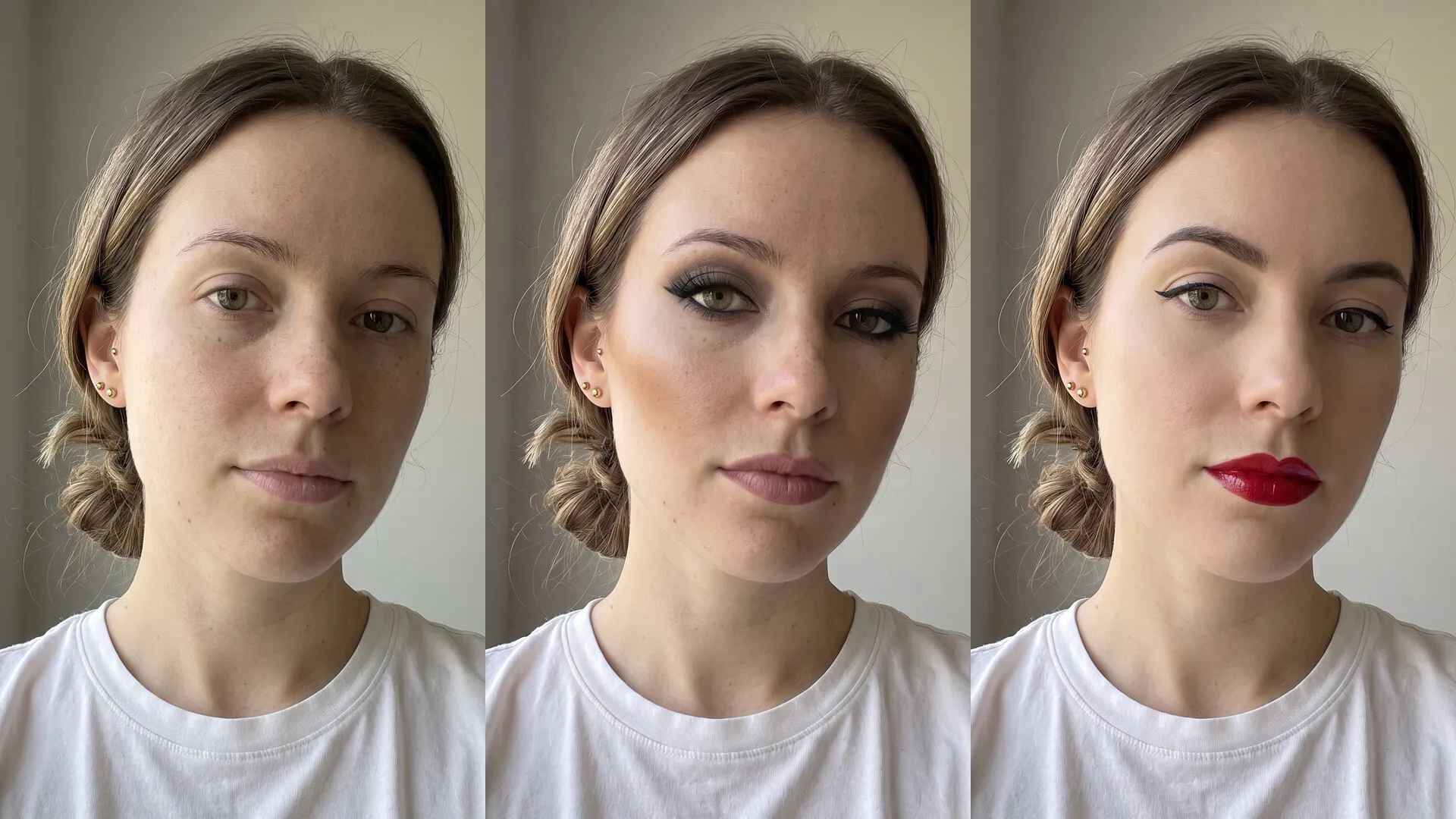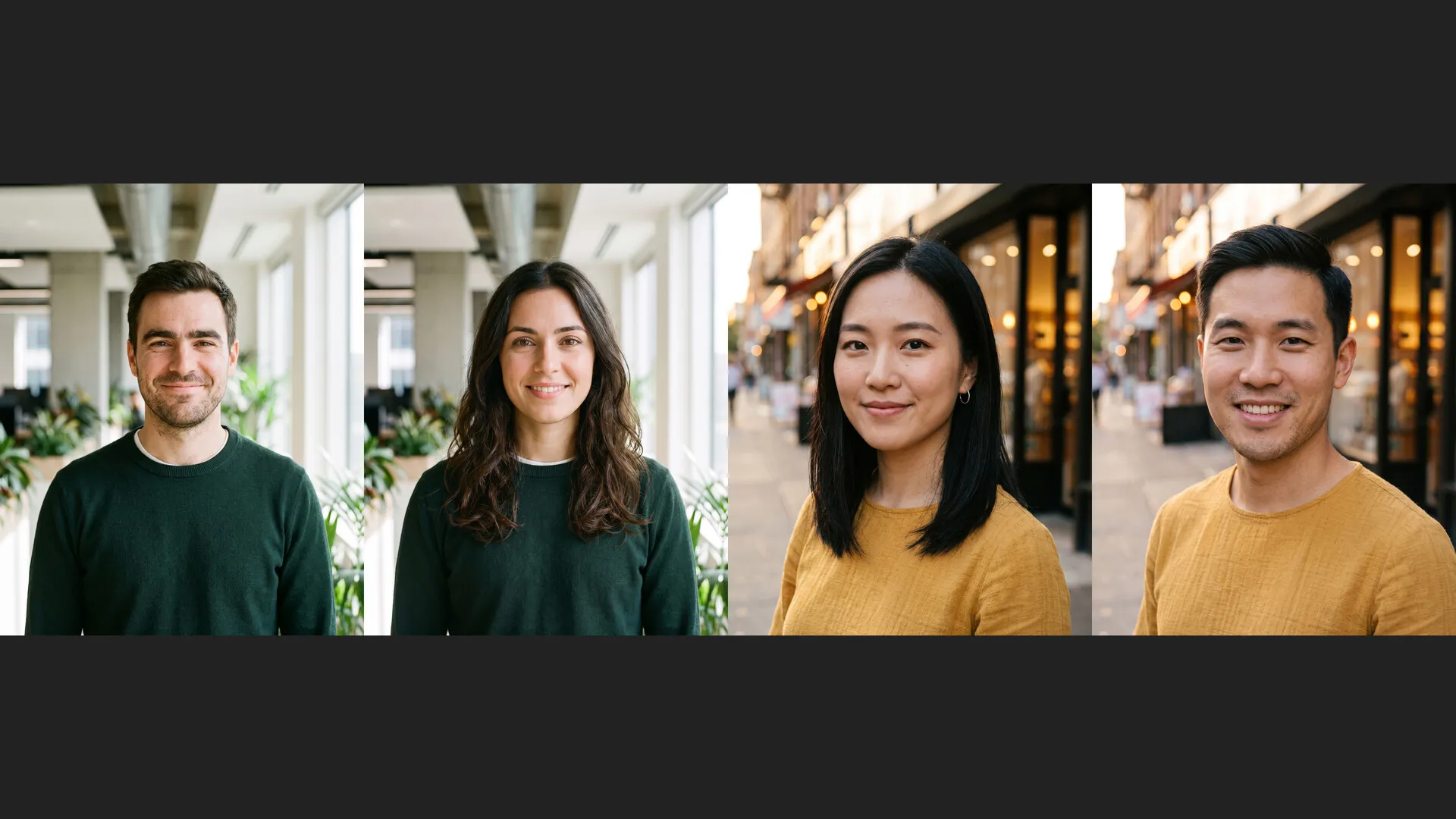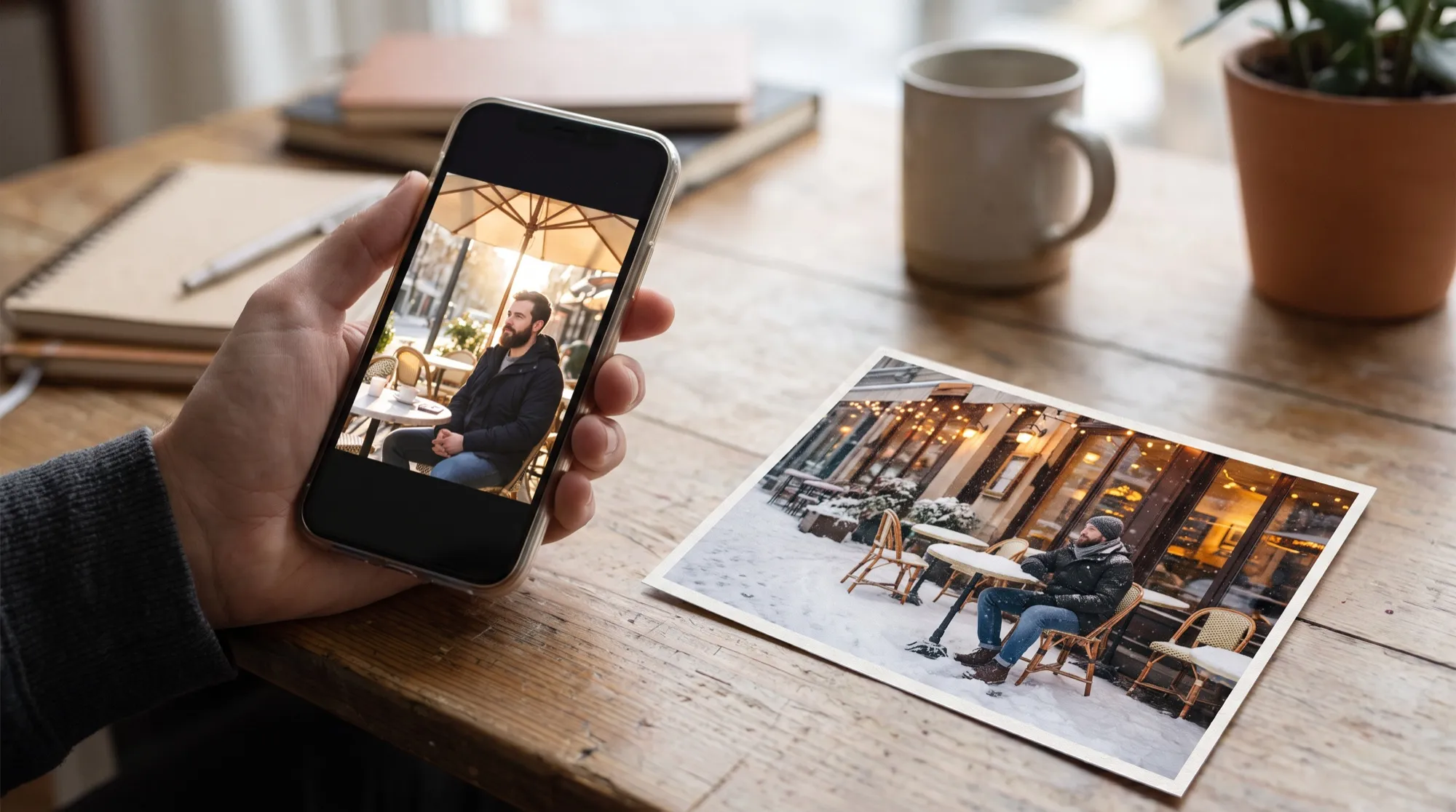
ポートレートでいちばん多いレタッチは、吹き出物、目の下のクマ、テカリ、電球の黄色い光を消す作業です。以前は写真編集ソフトで30分かかっていました。アプリならワンタップで終わりますが、肌をプラスチックのようにのっぺりさせがちです。テキストで写真を編集するモデルなら、消す項目を書き、残すものも指定できます。1枚の写真で、レタッチの強さを3段階試しました。画像はすべて AI2Face のジェネレーターで作成し、写っている女性は架空の人物です。
AI 写真レタッチ:自然な仕上げ
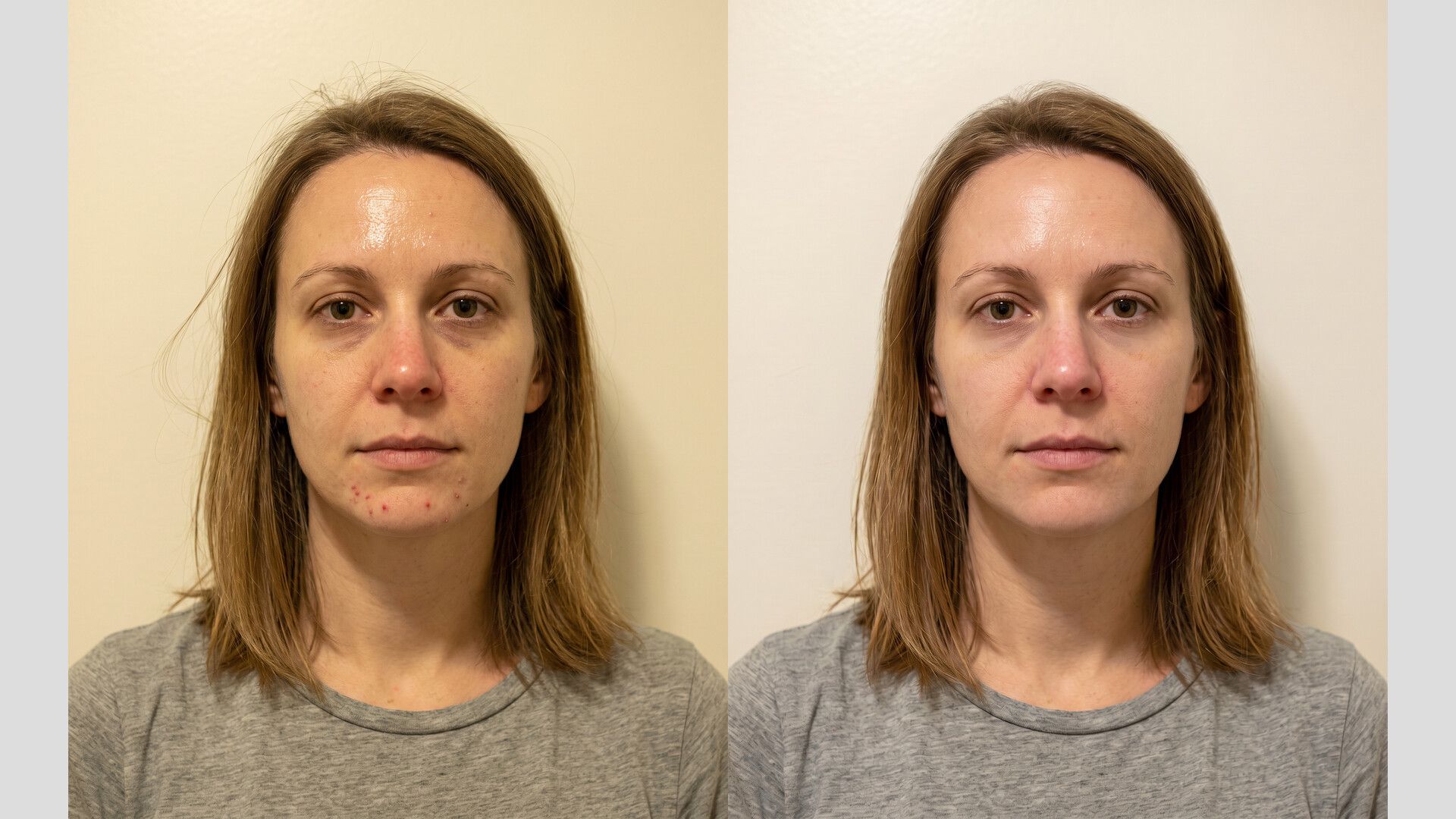
元画像は撮って出しのポートレートです。顎と額に小さな吹き出物、目の下のクマ、鼻まわりの赤み、額のテカリ、はね毛があり、白熱灯の黄色いかぶりもあります。Nano Banana Pro で、直す点をすべて書き、残すものも別に指定しました。
Retouch this portrait naturally, like a professional photo retoucher:
remove the small red blemishes on the chin and forehead, soften the
under-eye shadows, even out the redness around the nose, reduce the oily
shine on the forehead, tame the flyaway hairs, and correct the yellow color
cast to a neutral daylight white balance. Keep the natural skin texture and
pores visible, do not smooth the skin into plastic. Keep the face shape,
eyes, nose, lips, expression, hairstyle, clothing, background, pose and
framing exactly the same.
吹き出物は消え、目の下のクマは薄くなり、黄色いかぶりは昼の自然光に近い色になりました。壁も一緒に明るくなっています。顔の形、目、表情、Tシャツは変わっていません。
拡大すると、毛穴と額の細いシワは残り、肌はプラスチックになっていません。うまくいかなかった点もあります。額のテカリは弱まりましたが、完全には消えていません。鼻先は少しピンクのままです。さらに消すなら、次の文を足します。「Remove the remaining shine on the forehead and the pink tint on the nose tip. Keep everything else the same」。
自然な仕上げと「美肌フィルター」
同じ元画像を、美肌アプリのようにレタッチしました。指示は、毛穴のない滑らかな肌、白くした目、強いツヤです。
Apply a heavy glossy beauty-app retouch to this portrait: very smooth
airbrushed skin with no pores, bright whitened eyes, slimmer face, enlarged
eyes, strong glow. Keep the face shape, eyes, nose, lips, expression,
hairstyle, clothing, background, pose and framing exactly the same.
仕上がりは、アプリでよく見るフィルターそのものです。肌は濡れて見え、白目は白く飛ばされ、頼んでいないのにまつ毛が太くなりました。顔の形はほとんど変わっていません。モデルは、顔を細くする「slimmer face」より、顔の形を保つ「keep the face shape」を優先しました。SNS用なら、この見た目を好む人もいます。証明写真や履歴書には向きません。加工したことがすぐにわかります。
| 自然なレタッチ | 「美肌フィルター」 | |
|---|---|---|
| 毛穴と細いシワ | 残る | 消える |
| 肌のテカリ | 弱くなる | 強くなり、肌が濡れて見える |
| 目 | 写真のまま | 白くなり、まつ毛が太くなる |
| 向いている用途 | 履歴書、書類、サイト、SNS | この見た目が好きなら、SNSのみ |
レタッチとスタジオ背景:スナップをヘッドショットに
レタッチと同時に背景と光も変えれば、履歴書やサイト用の仕事の写真になります。
Turn this snapshot into a clean professional headshot: natural skin retouch
that keeps pores, remove blemishes and shine, neat hair without flyaways,
neutral white balance, replace the background with a seamless light grey
studio backdrop and relight the face with soft even studio light. Keep the
face, identity, expression, hairstyle and grey t-shirt the same.
背景は均一な薄いグレーになり、光は柔らかいスタジオ照明です。テカリは完全に消え、髪も整っています。顔とTシャツは同じです。仕事用のポートレートは、AIヘッドショット生成のガイドにまとめています。
強さ別のレタッチ用プロンプト
直す内容は、写真に合わせて書き換えてください。末尾の「Keep …」の行は、必ず残します。
軽いレタッチ(吹き出物だけ)。
Remove the small blemishes and the redness. Keep the natural skin texture,
pores and freckles. Keep everything else exactly the same.
そばかすを残すレタッチ。
Retouch naturally: remove blemishes and under-eye shadows, but keep all the
freckles exactly as they are. Keep everything else the same.
色と光の補正。
Correct the white balance to neutral daylight, slightly brighten the face
and reduce harsh shadows. Do not change the skin or the face. Keep
everything else the same.
男性ポートレートのレタッチ。
Natural men's retouch: remove blemishes and redness, reduce shine, keep the
stubble, pores and skin texture. Keep everything else exactly the same.
歯と目。
Slightly whiten the teeth and remove redness in the eyes, natural look,
not bright white. Keep everything else exactly the same.
はね毛と服の汚れ。
Tame the flyaway hairs and remove the lint and small stains on the
sweater. Keep the face and everything else exactly the same.
AIと手作業のレタッチ
| プロンプトのAI | 編集ソフトでの手作業 | |
|---|---|---|
| 時間 | 1分ほど | 15分から1時間 |
| 必要な技術 | 不要。直す点を書くだけ | 周波数分離、覆い焼きと焼き込み |
| 調整 | 指示を重ねる | ピクセル単位 |
| リスク | 頼んでいない部分まで変わることがある。顔を確認する | 肌を加工しすぎる |
| 大判プリント | 最大4K | 制限なし |
SNS、サイト、履歴書なら、AIで十分です。雑誌の表紙や大型看板では、レタッチャーのほうがまだ精密です。AIは最初の下処理に使えます。古く傷んだ写真は別の作業です。詳しくは古い写真 修復 AI 無料のガイドをご覧ください。
限界
- 本人らしさ。 モデルは写真を描き直します。レタッチ後は、元の写真と見比べてください。目、ほくろ、鼻の形です。
- 消え残り。 テカリと赤みは、1回で全部消えないことがあります。2つ目の指示を足してください。
- 解像度。 Nano Banana Pro の出力は最大4Kです。大判印刷では、解像度も上げてください。あわせてai 画質 上げるのガイドをご覧ください。
- 他人の写真。 自分の写真か、本人が了承している写真だけをレタッチしてください。
まとめ
AI 写真レタッチは、直す点を書き、毛穴と顔立ちを残すよう別に指示すれば、1分で終わります。テストでは、自然なレタッチで吹き出物、クマ、黄色い光が消え、肌は生きた質感のまま残りました。「美肌アプリ」のような仕上がりを頼むと、ツヤと白く飛んだ目になり、向くのはSNSだけです。履歴書用なら、レタッチとスタジオ背景を1つのプロンプトにまとめます。Nano Banana Pro でのポートレートレタッチは AI2Face のジェネレーターで使え、料金は実行前に表示されます。ほかの写真編集は、AI 画像編集のガイドをご覧ください。
よくある質問
AIで写真をレタッチするには?
テキストで画像を編集するモデル(Nano Banana Pro など)に写真をアップロードし、消すものを書き出します。吹き出物、目の下のクマ、赤み、テカリ、黄色いかぶりです。別の行で、毛穴を残し、ほかは変えないよう書いてください。
プラスチックのような肌を避けるには?
プロンプトに「keep the natural skin texture and pores visible, do not smooth the skin into plastic」と書いてください。テストではこの一文で毛穴が残りました。「airbrushed skin」と頼むと、肌はつやが出て不自然になりました。
AIで写真を無料でレタッチできますか?
できます。AI2Face では登録時にウェルカムクレジットがもらえ、2Kのレタッチが数回できます。料金は始める前に表示され、透かしは付きません。
レタッチ後も顔は同じですか?
顔立ち、表情、髪型、服、構図を残すよう頼めば、同じです。テストでは3種類のレタッチのいずれでも、顔の形、目、表情は変わりませんでした。
履歴書用に、背景も同時に変えられますか?
できます。プロンプトに「replace the background with a seamless light grey studio backdrop and relight the face with soft studio light」を足してください。普通のスナップが、仕事用のヘッドショットになります。
出典
2
- https://blog.google/innovation-and-ai/products/nano-banana-pro/
- https://ai.google.dev/gemini-api/docs/image-generation