On September 20, 2026, Alibaba’s Qwen team released open weights for Qwen-Image-2.1, a single checkpoint that both generates images from text and edits existing ones. Alibaba calls it the “most balanced and cost-effective” model in the Qwen-Image series. On October 9 it followed up with the faster Qwen-Image-2.1-Turbo and launched Pro and Turbo APIs in Alibaba Cloud Model Studio.
What Qwen-Image-2.1 can do
The developers highlight four improvements:
- Compact size. The generator has 7B parameters across 32 DiT layers. The original Qwen-Image from 2025 had 20B, and editing required a separate Qwen-Image-Edit checkpoint.
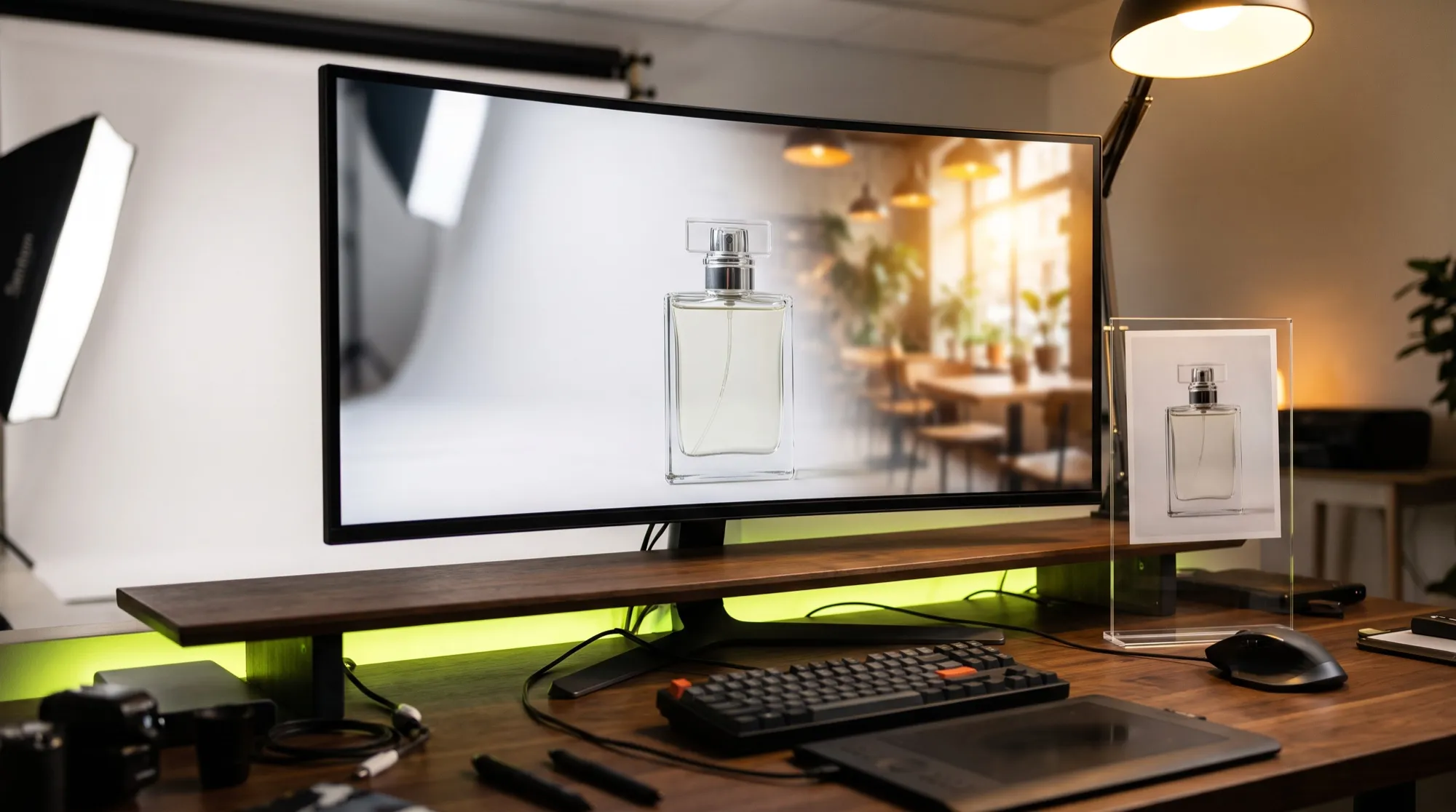
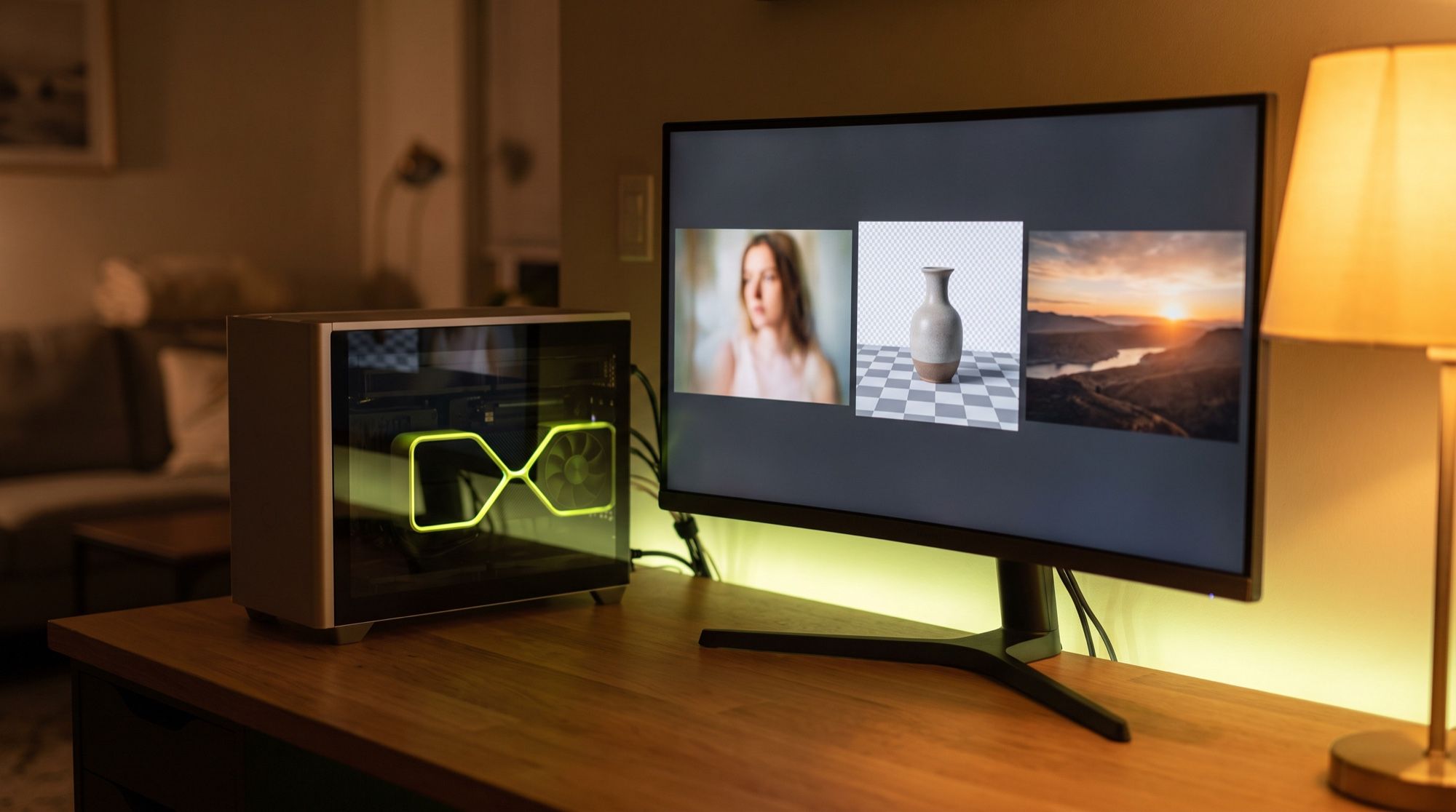
- Transparent backgrounds. The model outputs PNGs with an alpha channel (RGBA) directly, edits transparent layers and cuts subjects out of photos, with no separate background-removal step.
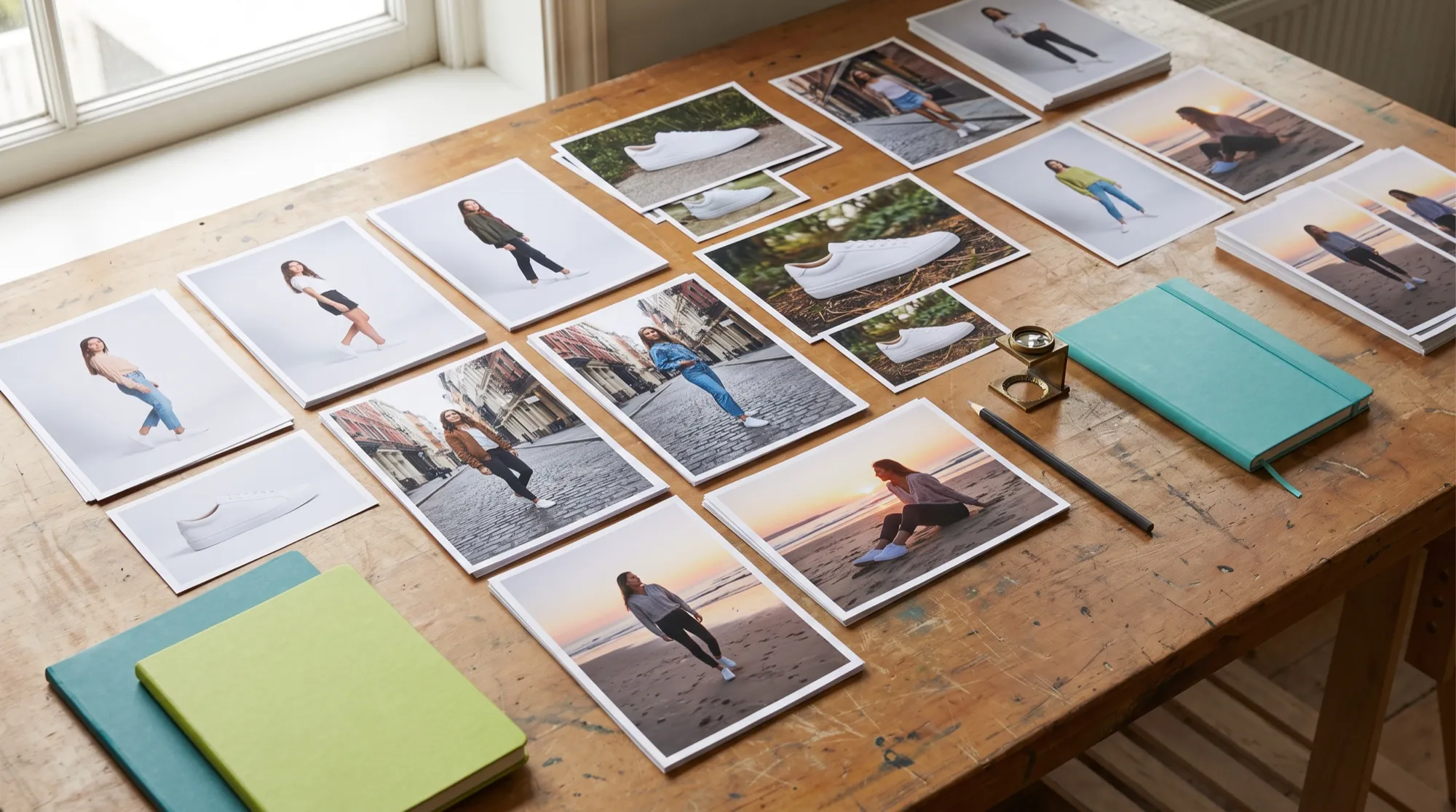
- Flexible editing. Up to 10 references per request, local edits marked with a circle, a painted annotation or a mask, and identity preservation for people and products.
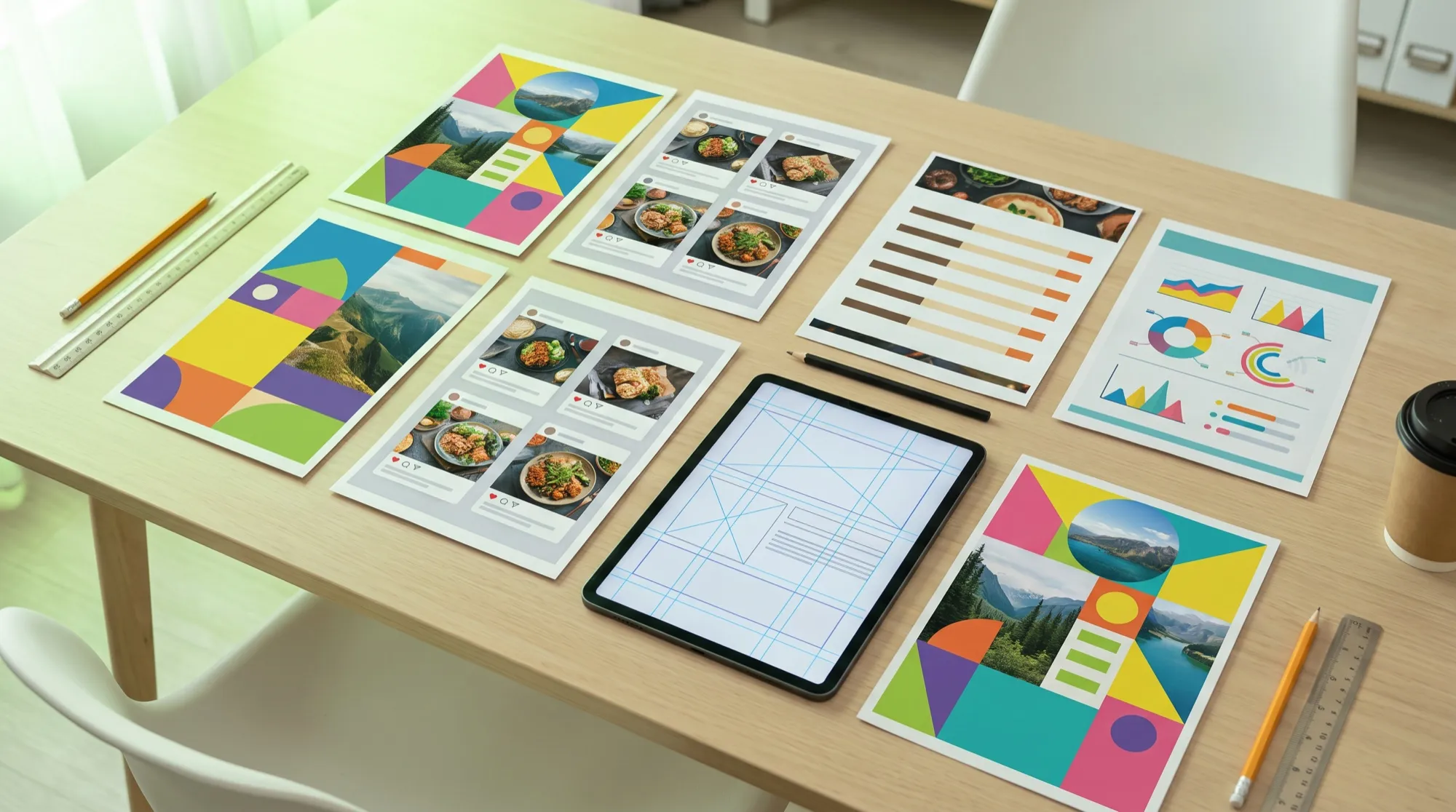
- Realism. Better typography, portrait lighting and fine textures.
Native resolution is 2K: 2048×2048 for square, 2752×1536 for 16:9 and 2528×1696 for 3:2. The default is 40 steps. Prompts and conditioning images go through a separate 8B Qwen3-VL encoder, so running it locally needs a GPU with plenty of memory.
How Qwen-Image-2.1-Turbo differs
Turbo launched on October 9, 2026. It uses the same 7B architecture but produces an image in 8 steps instead of 40. Nothing was cut: 2K, transparent backgrounds, up to 10 references and local edits are all still there. The step schedule is baked into the checkpoint, so setting num_inference_steps alone won’t change it. Turbo also runs on Apple Silicon Macs through the LightX2V app.
Where to download and run it
The Qwen-Image-2.1 and Turbo weights are on Hugging Face and ModelScope, and the code and examples are in the QwenLM/Qwen-Image-2.1 repo on GitHub. On release day the model was supported by Diffusers (QwenImage21Pipeline), ComfyUI, vLLM-Omni, SGLang, LightX2V and Intel OpenVINO. There are also builds for AMD (ROCm) and Intel Arc GPUs.
The main catch is the Qwen Research License: the open weights are for non-commercial use only. The original Qwen-Image shipped under the permissive Apache 2.0. For commercial work, Alibaba offers a separate license or the paid API in Model Studio.
How to try it in AI2Face
Qwen-Image-2.1 is available in the AI2Face generator via API — no GPU, no ComfyUI setup and no non-commercial license to worry about. Other top image models sit alongside it: Nano Banana 2.1, GPT Image, Seedream and Flux, so it’s easy to compare them on the same prompt. The cost is shown before each generation. For a full comparison, see our roundup of AI image generators.
FAQ
When was Qwen-Image-2.1 released?
The Qwen-Image-2.1 weights went public on September 20, 2026. The faster Qwen-Image-2.1-Turbo and the Pro and Turbo APIs in Alibaba Cloud Model Studio arrived on October 9.
Where can I download Qwen-Image-2.1?
The weights are on Hugging Face and ModelScope, and the code is in the QwenLM/Qwen-Image-2.1 repo on GitHub. Diffusers, ComfyUI, vLLM-Omni, SGLang and LightX2V supported it on day one.
Can Qwen-Image-2.1 be used commercially?
Not if you run the open weights: the Qwen Research License allows non-commercial use only. Commercial work needs a separate license from Alibaba or the paid API.
How is Qwen-Image-2.1-Turbo different from the base model?
Turbo uses the same 7B architecture but produces an image in 8 steps instead of the default 40. The feature set is the same: 2K, transparent backgrounds, up to 10 references and mask-based edits.
Sources
6
- https://github.com/QwenLM/Qwen-Image-2.1
- https://huggingface.co/Qwen/Qwen-Image-2.1
- https://qwen.ai/blog?id=qwen-image-2.1
- https://x.com/Alibaba_Qwen/status/2101659302792679789
- https://x.com/Alibaba_Qwen/status/2108549075218120949
- https://help.aliyun.com/en/model-studio/qwen-image-2-1-turbo