On October 15, 2026, Krea AI released Krea 3, a model it calls an editing model rather than one that generates from scratch. According to the announcement, most edits come back in under 8 seconds from the request to the finished file, at native 2K, for $0.06 per image. Krea says the model leaves alone whatever the prompt doesn’t mention: a product label, a logo, a person’s face, the rest of an approved scene. In the Krea app it became the default model. The full lineup — Krea 1, Krea 2, and Krea 3 — is on the Krea AI page.
What Krea 3 can do
The announcement and the API describe these modes:
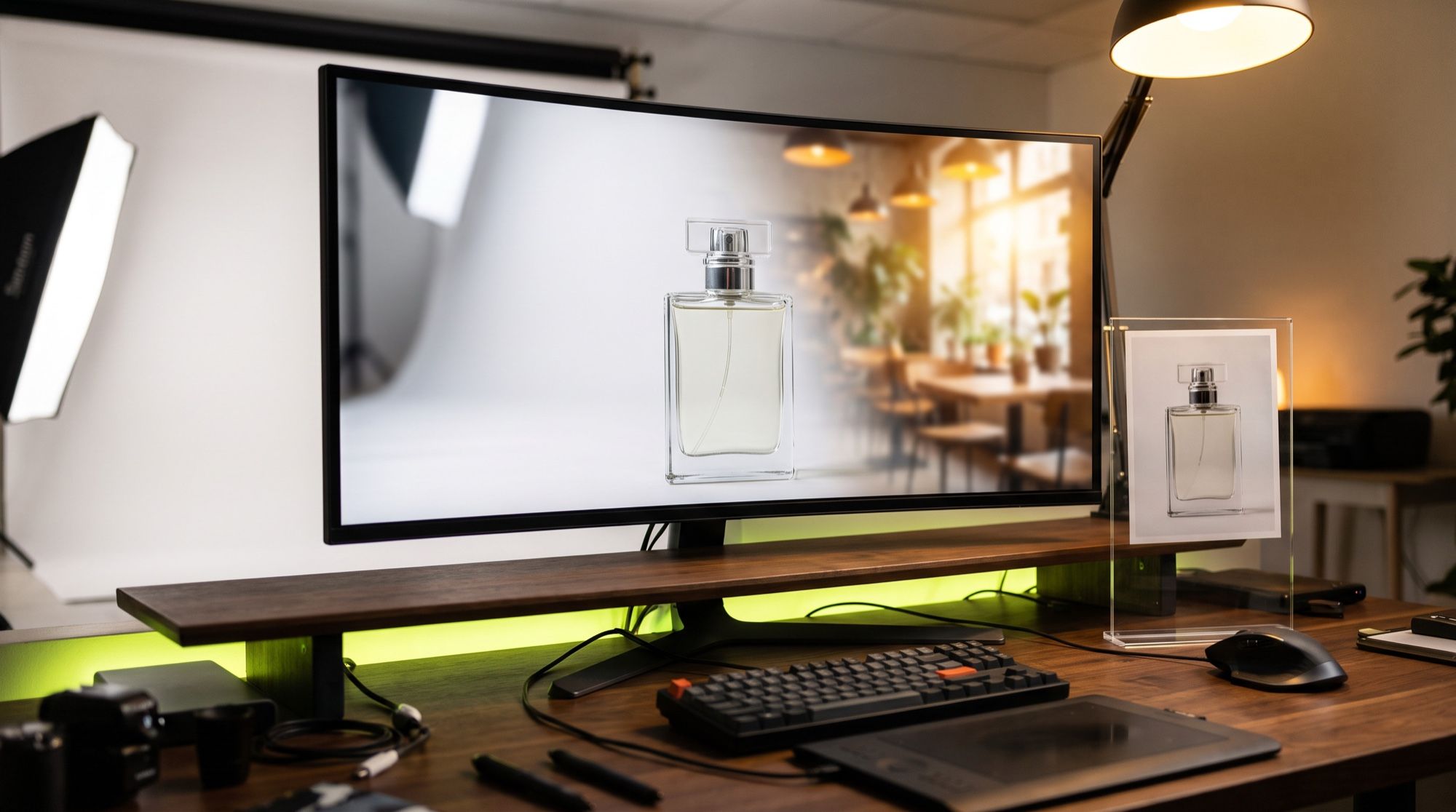
- A scene around the product. A white packshot becomes a campaign shot, and the label stays sharp.
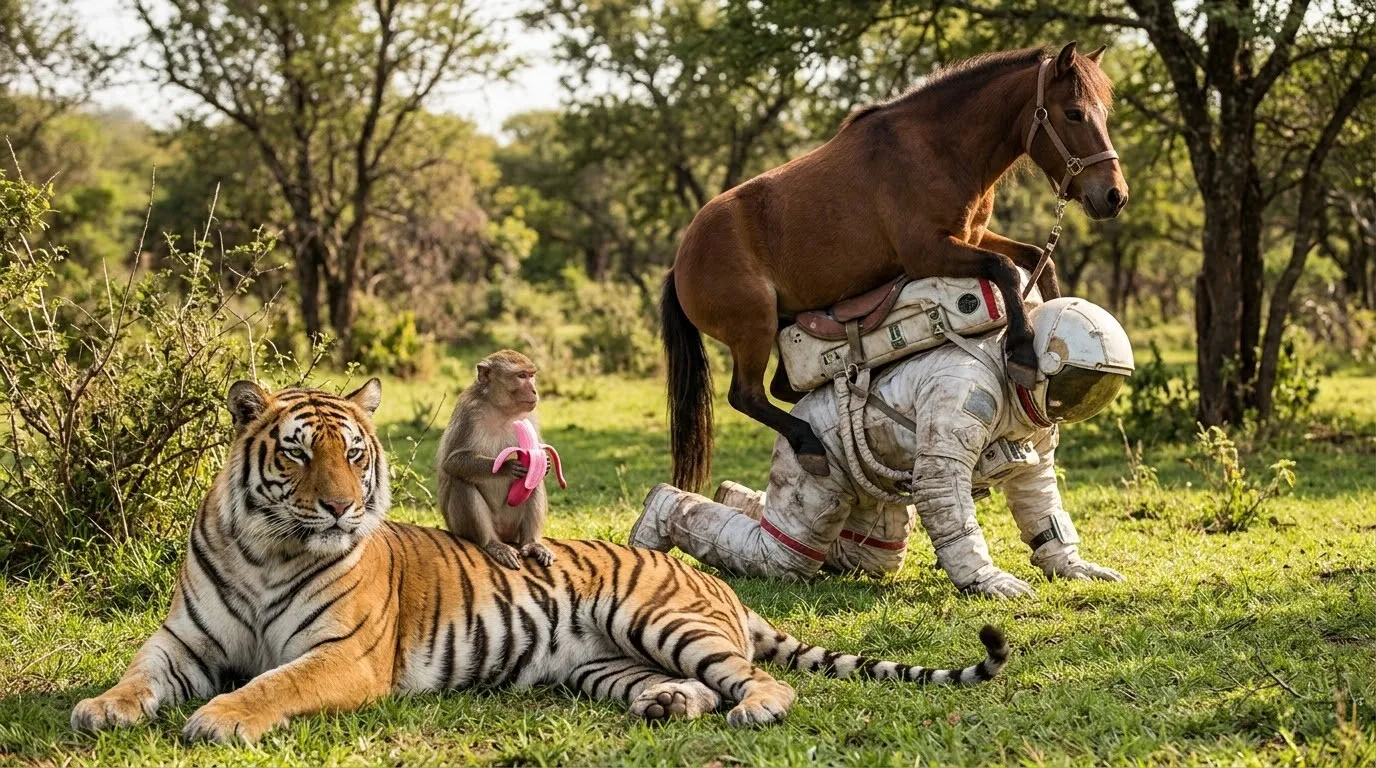
- A targeted edit. In Krea’s example, the sofa, the chairs, and the table change, while the rug, the view through the window, and the person in the corner stay.
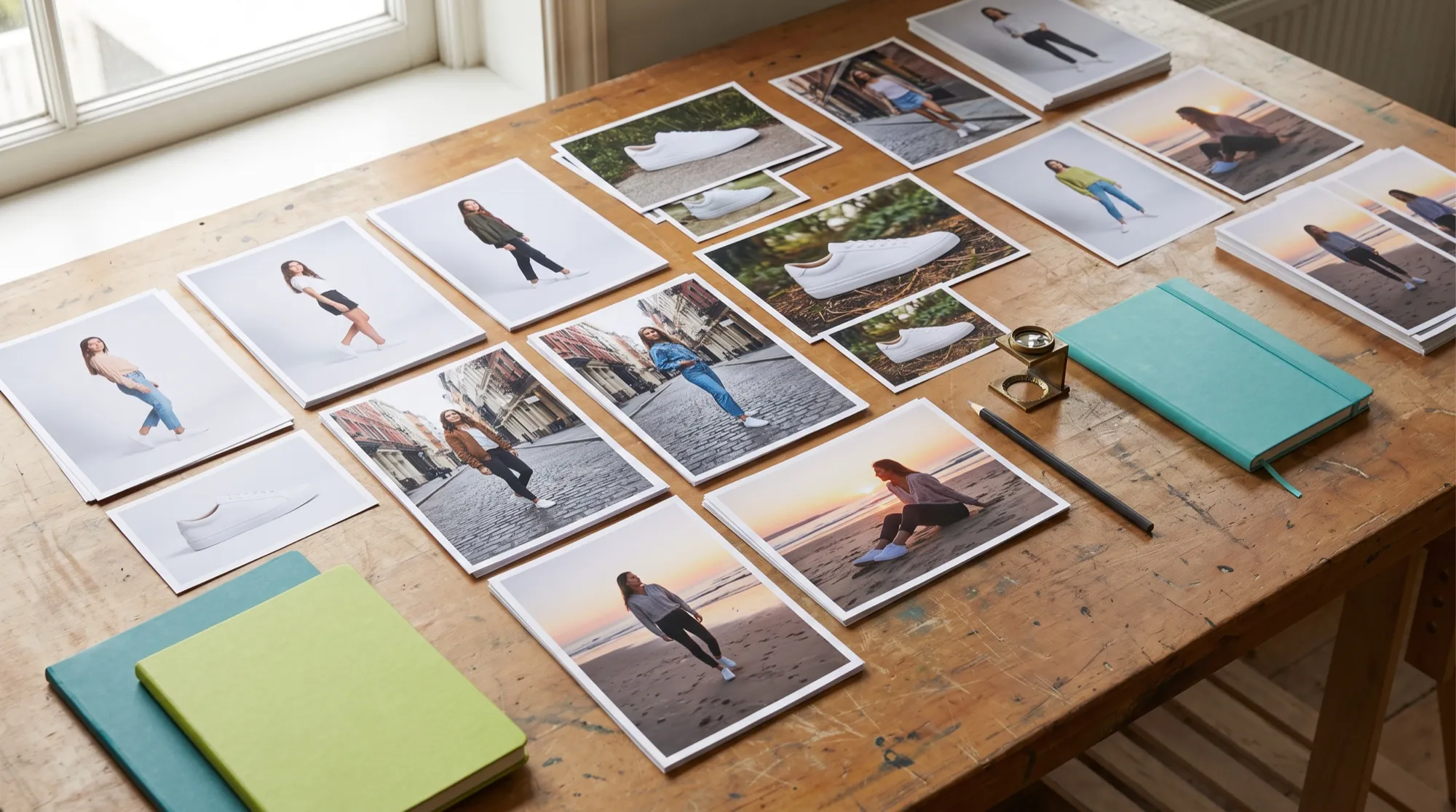
- The same person. Several reference images hold the faces while the pose, the street, and the light change.
- Sketch to photo. A marker drawing, or a line drawing with a flat color palette: Krea turns it into a photograph without moving the camera or the architecture.
- Text to image. Reference images are optional: 1K or 2K, and 10 aspect ratios from 1:1 to 21:9.
- Bounding boxes in the API. The
regionsfield marks edit regions on the reference images, up to 24 boxes. A box on the first image is where to edit; boxes on the others are where to take the object from. In the prompt, a region is@labelor@1,@2. The blog FAQ doesn’t mention these boxes. - Two thinking modes in the API:
thinking_modeset tofastorhigh.
The announcement text allows up to 6 reference images per edit. In the API schema, image_urls goes up to 8. For production, read it this way: the announcement promises 6, and a request with 7–8 images isn’t forbidden by the schema.
What’s new compared with Krea 2
Krea 2 launched on May 12, 2026, and it solved a different job: drawing new images in a given style. Krea 3 is the first Krea model that edits a finished photo.
| Krea 2 | Krea 3 | |
|---|---|---|
| Main job | generation from style references and a moodboard | editing a finished photo, plus generation |
| Resolution | 1K | 1K and 2K, native |
| Input images | style references, one moodboard | up to 6 per edit, up to 8 in the API, plus bounding boxes |
| Speed | Turbo — about 2 s | most edits under 8 s |
| API price | from $0.030 (Medium) to $0.070 (Large with a moodboard) | $0.03 (1K), $0.06 (2K) |
| Open weights | yes, Raw and Turbo | no |
Krea says Krea 3 inherited Krea 2’s eye for style: in an edit, painting, vector art, and ink stay in their own medium. Krea didn’t drop Krea 2 from the lineup. It still handles style work and moodboards.
What Krea 3 costs, and how to read the speed
Krea’s listed prices are $0.06 for 2K and $0.03 for 1K, without input images. At 100,000 of those 2K edits a month, that’s $6,000 at list price. Nano Banana Pro is $0.135 in the same Krea table, and GPT Image 2 is $0.22. On the free plan at krea.ai, Krea’s estimate is about 5 Krea 3 images a day.
The speed figure needs a caveat. “Under 8 seconds” is Krea’s wording about its own edits. The numbers for other models are the median time from request to file on the Krea platform from September 24 to October 1, 2026, queue included, with no reference images. It isn’t the same measurement.
| Model | Edit time | Price per image |
|---|---|---|
| Krea 3, 2K | under 8 s, Krea’s claim | $0.06 |
| Nano Banana 2 | 27 s, median on Krea | not listed in this Krea table |
| Nano Banana Pro | 33 s, median on Krea | $0.135 |
| GPT Image 2 | 90 s, median on Krea | $0.22 |
Krea also writes that it isn’t real time yet. The fastest setup finishes an edit in 4–5 seconds, and anything quicker is a plan, not the current mode.
On image-editing leaderboards, Krea 3 in Ultra mode on October 19–20, 2026, landed high on three boards: 4th on Arena Multi-Image Edit, 5th on Artificial Analysis — a statistical tie with Nano Banana 2.1 — and 4th of 51 on Design Arena. The Arena ranks are still preliminary, on about 3,000 votes, and the boards use different scales, so the scores can’t be compared across them.
How to brief an edit
Krea splits its own examples into four steps. First, name what stays: the label, the logo, the person. Then describe the replacement the way a photographer would: the scene, the light, the camera. If there are several images, say what each one is for: “image 1 is the room, image 2 is the sofa.” If only one thing may change, use “only”: “remove only the woman in the red coat.”
How to try Krea 3 in AI2Face
Krea 3 is in the AI2Face generator next to Nano Banana Pro and GPT Image, so the same edit is easy to compare on three models. You pay by card or crypto, and the cost is shown before you generate. Techniques for a targeted edit are in the guide to the AI photo editor, and product scenes are in the guide to AI product images for ecommerce.
FAQ
What is Krea 3?
An image editing and generation model from Krea AI. It launched on October 15, 2026, and changes a finished image from text and reference images at native 2K.
How is Krea 3 different from Krea 2?
Krea 3 edits finished photos at 2K. Krea 2 draws new images at 1K from a style and moodboards. Krea 2 stays in the lineup for style work.
How much does Krea 3 cost?
$0.06 per image at 2K and $0.03 at 1K on krea.ai. That's the price without input images, from the price list in the announcement.
Is Krea 3 free?
Partly. The free plan on krea.ai gives 100 units a day — about 5 Krea 3 images, by Krea's estimate. AI2Face adds welcome credits after you sign up.
How can I use Krea 3 without a Krea subscription?
In AI2Face. Krea 3 is in the generator, you pay by card or crypto, and the cost is shown before you start.
Is Krea 3 faster than Nano Banana Pro?
On Krea's own measurement, yes. Krea says “under 8 seconds,” while the median for Nano Banana Pro on its platform from September 24 to October 1 was 33 seconds. Those are different ways of measuring, and there's no independent test.
Sources
6
- https://www.krea.ai/blog/introducing-krea-3
- https://www.krea.ai/blog/krea-3-benchmarks
- https://www.krea.ai/docs/api-reference/krea/krea-3
- https://www.krea.ai/blog/krea-2-api-launch
- https://www.krea.ai/docs/user-guide/features/model-overview
- https://www.krea.ai/pricing