









Key facts
| Developer | OpenAI |
|---|---|
| Release date | April 21, 2026 (snapshot gpt-image-2-2026-04-21) |
| What it does | Generates and edits images, including with masks and multiple references |
| Size | Any multiple of 16 px, up to 3840 px per side, 0.66–8.3 MP, no wider than 3:1 |
| Quality | low, medium, high or auto |
| API price | From $0.005 (low) to $0.211 (high, 1024 × 1024) per image |
| Transparent background | In preview since August 2026; reliable in GPT Image 2.5 |
| Where it runs | ChatGPT (until 2.5 arrived), OpenAI API |
| In AI2Face | Yes, in the generator |
What is GPT Image 2
GPT Image 2 is OpenAI’s model for generating and editing images. It came out on April 21, 2026 alongside ChatGPT Images 2.0 and became the main image model in ChatGPT. In the API it has a single snapshot, gpt-image-2-2026-04-21. For the whole family, see the GPT Image overview.
OpenAI focused on demanding visual tasks: layouts, diagrams, infographics, comics and accurate text in many languages. On September 8, 2026, GPT Image 2.5 launched with the Flare and Sunburst models, and it now powers images in ChatGPT. GPT Image 2 remains available in the API, unchanged.
What GPT Image 2 can do
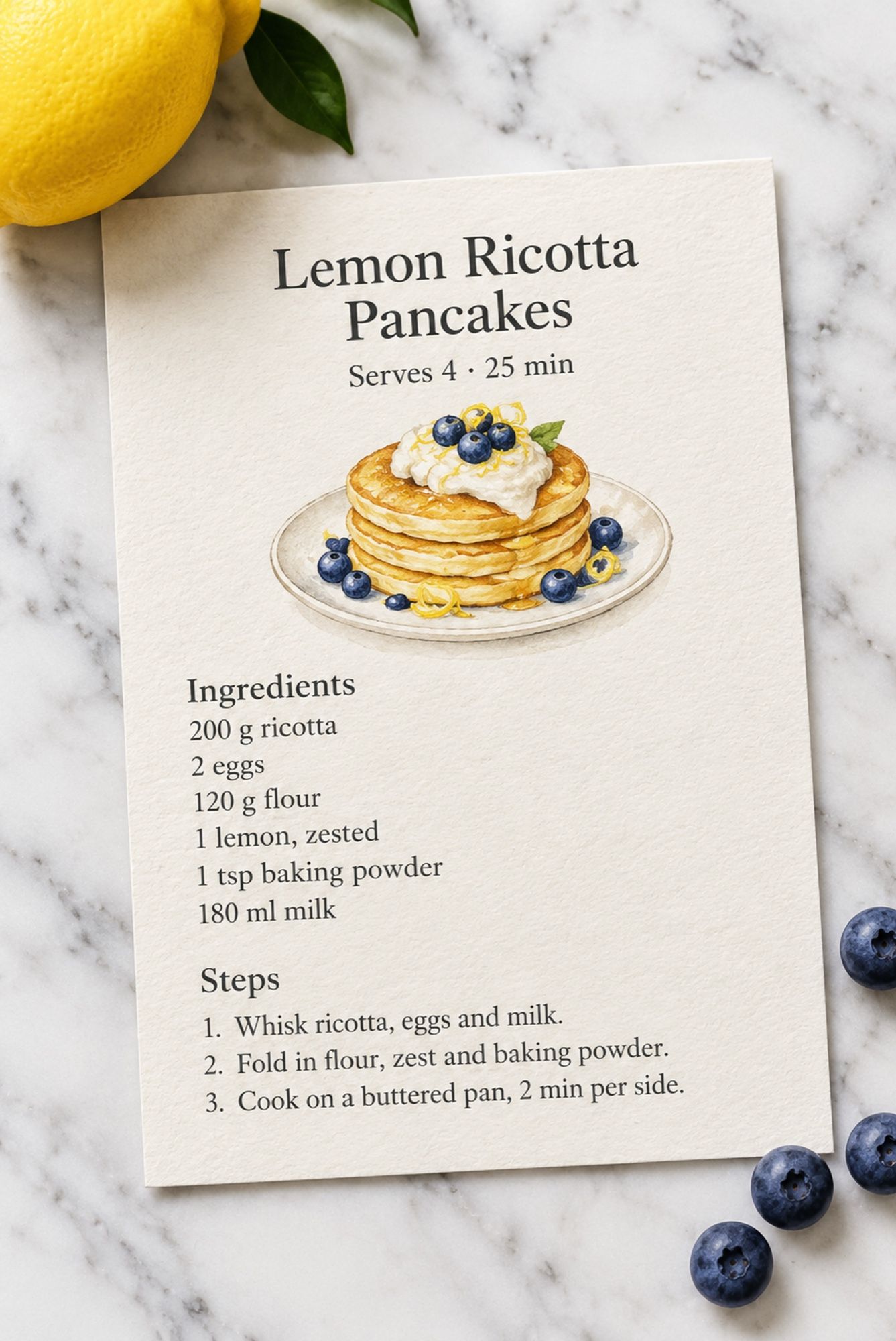
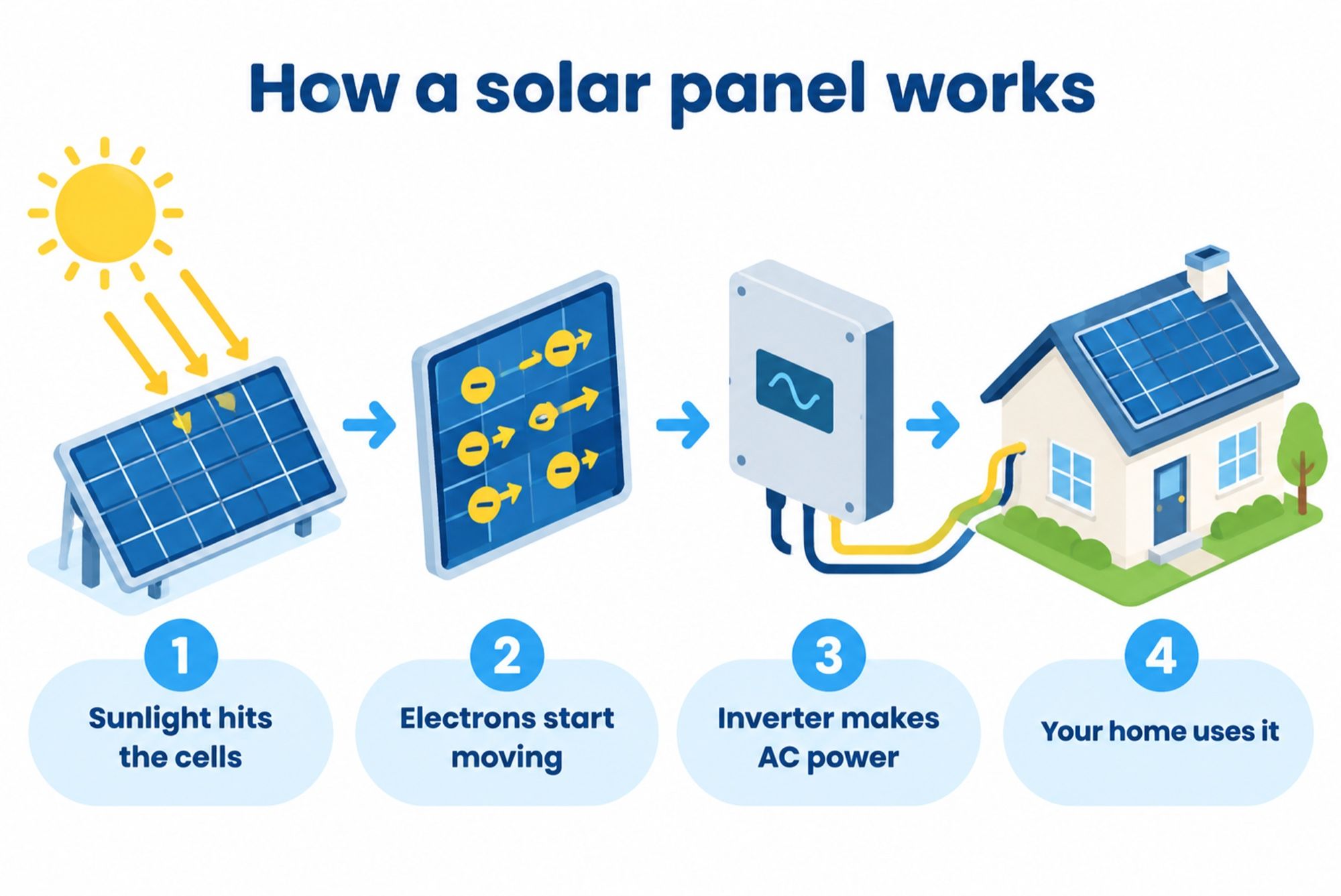
Text that doesn’t need fixing. Menus, recipes, posters, diagram labels and comic dialogue come out spelled correctly and in the right places — including non-Latin scripts.
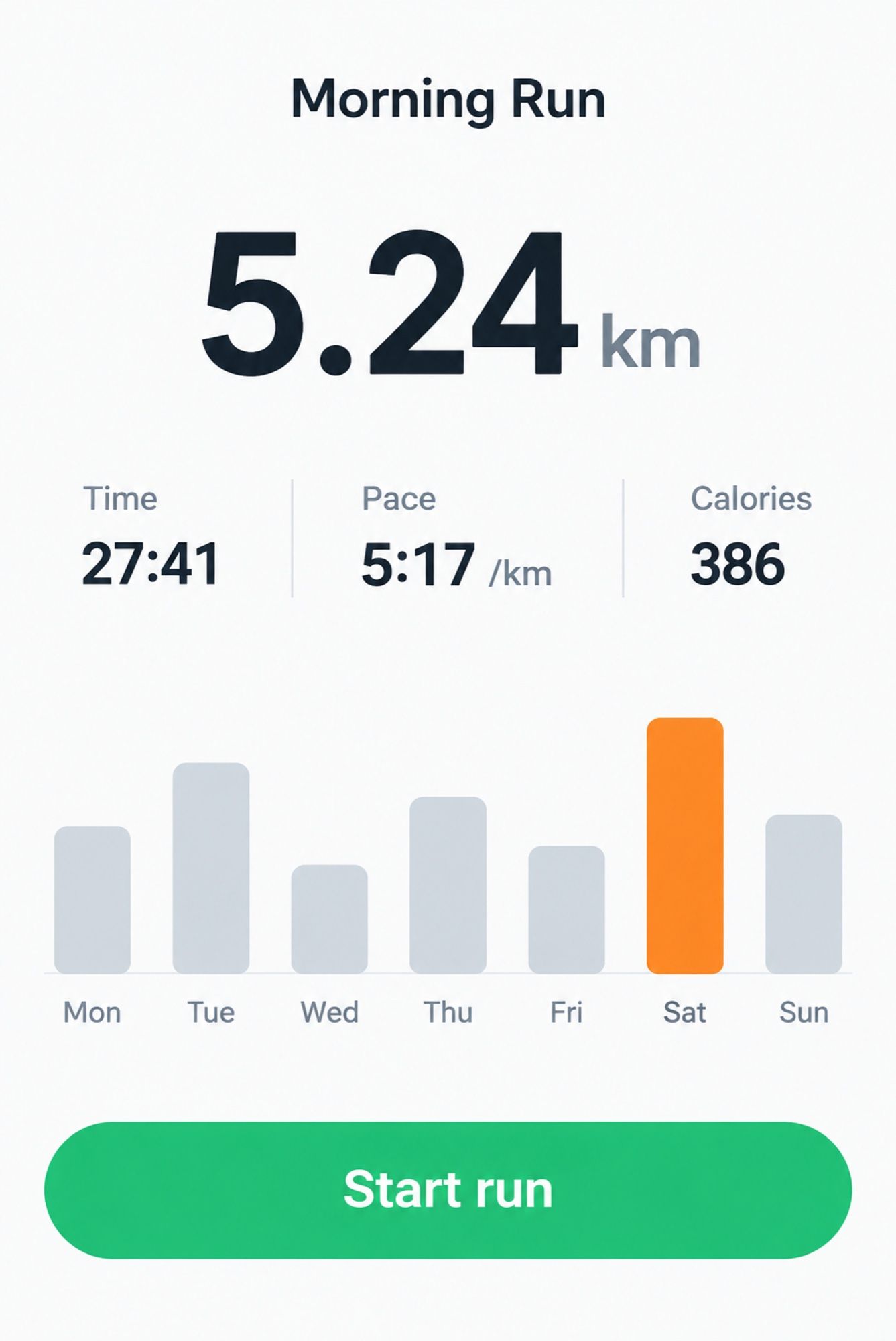
UIs and layouts. App screens, dashboards, slides and cards with legible numbers — see the running tracker screen in the gallery.
Custom sizes. Any width and height in multiples of 16 px, up to 3840 px on the long side and up to 8.3 MP. Square images are the fastest.
Editing and masks. The edit endpoint accepts several images and a mask. To the model, the mask is guidance rather than a stencil: the edit may not follow its edges pixel for pixel.
High-fidelity references. GPT Image 2 always processes input images at high fidelity, so the input_fidelity parameter isn’t used. The trade-off: reference-based edits use more input tokens.
Batch mode. The model works with the Batch API — for hundreds of images when you don’t need results right away.
How much GPT Image 2 costs
The API price depends on the quality level and image size:
| Quality | 1024 × 1024 | 1024 × 1536 | 1536 × 1024 |
|---|---|---|---|
| low | $0.006 | $0.005 | $0.005 |
| medium | $0.053 | $0.041 | $0.041 |
| high | $0.211 | $0.165 | $0.165 |
GPT Image 2 and 2.5 share the same price per image output token — $30 per million. But they use a different number of tokens per image, so the per-image cost isn’t the same.
Default API rate limits range from 20 images per minute at the entry account tier to 250 at the Grow tier.
GPT Image 2 vs. 2.5: which one to use
| GPT Image 2 | GPT Image 2.5 Flare | GPT Image 2.5 Sunburst | |
|---|---|---|---|
| Released | Apr 21, 2026 | Sep 8, 2026 | Sep 8, 2026 |
| Quality | baseline | comparable to GPT Image 2 | higher |
| Speed | baseline | up to 50% lower latency | slower than Flare |
| Quality levels | low, medium, high | + xhigh and max | + xhigh and max |
| Transparent background | preview | yes | yes |
| Where | API | ChatGPT, API | API |
OpenAI’s own advice for teams built on GPT Image 2: test Flare first — if the quality holds up, latency drops noticeably. If GPT Image 2 falls short, start with Sunburst.
What GPT Image 2 is good for
- Menus, recipes, posters, flyers — lots of text that has to be legible.
- UI prototypes and slides with realistic data.
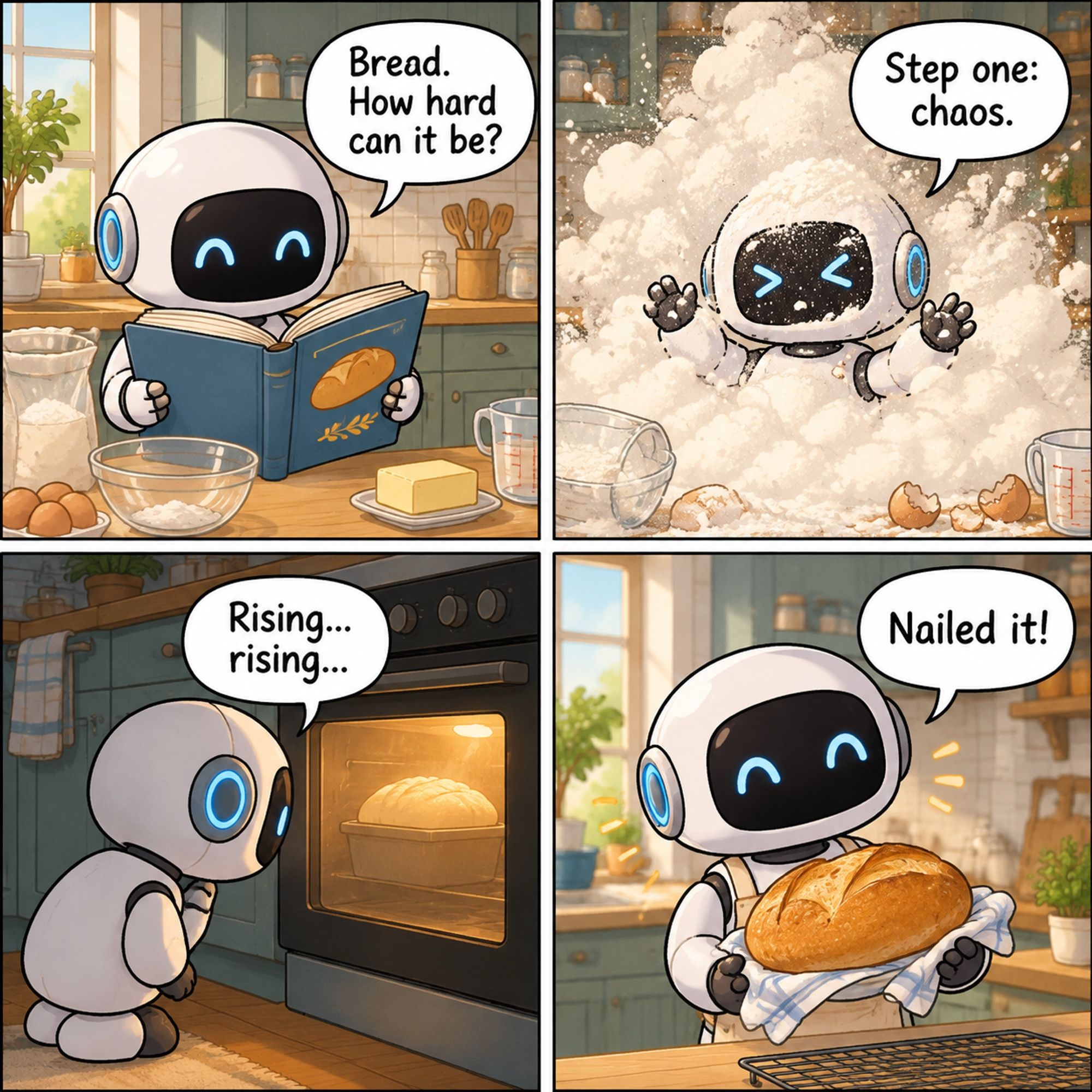
- Comics and storyboards with dialogue in speech bubbles.
- Infographics and diagrams with labeled steps.
- Bulk generation via the Batch API — when price matters more than speed.
GPT Image 2 vs. alternatives
| GPT Image 2 | Nano Banana Pro | Nano Banana 2 | Seedream 5.0 | |
|---|---|---|---|---|
| Developer | OpenAI | Google DeepMind | Google DeepMind | ByteDance Seed |
| Released | Apr 21, 2026 | Nov 20, 2025 | Feb 26, 2026 | Lite Feb 13, 2026; Pro Jul 8, 2026 |
| Max size | 3840 px | 4K | 4K | Lite — 4K, Pro — 2K |
| Text | strong, many languages | strong | good | 10+ languages, layers |
| Mask editing | yes | by prompt | by prompt | by point, box, lasso |
| In AI2Face | yes | yes | yes | yes |
GPT Image 2 is strongest with text and UIs. Nano Banana Pro holds faces and complex scenes with people better, and Seedream 5.0 Pro is better for layered design and pinpoint edits.
How to write prompts for GPT Image 2
OpenAI recommends this structure:
- Scene, subject, details, constraints — as labeled sections when the prompt gets long.
- State the intended use: “a product photo,” “a diagram,” “an app screen” — the model adapts the layout.
- Quote text verbatim, with its position and typeface. Spell unusual words letter by letter and add “no other text.” For small text, use medium or high.
- In edits, separate the change from the constraints: “change only X,” then list what must stay.
- Give each reference a numbered role: “image 1 is the product, image 2 is the background.”
- Change one thing at a time. Each edit step is a separate request; restate key constraints.
The full prompts for each image are in the gallery below.
How to use GPT Image 2 in AI2Face
GPT Image 2 is in the AI2Face generator alongside GPT Image 2.5, Nano Banana Pro and Seedream 5.0.
- Sign up — new accounts get starter credits.
- Open the generator and pick GPT Image 2.
- Write a prompt, upload references if needed, set the aspect ratio.
- The credit cost is shown before you start. Credits don’t expire.
AI2Face replaces generation metadata in finished images with standard camera EXIF, so social networks don’t label them as AI-generated.
Limitations
- Transparent background is unreliable. It’s a preview feature, and in late September 2026 developers reported API rejections. For PNGs without a background, use GPT Image 2.5.
- Masks are guidance. An edit can spill past the mask.
- Speed. Complex prompts can take up to 2 minutes.
- Text isn’t perfect. Long small print and unusual words need proofreading.
- Moderation. Requests and results are filtered under OpenAI’s policies.
- Not the newest. ChatGPT has already moved to 2.5, and new features — like sketches and comments on the image — appear there.
Bottom line
GPT Image 2 is a dependable model for images with text: menus, UIs, comics and infographics. With the Batch API and low quality, it’s also one of the cheapest. If you need transparent backgrounds, precise multi-step edits or speed, move to GPT Image 2.5: Flare is comparable in quality but twice as fast. For photorealism and scenes with people, compare the result with Nano Banana Pro in the same AI2Face generator.
Generation examples
FAQ
What is GPT Image 2?
OpenAI's image generation and editing model, released on April 21, 2026 alongside ChatGPT Images 2.0. Its key skills are accurate text, layouts, UIs and comics.
How much does GPT Image 2 cost in the API?
It depends on quality and size. A 1024 × 1024 square costs $0.006 at low, $0.053 at medium and $0.211 at high. Portrait and landscape 1024 × 1536 and 1536 × 1024 cost $0.005, $0.041 and $0.165.
What's the maximum resolution of GPT Image 2?
Up to 3840 pixels on the long side and no more than 8.3 megapixels. Both sides must be multiples of 16, and the aspect ratio can't exceed 3:1.
Does GPT Image 2 support transparent backgrounds?
In preview since August 2026, and in late September developers reported the API rejecting those requests again. For transparent backgrounds, GPT Image 2.5 is the safer choice: it supports them officially.
Does GPT Image 2 render text in other languages?
Yes. Multilingual text is one of the family's strengths: the chalkboard schedule on this page came out with no errors in Russian Cyrillic as well as English. Long small print still needs proofreading.
Is GPT Image 2 available in AI2Face?
Yes. GPT Image 2 is in the AI2Face generator, and you see the cost before you start a generation.
Sources
6
- https://openai.com/index/introducing-chatgpt-images-2-0/
- https://developers.openai.com/api/docs/models/gpt-image-2
- https://developers.openai.com/api/docs/guides/image-generation
- https://developers.openai.com/api/docs/guides/image-prompting
- https://developers.openai.com/api/docs/changelog
- https://openai.com/index/introducing-chatgpt-images-2-5/