









Key facts
| Developer | Viggle |
|---|---|
| Current model | JST-2 (Joint Space-and-Time, October 19, 2026) |
| What it does | Transfers motion from a video onto a character from an image, swaps characters in video, builds 3D scenes |
| Character | From a single image — a person, a cartoon hero, a mascot |
| Modes | Mix (character swap), Multi-Editor (several characters), Live (real-time swap) |
| 3D | Characters and scenes as 3D Gaussian splats, motion as 3D animation |
| Audience | More than 50 million users |
| Viggle pricing | Free; Pro $7.99, Live $15.99, Max $63.99 a month |
| In AI2Face | Yes, in the generator |
What is Viggle AI
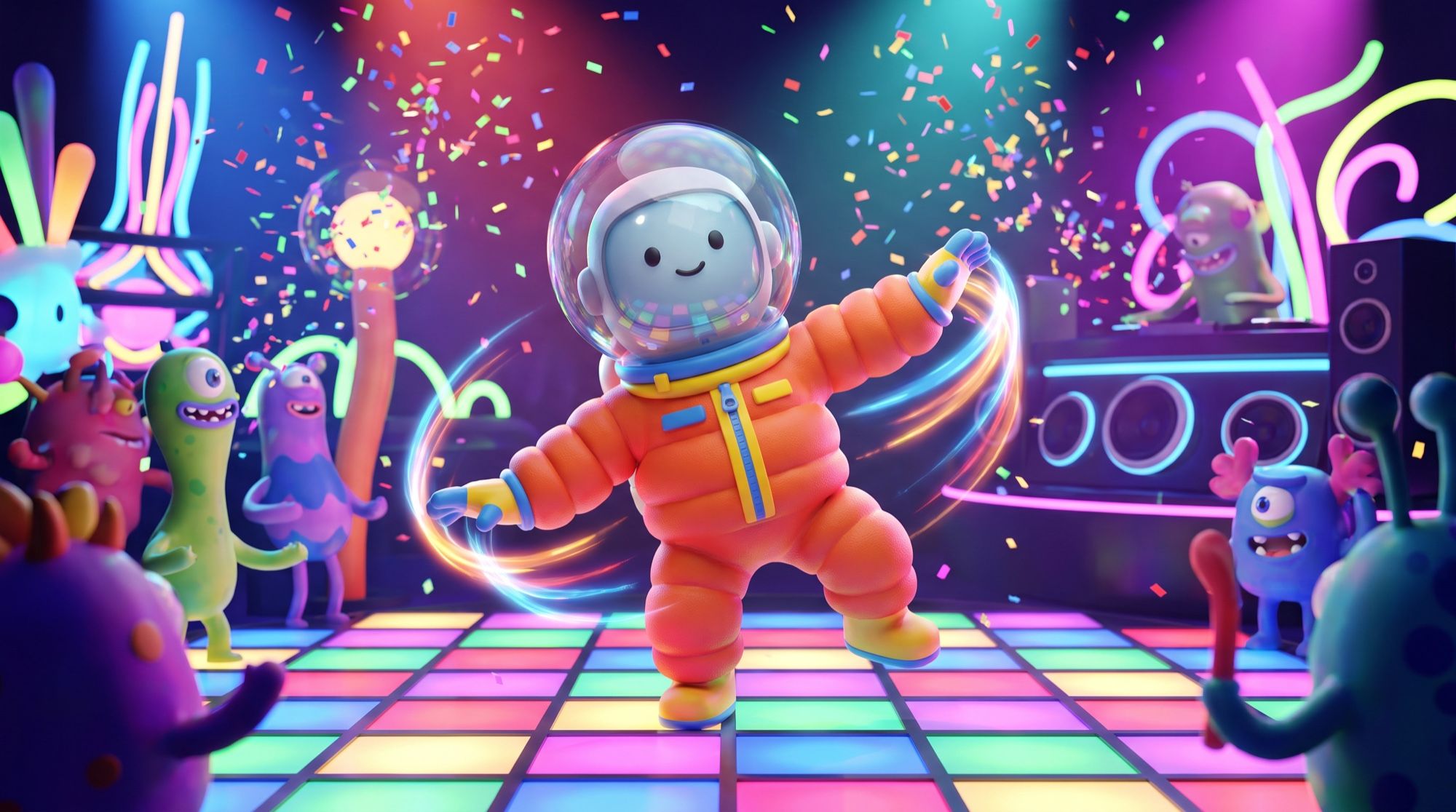
Viggle is a character animation service. You upload an image of a character — yourself, a cartoon hero, a brand mascot — plus a video with the motion, and Viggle makes a clip where your character repeats the dance, gesture or scene from the source. That’s how thousands of memes with a different character dropped into a famous clip came about.
According to the company, more than 50 million people use Viggle. It runs in the browser and in a mobile app, and there’s an API for developers.
What Viggle can do
Character swap in video (Mix). The character from your image takes the place of the person in the clip and repeats their movements, while the background and camera stay from the source.
Several characters (Multi-Editor). Swap multiple people in one clip.
A character on a motion template. Ready-made dance and meme templates: pick a move and your character performs it. You can also describe the motion in text.
Real-time swap (Live). Real-Time Swap replaces you with a character right during a stream — for streamers and VTubers.
JST-2 and 3D. On October 19, 2026, Viggle introduced JST-2 (Joint Space-and-Time), a physics-native world model. It represents a scene as persistent “atoms” in 3D space, each with a position, attributes and dynamics, so characters, motion and surroundings live in one 3D world. JST-2 powers PINOC, a 3D engine that builds a scene from a description or an image in a minute or two — and you can walk into it.
API for developers. Create a character from a photo or a motion from a video, swap characters, generate video from references, export a 3D character as a Gaussian splat, get 3D animation from video or text, and render video with a transparent background for compositing. There’s a Unity plugin too.
How much does Viggle cost
| Plan | Per month | What’s included |
|---|---|---|
| Free | $0 | credits refresh daily, 1 generation at a time, 7-day storage |
| Pro | $7.99 (was $9.99) | 80 credits, up to 4 generations at once, no watermark, all models except Seedance |
| Live | $15.99 (was $19.99) | 200 credits, up to 6 generations, 6+ hours of Real-Time Swap, all models |
| Max | $63.99 (was $79.99) | 800 credits, up to 10 generations, unlimited Real-Time Swap |
Beyond its own models, Viggle’s paid plans include third-party ones: Seedance, Kling, Veo, Wan and HappyHorse.
What Viggle is good for
- Memes and viral clips: your character in a popular dance or scene.
- Brand mascots: a company mascot repeats a live actor’s moves.
- Streams and VTubing: swap yourself for a character live.
- Animation previs: rough character motion for a 3D pipeline and games.
Viggle vs alternatives
| Viggle (JST-2) | Kling 3.0 | Wan 3.0 | Seedance 2.5 | |
|---|---|---|---|---|
| Developer | Viggle | Kuaishou | Alibaba | ByteDance Seed |
| Motion transfer from video | core feature | Motion Control | video references | video references |
| Character swap on stream | yes | — | — | — |
| 3D export | character, motion, scene | — | — | — |
| Generated audio | not stated | yes | yes | yes |
| In AI2Face | yes | yes | yes | yes |
People pick Viggle for one-click memes and character swaps, plus the Live mode and 3D. If you need a cinematic clip with sound where motion is just one detail, video models are a better fit — see how motion transfer works in Kling in our Kling Motion Control guide.
How to make a character video in AI2Face
Viggle is available in the AI2Face generator alongside models that can transfer motion: Kling 3.0, Wan 3.0 and Seedance 2.5.
- Sign up — new accounts get starter credits.
- Upload an image of your character and a video with the motion.
- Pick a model and generate.
- The credit cost is shown before you generate, and credits don’t expire.
You can make the character image in the same place, for example with Nano Banana Pro. For dance video ideas, see AI dance video, and to swap just a face instead of the whole character, see AI face swap video.
Limitations
- Free plan — one generation at a time, files kept for 7 days.
- Seedance — only on the Live and Max plans.
- Only with rights to the source and the character: don’t use other people’s videos or real people’s likenesses without permission.
Bottom line
Viggle AI is the fastest way to put your character into someone else’s video: memes, dances, brand mascots and swapping yourself on stream. JST-2 added 3D scenes and exports of characters and motion for games and animation. For cinematic clips with sound where a character repeats a motion, compare the results with Kling 3.0 and Wan 3.0 in the AI2Face generator.
FAQ
What is Viggle AI?
A service that puts a character from an image into a video and makes it repeat the movements from the source clip. People use it for memes, dances and movie scenes with the hero swapped for their own character.
Can I use Viggle for free?
Yes. On the free plan, credits refresh daily, but you generate one video at a time and files are kept for 7 days. Paid plans from $7.99 a month remove the watermark.
How do I put my own character into a video?
Upload an image of your character and a video with the motion you want. Viggle transfers the poses, gestures and rhythm to your character and keeps the background of the original clip.
What is JST-2?
Viggle's model, introduced on October 19, 2026. It represents the world as persistent "atoms" in 3D space, so characters, motion and scenes live in one shared 3D world.
What are the alternatives to Viggle?
Kling (Motion Control), Wan 3.0 and Seedance 2.5 with video references can also transfer motion from a video to a character. All of them are available in the AI2Face generator.
Sources
5
- https://viggle.ai/
- https://viggle.ai/jst2
- https://viggle.ai/pricing
- https://viggle.ai/about
- https://docs.viggle.ai/v1/introduction.md