









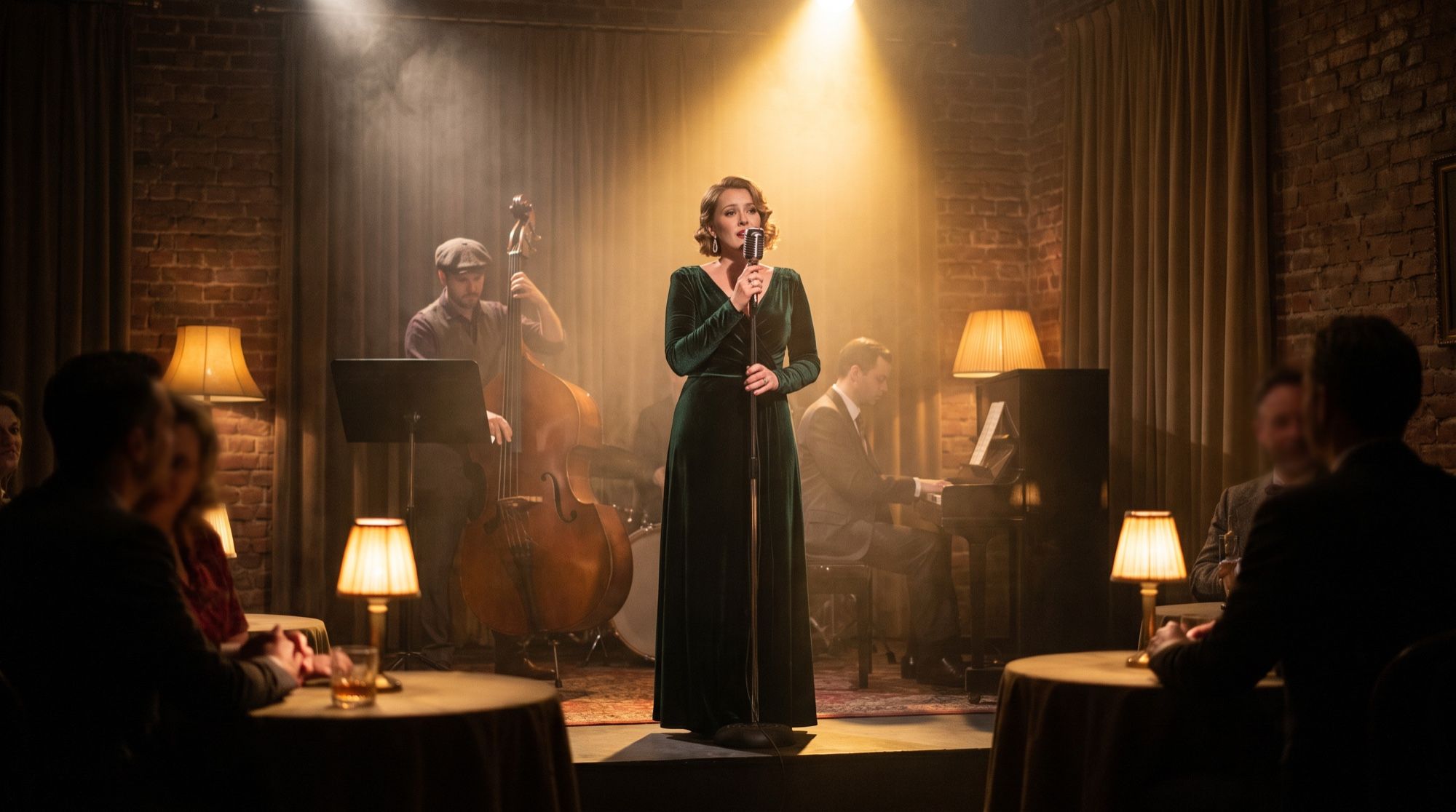
Key facts
| Developer | Kuaishou (Kling AI) |
|---|---|
| Release date | December 3, 2025; custom voices — December 16, 2025 |
| Modes | Video with sound from text and from an image |
| Duration | 5 or 10 seconds |
| Aspect ratios | 16:9, 1:1, 9:16 |
| Audio | Speech, dialogue, singing, rap, effects, ambience — with the video |
| Speech languages | Chinese and English; other languages are translated into English |
| Custom voices | 5–30 second recording, up to 200 voices, image-to-video only |
| Motion Control 2.6 | Motion transfer from a 3–30 second video |
| In AI2Face | Yes, in the generator |
What is Kling 2.6
Kling 2.6 is a video model from the Chinese company Kuaishou. Kling introduced it on December 3, 2025, on day three of its launch week, two days after Kling O1. The model’s tagline is “See the Sound, Hear the Visual”: it’s the first Kling model that generates sound together with the video rather than as a separate step.
On December 16 the model learned to speak in a chosen voice, and on December 17 Motion Control 2.6 arrived for motion transfer. In February 2026 it was succeeded by Kling 3.0. An overview of the family is on the Kling page.
On the Arena leaderboard as of September 21, 2026, Kling 2.6 Pro ranks 29th of 48 video models.
What Kling 2.6 can do
Sound in the same generation. One run gives you both the picture and a full soundtrack. Kling lists six kinds of sound:
- voiceover and dialogue;
- singing and rap;
- scene ambience;
- object and action sounds — breaking glass, a crackling fire, waves;
- mixed effects.
You can switch sound off with the Native Audio toggle, which makes the clip cheaper.
Two modes. Text-to-video builds the whole scene and its sound from the prompt. Image-to-video turns a photo into the first frame and adds sound. Kling warns that quality in the second mode depends heavily on the source image resolution.
Emotion and tone. In the prompt you can set a line’s emotion, tone, pace and even volume.
Custom voices (since December 16). Upload a 5–30 second recording with one speaker, a neutral tone and no background noise — Kling saves the voice. You can create up to 200 voices. A voice is bound to a character with @VoiceName after the character’s name. The feature works in image-to-video mode.
Motion Control 2.6. A motion transfer mode: the model takes a person’s movement and facial expressions from a 3–30 second video and transfers them to the character in an image — in a single shot, with no cuts. Details are in the Kling Motion Control guide.
Kling 2.6 pricing
| Mode | Kling credits per second |
|---|---|
| Professional, with sound | 10 |
| Professional, no sound | 5 |
| Standard, no sound | 3 |
| Custom voice | +2 |
| Motion Control 2.6 (Standard / Professional) | 5 / 8 |
A 10-second clip with sound in Professional mode costs 100 credits in the Kling app.
Kling 2.6 vs 3.0 vs 4.0
| Kling 2.6 | Kling 3.0 | Kling 4.0 | |
|---|---|---|---|
| Released | Dec 3, 2025 | February 2026 | Oct 15, 2026 |
| Length | 5 or 10 s | up to 15 s | 3–30 s |
| Audio | yes, first model with sound | yes | stereo |
| Speech languages | Chinese, English | 5 languages, accents | — |
| Shot-by-shot storyboard | no | yes | 10 keyframes |
| Custom character voice | 5–30 s recording | element with a voice | voice in references |
| Arena rank (Sep 21, 2026) | 29 | — | — |
What Kling 2.6 is good for
- Short clips with one line — an ad tagline, a greeting, a meme.
- Musical moments — a verse, a chorus or a rap line in 10 seconds.
- Sound scenes — a campfire, surf, the city, breaking dishes — no digging through sound libraries.
- Two-character dialogue — Kling recommends exactly two characters.
- Animating a photo with sound — the image becomes the first frame and starts talking.
- Dancing from a reference — via Motion Control 2.6.
Kling 2.6 vs alternatives
| Kling 2.6 | Veo 3.1 | MiniMax H3 | HappyHorse 1.1 | |
|---|---|---|---|---|
| Developer | Kuaishou | Google DeepMind | MiniMax | Alibaba |
| Length | 5 or 10 s | 4, 6, 8 s | 4–15 s | 3–15 s |
| Audio | yes | yes | stereo | yes |
| Speech languages | Chinese, English | — | 11 | not listed |
| Custom voice | yes, 5–30 s recording | no | reference audio | no |
| Arena rank (Sep 21, 2026) | 29 | 12–15 | 8 | 10 (1.0) |
| In AI2Face | yes | yes | yes | yes |
Kling 2.6 trails newer models on quality but remains an easy way to get a short clip with sound and your own character voice. For more speech languages and 2K, use MiniMax H3; for the best sound in a short clip, Veo 3.1.
How to write prompts for Kling 2.6
Kling’s formula is scene + characters + motion + sound + style. In short: what we see, what happens and what we hear.
- Put lines and lyrics in quotes.
- For dialogue, give each character a unique label (“[Grandma],” “[Grandson]”), describe each character’s action before their line, and give the voices different tones.
- Singing: lyrics + singing style + accompaniment + emotion. Rap: rhyming lines + rhythm.
- Effects: the sound source, its state and a description: “dry branches crackling in a campfire.”
- Ambience: the scene + sounds + a sense of space, such as reverb.
- English speech: lowercase for ordinary words, capitals for acronyms and proper nouns.
- One theme per prompt. Kling advises against stacking lots of ambient sounds with complex speech.
An example for the garden frame:
A sunny vegetable garden in the daytime. [Grandma] in a straw hat lifts a basket of tomatoes
and smiles, saying in a warm, slow voice: "Look, the first tomatoes this year!"
[Grandson] with a watering can laughs and answers in a bright, quick voice: "Can I eat one
right now?" Sound: birdsong, water trickling from the can, a light breeze. Medium shot, soft light.
How to use Kling 2.6 in AI2Face
Kling 2.6 is in the AI2Face generator alongside Kling 3.0 and Kling 4.0.
- Sign up — new accounts get starter credits. What Kling itself offers for free is covered in the article on free Kling.
- Open the generator, switch to video and pick Kling 2.6.
- Upload a photo or write a prompt, choose 5 or 10 seconds and the aspect ratio.
- The credit cost is shown before you start. Credits don’t expire.
A starting frame for image-to-video is easy to make in the same generator — for example, with Nano Banana Pro.
Limitations
- Speech in Chinese and English only. Kling translates lines in other languages into English.
- 5 or 10 seconds — longer only in Motion Control.
- More than two characters — according to Kling, dialogue quality may drop.
- The voice holds up worse in singing than in speech.
- Custom voices work only in image-to-video, and not every clip can supply one: clips without speech, made before 2.6 or generated without sound don’t work.
- Image-to-video quality depends on the source resolution.
Bottom line
Kling 2.6 is Kling’s first model with sound and still the simplest way to get a 5–10 second clip with a line, a song or a soundscape in your own character’s voice. For storyboards and speech in five languages, move to Kling 3.0; for clips up to 30 seconds, Kling 4.0. If you need speech in more languages, use MiniMax H3 — all of them are in the same AI2Face generator.
FAQ
What can Kling 2.6 do?
It makes 5- or 10-second clips from text or an image with sound in one pass: speech, dialogue, singing, rap, effects and ambience. It's the first Kling model that generates sound together with the video.
Which languages does Kling 2.6 speak?
Chinese and English. If you write a line in another language, Kling translates it into English for the voiceover. For speech in other languages, use models that support them, such as MiniMax H3.
How long are Kling 2.6 videos?
5 or 10 seconds in regular generation. For songs and dialogue, Kling recommends 10 seconds — the result is fuller and more stable. Motion Control 2.6 copies motion from a video up to 30 seconds long.
How much does Kling 2.6 cost?
In the Kling app, it's 10 credits per second with sound in Professional mode. Without sound it's 5 credits in Professional and 3 in Standard. A custom voice adds 2 credits per second.
How is Kling 2.6 different from Kling 3.0?
Kling 3.0 makes up to 15 seconds instead of 10, supports shot-by-shot storyboards, speech in five languages instead of two, and element characters with voices. Kling 2.6 is simpler and cheaper for short clips with sound.
Sources
5
- https://kling.ai/quickstart/klingai-video-26-audio-user-guide
- https://x.com/Kling_ai/status/1996238606814593196
- https://kling.ai/quickstart/motion-control-user-guide
- https://kling.ai/feature/ai-motion-control
- https://arena.ai/leaderboard/text-to-video