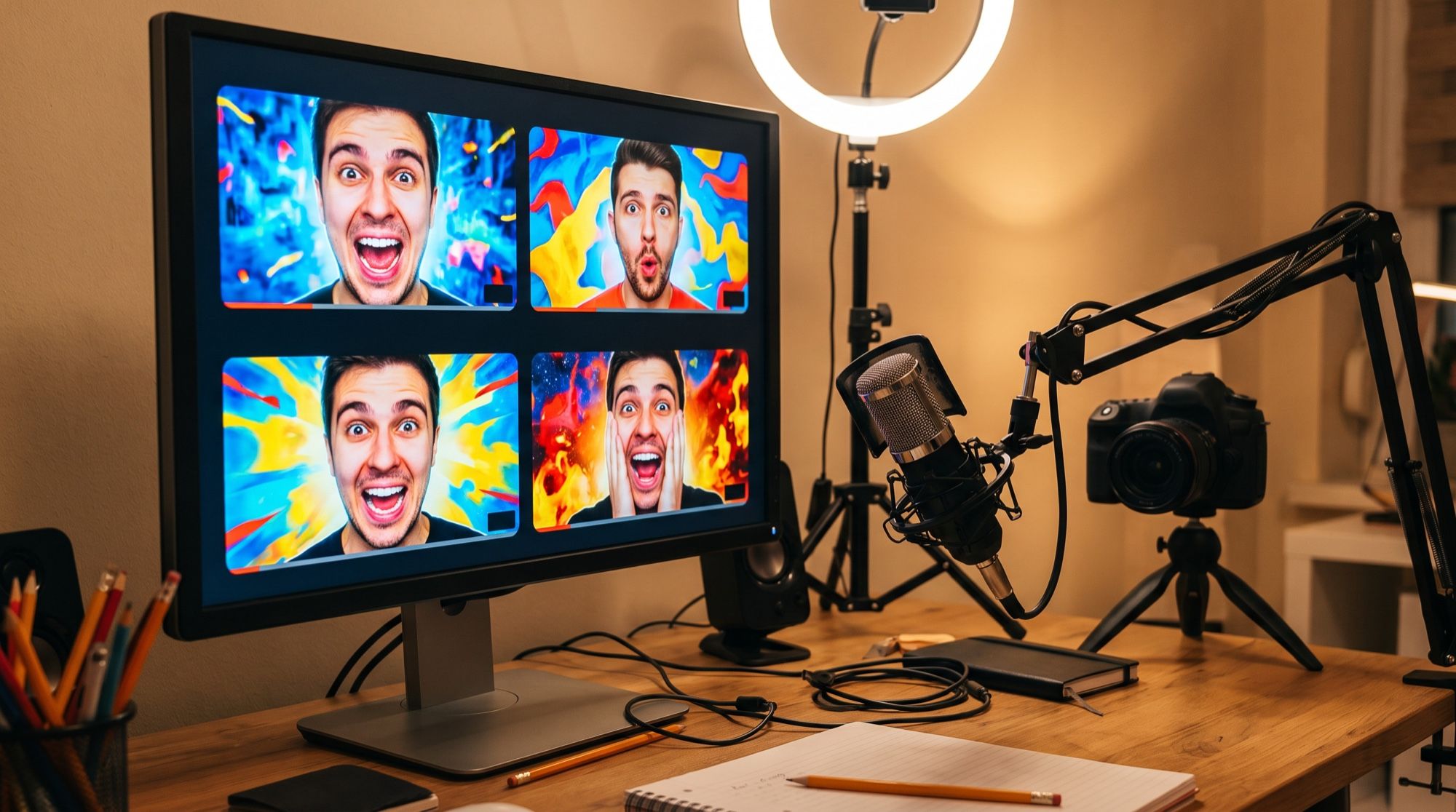
An AI thumbnail generator saves the part of a creator’s time that goes into the cover after editing. Thumbnails used to be assembled from a frame, a cut-out face and a font in an editor. Models in 2026 draw the whole thumbnail, big headline included. We tested this on four niches, on a thumbnail with a real face and on a Shorts cover. All images below were made in the AI2Face generator.
What makes a thumbnail clickable
A thumbnail is the first thing a viewer sees in the feed, and they decide whether to watch in a split second. That’s why clickable thumbnails share the same traits:
- One main face or object. Two or three subjects at most — otherwise nothing reads in a small tile.
- A strong emotion. Surprise, delight, shock — the face is large and the eyes are visible.
- Contrast. A bright background, warm against cool, a light subject on a dark background.
- 2–4 big words. The headline complements the video title rather than repeating it.
- Free space for the timestamp. YouTube covers the bottom-right corner with the video length.
AI thumbnail generator: the prompt formula
who and what emotion + what’s in hand or in frame + background and light + headline word for word + format
YouTube thumbnail, 16:9: a young man with a shocked expression and wide eyes holds
a new sleek smartphone with a glowing screen close to the camera, bright saturated
blue and orange background with light rays, high contrast, sharp focus. Big bold
white English headline with black outline on the right side, written once without
quotation marks: IS THIS THE BEST? No other text, no brand logos.
“No brand logos” is a must when the frame includes gadgets, clothing or packaging: otherwise the model may draw a recognizable logo, and that can cause problems for the video.
Thumbnails for different niches: 3 examples
The formula stays the same; the subject, the object and the headline color change.
YouTube thumbnail, 16:9: a happy young woman hiker in a red jacket raises her arms
on a mountain ridge above clouds at sunrise, epic wide landscape, vivid colors, high
contrast. Big bold yellow English headline with dark outline on the left, written
once without quotation marks: 3 DAYS IN THE MOUNTAINS. No other text, no logos.
YouTube thumbnail, 16:9: an extreme close-up of a giant juicy homemade burger with
melting cheese and steam on a dark wooden board, dramatic lighting, rich warm colors,
high contrast. Big bold white English headline with red outline at the top, written
once without quotation marks: A BURGER IN 10 MINUTES. No other text, no logos.
| Niche | Subject | Background color | Headline |
|---|---|---|---|
| Tech, reviews | surprised face + gadget | blue and orange | white with black outline |
| Travel | person in a landscape | sky, mountains, sea | yellow |
| Food | the dish itself, close up | dark, warm light | white with red outline |
| Gaming | a character or the streamer’s face | neon, purple | white or lime |
| Business, finance | confident face + chart | dark blue | white or gold |
Which AI renders the headline better
We sent the same tech prompt to GPT Image 2.5.
Both models rendered the headline correctly. Nano Banana Pro made the text bigger and let it run slightly off the edge of the frame; GPT Image 2.5 fit the text more neatly and made the phone screen brighter. Both work for thumbnails; if your headline is longer than three words, start with GPT Image 2.5.
A thumbnail with your own face from a photo
A personal channel needs your face on the thumbnail. Upload your photo as a reference, and the model makes a thumbnail with you, keeping your features.
Turn this photo into a YouTube thumbnail, 16:9: the same man, keep his face exactly
the same (face shape, short dark hair, short beard), now with a surprised excited
expression, pointing at a big steaming cup of coffee, bright warm orange and teal
background with a soft glow around him, high contrast, studio light. Big bold white
English headline with black outline on the right, written once without quotation
marks: $1 COFFEE? No other text, no logos.
The model got the dollar sign and the question mark right too. If you need several emotions for a series of videos, make them from the same photo, changing only the line about the expression. More on editing your own photos in our guide to the AI photo editor.
A cover for Shorts and Reels
Vertical videos need a 9:16 cover. Put the headline in the upper third: the platform’s title and buttons cover the bottom.
Vertical Shorts cover, 9:16: a young woman chef laughing while tossing vegetables in
a pan with flames, bright kitchen, vivid colors, high contrast. Big bold white English
text in the upper third with black outline, written once without quotation marks:
DINNER IN 5 MINUTES. Leave the bottom area clean. No other text, no logos.
Thumbnail sizes by platform
| Platform | Format | Minimum size |
|---|---|---|
| YouTube | 16:9 | 1280 × 720 |
| YouTube Shorts, Reels, TikTok | 9:16 | 1080 × 1920 |
| Telegram post with video | 16:9 or 1:1 | 1280 × 720 |
Generate in 2K — that’s above the minimums — and check the platform’s file size limit before uploading.
Limitations
- Other people’s faces and brands. Don’t make thumbnails with recognizable celebrities or logos without permission: such covers can be taken down.
- Clickbait. The thumbnail should match the video: if the headline promises something the video doesn’t deliver, viewers leave, and the platform notices.
- Long headlines. We tested headlines of up to four words; the longer the text, the smaller the letters and the higher the risk of errors.
- Small details. The model may draw a phone screen, labels and background text inaccurately — check the thumbnail at small size, the way viewers will see it.
Where to make thumbnails with AI
In AI2Face, Nano Banana Pro and GPT Image 2.5 are in one generator: you can run one thumbnail through both models and pick the best. The cost of each generation is shown before you start, you can pay by card or crypto, and credits from packs don’t expire. AI2Face strips AI metadata from the file, so the platform won’t see an AI label in it. Covers for articles and posts follow the same rules — see our guide to AI image prompts.
Bottom line
An AI thumbnail generator handles the whole job: the emotion, the background and a big headline appear in one generation, without an editor. In our test all six thumbnails — four niches, a real face and a Shorts cover — came out with correct text, including numbers and currency signs. Use Nano Banana Pro for thumbnails with your own face and GPT Image 2.5 for long headlines, keep one main face and 2–4 words in the frame — and check the cover at small size before publishing.
FAQ
How do I make a YouTube thumbnail with AI?
In the prompt, describe one main subject with a strong emotion, the video's key object, a contrasting background and the headline word for word, then pick 16:9. Nano Banana Pro draws the thumbnail together with the text in one generation.
Can AI write text on a thumbnail?
Yes. In our test, Nano Banana Pro and GPT Image 2.5 rendered every headline without errors, in English and in Russian, including numbers, currency signs and a question mark. Write the headline word for word and add “without quotation marks, no other text.”
What size does a YouTube thumbnail need to be?
16:9, at least 1280 × 720 pixels. Generate in 2K for extra quality headroom and, if needed, compress the file to the platform's limit.
Can I make a thumbnail with my own face?
Yes. Upload your photo as a reference and list your facial features in the prompt. In our test the model kept the face, hairstyle and beard and added the emotion we asked for.
Can I make AI thumbnails for free?
Yes, a few. AI2Face gives you welcome credits after signing up, and one thumbnail in Nano Banana Pro is inexpensive — the price is shown before you start.
Sources
3
- https://blog.google/innovation-and-ai/products/nano-banana-pro/
- https://ai.google.dev/gemini-api/docs/image-generation
- https://developers.openai.com/api/docs/guides/image-generation