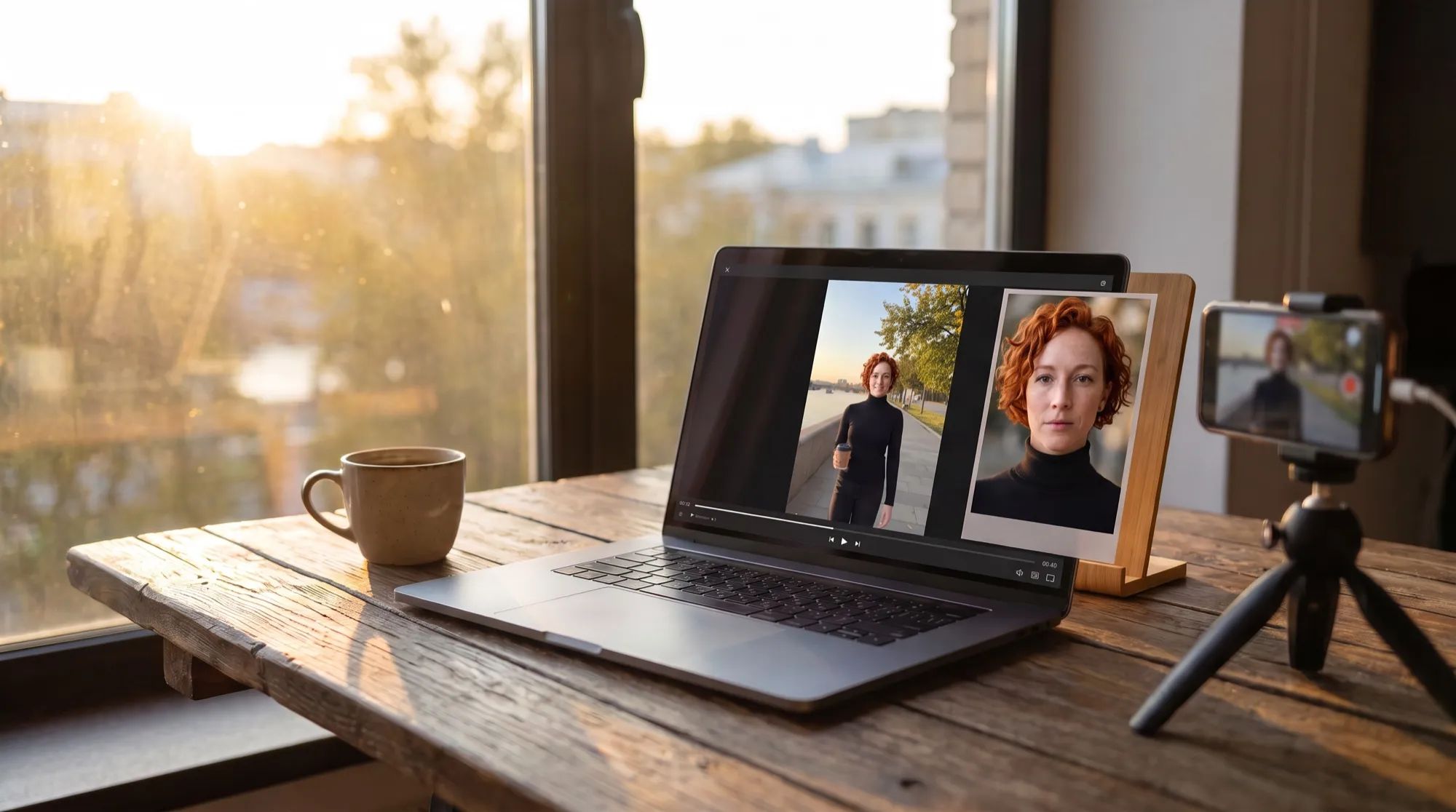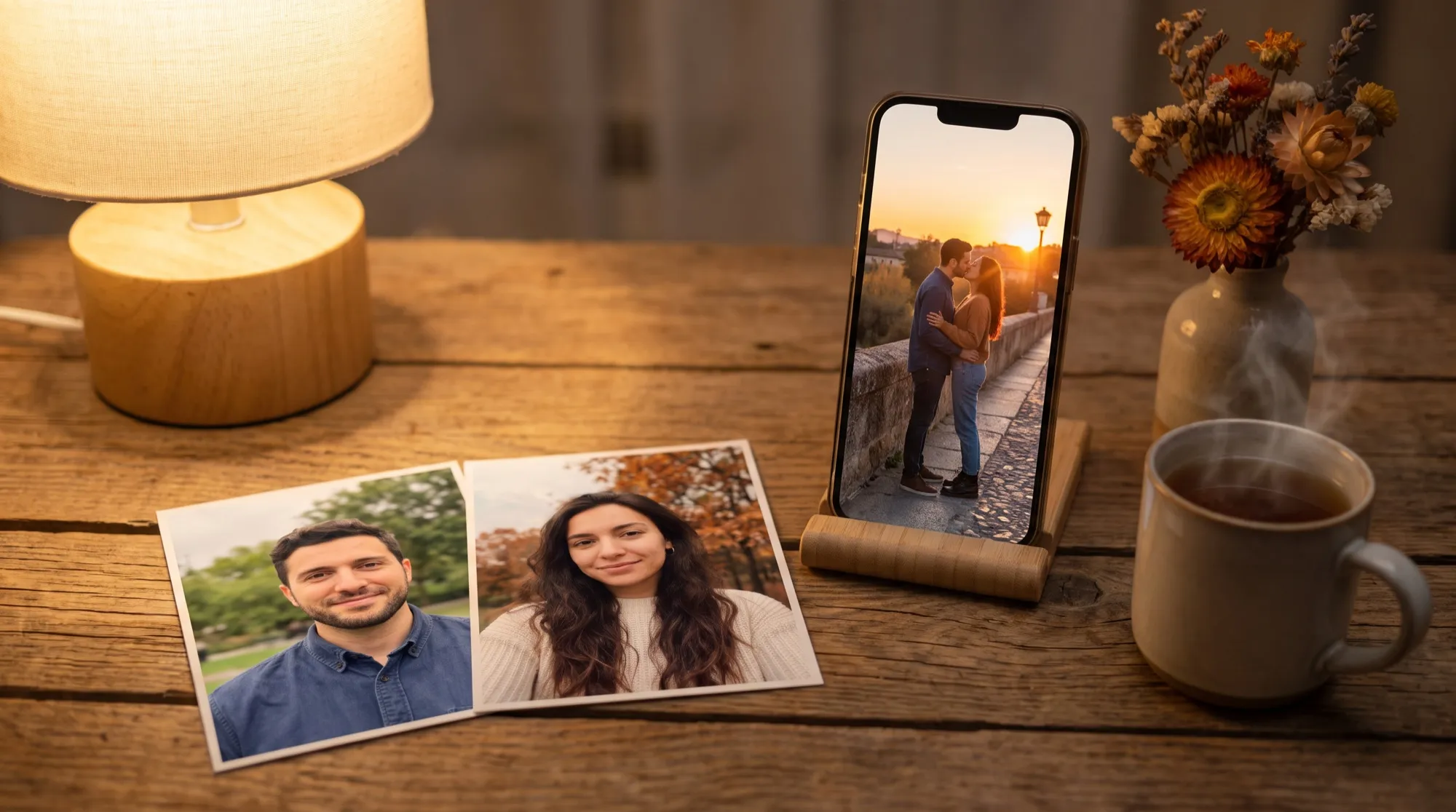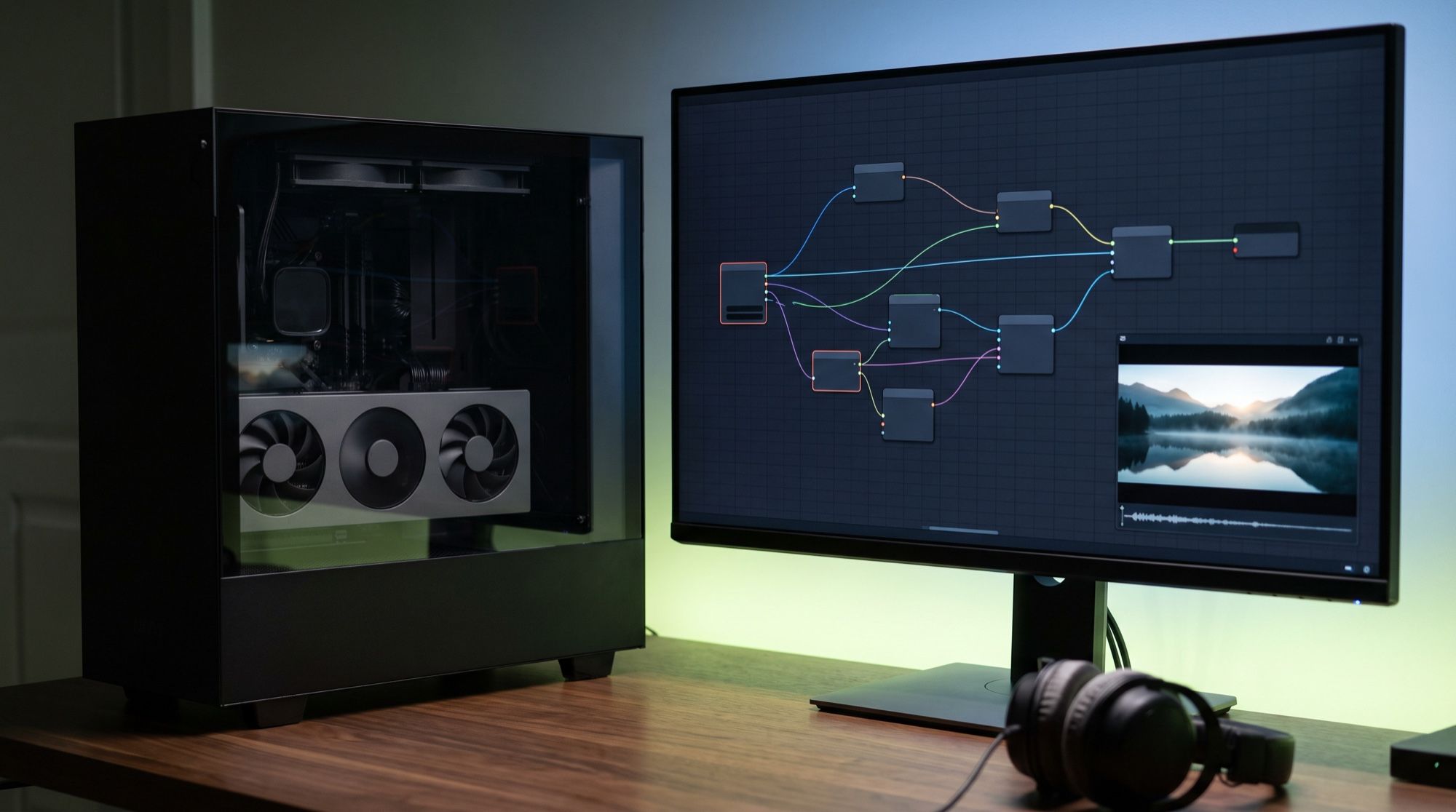
MiniMax H3 is a video model with stereo sound. MiniMax released the open weights on August 3, 2026. In ComfyUI it runs natively, with no third-party nodes: text-to-video (T2V), image-to-video (I2V), and reference-to-video (R2V) templates sit in the template library. Below: what to download, how much it weighs, which build to pick for your GPU, how to speed generation up, and where the model hits its limits. Every figure comes from the ComfyUI and MiniMax docs as of October 26, 2026.
What you need for MiniMax H3 in ComfyUI
- ComfyUI 0.30.0 or newer. Newer features need later versions: Multiframe Reference needs 0.34, Fun ControlNet and sparse attention need 0.35, FastH3 needs 0.36, and the lightest w6a8 build needs 0.38.
- A strong GPU. The speedups in the ComfyUI docs (INT8, NVFP4, Sage Attention) target NVIDIA. MiniMax supports AMD only in the vLLM-Omni server stack, through ROCm. MiniMax doesn’t publish a minimum VRAM figure for ComfyUI and says to test on your own hardware — the ranges are below.
- About 42 GB of disk for the first template, and about another 23 GB for references.
Two models in the H3-Base family are open: FL2VA, video from text and from a first and last frame, and Ref2VA, video from references. The reference-prep module H3-Context-IR and the 2K upscale H3-Regenerate-2K aren’t released and work only through the MiniMax API. So local H3 gives a frame of about 1 MP: 1344×768 at 16:9, a clip of 5–15 seconds at 24 frames per second, and 32 kHz stereo.
How H3 differs from the previous Hailuo 2.3, and what it costs in the API, is on the Hailuo AI page.
Which MiniMax H3 files to download, and where they go
The easy path is Template Library → Video, pick a MiniMax H3 template, and download the models from the popup. By hand, the files come from the Comfy-Org/MiniMax-H3 repo on Hugging Face:
| What | Default file | Size | Folder |
|---|---|---|---|
| T2V and I2V model | minimax_h3_fl2va_pruned_int8_convrot |
21 GB | models/diffusion_models/ |
| R2V model | minimax_h3_ref2va_pruned_int8_convrot |
21 GB | models/diffusion_models/ |
| Qwen3-VL-32B text encoder | qwen3vl_32b_minimax_h3_nvfp4_awq |
15.7 GB | models/text_encoders/ |
| Video VAE | minimax_h3_video_vae_int8_convrot |
2.8 GB | models/vae/ |
| Audio VAE | minimax_h3_audio_vae_fp32 |
0.6 GB | models/vae/ |
| Turbo LoRA for T2V and I2V | minimax_h3_fl2v_turbo_8step_v1.0_comfyui_bf16 |
2 GB | models/loras/ |
| Turbo LoRA for R2V | minimax_h3_ref2v_turbo_4step_v0.1_comfyui_bf16 |
2 GB | models/loras/ |
You need the Turbo LoRA even with turbo mode off: the template checks that the file is there when it loads. T2V and I2V land at about 42 GB, and with R2V at about 65 GB.
ComfyUI/models/
├── diffusion_models/
│   ├── minimax_h3_fl2va_pruned_int8_convrot.safetensors
│   └── minimax_h3_ref2va_pruned_int8_convrot.safetensors
├── text_encoders/
│   └── qwen3vl_32b_minimax_h3_nvfp4_awq.safetensors
├── vae/
│   ├── minimax_h3_video_vae_int8_convrot.safetensors
│   └── minimax_h3_audio_vae_fp32.safetensors
└── loras/
    ├── minimax_h3_fl2v_turbo_8step_v1.0_comfyui_bf16.safetensors
    └── minimax_h3_ref2v_turbo_4step_v0.1_comfyui_bf16.safetensors
Which MiniMax H3 build to pick for your GPU
Comfy says to take the smallest build that fits in VRAM: CPU offload costs more than the precision you give up. Only the file in the UNETLoader node changes. ComfyUI reads the quantization type from the file itself.
| Build | Size | When to use it |
|---|---|---|
pruned_w6a8 |
16 GB | the lightest; needs ComfyUI 0.38+ |
pruned_int8_convrot |
21 GB | the default in the templates |
pruned_fp8_scaled |
21 GB | the same size as INT8 |
pruned_bf16 |
40.2 GB | no quantization; required for Comfy Kitchen attention |
bf16 |
66.3 GB | the full build |
The text encoder has three options too: NVFP4 at 15.7 GB (in the templates), INT8 at 27.1 GB, and bf16 at 51.5 GB. RTX 30-series cards have no FP8, and INT8 is about twice as fast as FP16 there — use the INT8 builds.
There are no official timings for ComfyUI itself. The closest figures MiniMax publishes are for its SGLang and vLLM-Omni server stacks:
| Hardware | Mode | Result |
|---|---|---|
| 1 × RTX 4090, 24 GB | CPU offload + INT8 | peak of about 18 GB of VRAM; time depends on system RAM |
| 2 × RTX 5090, 32 GB | 5 s, 1344×768, 50 steps | 559.67 s, peak 26.3 GB per card |
| 2 × RTX 5090, 32 GB (vLLM-Omni) | the same | 8 min 38 s, peak of about 22.6 GB per card |
ComfyUI templates default to 20 steps, not 50, so the same cards finish a clip faster. For FastH3, FastVideo ships ready profiles for the RTX 5090 and DGX Spark, at 480p by default.
How to run the first clip
- Update ComfyUI and open the MiniMax H3 T2V template.
- Leave 0.4 MP for a test — that’s 864×480 at 16:9. A draft render like that is fast and shows whether the scene is going the right way.
- For the final clip, set 0.98 MP or type 1344 × 768 by hand. Don’t set 1.0 MP: that gives 1376×768, more area than the model was trained on. Sides are multiples of 32.
- Length is set in seconds and rounds up on a 17k+5 frame grid: 5 seconds give 124 frames, about 5.17 s. The model was trained on 5–15 seconds.
- Run it at 20 steps. Simple scenes are fine at 12–16. Fine detail such as chainmail and patterns benefits from up to 50.
The further the resolution is from 1344×768, the slower the generation and the lower the quality; going larger than that doesn’t add detail. Long clips at full resolution hit VRAM first — then lower the megapixels.
How to write prompts for MiniMax H3
The ComfyUI docs say to write the prompt in English, and character lines inside <d> tags with a language tag: <d>[English] …</d>. Who is speaking, and how, goes before the tag. MiniMax lists English among 11 languages with stable speech. Describe the whole scene first, then shots with timecodes, the camera, and the sound — in one block:
integrated_multimodal_description: [Shot 1] Live-action, cinematic, a wide shot of a misty mountain lake at sunrise. The camera pushes in slowly as a young woman in a red raincoat walks along the wooden pier, turns to the camera, and the calm, warm-voiced woman (S1) says: <d>[English] Good morning.</d> [Shot 2] At 00:03.000, the camera cuts to a close-up of ripples spreading across the water.
overall_soundscape: Gentle water lapping against the pier, distant birds, wooden planks creaking under footsteps.
non_diegetic_music: Soft ambient piano.
- No negatives. H3 in ComfyUI runs at
cfg1 with no negative branch: a list of “what you don’t want” only adds those objects. Write what should be in the frame. - Cuts use a single timecode,
At 00:03.500, the camera cuts to…, not a range. - On-screen text goes in English double quotes, verbatim, in the language of the inscription.
Video from an image, and from references
I2V. The MiniMax H3 I2V template takes a first and last frame in the MiniMaxH3ImageToVideo node, and motion is built between them. The first frame is stretched to the canvas without keeping its aspect ratio, and the last frame is center-cropped. The template opens at 1:1 and 640×640 — set your image’s aspect ratio right away, or it will be distorted.
R2V. The MiniMax H3 R2V template works only with the Ref2VA model and takes up to 9 images, 3 videos, and 3 audio clips. In the prompt, references are called <Picture 1>, <Video 1>, <Audio 1> — and for each one, say what it controls: face, style, motion, camera, or voice.
- A video reference is read at 24 frames per second — reconvert other frame rates first.
- Audio carries the voice timbre, not the words: write what to say in the prompt.
- For a close likeness, keep 20–25 steps. With the turbo LoRA at 4 steps, references barely apply, and the face and pose drift.
How to speed up MiniMax H3
| Method | Speedup | Tradeoff |
|---|---|---|
Turbo LoRA (turbo_mode) |
8 steps instead of 20 in T2V and I2V, 4 in R2V | softer motion and sound, weaker references |
| FastH3 8-step V2 | 8 steps, its own distilled model | T2V and I2V only, step count is fixed, ComfyUI 0.36+ |
| Sage Attention | about 2× | artifacts are possible at the end of the clip on INT8 |
Sparse attention sol-attn |
less compute on long clips | experimental, ComfyUI 0.35+ |
Sound locks in later than the picture: speech and timbre need 12 steps or more, and at 8 steps audio is usually the weak spot. A Turbo LoRA cuts the step count, not the time per step: a 4-step LoRA run at 20 steps takes as long as the base.
Sage Attention installs as a wheel for your PyTorch and CUDA versions, then connects through the Patch Sage Attention KJ node from KJNodes, between UNETLoader and BasicGuider, or through the --use-sage-attention flag. Console warnings that some layers fall back to regular attention are normal.
The faster reference version, FastH3-Omni, came out on October 20, 2026 — details are in the news piece FastH3-Omni: open weights for MiniMax H3.
How to get 2K, and a clip longer than 15 seconds
Upscale. Official 2K isn’t available locally. The ComfyUI docs suggest an unofficial latent upscaler: put minimax_h3_latent_upscaler_3d_conv_v1_bf16 in models/latent_upscale_models/, place the Minimax H3 Latent Upscaler (3D) node after the draft render (scale from 1 to 4, default 2), then run a refine pass at the target size with denoise 0.1–0.5. That path saves time, not VRAM: the refine pass runs at full size. Sound doesn’t change unless the refine pass touches it.
Length. The nodes will accept up to 3,600 frames, but the model was trained on 5–15 seconds. Longer means a chain: the video_minimax_h3_i2v_continuation template takes the last frame of the previous piece. Errors stack up, and face texture goes first; cut in short shots.
LoRA and fine-tuning MiniMax H3
- Style LoRAs compete with references: in R2V, keep their strength around 0.5.
- Pruned and full builds. A LoRA trained on the full build loses part of its weights (adaln) on a pruned build — ComfyUI skips them silently. Turbo LoRAs work on both.
- Your own LoRA. MiniMax describes fine-tuning FL2VA in miles-diffusion, but the reference machine is 8 × H200, and the encoder takes about 70 GB of RAM at that stage. You can’t repeat that on a home computer.
Common MiniMax H3 errors in ComfyUI
| Symptom | Cause and fix |
|---|---|
| No H3 templates or nodes | ComfyUI is older than 0.30.0 — update it |
| References don’t affect the clip | they’re wired into a T2V or I2V template, which ignores them silently; you need the R2V template |
| R2V doesn’t run | FL2VA is loaded instead of Ref2VA |
| The I2V picture is stretched | the first frame is fit to the canvas with no aspect ratio — set the image’s aspect ratio |
| The clip is a bit longer than you set | rounding on the 17k+5 grid: 5 s = 124 frames |
| Weak sound, unclear speech | too few steps: you need 12 or more; turbo at 8 steps drops off |
| Morphing at the end, broken text with Sage | INT8 quantization of attention; switch to pruned_bf16 and Comfy Kitchen attention |
| Comfy Kitchen attention won’t start | it doesn’t work with int8_convrot builds, only with bf16 |
| Out of VRAM | a smaller build, 0.4 MP and 5 s, then raise one setting at a time |
Can you use MiniMax H3 commercially?
The weights are free to download and run. Commercial use of the results depends on the country and on revenue. From the ComfyUI docs:
- Outside the US, the EU, the UK, and South Korea, with revenue under $20 million a year, commercial use is covered by the free MiniMax H3 community license. You need the credit “Powered by MiniMax H3”, and the territory rule also covers where the clips are shown.
- In the US, the EU, the UK, or Korea, or with revenue over $20 million, you need a paid license — Professional from $5,000 a month, or Enterprise by agreement. Comfy sells it as the sole official reseller.
- In Comfy Cloud, commercial rights are already included.
MiniMax warns that the license can change: the text on the weights page is what has legal force.
When it’s easier not to run MiniMax H3 locally
Local H3 makes sense if you have a strong GPU, you need privacy, or you generate a lot without paying per clip. If you need a result today, without a 42 GB download and without picking builds, MiniMax H3 is available in the AI2Face generator as Hailuo. You pay by card or with cryptocurrency. The clip price is shown before you start, and new accounts get welcome credits. A comparison with other video models is in the AI video generator roundup.
Bottom line
MiniMax H3 in ComfyUI is the simplest path to an open video model with sound: a template, 42 GB of files, and 20 steps. Start with T2V at 0.4 MP and 5 seconds to check that everything runs, then raise the resolution to 1344×768. If VRAM is tight, take pruned_w6a8 or INT8, and a turbo LoRA for draft renders; for the final, go back to 20 steps. References need a separate Ref2VA and more steps. For 2K, and for a finished result without your own GPU, use the AI2Face generator.
FAQ
How much VRAM does MiniMax H3 need in ComfyUI?
Neither MiniMax nor Comfy publishes an official minimum. Use the model file size as a guide: from 16 GB for the w6a8 build to 66 GB for the full bf16. MiniMax says an RTX 4090 with 24 GB and CPU offload runs with a peak of about 18 GB.
How big is the MiniMax H3 download?
The T2V and I2V template in ComfyUI downloads about 42 GB: a 21 GB model, a 15.7 GB text encoder, two VAEs at 3.4 GB, and a 2 GB Turbo LoRA. R2V references add about another 23 GB.
What is MiniMax H3 Turbo?
It's a LoRA that cuts generation from 20 steps to 8 in T2V and I2V, or to 4 in R2V. The clip is faster, but motion and sound get softer, and references hold less well.
Can I make 2K with MiniMax H3 locally?
No. The H3-Regenerate-2K module isn't released, and 2K exists only in the MiniMax API. Locally the model is built for a frame of about 1 MP (1344×768); an unofficial latent upscaler can enlarge it.
How is FL2VA different from Ref2VA?
FL2VA is the model for video from text and from a first and last frame. Ref2VA is for video from references: photos, video, and audio. They're different files, and the R2V template works only with Ref2VA.
Can I use MiniMax H3 clips commercially?
It depends on the country and on revenue. Outside the US, the EU, the UK, and South Korea, with revenue under $20 million a year, commercial use is covered by the free community license if you add “Powered by MiniMax H3”. Otherwise you need a paid license.
Sources
9
- https://docs.comfy.org/tutorials/video/minimax/minimax-h3
- https://docs.comfy.org/tutorials/video/minimax/minimax-h3-native
- https://docs.comfy.org/tutorials/video/minimax/minimax-h3-fastvideo
- https://docs.comfy.org/tutorials/video/minimax/minimax-h3-prompt-guide
- https://platform.minimax.io/docs/guides/local-deploy-h3
- https://huggingface.co/MiniMaxAI/MiniMax-H3
- https://huggingface.co/MiniMaxAI/MiniMax-H3/blob/main/docs/VIDEO_PROMPT_WRITING_GUIDE_base_en.md
- https://huggingface.co/Comfy-Org/MiniMax-H3
- https://haoailab.com/blogs/fastvideo-omniref-update/