









Key facts
| Developer | Recraft — independent lab, founder and CEO Anna Veronika Dorogush |
|---|---|
| Current versions | V4 (Feb 17, 2026), V4.1 (May 14, 2026), V4.1 Flash (Sep 23, 2026), V4 Styles (Aug 2026) |
| What it does | Raster images and editable SVG vectors from text |
| Resolution | Standard — 1024×1024, Pro — 2048×2048; Flash — 1K |
| V4.1 variants | Base, Utility and Vector — each in Standard and Pro — plus Flash |
| Style matching | V4 Styles — 1 to 10 reference images, no training |
| API price | From $0.007 (Flash) to $0.30 (Vector Pro) per image |
| Arena rank | V4.1 Utility Pro — |
| In AI2Face | Yes |
What is Recraft AI
Recraft is a set of image generation models and an online editor for designers from the independent lab of the same name. The founder and CEO is Anna Veronika Dorogush, and the company says its research team is fewer than 20 people. Unlike general-purpose models, Recraft has focused on applied design from the start: logos, icons, illustrations and vectors.
Many reviews still cover Recraft V3. Here’s the 2026 lineup:
| Version | Date | What it is |
|---|---|---|
| V2 | — | Low-cost, icon sets with consistent line width |
| V3 | — | Precise text placement, styles such as risograph |
| V4 | Feb 17, 2026 | Rebuilt from scratch: taste, prompt accuracy, vectors |
| V4.1 | May 14, 2026 | Better photorealism and vectors, new Utility mode |
| V4 Styles | Aug 2026 | Style from 1–10 references, no training |
| V4.1 Flash | Sep 23, 2026 | 1K raster in 1.3 seconds |
What Recraft can do
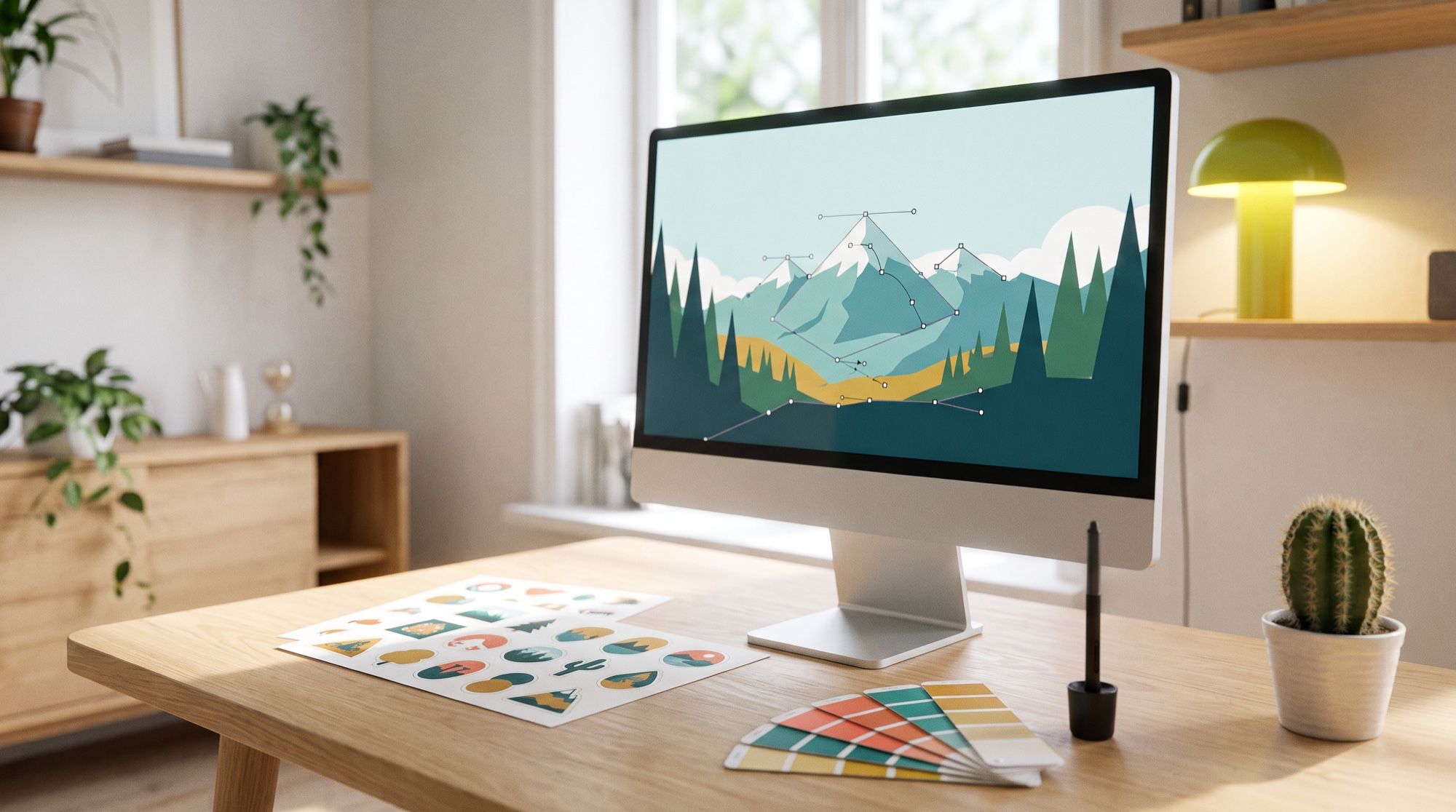
Real vectors. The Vector and Vector Pro versions generate SVG with structured layers and clean geometry straight from a prompt. No tracing, cleanup or conversion: the file opens in Figma or Illustrator and you can edit the curves. Recraft calls itself the only model with this capability.
Utility for mockups and product shots. The base V4.1 experiments with angle, light and composition. Utility does the opposite: flat lighting, a front-facing view, a simple scene. That’s what you want for a packaging mockup, a product listing or an app icon, where surprises aren’t welcome.
Pro for print. Pro variants generate 2048×2048 instead of 1024×1024 with finer detail, for posters and large formats. Pro is slower: V4 Pro takes about 28 seconds versus 10 for Standard.
Style from references. V4 Styles picks up texture, palette and rendering from one to ten reference images with no model training. It’s how teams keep one brand style across dozens of images.
Flash speed. V4.1 Flash returns a 1K raster image in 1.3 seconds for $0.007. For the final version, the Refine button upscales it.
Typography. Recraft says V4 builds the composition around the text instead of pasting it on top — more important for logos and posters than for photos.
What Recraft is good for
- Logos and brand marks — straight to SVG for refinement.
- Icon sets for apps and websites in one style.
- Vector illustrations for landing pages, decks and print.
- Mockups and product shots — Utility mode.
- Series in one brand style — V4 Styles from references.
- Quick drafts — Flash in about a second.
Recraft vs. alternatives
| Recraft V4.1 | Ideogram 4.0 | GPT Image 2.5 | Midjourney V8.2 | |
|---|---|---|---|---|
| Arena rank, text-to-image (Oct 24, 2026) | 26 (Utility Pro) | 20 | 1 (Sunburst) | — |
| SVG vector | yes, native | no | no | no |
| Resolution | 1024 / 2048 px (Pro) | — | up to 3840 px | up to 2048 px |
| Style from references | up to 10 (Styles) | yes | via references | yes |
| Strength | vectors, mockups, icons | text in images | accuracy and text | artistic look |
On overall image quality, Recraft trails GPT Image and Nano Banana: its best version ranks 26th on Arena. On the Artificial Analysis leaderboard on May 30, 2026, V4.1 Utility Pro was fifth, right behind the OpenAI and Google models. Its edge isn’t photorealism but format: none of its neighbors produce editable SVG.
How to write prompts for Recraft
- Start with the purpose: “a logo for a coffee shop,” “an app icon,” “a landing page illustration.” It sets the composition.
- For vectors, keep shapes and palette simple: “flat shapes, 2 colors: deep teal and coral, no gradients.” Simpler prompts give cleaner SVG.
- For sets, fix the rules: line width, corner radius, padding. Repeat them in every prompt of the series.
- Switch on Utility for mockups and describe the object and background, not the mood.
- Short prompts work too. Recraft notes that V4.1 does well with just a few words.
- Put text in quotes and say where it goes: “the word ‘BREW’ under the mark.”
For more on marks and brand identity, see our guide to making a logo with AI.
How to use Recraft in AI2Face
Recraft is available in the AI2Face generator. You can run one prompt on Recraft, GPT Image, Nano Banana and Ideogram and pick the best option for a logo or illustration. The cost of each generation is shown before you run it, you can pay by card or crypto, and credits from packs don’t expire. New accounts get welcome credits after signing up.
Limitations
- Not a photorealism leader. Recraft’s best version ranks 26th on Arena, well behind GPT Image and Nano Banana.
- Flash is raster only. Flash has no vector, styles or Pro version.
- Pro is slower and pricier. V4.1 Vector Pro costs $0.30 per image via API versus $0.035 for base V4.1.
- Complex vectors need cleanup. The more detail and gradients in the prompt, the heavier the SVG.
- Check your logo. Before registering a mark, make sure it doesn’t resemble existing trademarks.
Bottom line
Recraft is the pick when the output goes to a designer, not a feed: a vector logo, an icon set, an SVG illustration, a packaging mockup. Use V4.1 Vector for marks and icons, Utility for product shots and mockups, and Flash for quick drafts. For photorealistic scenes and ad photos, GPT Image 2.5 and Nano Banana 2.1 are stronger; for text-heavy posters, Ideogram. Compare them with Recraft on the same prompt in AI2Face.
FAQ
What is Recraft AI?
Recraft is a set of image generation models and an online editor for designers from the independent lab of the same name. Its key difference: the model outputs an editable SVG vector directly, not just a raster image.
Can Recraft make vector SVG files?
Yes. The Vector and Vector Pro versions of V4 and V4.1 generate layered SVG with clean geometry straight from a prompt, with no tracing. Recraft says no other model offers this.
Is Recraft free?
Partly. According to Recraft, every V4 and V4.1 version is available on the free plan, with a credit limit. AI2Face gives new accounts welcome credits after signing up.
How is Recraft different from Midjourney?
Midjourney excels at artistic images and mood; Recraft is built for applied design: vector logos and icons, mockups, product shots in Utility mode and a consistent style from up to 10 references. Midjourney doesn't output vectors.
What's the latest version of Recraft?
V4.1, released May 14, 2026, with Utility, Vector and Pro variants. The fast V4.1 Flash joined it on September 23, 2026, and V4 Styles for reference-based styles came out in August 2026.
Sources
7
- https://www.recraft.ai/blog/introducing-recraft-v4-design-taste-meets-image-generation
- https://www.recraft.ai/blog/recraft-v4-1-more-beautiful-by-nature
- https://www.recraft.ai/docs/recraft-models/recraft-v4-1
- https://www.recraft.ai/docs/api-reference/models/recraft-v4-1-flash
- https://www.recraft.ai/docs/recraft-models/introduction
- https://www.recraft.ai/press-releases/recraft-v4-1-utility-pro-becomes-the-highest-ranked-text-to-image-model-outside-google-and-openai
- https://arena.ai/leaderboard/text-to-image