









Key facts
| Developer | Kling AI (Kuaishou) |
|---|---|
| Release date | November 17, 2026; open to all users from November 18 |
| Versions | Kling Image 4.0 and the lighter Kling Image 4.0 Flash (API) |
| Resolution | Native 2K, 4K and 8K |
| Aspect ratios | Auto, 1:1, 3:4, 4:3, 2:3, 3:2, 9:16, 16:9, 21:9 |
| Text in images | Up to 2,000 characters, 70+ fonts or your own font from a sample image |
| Text languages | Chinese, English, Japanese, Korean, Spanish, Portuguese |
| References | Up to 10 images; prompts up to 15,000 tokens |
| Modes | Single image, series of up to 10 images, long product or web page |
| In AI2Face | Yes, in the generator |
What is Kling Image 4.0
Kling Image 4.0 is an image model from Kling AI, the generative AI arm of China’s Kuaishou. Kling announced it on November 17, 2026 and opened it to all users on November 18. The API for businesses and developers went live the same day. Kling’s video models, including Kling 4.0 released in October, are covered on the Kling page.
Kling describes 4.0 as a model that unifies image understanding and image generation in a single system. It succeeds Image 3.0 and Image 3.0 Omni, which shipped alongside Kling 3.0 in February 2026.
The API offers two versions: the main Kling Image 4.0 and the lighter Kling Image 4.0 Flash. Kling doesn’t publish separate specs for Flash.
In its press release, Kling says the preview build ranked near the top of the Artificial Analysis leaderboards for image generation and editing, and third in UI/UX design prompts. These are the company’s own figures; there were no independent tests at launch.
What Kling Image 4.0 can do
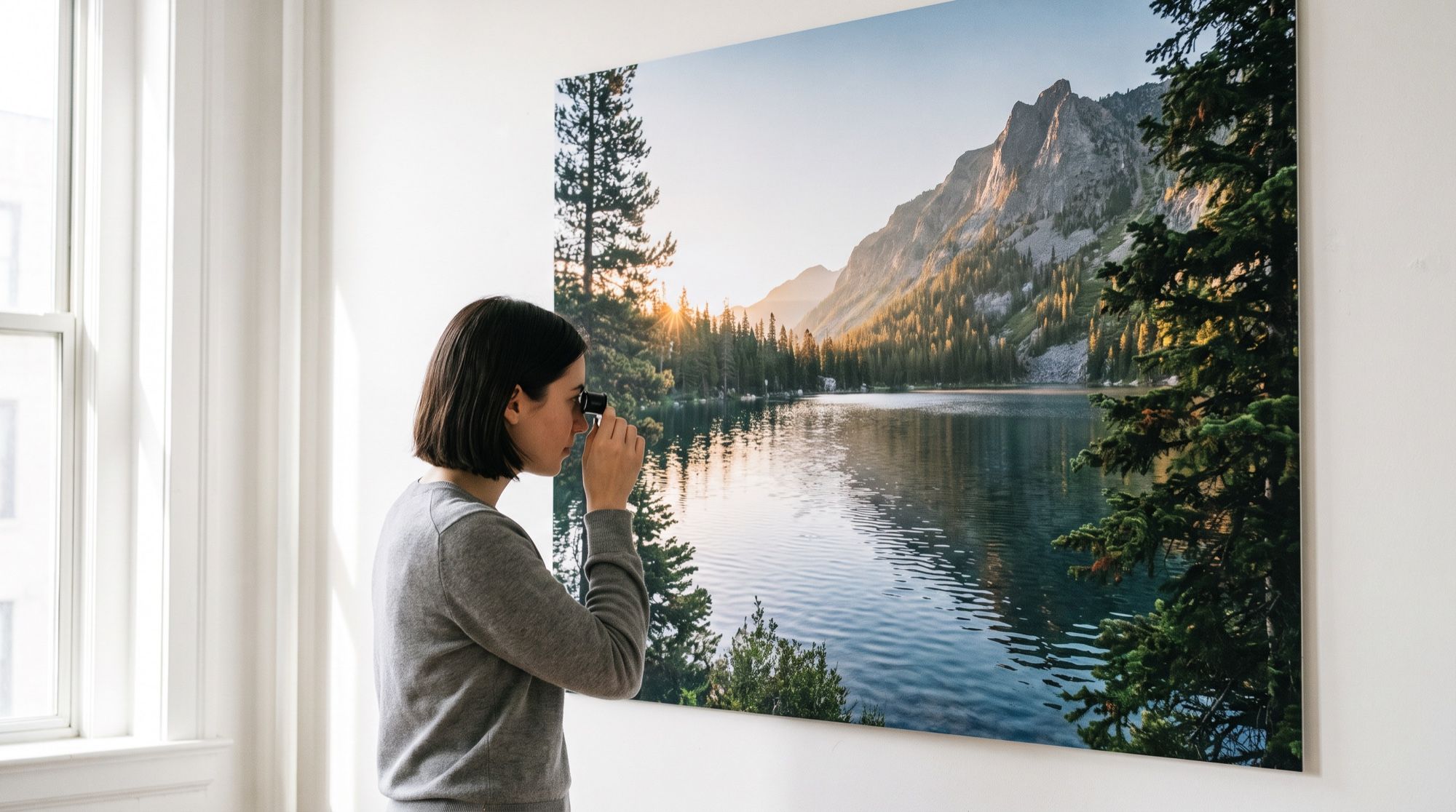
Native 8K. The model generates images directly in 2K, 4K or 8K, with no upscaling. Kling calls it the first image model with native 8K. The extra pixels matter for print, large displays and cropping after generation.
Smartphone-style realism. Kling focuses on natural lighting and on skin and material texture. Its guide includes a template for shots that look like they came straight from a phone camera: add phrases like shot on my phone, candid or unedited camera photo to the prompt. In group portraits, the model varies faces, body types and ages more.
Up to 2,000 characters of text. A single image can hold up to 2,000 characters: small captions, menus, multi-section layouts. Choose from 70+ commercially licensed fonts or set the font with a sample image.
Up to 10 references and long prompts. The model accepts up to 10 images and up to 15,000 tokens of text. In the prompt, you can specify what to take from each reference: a character’s face and outfit, a product’s shape, materials and logo, the composition or the style.
Series of up to 10 images. In Series mode, the model plans a whole set from one prompt: a film storyboard, product angles, presentation slides. Characters, objects and style stay consistent from image to image. In the API, you set the series size from 2 to 10 or to auto.
Long pages. A separate mode designs a full-length e-commerce product page or a web page mockup in one generation: hero shot, key features, close-ups and copy. You can split the page into layers and regenerate an individual block.
Kling Image 4.0 vs Kling Image 3.0
| Image 3.0 / 3.0 Omni | Image 4.0 | |
|---|---|---|
| Released | February 2026 | November 17, 2026 |
| Resolution | 2K, 4K | native 2K, 4K, 8K |
| Image series | yes | up to 10 images, set number or auto |
| Text | standard | up to 2,000 characters, 70+ fonts, font from a sample |
| References | yes | up to 10, with what to take from each |
| Long pages | no | product page, website mockup, layer editing |
What Kling Image 4.0 is good for
- Print and large formats — posters, banners and photo wallpapers that need 8K.
- Product listings — a series of angles of one product and a long page with its features. For how to brief these, see AI product cards.
- Storyboards — 10 frames with one character that you can then animate in Kling 4.0.
- Menus, posters, infographics with a lot of English text.
- Presentation slides — a series in one style; see AI presentation images.
- Photos that look real for social media and ads.
Kling Image 4.0 vs alternatives
| Kling Image 4.0 | Nano Banana Pro | GPT Image 2.5 | Seedream 5.5 | |
|---|---|---|---|---|
| Developer | Kuaishou | Google DeepMind | OpenAI | ByteDance Seed |
| Released | Nov 17, 2026 | Nov 20, 2025 | Sep 8, 2026 | Nov 9, 2026 |
| Max resolution | 8K | 4K | up to 3,840 px | 2K (~4 MP) |
| References | up to 10 | up to 14 | multiple | up to 10 |
| Text | up to 2,000 characters, 6 languages, no Cyrillic | handles Cyrillic | strong typography | dense small text |
| Strength | 8K, series, long pages | characters from photos | overall quality, mask editing | up to 100 edit rounds, transparent backgrounds |
Kling Image 4.0 is the only model of the four with native 8K and a built-in long product page mode. For Cyrillic text and characters from photos, Nano Banana Pro and GPT Image 2.5 are stronger; for repeated editing, Seedream 5.5.
How to write prompts for Kling Image 4.0
Kling’s guide builds prompts from task-specific templates. The general formula for photos:
Subject + action or state + specific setting + smartphone shooting style
For the shot above, it would look like this:
Real phone photo, candid. A young man with curly brown hair sits on the steps
of an old stone building on a sunny autumn afternoon, eating a slice of pizza,
laughing at something off camera. Plain olive hoodie, faded jeans.
Natural skin texture, harsh sunlight, fallen yellow leaves. Shot with rear phone camera.
Tips from the guide:
- Realism — phrases like shot on my phone, candid, real photo look, unedited camera photo, SOOC.
- Characters — age, build, facial features, hairstyle, clothing and personality; describe the face and hair in detail.
- Series — overall style and aspect ratio, the character description or references, then each frame separately plus a consistency requirement.
- Text — the exact string, where it goes and the font: a name from the library or a sample image.
- Products — shot type, product, scene and props, composition, materials, lighting, color.
- Long pages — a product description and the list of sections you need: hero shot, features, close-ups, dimensions.
More templates for different tasks are in our collection of image prompts.
How to use Kling Image 4.0 in AI2Face
Kling Image 4.0 is available in the AI2Face generator alongside Nano Banana Pro, GPT Image 2.5 and Seedream 5.5.
- Sign up — new accounts get starter credits.
- Open the generator and pick Kling Image 4.0.
- Write a prompt, choose the aspect ratio and resolution, and upload references if needed.
- The credit cost is shown before you run it. Credit packs don’t expire.
It’s easy to run one prompt through Kling Image 4.0 and Nano Banana Pro and compare: in AI2Face, every model is part of one subscription.
Limitations
- No Cyrillic text. Supported text languages are Chinese (Simplified and Traditional), English, Japanese, Korean, Spanish and Portuguese.
- The numbers come from Kling. Native 8K and the leaderboard placements are the company’s claims; there were no independent tests at launch.
- Long pages are a separate mode. Kling’s guide doesn’t specify their resolution.
- 8K costs more. On the API, 8K is 40 units versus 16 for 2K.
- Closed weights. The model runs only in Kling’s services and through the API.
Bottom line
Kling Image 4.0 is for people who need size and volume: native 8K for print, up to 2,000 characters of English text, and a series of up to 10 images with one character or product from a single prompt. The long product page mode directly covers marketplace listings. Its weak spot is language coverage: only six text languages and no Cyrillic. For text in other languages and for characters from photos, Nano Banana Pro or GPT Image 2.5 are better picks. You can compare them with Kling on the same prompt in AI2Face.
FAQ
What is Kling Image 4.0?
It's Kling AI's image model from Kuaishou, released on November 17, 2026. It generates images in native 2K, 4K and 8K, renders up to 2,000 characters of text and builds series of up to 10 images.
Does Kling Image 4.0 really generate 8K?
Yes, according to Kling — natively, with no upscaling: the model outputs the 8K image directly. Long product and web pages are a separate mode, and Kling's guide doesn't specify their resolution.
Which languages can Kling Image 4.0 write in?
Officially six: Chinese (Simplified and Traditional), English, Japanese, Korean, Spanish and Portuguese. Cyrillic isn't on the list — for Russian text, GPT Image 2.5 or Nano Banana Pro are the safer choice.
How much does Kling Image 4.0 cost?
On the Kling API, a 2K image costs 16 units, 4K costs 24 units and 8K costs 40 units, plus 0.8 units per reference image. In AI2Face, the credit cost is shown before you generate.
How is Kling Image 4.0 different from Kling Image 3.0?
Image 3.0 and 3.0 Omni (February 2026) generated in 2K and 4K. Version 4.0 adds native 8K, up to 2,000 characters of text with font selection, 15,000-token prompts, and long product and web pages with layer editing.
Does Kling Image 4.0 have an API?
Yes, since November 17, 2026: separate endpoints for images and series and for long pages. Kling opened the API to businesses and developers on launch day.
Sources
6
- https://kling.ai/quickstart/kling-image-4-user-guide
- https://kling.ai/feature/kling-image-4-ai-image-generation
- https://kling.ai/dev/model-release/image-4
- https://kling.ai/document-api/updates/api
- https://kling.ai/dev/pricing
- https://www.media-outreach.com/news/china/2026/11/17/502070/kling-ai-launches-kling-image-4-0-with-photographic-realism-and-native-8k-generation/