









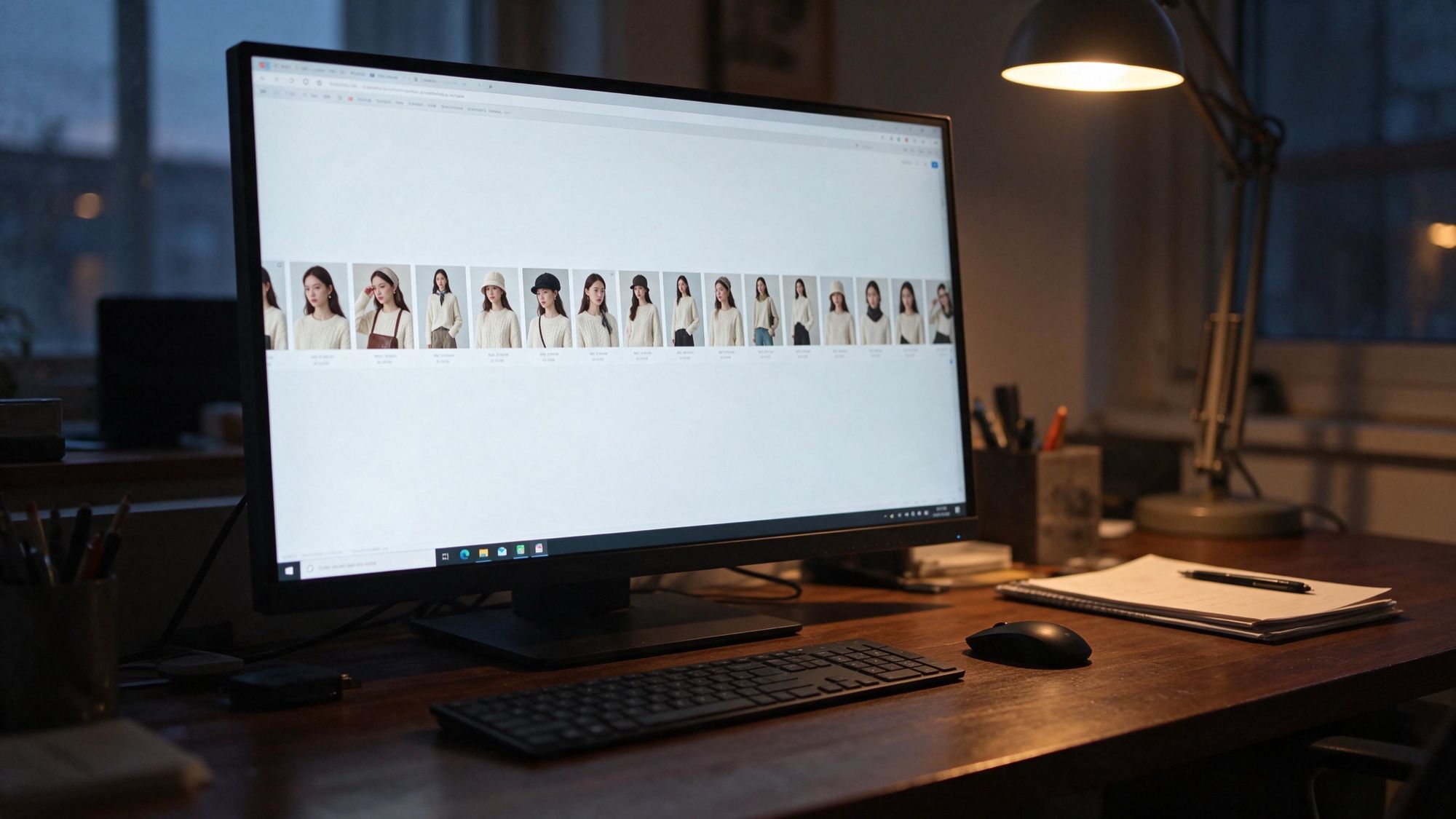
Key facts
| Developer | ByteDance Seed |
|---|---|
| Release date | November 9, 2026 |
| What it does | Generates images from text and edits them with text instructions and references |
| Editing | Up to 100 rounds in a row; untouched areas stay pixel-identical, with no color drift |
| Transparency | Native RGBA — fully and partially transparent backgrounds with no cutout step |
| Text | Dense small text; severe errors 0.4%, minor errors 1.7% (ByteDance's tests) |
| Resolution | 1K and 2K — up to ~4 MP, e.g. 1831 × 2289 for 4:5 |
| References | Up to 10 images |
| Aspect ratios | From 21:9 to 9:21, including 1:1, 4:5, 3:2, 16:9 and 9:16 |
| In AI2Face | Yes, in the generator — with a Transparent background option |
What is Seedream 5.5
Seedream 5.5 is an image generation and editing model from the ByteDance Seed team, which also builds the Seedance video models. It came out on November 9, 2026, succeeding Seedream 5.0 Pro from July. For an overview of every version, see the Seedream family page.
ByteDance highlights three upgrades: stable multi-round editing, native transparent backgrounds, and more realistic images with sharper text. In China, the model is rolling out gradually in Doubao, Jimeng and the Volcano Ark cloud; internationally, in Dola and BytePlus. A Pro version of the 5.5 series is coming later.
What Seedream 5.5 can do
Up to 100 edits on one image. Seedream 5.5 changes only what you ask for and keeps everything else pixel-identical, with no color drift. ByteDance demonstrates 100 consecutive edits to one portrait: clothing, accessories and objects on the table.
Transparent backgrounds without cutouts. The model outputs PNGs with an alpha channel straight away, with full and partial transparency. Feathers, fur, glass and smoke stay semi-transparent instead of being clipped along a hard edge. You can create a transparent asset from text or from a reference: a character, a sticker, lettering in the style of a sample image.
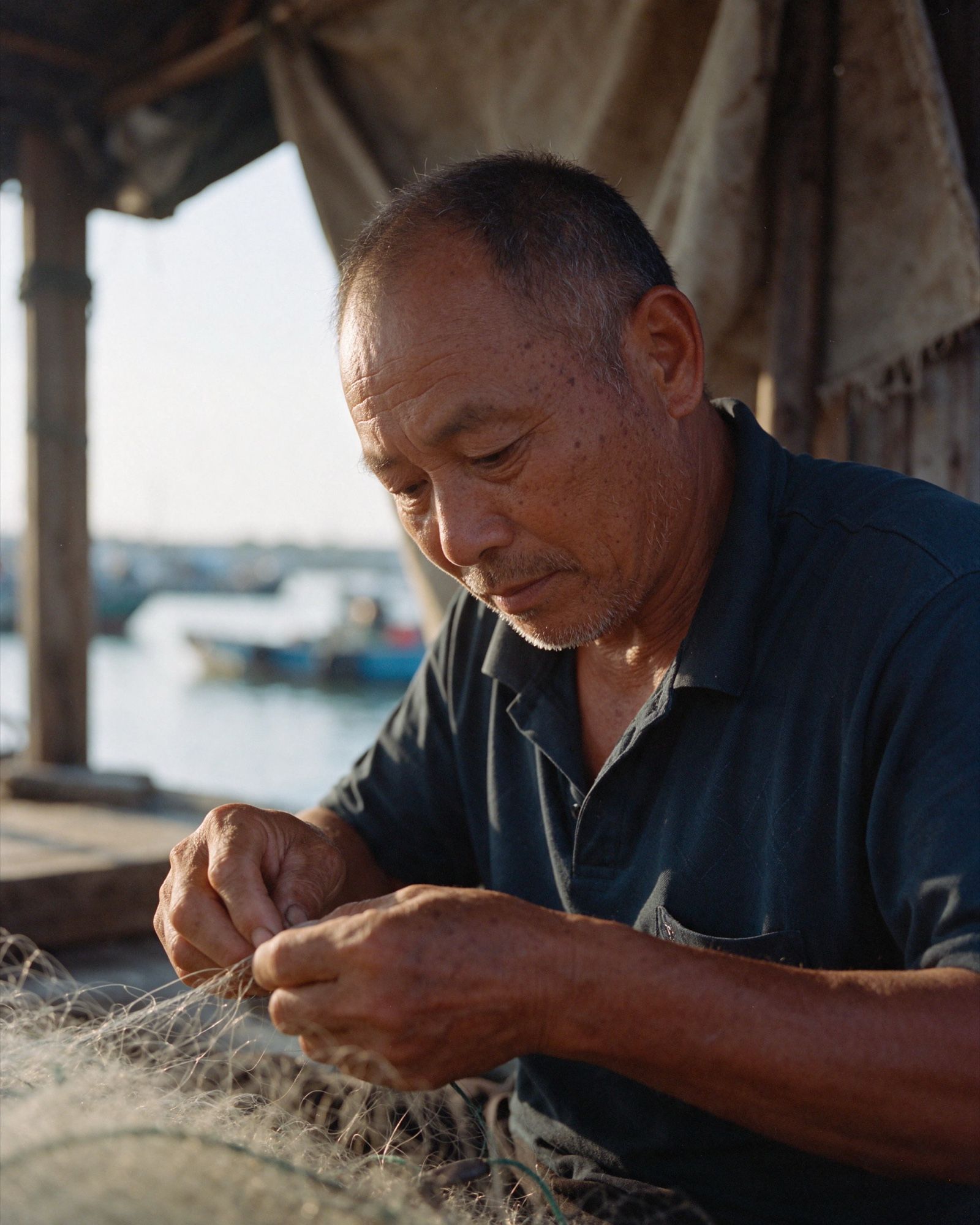
Realism without the plastic look. Lighting, materials and skin texture look more natural, and ByteDance says excess gloss, overexposure and blotchy skin are gone. The fisherman portrait in the gallery has pores, wrinkles and matte skin on the first try.
Small text. Seedream 5.5 handles complex characters and dense blocks of small text in English and Chinese more accurately. In ByteDance’s tests, severe text errors appear in 0.4% of images and minor ones in 1.7%.
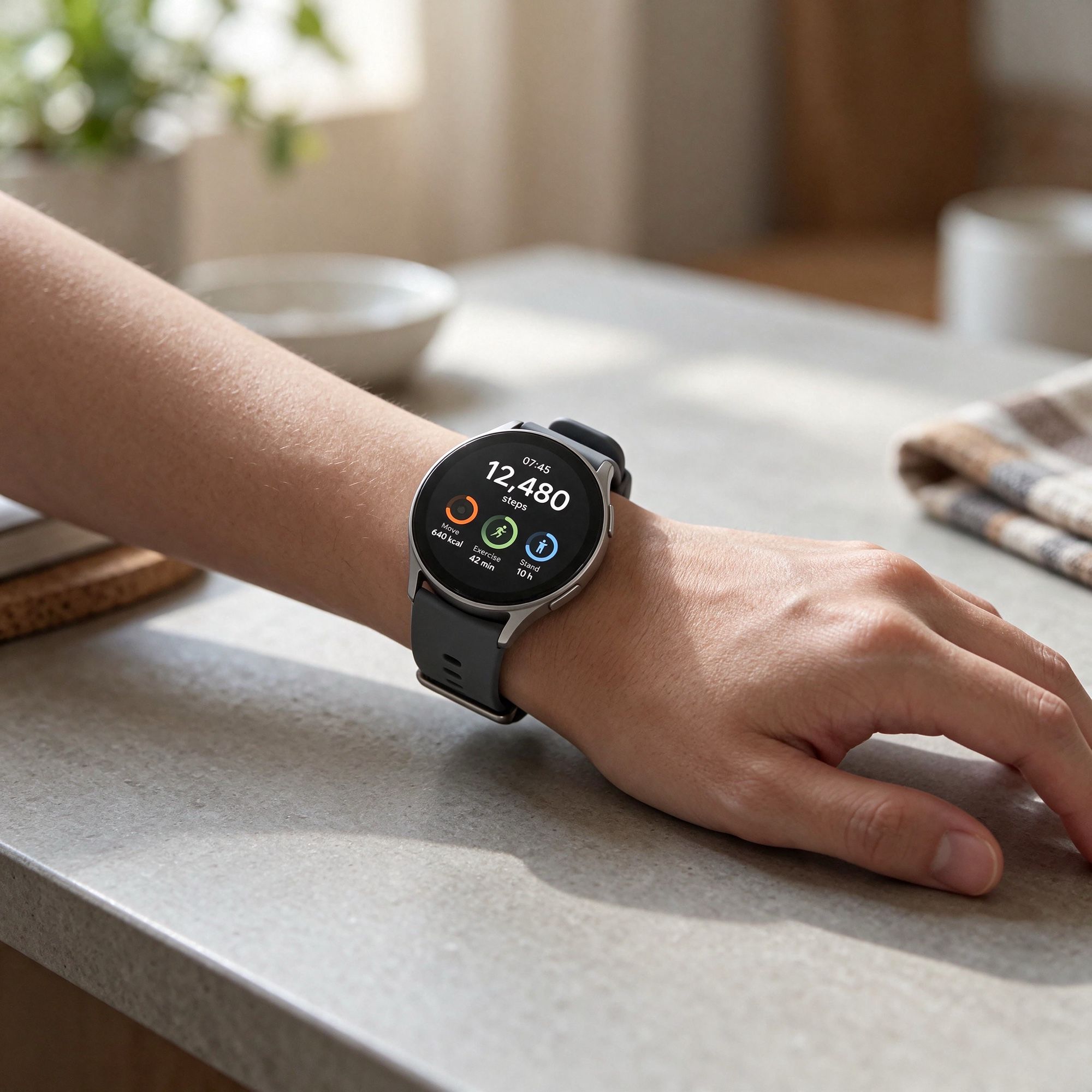
Interfaces and data. The model changes numbers and labels in a layout without breaking it: a game score, readings on a watch face, figures in a table. See the fitness screen example in the gallery.
How much better Seedream 5.5 is than 5.0 Pro
ByteDance compared the models on the MagicArena platform with experienced raters across six scenarios: e-commerce, marketing, film and TV, gaming, office productivity and fashion design.
| Metric | Seedream 5.5 result |
|---|---|
| Quality (MOS) and usability vs 5.0 Pro | higher in all six scenarios |
| Usability in film and office work | more than double that of 5.0 Pro |
| Realism in image-to-image editing (GSB) | +55.62% over the previous version |
| Severe text errors | 0.4% |
| Minor text errors | 1.7% |
| Vs GPT Image 2.5 Sunburst and Nano Banana 2.1 | better text structure and text-to-image realism |
All figures come from ByteDance’s own tests; there’s no independent verification yet.
Seedream 5.5 vs 5.0: what’s different
| Seedream 5.5 | 5.0 Pro | 5.0 Flash | 5.0 Lite | |
|---|---|---|---|---|
| Released | Nov 9, 2026 | Jul 8, 2026 | late Sep 2026 | Feb 13, 2026 |
| Focus | up to 100 edit rounds, transparency, realism | infographics, layers, point and box edits | Pro, faster and cheaper | reasoning, web search |
| Resolution | up to 2K | up to 2K | up to 2K | 2K–4K |
| References | up to 10 | up to 10 | up to 10 | up to 14 |
| Transparent background | native RGBA | via layers | via layers | — |
Seedream 5.0 Pro is still the one to use for layer decomposition and point or bounding-box edits. Lite is the only model in the lineup with 4K.
What Seedream 5.5 is good for
- Long revisions of a single image — an ad layout, a cover or a product card that goes through 10–20 rounds of client feedback.
- Assets with transparent backgrounds — stickers, characters, icons and products for collages and presentations.
- Portraits and lifestyle shots with natural skin and lighting.
- Posters, menus and newspaper pages with dense small text.
- Interfaces and data — swap the numbers on a screen without breaking the layout.
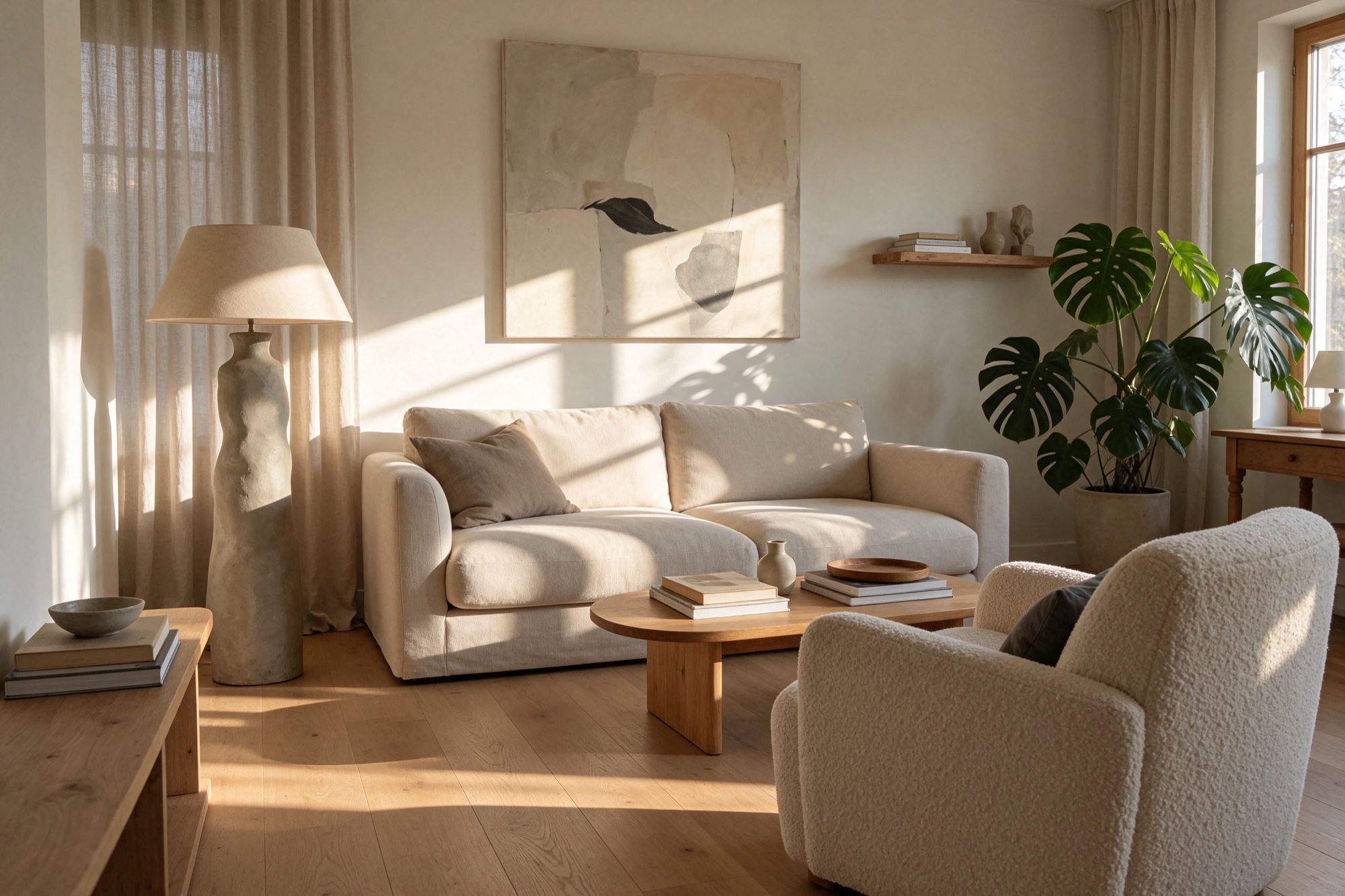
- Interiors — add or replace furniture, lighting and decor while keeping the perspective.
Seedream 5.5 vs alternatives
| Seedream 5.5 | GPT Image 2.5 | Nano Banana 2.1 | FLUX 3 | |
|---|---|---|---|---|
| Developer | ByteDance Seed | OpenAI | Google DeepMind | Black Forest Labs |
| Max size | 2K | 3840 px | 4K | 4K |
| References | up to 10 | several | up to 14 | up to 10 |
| Transparent background | yes, incl. semi-transparency | yes | no | no |
| Multi-round editing | up to 100 rounds | yes | yes | yes |
| Text | dense small text | strong | strong | several languages |
| In AI2Face | yes | yes | yes | yes |
Pick Seedream 5.5 when an image will go through many edits or when you need a transparent asset with soft edges. For 4K, use Nano Banana 2.1 or FLUX 3; for complex scenes with several people from photos, use Nano Banana Pro.
How to write prompts for Seedream 5.5
- In an edit, describe only the change and add “Keep everything else exactly the same” — the model preserves the rest on its own.
- Make one change per round. It’s easier to roll back, and you can see which instruction worked.
- Apply each new edit to the latest result, not the original: the model is built for chains of edits.
- For a transparent asset, describe the whole object (“isolated subject, full body”) and pick the Transparent background — no need to describe a backdrop.
- Put text in quotes exactly as it should appear; for small lines, add “spelled correctly”.
- Get realism through film and light: “35mm film look”, “natural side light”, “matte skin”.
The full prompts are in the gallery.
How to use Seedream 5.5 in AI2Face
- Sign up — new accounts get starter credits. Ways to try Seedream for free are covered in Seedream free.
- Open the generator and select Seedream 5.5.
- Write a prompt. To edit, attach an image from your feed or upload your own — up to 10 references.
- Choose the aspect ratio, 1K or 2K resolution and, if you need a PNG without a backdrop, the Transparent background.
- The credit cost is shown before you generate. Credits don’t expire.
Every image on this page was made with Seedream 5.5 in AI2Face.
Limitations
- Up to 2K. Seedream 5.5 has no 4K — for print, use Seedream 5.0 Lite or Nano Banana 2.1.
- Anatomy and small objects. Early reviews in the Chinese press caught an oversized finger and glasses with an extra temple — check hands and accessories.
- The numbers are ByteDance’s. The comparison used GPT Image 2.5 Sunburst and Nano Banana 2.1; ByteDance didn’t test against newer models such as GPT Image 2.6.
- No layers. The 5.5 announcement doesn’t mention splitting a finished image into layers — 5.0 Pro handles that.
Bottom line
Seedream 5.5 is the best pick when an image will be revised many times: edits don’t pile up color drift or blur, and whatever you didn’t touch stays put. Its second strong use case is transparent assets with soft edges straight from the generator. For 4K and multi-person scenes from photos, compare it with Nano Banana 2.1 and Nano Banana Pro; for layers, with Seedream 5.0 Pro in the same AI2Face generator.
Generation examples


FAQ
When was Seedream 5.5 released?
On November 9, 2026. ByteDance Seed introduced it as a next-generation model for professional visual production, four months after Seedream 5.0 Pro.
What's new in Seedream 5.5 compared with 5.0 Pro?
Three things: stable multi-round editing for up to 100 rounds without color drift, native transparent backgrounds, and more natural realism with cleaner small text. ByteDance says usability went up in all six production scenarios it tested, and more than doubled in film and office work.
Can Seedream 5.5 make transparent backgrounds?
Yes. It outputs PNGs with an alpha channel straight away — fully and partially transparent — so there's no cutout step. In AI2Face, pick the Transparent background.
What resolution does Seedream 5.5 support?
Up to 2K: about 4 megapixels, e.g. 2048 × 2048 for a square or 1831 × 2289 for 4:5. There's no 4K option.
How much does Seedream 5.5 cost?
ByteDance didn't publish an official price list at launch. Volcano Engine quoted about ¥0.28 per 2K square edit — less than half the price of 5.0 Pro. In AI2Face, the credit cost is shown before you generate.
Will there be a Seedream 5.5 Pro?
Yes, ByteDance has announced a Pro version of the 5.5 series, but without a date or specs.
Sources
4
- https://seed.bytedance.com/en/blog/more-realistic-images-more-stable-editing-across-100-rounds-introducing-seedream-5-5
- https://seed.bytedance.com/en/seedream5_5
- https://x.com/ByteDanceSeed_/status/2119720475068920181
- https://docs.volcengine.com/docs/ark/image-generation-api?lang=zh