










Key facts
| Developer | Black Forest Labs (Germany) |
|---|---|
| Announced | July 23, 2026; FLUX 3 Image Klein on October 15, 2026 |
| Models | FLUX 3 Image, Image Klein, Video, Action; open Dev planned |
| Resolution | 768 × 768, 1K, 1.5K, 2K and 4K (about 16 MP) |
| Aspect ratios | 15 fixed options from 21:9 to 9:21, or auto |
| References | Up to 10 images |
| Highlights | Bounding boxes for layout and edits, web search, accurate multilingual text |
| Open weights | Image Klein — 5.6B parameters, FLUX Kommunity License |
| API price | By output resolution; Klein from $0.009 per 1K image |
| In AI2Face | Yes, in the generator |
What is FLUX 3
FLUX 3 is the third generation of models from Black Forest Labs (BFL). The lab announced it on July 23, 2026, as a single multimodal foundation for different tasks:
- FLUX 3 Video — video with sound up to 20 seconds, opened in the API on August 4, 2026;
- FLUX 3 Image — image generation and editing, now available through the BFL API;
- FLUX 3 Image Klein — a compact open image model released on October 15, 2026;
- FLUX 3 Action — an open model for controlling robots and simulators;
- FLUX 3 Dev — an open base model, promised later.
This page covers images: FLUX 3 Image and Klein. FLUX 3 video is covered on the FLUX family page, and the fine-tuned fast version in our FLUX 3 Max news story. The previous image generation is FLUX.2.
What FLUX 3 Image can do
Up to 4K. Resolution is set by tier: 768 × 768 for quick drafts, 1K by default, 1.5K (about 2 MP), 2K (about 4 MP) and 4K (about 16 MP). A 4K image can take several minutes.
15 aspect ratios. From ultra-wide 21:9 to tall 9:21, or auto: square without references, the first image’s shape with them. BFL advises matching the prompt to the frame: if the image is wide, give the model something to fill the width.
Instruction-based editing. Upload an image and write what to change: “replace the cup with a wine glass.” BFL promises pixel-precise edits: in the Klein API, untouched regions are restored exactly.
Up to 10 references. Refer to each image by number and say what it contributes: “image 1 is the scene, image 2 is the object to put on the table.”
Bounding boxes. At the end of the prompt you can list elements with boxes in [top, left, bottom, right] format on a 0–1000 grid, and the model places them exactly. The same boxes work for edits: recolor, move, replace or remove one element without touching the rest.
Web search. By default FLUX 3 Image searches the web to get real things right — for example, this year’s official festival poster. You can turn search off for speed.
Multilingual text. BFL highlights accurate text in multiple languages and much better handling of complex prompts than earlier versions.
FLUX 3 Image Klein: the open version
Klein came out on October 15, 2026 — the generation’s second open model after FLUX 3 Action.
| FLUX 3 Image Klein | |
|---|---|
| Parameters | 5.6B |
| Variants | distilled (16 steps) and base for fine-tuning (50 steps) |
| Capabilities | generation, editing, up to 10 references, bounding boxes |
| Speed | about 4 s per 1 MP on an RTX 5090, under 9 s on an RTX 4070 |
| VRAM | from 8 GB with the INT8 build |
| API | from $0.009 per 1K image; median 4.5 s to generate and 7.2 s to edit |
| License | FLUX Kommunity: free for individuals and companies with under $5M in annual revenue |
In BFL’s internal evaluations, Klein is the best open model for generation, multi-reference composition and editing, and it beats the closed Ideogram V4.5 and FLUX.2 pro. Against FLUX.2 klein 9B it gains 91 Elo points in generation and 70 in editing with 38% fewer parameters.
BFL is explicit: don’t use Klein without the prompt upsampler — a separate model that expands a short request into a full scene description. Run locally, it needs about 28 GB of extra VRAM.
What FLUX 3 is good for
- Layouts with precise placement: banners, covers, cards — elements by bounding box.
- Pinpoint edits without side effects — recolor or remove a single object.
- Images of real things: buildings, products, events — via web search.
- Print and large formats — 4K.
- Local generation and LoRA training — Klein on your own GPU.
FLUX 3 vs. alternatives
| FLUX 3 Image | FLUX.2 | Nano Banana Pro | Ideogram | |
|---|---|---|---|---|
| Developer | Black Forest Labs | Black Forest Labs | Google DeepMind | Ideogram |
| Max size | 4K (~16 MP) | 4 MP | 4K | 2K (4.0 and 4.5) |
| References | up to 10 | up to 10 | up to 14 | up to 5 for 4.5 edits |
| Box-based layout | yes, any element, also for edits | no | no | boxes for headline, logo and object |
| Web search | yes, by default | max only | yes | — |
| Open weights | Klein | dev, klein | no | 4.0 |
| In AI2Face | yes | yes | yes | yes |
FLUX 3 Image is the most flexible with coordinates: any element can get a box and be edited on its own, while Ideogram’s boxes are for layouts with a headline and logo. Nano Banana Pro is stronger at likeness across several photos of people, and FLUX.2 is cheaper and proven in production.
How to write prompts for FLUX 3
- Describe the whole scene: subject, location, light, framing. The model renders everything from the prompt.
- No negatives. FLUX 3 Image has no negative prompt field. Instead of “no people,” write “an empty promenade”; instead of “no text,” write “clean surfaces.”
- Match the prompt to the frame. For 21:9, say what fills the width: “cliffs on one side, sea on the other.”
- Write edits as instructions: name what changes and what stays. Use hex codes for colors and quotes for new text.
- Number references: “image 1 is the scene, image 2 is the object.”
- Draft at 768 × 768, render the final at 2K or 4K. Note that changing the resolution is a new generation, so the composition may shift.
A bounding-box example for the image above:
Top-down flat lay on a light oak table, soft morning light, photorealistic.
[{"id":"cup","bbox":[30,150,350,400],"desc":"a cup of cappuccino with latte art"},
 {"id":"croissant","bbox":[340,340,810,650],"desc":"a croissant on a small ceramic plate"},
 {"id":"notebook","bbox":[120,665,990,995],"desc":"an open notebook with handwriting and a pen"},
 {"id":"eucalyptus","bbox":[500,15,990,320],"desc":"a sprig of eucalyptus"}]
How to use FLUX 3 in AI2Face
FLUX 3 is in the AI2Face generator next to FLUX.2, Nano Banana Pro and GPT Image 2.5.
- Sign up — new accounts get starter credits.
- Open the generator and pick FLUX 3.
- Write a prompt, upload references if needed, set the aspect ratio and resolution.
- The credit cost is shown before you start. Credits don’t expire.
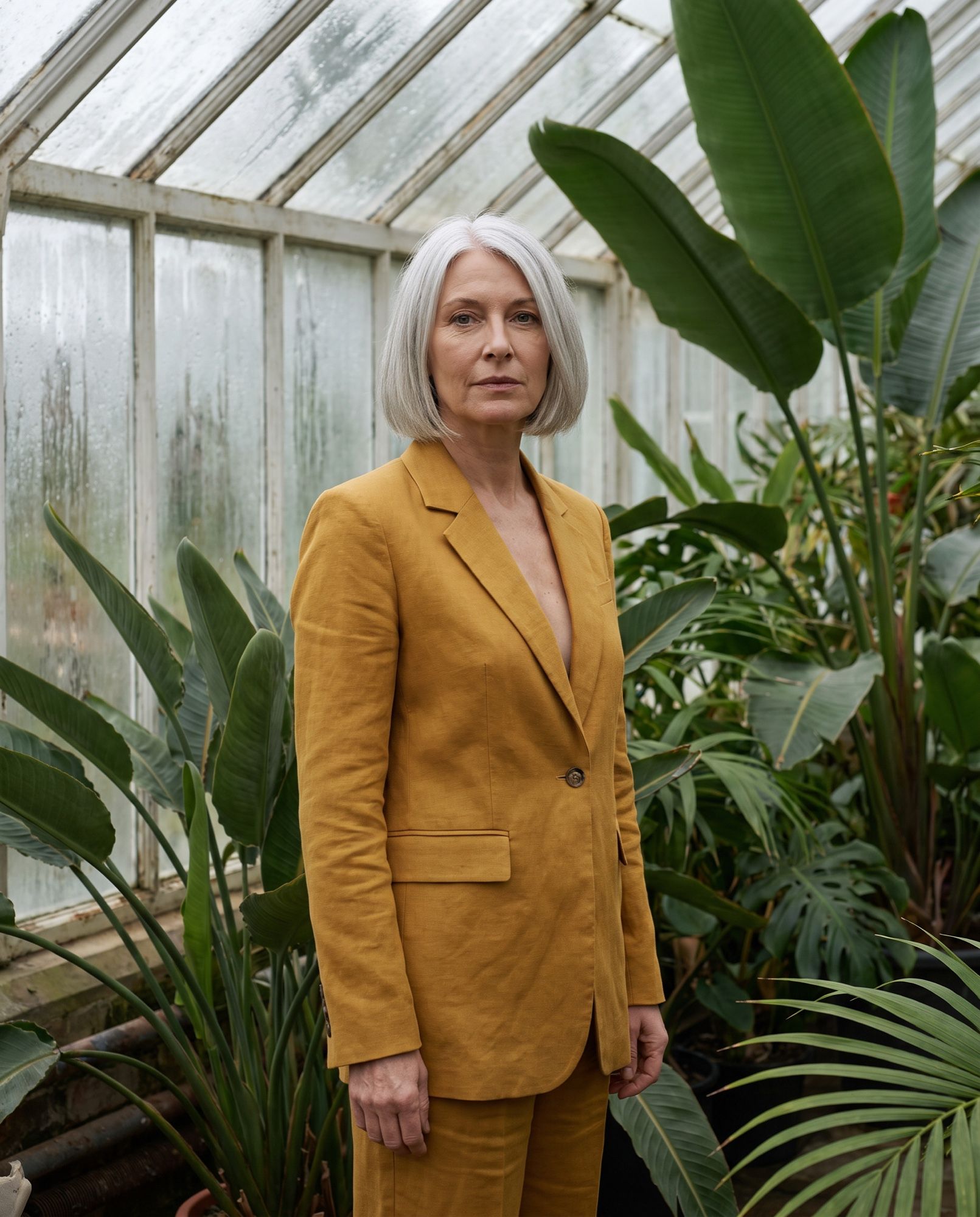
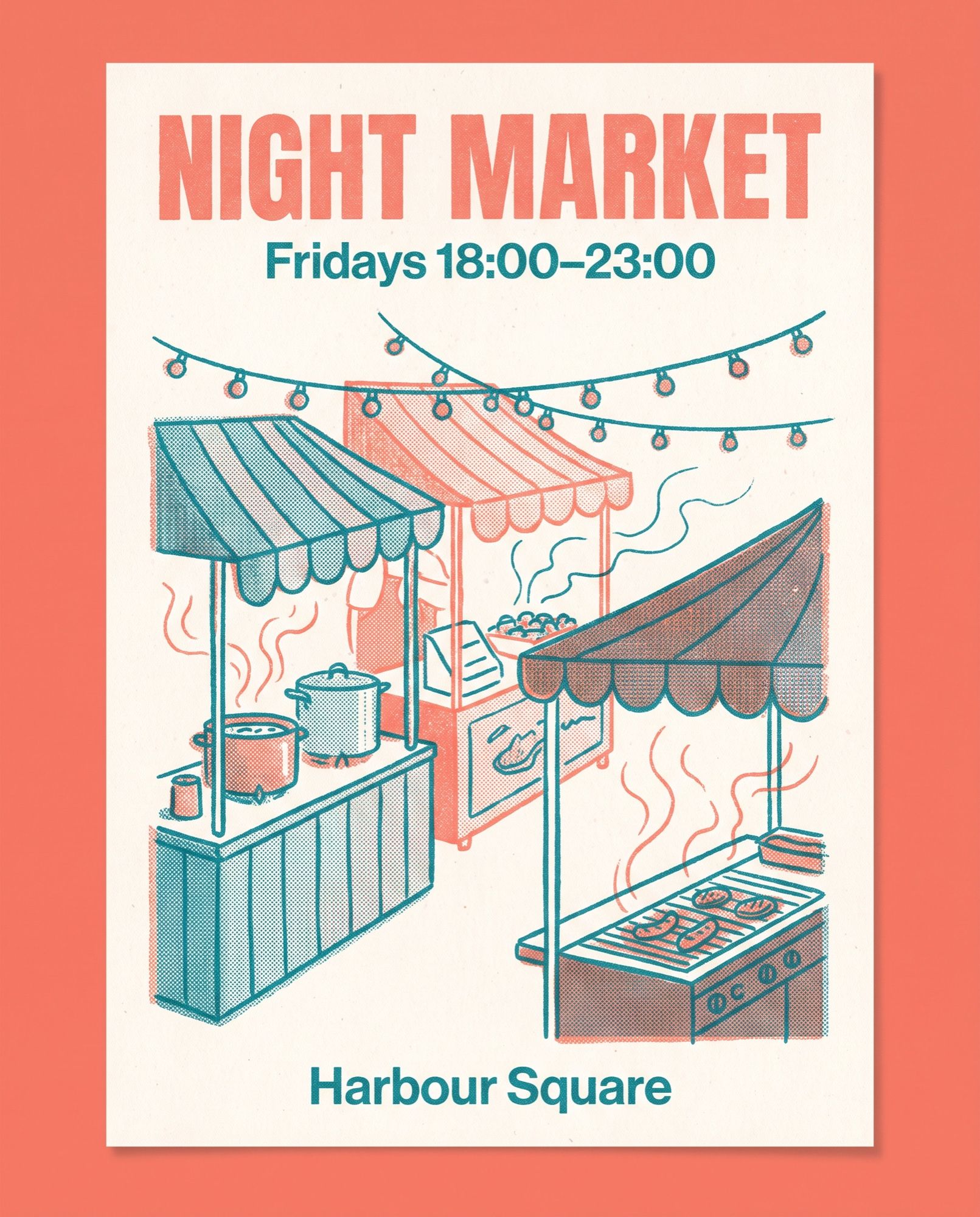
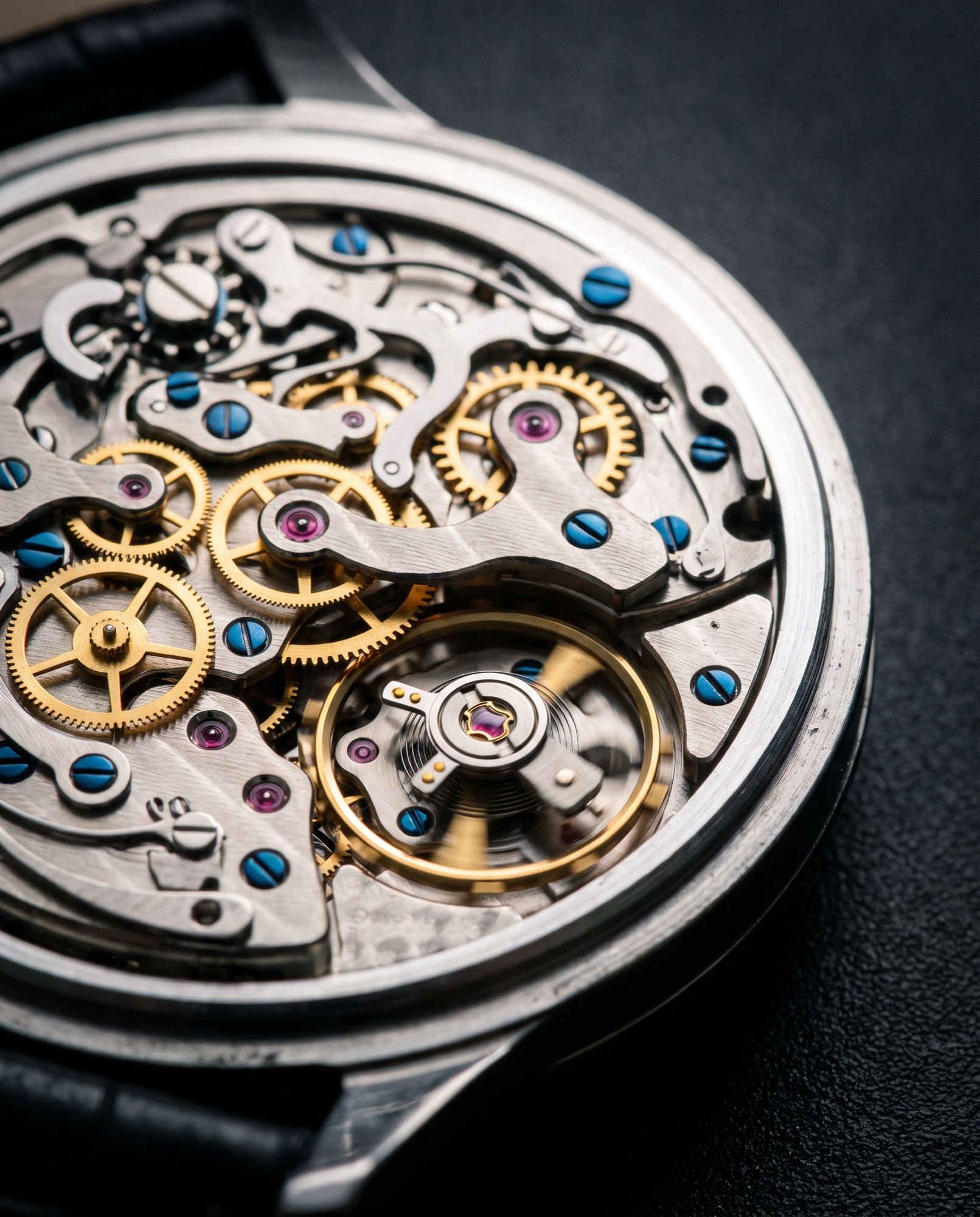
The images on this page were made in AI2Face with Nano Banana Pro from FLUX 3-style prompts — they illustrate the techniques, not FLUX 3’s own output quality.
Limitations
- Slow 4K. A 4K generation can take several minutes.
- Fewer pixels with references. With input images, output is capped at about 4 MP.
- No negative prompt. Unwanted elements have to be crowded out by describing what should be there instead.
- Klein needs the prompt upsampler, which takes about 28 GB of extra VRAM when run locally.
- Developer benchmarks. Comparisons of Klein with other models come from BFL’s internal tests.
- No open FLUX 3 Dev yet. No release date has been announced.
Bottom line
FLUX 3 Image is the pick for precise design: bounding boxes, single-element edits without side effects, and 4K. The open Klein does the same on a home GPU and costs less than a cent per image in the API. If you want a proven model with hex colors and cheap volume, use FLUX.2. For portraits and likeness from photos, compare the result with Nano Banana Pro in the same AI2Face generator.
Generation examples

FAQ
What is FLUX 3?
Black Forest Labs' new generation of models, announced on July 23, 2026. It's one multimodal foundation for video with sound, images and robot control. For images, there's FLUX 3 Image and the compact, open FLUX 3 Image Klein.
What can FLUX 3 Image do?
It generates images up to 4K, edits them from a text instruction, builds a scene from 10 references and places objects by bounding-box coordinates. By default it searches the web to render real things accurately.
How is FLUX 3 Image Klein different from the full FLUX 3 Image?
Klein is a compact 5.6-billion-parameter model with open weights, released on October 15, 2026. It does the same things: generation, editing, 10 references and bounding boxes. It runs on GPUs with 8 GB of VRAM and costs from $0.009 per image in the API.
Can I download FLUX 3?
Yes, FLUX 3 Image Klein is on Hugging Face under the FLUX Kommunity License: free for individuals and companies with under $5M in annual revenue. The full FLUX 3 Image runs through the API, and the open FLUX 3 Dev is promised later.
How is FLUX 3 different from FLUX 2?
FLUX 3 offers 4K instead of 4 MP, box-based layout and editing, and web search by default. In BFL's internal tests, even the compact FLUX 3 Image Klein beats FLUX.2 pro.
Is FLUX 3 available in AI2Face?
Yes. FLUX 3 is in the AI2Face generator, and you see the cost before you start a generation.
Sources
7
- https://bfl.ai/blog/flux-3
- https://bfl.ai/blog/flux-3-image-klein
- https://docs.bfl.ai/flux_3/flux3_image_overview
- https://docs.bfl.ai/guides/prompting_unified_technical
- https://docs.bfl.ai/flux_3/flux3_image_bounding_boxes
- https://docs.bfl.ai/flux_3/flux3_image_klein
- https://huggingface.co/black-forest-labs/flux-3-image-klein