









Key facts
| Developer | Luma (Luma AI), Redwood City, USA; founded in 2021 |
|---|---|
| Current model | Ray3.2 (June 9, 2026); earlier Ray3.14 (January 26, 2026) and Ray3 (September 18, 2025) |
| What it does | Text-to-video, image-to-video, editing existing footage, aspect ratio changes |
| Length | 5 or 10 seconds from text or an image; video editing up to 20 seconds |
| Resolution | 360p (draft), 540p, 720p, 1080p |
| Keyframes | Up to 16 per clip |
| Audio | None — Ray generates silent video |
| Pro formats | 16-bit HDR, EXR export (ACES2065-1) |
| Images | Separate Uni-1.1 model, up to 9 references |
| In AI2Face | Yes, in the generator |
What is Luma AI
Luma is a US company based in Redwood City, California, founded in 2021. Its co-founders are CEO Amit Jain, who previously worked on product design for Apple Vision Pro, and CTO Alex Yu, a researcher known for early work on neural rendering (NeRF). The company started out with 3D capture, then in June 2024 launched Dream Machine, a video generator for a mass audience.
Today Luma has two model families:
- Ray — video. The current version is Ray3.2 (June 9, 2026).
- Uni — images. The current version is Uni-1.1: image generation and editing with up to 9 references.
Luma calls Dream Machine and Ray2 deprecated. The app is now Luma App, home to Luma Agents: they split a brief into steps and pull in video, image and audio models. In November 2025 Luma raised $900 million in a Series C round.
The name gets mixed up: luma.ai belongs to a different company and has nothing to do with Luma. The official site of the Ray developer is lumalabs.ai.
What Luma Ray3.2 can do
Text and images to video. Clips are 5 or 10 seconds long at 360p, 540p, 720p or 1080p. 360p is Draft Mode: a fast, cheap way to iterate on ideas before rendering the best one in 1080p.
Up to 16 keyframes. A single clip can take up to 16 anchor frames that define what changes, what holds and where the shot ends. It’s a storyboard inside one generation, not a string of separate clips stitched together.
Editing existing footage. Modify Video V2 re-renders a clip of up to 20 seconds at 1080p: it swaps the wall, the world, the wardrobe, the time of day or the season. The lighting and the performance hold: the model tracks posture, gestures and facial expressions for up to eight faces at once.
Motion transfer. Movement from a source clip carries over to another character, object or material, and camera moves carry over to another scene.
Reframe. Changes the aspect ratio of a finished clip and fills in the edges, so a horizontal video becomes a vertical one for social media without a reshoot.
HDR and EXR. Ray generates video in 16-bit color and exports EXR frames in ACES2065-1. A colorist opens the result in DaVinci Resolve or Nuke just like camera footage.
Ray versions compared
| Ray3 | Ray3.14 | Ray3.2 | |
|---|---|---|---|
| Released | September 18, 2025 | January 26, 2026 | June 9, 2026 |
| Headline | a “reasoning” model that checks and fixes its own output; first HDR | native 1080p, 4× faster and 3× cheaper than Ray3 at 720p | up to 16 keyframes, video edits up to 20 s, Reframe, full API |
| Video editing | Ray3 Modify (December 2025) | up to 18 seconds | up to 20 seconds, expressions for up to 8 faces |
| Character references | — | not supported | not specified by Luma; the character is set through keyframes |
Luma’s plans currently include Ray3.2 and Ray3.14. They cost the same per clip, but Ray3.14 can extend a video, while Ray3.2 handles keyframes and Reframe.
How much does Luma AI cost
Luma has no free plan — new accounts get trial credits only. Paid plans for individuals:
| Plan | Per month | Credits |
|---|---|---|
| Plus | $30 | 10,000 |
| Pro | $90 | 40,000 |
| Ultra | $300 | 150,000 |
A Ray3.2 text- or image-to-video clip costs 100 credits for 5 seconds at 720p and 400 credits at 1080p; 10 seconds at 1080p cost 1,200 credits. The Plus plan covers roughly eight 10-second clips at 1080p or about a hundred 5-second clips at 720p. HDR costs twice as much, HDR with EXR three times as much. Luma App also offers third-party models: Veo 3.1, Kling 3.0, Seedance 2.5 and others.
What Luma AI is good for
- Storyboarded ads and film shots: keyframes set the story beats, and Ray builds the motion between them.
- Adapting footage: one shot gets reworked for another season, city or product, and Reframe turns it vertical.
- Post-production: HDR and EXR drop into grading and compositing without transcoding.
- Performance transfer: a real actor’s movement and expressions carry over to an animated character.
- Fast iteration in 360p draft mode before the final render.
Luma AI vs alternatives
| Luma Ray3.2 | Kling 3.0 | Veo 3.1 | Runway | |
|---|---|---|---|---|
| Developer | Luma | Kuaishou | Google DeepMind | Runway |
| Length per generation | 5 or 10 s | up to 15 s | 4, 6 or 8 s | 2–10 s |
| Max resolution | 1080p | 4K | 4K | 720p |
| Audio | no | yes | yes | no |
| Editing existing footage | up to 20 s | via Omni | — | Aleph 2.0 |
| Strength | keyframes, HDR and EXR | storyboards, characters with voices | sound and realism | video editing |
| In AI2Face | yes | yes | yes | yes |
People pick Luma for control: keyframes, edits of real footage and HDR for post. If you need a clip with sound and dialogue out of the box, Veo 3.1 or Kling 3.0 is the better fit. For a long story in one take, Seedance 2.5 goes up to 30 seconds.
How to write prompts for Luma AI
- Main subject and its motion: who or what moves, and how.
- Place and time: “a mountain pass, morning, clouds in the valley”.
- Secondary motion: steam, leaves, waves, passers-by — it makes the shot feel alive.
- Camera: “slow push-in”, “camera tracks alongside”, “orbit”.
- Light and mood: “golden hour”, “cold neon”, “soft diffused light”.
Describe what should be in the frame, not what shouldn’t: the model handles negatives like “no people” poorly.
A vintage cherry-red convertible drives up a winding alpine pass at sunrise,
low clouds drifting through the valley, dust lifting from the road edge.
The camera tracks alongside the car at road level, then cranes up to reveal
the whole valley. Warm golden light, cinematic, shot on 35mm film.
When editing footage, describe only what changes, and separately what to keep:
Change the season to a snowy winter evening: snow on the trees and bench,
falling snowflakes, warm street lamps. Keep the man, his movements, the book
and the camera motion exactly the same.
How to use Luma AI in AI2Face
Luma AI is available in the AI2Face generator alongside Kling 3.0, Veo 3.1 and Seedance 2.5.
- Sign up — new accounts get starter credits.
- Open the generator, switch to video and pick Luma.
- Upload a frame or write a prompt, then set the length and resolution.
- The credit cost is shown before you generate, and credits don’t expire.
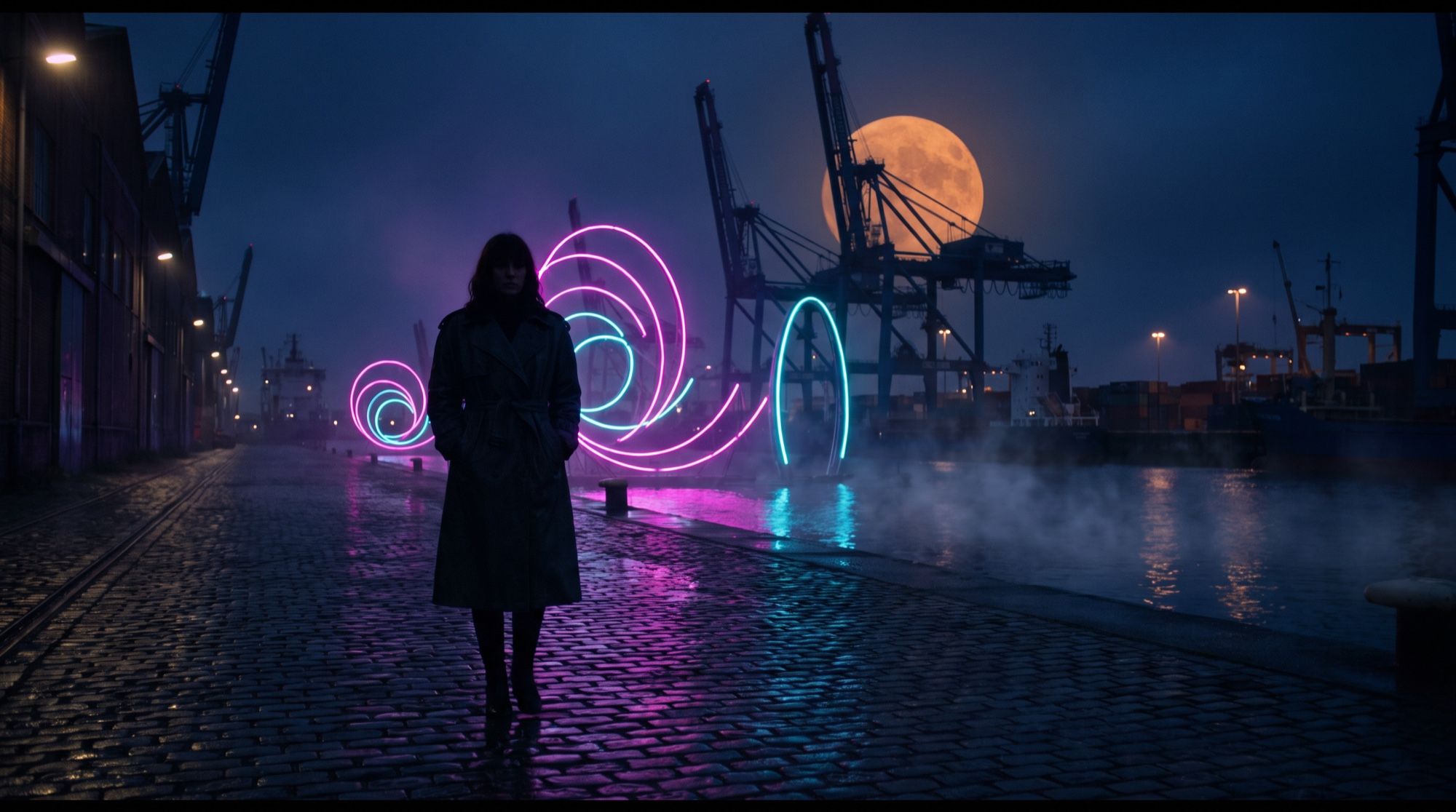
You can make keyframes in the same place, for example with Nano Banana Pro: keep one reference and change the camera angle and time of day in the prompt. Every image on this page was made that way. See also how to animate a photo and our roundup of AI video generators.
Limitations
- No audio. Ray outputs silent video — add sound and music separately or pick a model with audio.
- Short clips. Text and image modes give only 5 or 10 seconds; 20 seconds is available only when editing footage.
- Busy scenes. Several active characters in one shot can confuse the motion and distort figures.
- Source footage for edits. Dark, shaky, fast or blurry video comes out worse after Modify Video.
- Character references. Ray3.14 doesn’t support them, and Luma doesn’t describe them separately for Ray3.2 — the character is set through keyframes.
Bottom line
Luma AI is for people who want to direct a clip, not just describe it: up to 16 keyframes, edits of real footage up to 20 seconds, and HDR with EXR for grading. For ads, adapting footage across formats and markets, and post-production, it’s stronger than most alternatives. For clips with sound and dialogue, compare it with Veo 3.1 and Kling 3.0; for a long story, try Seedance 2.5 in the same AI2Face generator.
FAQ
What is Luma AI?
Luma is a US company that builds the Ray video models and the Uni-1.1 image model. Its current video model is Ray3.2, released on June 9, 2026.
Are Luma Dream Machine and Luma AI the same thing?
Dream Machine was Luma's first video generator, launched in 2024. It's now deprecated; the app is called Luma App and runs on Ray3.2 and Ray3.14.
Can I use Luma AI for free?
Luma has no free plan: new accounts get trial credits, and paid plans start at $30 a month. AI2Face gives you starter credits when you sign up.
Does Luma AI generate video with sound?
No. Ray3.2 generates silent video, and Luma's pricing table has no audio option for Ray models. For sound, use Veo 3.1, Kling 3.0 or Seedance 2.5.
How long are Luma AI videos?
5 or 10 seconds from text or an image. Editing existing footage works on clips up to 20 seconds at 1080p.
Is luma.ai the same service?
No. luma.ai is a separate service run by a different company with no ties to Luma. The official site of the Ray developer is lumalabs.ai.
Sources
7
- https://lumalabs.ai/llm-info
- https://lumalabs.ai/about
- https://lumalabs.ai/ray
- https://lumalabs.ai/pricing
- https://lumalabs.ai/news/introducing-ray-3-2
- https://lumalabs.ai/news/ray3_14
- https://lumalabs.ai/news/ray3