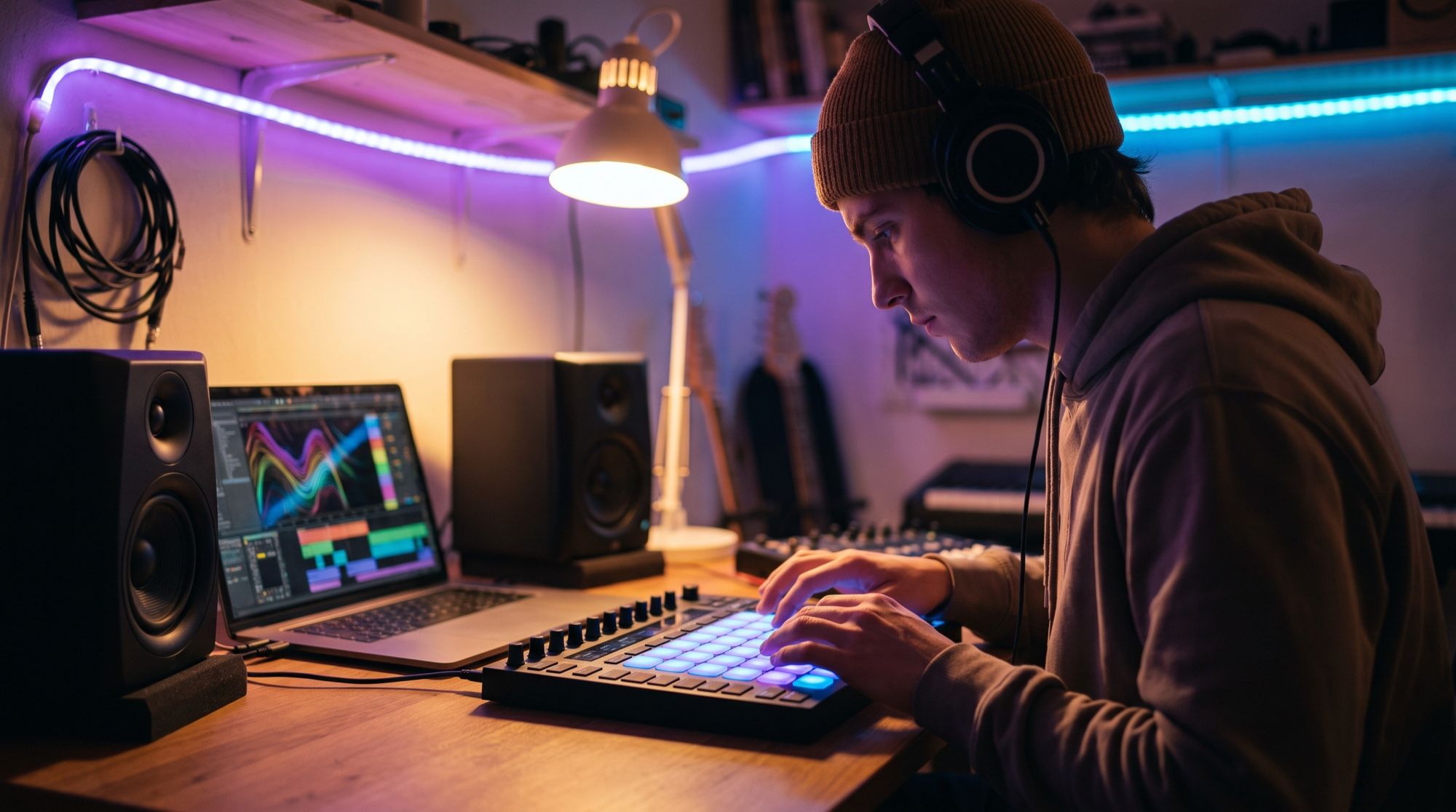
An AI beat maker solves the classic problem of an up-and-coming rapper: you’ve got bars but no beat. Describe the genre and tempo and you get a finished instrumental — and rap vocals too, if you want. Below: how to describe beats in different genres, which tempos suit them, and two examples to play, made in AI2Face on Lyria 3.
AI beat maker: how to make a beat
- Turn on Instrumental. With no vocals, the AI makes a clean beat.
- Name the genre: trap, boom bap, drill, phonk, lo-fi.
- Set the tempo in BPM. It’s the key setting of a beat: it decides how the flow will sit.
- Describe the bass and drums: “heavy 808 with slides”, “rolling hi-hats”, “snappy snare”.
- Add melody and mood: “dark piano”, “bells”, “sad guitar”.
- Specify the key if you’ll record vocals or mix with other tracks: “C minor”.
The full prompt:
Dark trap beat for rap, 140 BPM, C minor: hard 808 bass with slides,
crisp rolling hi-hats, snappy snare, eerie bell melody and dark piano.
Instrumental only, no vocals.
Producer terms like “808”, “hi-hat rolls” and “boom bap” are understood best in English, which makes beat descriptions easy to write. For an instrumental, the description language doesn’t affect anything vocal.
Tempo and sound by genre
| Genre | Tempo | What to write in the description |
|---|---|---|
| Trap | 130–150 BPM | heavy 808 with slides, rolling hi-hats, snare on 3, dark bells |
| Boom bap | 85–95 BPM | dusty drums, boom bap groove, vinyl crackle, jazzy piano sample feel |
| Drill | 140–145 BPM | sliding 808 bass, syncopated hi-hats, dark strings, UK drill groove |
| Phonk | 130–145 BPM | cowbell melody, distorted 808, Memphis vibe, aggressive |
| Lo-fi hip-hop | 70–90 BPM | mellow keys, swung drums, warm bass, tape hiss, chill |
| Cloud rap | 120–140 BPM | dreamy pads, reverb-heavy synths, soft 808, airy |
| Old school | 90–100 BPM | funky bassline, breakbeat drums, scratches, 90s vibe |
Trap, drill and phonk run in half-time: at 140 BPM they feel like 70, so the flow doesn’t have to be a tongue-twister.
How to get rap vocals: AI rap
The AI can do more than the beat — it can rap your lyrics. To get there:
- keep vocals on;
- paste your lyrics and mark the verse and hook —
[Verse]and[Chorus]; - describe the delivery: “clear male rap”, “aggressive flow”, “melodic rap with sung hooks”;
- keep lines even in syllable count so the flow doesn’t stumble.
We took the same dark trap and asked the model to rap our lyrics:
Confident rap over a dark trap beat, 140 BPM: heavy 808, fast hi-hats,
eerie bell melody. Clear male rap delivery, crisp diction.
All lyrics in English.
Speech recognition in 10-second chunks picked up all six lines — the verse and the hook. Write the description in the language you want rapped: Lyria picks the vocal language from the description.
Your own vocals on an AI beat
Most of the time you want a beat so you can record yourself on it:
- Generate the instrumental and download the MP3.
- Load it into your recording app — any DAW or mobile app.
- Set the project to the same tempo as in the description so the grid matches the beat.
- Record your vocals on top and mix.
Need a backing track for singing rather than rap? That’s a separate task — see AI backing track.
Beat rights
Free beats on producer marketplaces are usually posted as “free for non-profit use only”: a streaming release needs a lease from the producer. An AI beat is your own track and doesn’t need a license from a producer. Before a release, check the service’s terms and don’t ask for a beat “in the style of” a specific artist: models reject such requests. More on rights in royalty-free music with AI.
Beats and rap in AI2Face
- Open the Music tab in the generator.
- For a beat, choose Instrumental; for a track with rap, choose With vocals.
- Describe the genre, tempo, bass, drums and melody from the table above; the Hip-hop genre button fills in the description for you.
- For rap vocals, paste your lyrics into the lyrics field and mark them with the Verse and Chorus buttons.
- Pick Lyria 3 Clip for a 30-second loop or Pro for a track up to 3 minutes.
The interface in detail is in the guide Music in AI2Face, and how to write the lyrics is in song lyrics with AI. Credits don’t expire, and the cost is shown before you generate.
Bottom line
An AI beat maker gives you a finished beat in a minute if you describe it like a producer: genre, tempo, 808, hi-hats, melody and key. Use 140 BPM for trap and drill and 90 for boom bap. On Lyria 3 in AI2Face you can make both a clean beat and a track with rap vocals. For prompts in other genres, see the guide to Suno prompts — the formula is the same.
FAQ
How do I make a beat with AI?
Turn on Instrumental mode and describe the beat: genre, tempo in BPM, bass, drums and melody — for example “dark trap, 140 BPM, heavy 808 with slides, fast hi-hats, eerie bells”. The AI returns a finished beat in about a minute.
Can AI rap?
Yes. Keep vocals on, paste your lyrics marked up with a verse and a hook, and add “clear male rap delivery” or “female rap” to the description. There's an AI rap example on this page.
Where can I get a free rap beat?
Free beats on producer marketplaces usually come with a “free for non-profit” condition: a release needs a lease. Your own AI-generated beat doesn't need a license from a producer — just check the service's terms.
What tempo is trap?
Usually 130–150 BPM with a half-time feel: the hi-hats run fast while the snare hits on beat three. Boom bap is slower, around 85–95 BPM.
Can I record my own vocals over an AI beat?
Yes. Download the beat's MP3, load it into your recording app and rap your lyrics over it. The BPM you set in the description helps you line up the grid.
Sources
2
- https://aistudio.google.com/docs/music-generation
- https://aistudio.google.com/docs/lyria-prompt-guide