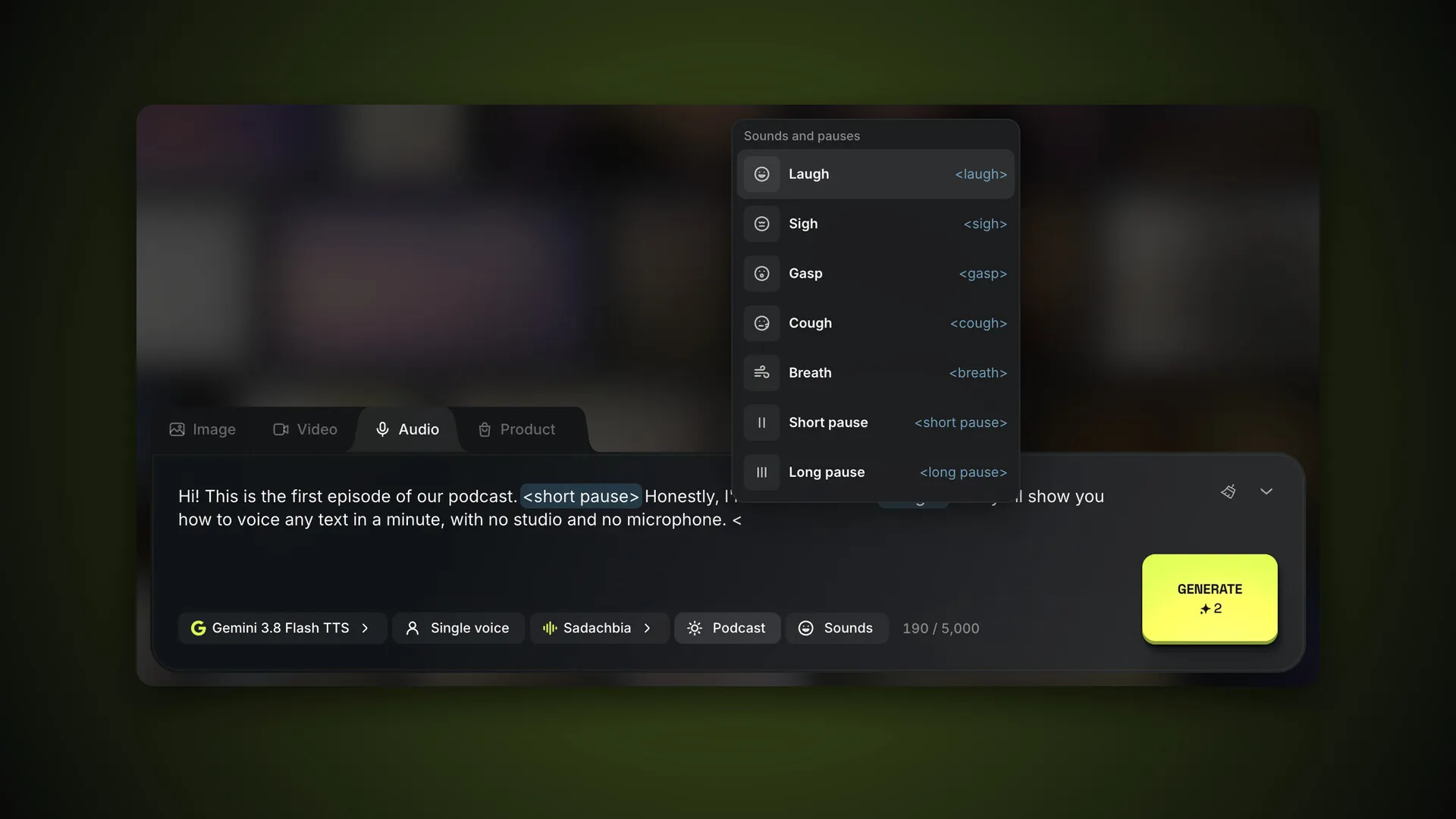
You no longer need to hunt through old recordings or hire an actor for a Santa voice. A speech model reads any text you give it, and you describe the delivery — low, warm, with a smile — in plain words. We voiced the same message for a fictional boy, Max, with four Gemini 3.8 Flash TTS voices and made a duet of Santa and the Snow Maiden. All clips were made in the AI2Face generator, on the Audio tab.
How to use a Santa voice generator
- Write the text. The name in the first sentence, one real achievement, a hint about the present, a wish.
- Pick a voice. For Santa, use low male voices: in our test, Algenib, Charon, Alnilam and Achird.
- Describe the delivery. One sentence in the style field: who’s speaking, in what voice and at what pace.
- Add tags. A laugh
<laugh>and pauses<short_pause>make the speech feel alive. - Download the MP3. The clip lands in your feed in 10–15 seconds, ready to download or turn into a video.
The style we used for every clip below:
Speak like a kind old Santa Claus: a low, warm, unhurried voice with a smile
and pauses between sentences.
Which voice suits Santa: 4 voices on the same text
Gemini TTS has the same set of voices across all its models: 30 voices, 16 male and 14 female. Google describes each one with a trait. For Santa, we picked four male voices with different traits and gave them the same text and the same style:
Hello, Max! <short_pause> It's me, Santa. I read your letter, and it made me very happy.
You learned to ride your bike and helped your mom. Well done! <laugh>
Your present is already in my sack. Merry Christmas!
| Voice | Google’s trait | Length | Best for |
|---|---|---|---|
| Algenib | gravelly | 18.7 s | the classic storybook Santa |
| Charon | informative | 19.4 s | a formal message, a class greeting |
| Alnilam | firm | 21.2 s | a team or office party message |
| Achird | friendly | 22.3 s | toddlers, soft and warm |
The four voices read the same text in 18.7 to 22.3 seconds, so the pace comes mostly from the style, not the voice. Choose by ear: play all four and keep the one your child will believe.
How to set the delivery: style and tags
Style is an instruction in words, up to 500 characters. Gemini 3.8 Flash TTS picks up age, tone, pace and mood from it. The more specific, the closer the result: “a low, unhurried voice of a kind grandpa” works better than “like Santa.”
Tags go right into the text and are performed, not read out:
| Tag | What it does | Where to put it |
|---|---|---|
<laugh> |
a warm chuckle | after praise: “Well done! |
<short_pause> |
a short pause | after the name, before the main point |
<long_pause> |
a long pause | before the surprise: “And your present… <long_pause> is in the sack” |
<sigh> |
a sigh | “Oh, |
<breath> |
an audible breath | before a long sentence |
Don’t overdo it: one laugh and two pauses per 30 seconds are enough. A tag in every sentence makes the speech sound theatrical.
A duet: Santa and the Snow Maiden
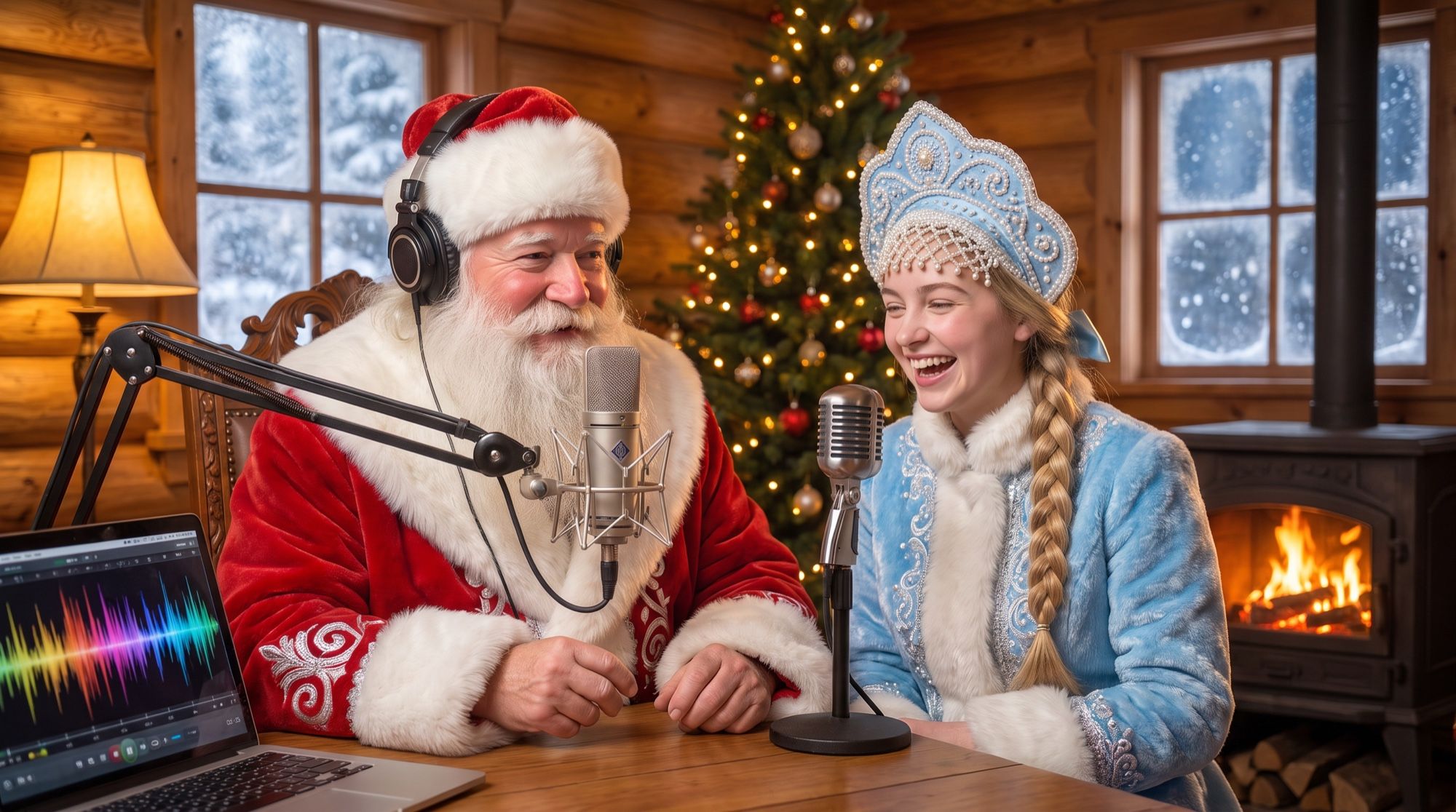
In dialog mode, two voices share one file. Each line starts on a new line as “Name: text,” and you assign a voice to each name. We gave Santa the Algenib voice and the Snow Maiden — Santa’s granddaughter in Slavic tradition — the Leda voice, a young female voice. For a Western version, swap her for Mrs. Claus or an elf.
Santa: Snow Maiden, my dear, a letter from Max just arrived!
Snow Maiden: Oh, Grandpa, what is he asking for?
Santa: A red scooter! <laugh> Shall we put it in the sack?
Snow Maiden: Of course! Merry Christmas, Max!
Describe both speakers in the style: “Santa speaks in a low, warm, unhurried grandfatherly voice. Snow Maiden speaks in a bright, cheerful young woman’s voice.” Keep the lines short, one sentence each, so the voices switch cleanly.
The message: how many words and what to say
In our slow, warm style, 36 English words took 19–22 seconds — roughly 100–110 words per minute. So a one-minute message needs about 100 words, a 30-second one about 50.
- Toddlers (3–5) — 15–20 seconds: the name, one bit of praise, the present. Little ones won’t sit through more.
- School kids — 30–40 seconds: the name twice, two or three things from their year, a wish for the next.
- Adults or a team — up to a minute: room for a joke, a shared win and a toast.
Put the name at the start and at the end: kids recognize it in the first seconds and wait to hear it again at the close. The model can read rhymes, but conversational text sounds more natural.
What to do with the finished voice
The clip downloads as an MP3 you can send in a messenger, use as a ringtone or put in a video. If Santa should also talk on screen, make a video where the model speaks the line with your child’s name and moves the lips — step by step in our AI Santa video guide. A song Santa sings to your child by name is made with a music model — see our AI greeting song guide. For more on voices, languages and tags, read the Gemini TTS overview, and for a fairy tale with several characters, see character voiceover.
Bottom line
A Santa voice generator is a ready-made male voice plus a style in words: “low, warm, unhurried, with a smile.” For a storybook Santa, start with Algenib; for an office message, try Alnilam — but let your ears decide: voicing costs pennies, so make all four. Put the name at the start and the end, aim for about 100 words per minute, and use laugh and pause tags no more than once every couple of sentences. For a second character, use dialog mode; for Santa talking on screen, use a video model with sound.
FAQ
How do I make text sound like Santa?
Paste your message, pick a low male voice and describe the delivery: “speak like a kind old Santa Claus: a low, warm, unhurried voice.” You get an MP3 in 10–15 seconds.
Is there a free Santa voice generator?
Yes, for a few messages. AI2Face gives welcome credits after sign-up, enough for several clips. The cost depends on text length and is shown before you generate.
Can Santa say my child's name?
Yes, the voice reads any text, names included. Put the name in the first and last sentence and listen to the clip: if the stress is off, spell the name phonetically with hyphens.
Can I add a second voice, like Mrs. Claus or an elf?
Yes. Use dialog mode, give Santa a low male voice and the second character a female or younger voice, and write lines as “Name: text.”
Can I use my own voice or Dad's voice?
You can record the message yourself and lay it over a video. The ready-made Gemini TTS voices are synthetic, so you can't clone someone else's voice with them.
Sources
3
- https://blog.google/innovation-and-ai/models-and-research/gemini-models/gemini-3-8-text-to-speech/
- https://aistudio.google.com/docs/speech-generation
- https://docs.cloud.google.com/text-to-speech/docs/gemini-tts