

GPT Image 2.5 is OpenAI’s image model, and as of September 24, 2026, it ranks first among 80 image generation models on the Arena leaderboard. Its strengths are accurate text in images, layout and edits that keep the details intact. We went through OpenAI’s own pages to find where GPT Image is free, what the paid plans add, what the API costs and where else you can use the model.
GPT Image free in ChatGPT
There’s only one official way to use GPT Image for free: ChatGPT. In its September 8, 2026, announcement, OpenAI says Images 2.5 is available to ChatGPT, ChatGPT Work and Codex users on all plans, on the web and in the apps. So a free account gets the same model as a paid one, just with a different limit.
OpenAI describes the limits in words, not numbers. The data below comes from the ChatGPT pricing page as of October 2, 2026.
| ChatGPT plan | Image creation | Also worth knowing |
|---|---|---|
| Free | limited | the limit depends on load |
| Go | more than on Free | may include ads |
| Plus | more advanced and precise | higher limits |
| Pro | unlimited and faster | subject to abuse guardrails |
OpenAI doesn’t say how many images a day the Free plan gives you. The “3 images a day” figure that keeps showing up in guides isn’t confirmed on any official page: the limit depends on load and changes.
Images 2.5 also brought editing features to ChatGPT: Sketch (a hand drawing as a reference, called with “@Sketch”), templates for flyers and product shots, and comments right on the image. There’s no visible watermark, but OpenAI adds C2PA metadata and invisible watermarks to the images.
GPT Image via the API: no free tier
For developers, OpenAI released two models: GPT Image 2.5 Flare, the default fast version, 50% faster than GPT Image 2, and GPT Image 2.5 Sunburst, which is more precise but takes longer. The differences are covered on the GPT Image model page.
The API is billed per token. For Flare, it’s $5 per million text input tokens, $8 per million image input tokens and $30 per million output tokens ($15 in batch mode). The API has no free tier, and rate limits grow with your account tier: tier 1 allows 5 images per minute.
“Free GPT Image, no sign-up” websites
Almost the entire first page of results for “gpt image free” is third-party sites: GPT Image in the domain name, “free, no sign-up, unlimited”, “up to 4K with commercial rights”. OpenAI makes no such offers: the model is free only in ChatGPT, and only with a limit.
Before you use a site like that, check:
- which model it runs — GPT Image 2.5, the old GPT Image 1 or a different model altogether;
- what happens after the bonus — the price per generation and whether purchased tokens expire;
- what happens to your images — who stores your photos and whether you can use the results commercially.
How to use GPT Image outside ChatGPT
ChatGPT isn’t available in every country. OpenAI publishes a list of supported countries and warns that accounts accessed from unsupported locations may be blocked. Paying for ChatGPT Plus or the API also requires a card that OpenAI accepts.
In AI2Face, GPT Image is available in the generator:
- no OpenAI account needed — sign in with email or Google;
- GPT Image 2.5 Flare and Sunburst — the fast version for drafts, the precise one for final images;
- pay by card, crypto or another convenient method — the cost of each generation is shown before you start;
- credits don’t expire — besides the subscription, you can buy a credit pack, and the balance carries over to the next month;
- no AI label in the file — AI2Face removes AI metadata and writes regular camera EXIF instead, so social platforms don’t mark your post as AI-generated based on the file;
- welcome credits after sign-up — enough to test GPT Image on your own tasks.
The same generator also has Nano Banana Pro and Seedream, so it’s easy to compare models on one prompt.
How not to waste attempts in GPT Image
The free ChatGPT limit runs out fast, and welcome credits are finite too. These techniques help you get the image you need on the first or second try.
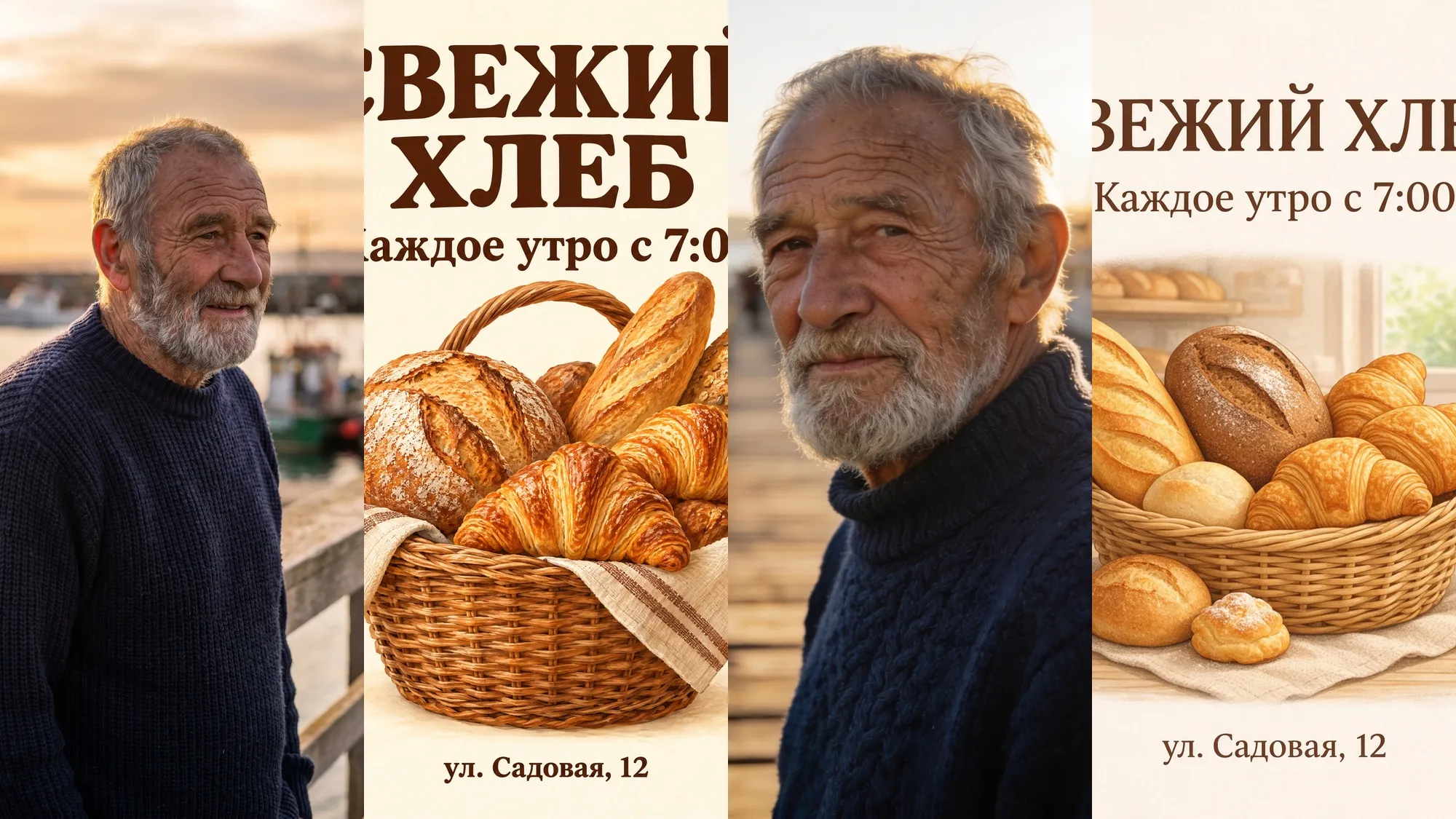
1. Put the lettering in quotes and write it out in full. GPT Image renders text more accurately than any other model, including non-Latin scripts such as Cyrillic, if the prompt gives the exact text and adds “all text exactly as written, no other text.”
A vertical Swiss-style poster taped to a concrete wall.
Big headline: «ОСЕННЯЯ ЯРМАРКА». Below it: «12–13 октября · Городской парк».
Small line at the bottom: «Вход свободный · музыка · уличная еда».
Geometric maple leaves in orange, mustard and deep red on a cream background.
All Russian text exactly as written, no other text.
2. Change one element, not the whole image. GPT Image 2.5 understands well what to leave alone. Write the edit as a single task: “replace the background with a mountain trail at sunrise, don’t change the sneaker.” The model keeps the product, the angle and the lighting, so you don’t have to rebuild the scene.
3. Draft in Flare, finish in Sunburst. Flare responds faster, so it’s the right place to work out the composition and wording. Switch to Sunburst once the prompt works and you need maximum detail.
GPT Image or alternatives
On the Arena leaderboard, users blindly compare images generated from the same prompt. Here’s where GPT Image 2.5 stands against other top models.
| Model | Arena rank (Sep 24, 2026) | Strength | In AI2Face |
|---|---|---|---|
| GPT Image 2.5 | 1 of 80 | text, layout, precise edits | welcome credits |
| Nano Banana 2 | 9 | speed, photo editing | welcome credits |
| Seedream 5.0 Pro | 10 | 4K, series with one character | welcome credits |
| Nano Banana Pro | 14 | photorealism, face likeness | welcome credits |
A broader overview of image models is in the article AI image generators, and what Midjourney offers is covered on its model page.
Bottom line
GPT Image is free: Images 2.5 is available on the free ChatGPT plan, but with a limit OpenAI doesn’t disclose. The API is paid only, per token. ChatGPT doesn’t work in every country, and “free and unlimited” sites have nothing to do with OpenAI. If you need GPT Image for real work — posters, product cards, edits — start with AI2Face welcome credits: you get GPT Image 2.5 Flare and Sunburst, with Nano Banana Pro and Seedream right next to them for comparison.
FAQ
Can I use GPT Image for free?
Yes, in ChatGPT. OpenAI made Images 2.5 available on every plan, including the free one, but image creation on Free is limited. OpenAI offers unlimited generation only on the Pro plan.
How many images can I create in ChatGPT for free?
OpenAI doesn't publish a number: the pricing page only describes image creation on Free as limited. Figures like “3 images a day” from third-party guides aren't officially confirmed.
Is GPT Image 2.5 available on the free plan?
Yes. OpenAI says Images 2.5 is available to ChatGPT users on all plans, on the web and in the apps. Paid plans give you more generations.
Is GPT Image available in every country?
Not through ChatGPT: it works only in the countries on OpenAI's supported list. In AI2Face, GPT Image is available in the generator, and the cost is shown before each generation.
Do GPT Image pictures have a watermark?
No visible one. OpenAI adds C2PA metadata and invisible watermarks that identify images made with its tools. AI2Face strips AI metadata from generated images and writes standard camera EXIF instead, so social platforms don't find an AI label in the file.
Sources
5
- https://openai.com/index/introducing-chatgpt-images-2-5/
- https://chatgpt.com/pricing/
- https://developers.openai.com/api/docs/models/gpt-image-2.5-flare
- https://help.openai.com/en/articles/7947663-chatgpt-supported-countries
- https://arena.ai/leaderboard/text-to-image