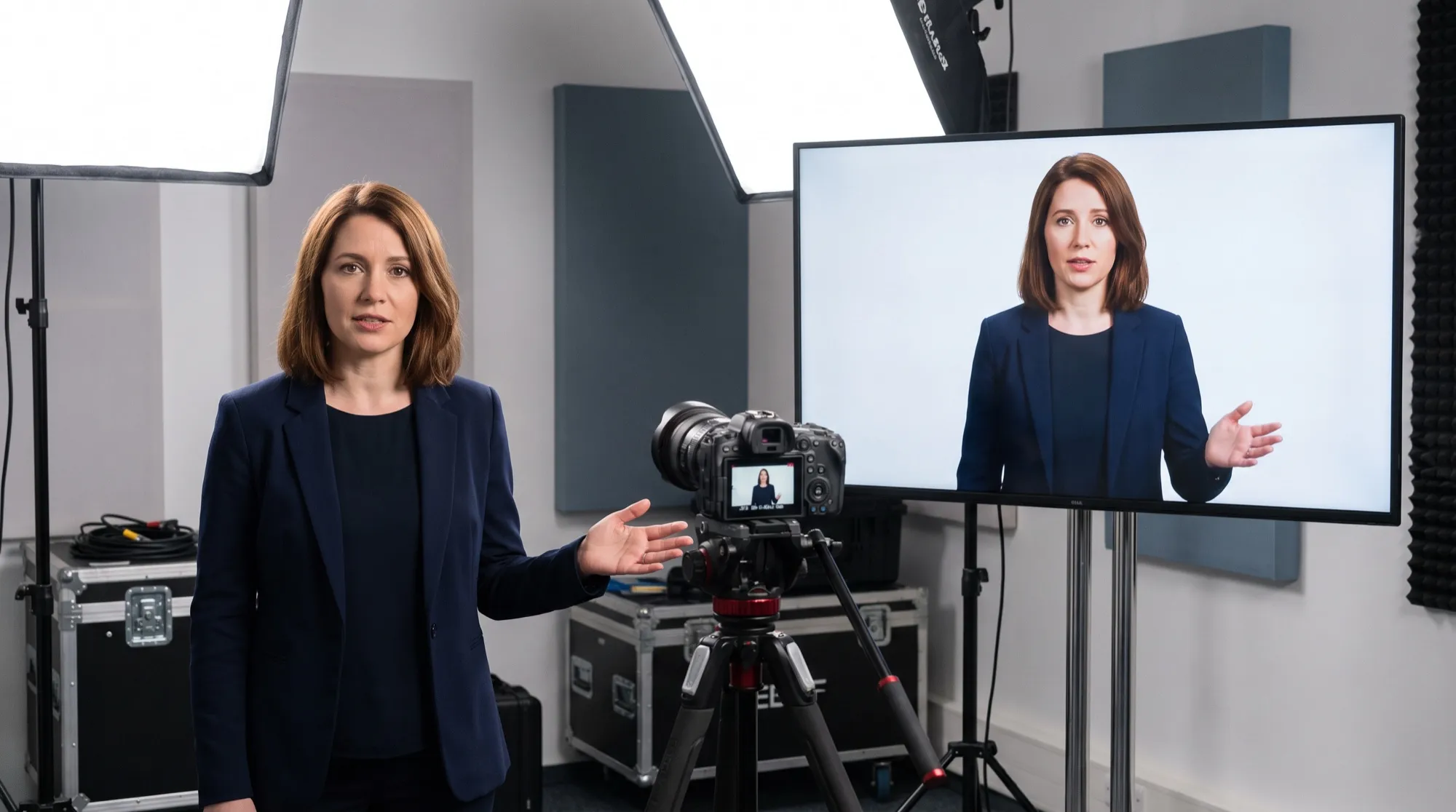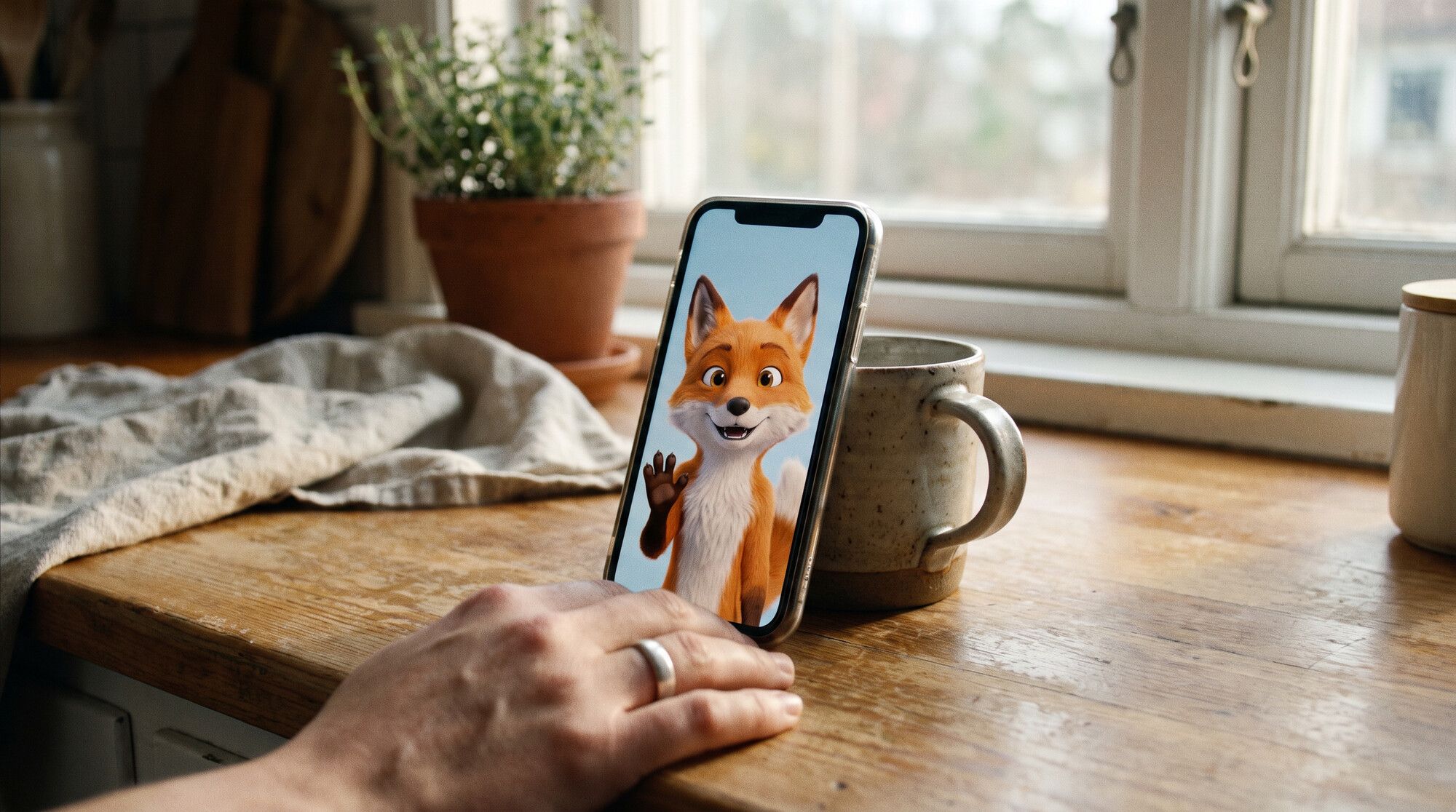
On November 5, 2026, Meta turned on voice conversations and live avatars in the Muse app. The Muse AI agent now answers out loud, and a character appears next to the chat or full screen, speaking in its voice, moving its lips and face and gesturing. It’s powered by two models from Meta Superintelligence Labs: Muse Realtime Voice and Muse Realtime Avatar. Meta previewed them at Connect on September 23, and now they’ve reached the app.
What launched on November 5
- Where: the Muse app in the US, on mobile, on the web and on Mac. Muse is Meta’s personal AI agent; it launched on September 8, 2026, and works in its own app and in WhatsApp.
- How to start: tap the phone icon in the top-right corner of the app.
- What’s next: voice mode is promised for Meta’s AI glasses and the pocket-sized Muse Charm device, with no date.
Meta’s announcement says nothing about pricing, how long conversations are stored or when other countries get it.
What it looks like
There are three modes: voice only, the avatar next to the chat, or the avatar full screen like a video call. The avatar matches its facial expressions and gestures to the tone of the conversation and reacts while you’re talking.
- Voices. There are hundreds of voices with different personalities. Meta’s examples include one with the energy of a New Yorker and one with a pirate’s flair. You can switch voices at any time.
- You can interrupt. Muse stops and listens without ending the conversation.
- Background tasks. While you talk, the agent keeps working on your requests: searching, planning, filling things in.
- Meta’s suggested uses: brainstorming out loud, planning a trip, rehearsing a job interview or presentation, getting things done on a walk or when your hands are full.
At Connect in September, Meta’s Chief AI Officer Alexandr Wang demoed an avatar of a fluffy white dog.
How Muse Realtime Avatar works
Meta describes the model in a research post called “Bringing Your Muse to Life.” Voice and avatar run as one streaming system:
- Muse Realtime Voice generates a stream of speech tokens. They carry both what to say and how to say it: intonation, pace and pauses.
- An audio decoder turns the tokens into speech.
- The avatar model reads the same token stream and renders the video, so the lips, the face and the voice stay in sync.
The avatar is an audio-driven diffusion transformer. It renders video in short chunks, and each chunk builds on the motion of the one before it, so the video can run as long as the conversation does. The model can animate photographic portraits, full-body illustrations, animals and even everyday objects.
| Spec | Value |
|---|---|
| Video | 448×768, portrait, 25 fps |
| Response latency | ~870 ms from the end of your turn to the first frame with voice |
| Speed | 8 frames in 20 ms on one GB200; up to 12 conversations at once per accelerator |
| Distillation | 120 model evaluations per chunk for the teacher → 2 for the distilled model, 60× fewer |
| Watermark | invisible Meta Video Seal watermark |
| Age | 18+ |
Meta compared the avatar with Runway Characters from Runway and with HeyGen LiveAvatar in live 2–3 minute conversations using matched characters. Raters picked Muse 78% of the time over Runway and 88% of the time over HeyGen. On natural mannerisms, the difference with Runway wasn’t statistically significant. Meta ran the test itself, and there’s no independent evaluation yet. HeyGen’s new model for photo-based avatars is covered in the HeyGen Avatar 6 news.
What’s still missing
- Your own photo as the avatar. Meta hasn’t announced that you can create an avatar from your picture. The examples in the research post show what the model can do, and Meta notes separately that not all of them are in the app.
- An API. The model isn’t available to developers, and there’s no documentation or pricing.
- Other countries. It’s US-only.
- Muse Video. The video model Meta previewed in July alongside Muse Image still hasn’t shipped.
How to make a talking character today
Live conversations with an avatar exist only in Muse. A finished video in which your character says a specific line is something video models with lip-sync can do. In AI2Face, that’s Veo 3.1, Kling, Seedance and Gemini Omni. Upload a portrait, write the line in quotes, and the model voices it and animates the face. We compared the models on a single portrait in our AI talking photo test.
AI2Face is available outside the US, unlike Muse for now. You see the cost of each video before you generate it.
Bottom line
Muse Realtime Avatar is Meta’s first mass-market avatar that talks in real time. By the numbers in Meta’s post it’s a strong model: under a second to respond, lips and gestures in sync, and in Meta’s own tests raters preferred it over the Runway and HeyGen equivalents. Outside the US it’s news, not a tool: there’s no API, no other countries and no way to use your own photo. If you need a talking character for a video, social media or an ad, make it with lip-sync video models. If you want a live conversation partner with a face, wait for Muse to expand.
FAQ
What is Muse Realtime Avatar?
A Meta model that turns the voice of the Muse AI agent into a talking character in real time. The avatar moves its lips, face, hands and body in sync with speech and reacts to the tone of the conversation.
Where is Muse voice mode with avatars available?
Since November 5, 2026, in the Muse app in the US: on mobile, on the web and on Mac. You start a conversation with the phone icon in the top-right corner. Voice mode is coming to Meta's AI glasses and Muse Charm later.
Can I make a Muse avatar from my own photo?
Meta hasn't announced that. In its research post the model animates portraits, illustrations, animals and objects, but Meta notes that not every example is available in the app.
Does Muse Realtime Avatar have an API?
No. The model only works inside the Muse app. Meta hasn't shared pricing, an API or launch dates for other countries.
How can I make a talking character from my own photo?
Use video models with lip-sync: upload a portrait and write the line in quotes. In AI2Face that works with Veo 3.1, Kling, Seedance and Gemini Omni. You get a finished video, not a live conversation.
Sources
3
- https://about.fb.com/news/2026/11/introducing-muse-ai-voice-expressive-avatars/
- https://research.meta.ai/blog/bringing-your-muse-to-life
- https://x.com/AIatMeta/status/2102997291732766943